What Makes a QR Code Platform Truly Dynamic
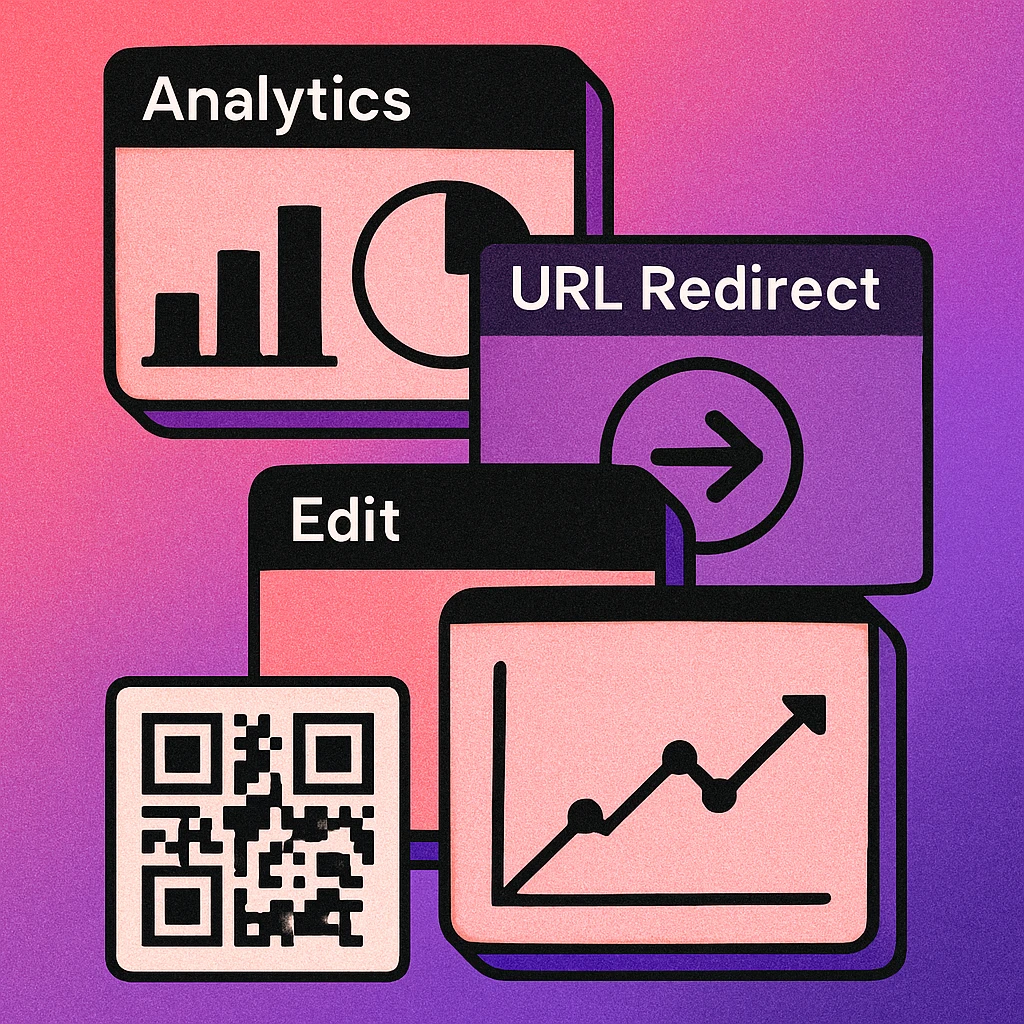
A dynamic QR code is not just a code that links to a URL. It is a code that links to a redirect layer you control. The printed code never changes, but you can update where it points, add rules to that redirect, and measure every scan — all from a dashboard. For a deeper primer on how dynamic codes differ from static ones, see our guide on static vs dynamic QR codes.
The quality of that redirect layer varies enormously between platforms. Some offer only a URL swap and a scan counter. Others deliver full campaign analytics, audience segmentation, A/B destination testing, API automation, and time-based expiry rules. Choosing the wrong platform means either paying for features you will never use or discovering critical gaps after your campaign is printed and live.
This article is a companion to our main QR code generator comparison pillar, which covers the full range of generator types. Here we go deeper on the dynamic-only feature set and the pricing models behind it.
Core Feature Comparison
Six features separate a capable dynamic platform from a basic one. Every buyer should evaluate each of these before committing to a paid plan.
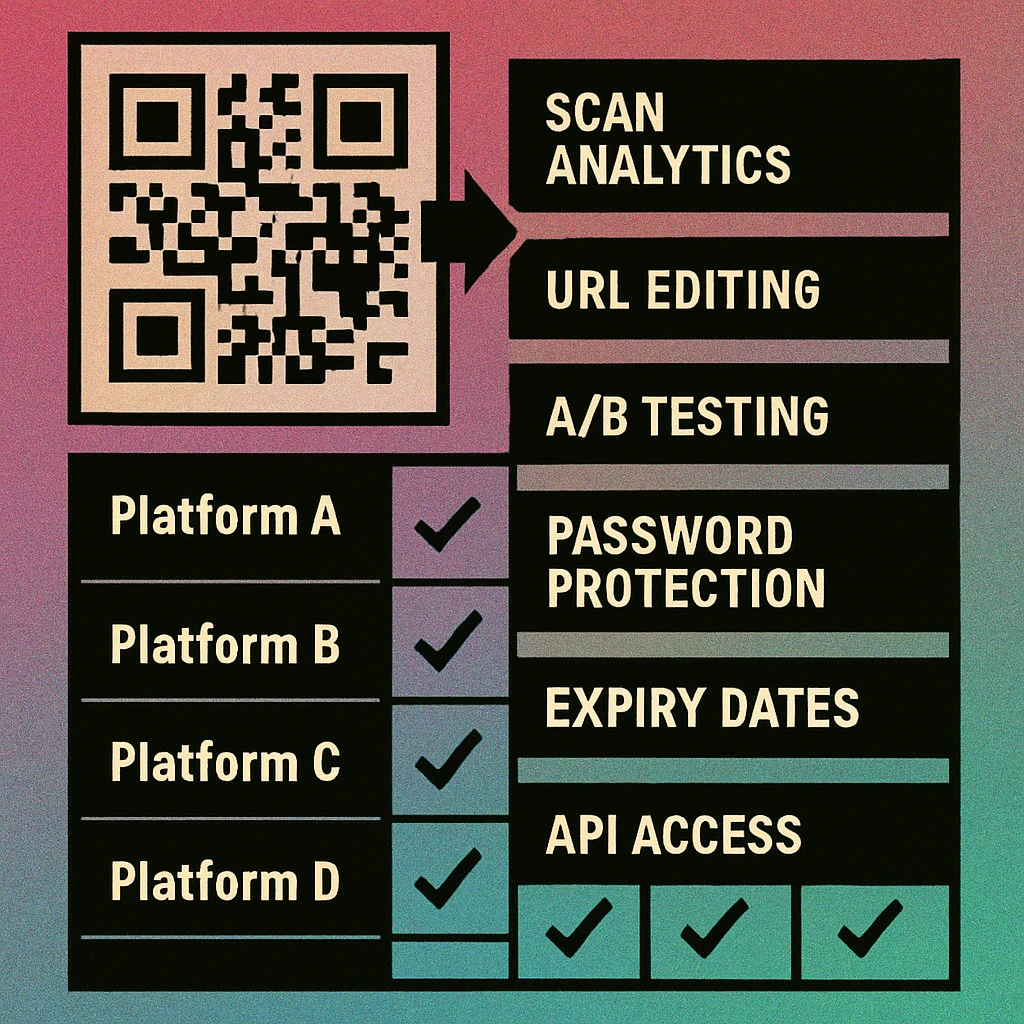
| Feature | What It Does | Free Tier | Starter (~$5–15/mo) | Pro (~$20–50/mo) | Enterprise |
|---|---|---|---|---|---|
| Scan Analytics | Count, time, device, OS, country per scan | Basic | Full | Full + Export | Custom Reports |
| URL Editing | Change destination after code is printed | No | Yes | Yes | Yes |
| A/B Testing | Split scans across two or more URLs | No | No | Yes | Yes |
| Password Protection | Require a PIN before revealing destination | No | Some | Yes | Yes |
| Expiry / Scheduling | Disable code or swap URL on a set date | No | Date only | Date + redirect | Full rules |
| API Access | Create and manage codes programmatically | No | No | Limited | Full REST API |
Scan Analytics in Depth
Basic scan counting (a raw hit counter) is nearly universal. What separates platforms is attribution depth: can you see the device type, operating system, browser, and approximate location of each scan? Can you filter by date range and export raw CSV data for your own analysis? If scan performance is a KPI in your reporting, make sure the platform you choose supports data export and integrates with tools like Google Analytics or UTM parameters. For a complete guide to measuring campaigns, see our article on how to track QR code scans.
Editable URLs: The Core Promise
URL editing is the primary reason to pay for dynamic over static. The workflow is simple: print the code once, then update the destination whenever your content changes — new product page, seasonal landing page, updated PDF. Critically, the printed code never becomes obsolete. Look for platforms that support unlimited URL changes (some cap the number of edits per month) and that provide an audit log so you can trace when each change was made.
Advanced Features That Separate Pro Platforms
A/B Testing
A/B testing at the QR level means a single code routes consecutive scans to two or more destination URLs in rotation. Scan 1 goes to Page A, Scan 2 goes to Page B, and so on. The platform tracks conversions separately so you can determine which landing page performs better without ever reprinting. This is particularly powerful for direct mail and packaging, where the physical print run represents a fixed cost. A/B testing is typically a Pro or higher feature and requires that your landing pages have conversion tracking installed.
Password Protection
Password-protected QR codes display a PIN entry screen before revealing the destination URL. Use cases include internal documents shared at events, employee-only portals, and age-gated content. The password is managed in the platform dashboard and can be changed at any time without reprinting the code. Not all platforms implement this cleanly — some show a generic PIN page that undermines brand trust, while better implementations allow a custom-branded interstitial.
Expiry and Scheduling
Expiry rules let you define what happens when a code's active window closes. Options include displaying a custom "expired" message, redirecting to a fallback URL, or silently deactivating the code. Scheduling lets you set a future activation date — useful for launch campaigns where you print materials before the campaign goes live. Enterprise tiers often add conditional routing: send iOS users to the App Store, Android users to Google Play, and desktop visitors to a web page, all from the same printed code.
API Access
If you need to generate more than a handful of codes — for example, one per product unit, one per event attendee, or one per retail location — manual creation does not scale. A REST API lets you integrate QR code creation into your existing workflows: e-commerce platforms, CRM systems, print-on-demand pipelines. Look for documented rate limits, support for bulk creation endpoints, and webhook support for scan events if you need real-time data feeds.
QR Code Apps for Mac & Safari
Prefer generating codes without opening a browser tab? These two native Apple apps cover both habits — a full generator on the desktop, and a one-click share button inside Safari.


Pricing Tiers Explained
Static codes only, or a limited number of dynamic codes with basic scan counts and no URL editing.
- Static QR codes
- Basic scan counter
- PNG / SVG download
- No URL editing
Entry-level dynamic codes with URL editing and full scan analytics. Suitable for small campaigns.
- 5–25 dynamic codes
- Full analytics dashboard
- URL editing (unlimited)
- Date-based expiry
Adds A/B testing, password protection, conditional routing, and limited API access for growing teams.
- 50–500 dynamic codes
- A/B destination testing
- Password protection
- Conditional routing
- Limited API access
Unlimited codes, full REST API, SSO, custom domains, SLA, and dedicated support for large organisations.
- Unlimited dynamic codes
- Full REST API + webhooks
- Custom branded domain
- SSO / SAML login
- SLA & dedicated support
Some platforms advertise low per-month prices but cap total scans rather than total codes. A campaign with a few codes but high scan volume can hit limits quickly. Always check whether pricing is based on active codes or monthly scan volume before committing.
Which Plan Do You Actually Need
The right tier depends entirely on your use case. Here is a practical decision guide:
- One-off event or personal use: A free static code is sufficient if the destination URL will not change. Use a free generator and download your code instantly.
- Small marketing campaign (1–10 codes): Starter tier. You need URL editing and analytics but do not require A/B testing or API automation.
- Multi-channel campaigns, product packaging, or direct mail: Pro tier. A/B testing and conditional routing give you flexibility without reprinting, and analytics depth justifies the higher cost.
- Retail chains, enterprise logistics, or SaaS integration: Enterprise. You need API access, custom domains, and an SLA. Negotiate based on code volume and scan projections.
If you are still evaluating whether dynamic codes make sense for your workflow at all, our comparison of static vs dynamic QR codes covers the trade-offs in full, including cost-benefit analysis for common use cases.
Try QR Code Generation Free
Generate static QR codes instantly — no account required. Available on web and on Mac.
GenerateOnlineQR: Free QR Generation on Web and Mac
GenerateOnlineQR provides free QR code generation on the web with no account required. You can create, customise, and download static QR codes in PNG or SVG format in seconds. The Mac app, available on the Mac App Store, lets you generate and save QR codes directly from your desktop without opening a browser — useful for designers and developers who need codes in their workflow.
For teams evaluating a full dynamic platform, the feature and pricing comparison above gives you a clear benchmark. Use GenerateOnlineQR for free static generation, and refer to the QR code generator comparison guide for a broader look at the tools available across all categories.
Frequently Asked Questions
For most users, scan analytics and the ability to edit the destination URL after printing are the two non-negotiable features. Analytics tell you whether your campaign is working, and editable URLs mean you can update the destination without reprinting. If you also run paid campaigns, look for A/B testing support so you can split-test landing pages directly from your QR code dashboard.
Most platforms do not charge per scan. They typically charge a monthly or annual flat fee based on the number of active dynamic QR codes you maintain, not on how many times those codes are scanned. Some enterprise plans do impose monthly scan limits, so read the terms carefully before committing to a high-volume campaign.
Yes, most mid-tier and enterprise platforms expose a REST API that lets you create, update, and retrieve analytics data for QR codes programmatically. API access is typically gated to paid plans. If you need to generate codes at scale — for example, one per product SKU — look for a platform that documents its API rate limits and supports bulk creation endpoints.
A/B testing for QR codes means a single printed code routes different scanners to different destination URLs in rotation, so you can compare conversion rates between two landing pages. The QR code itself never changes — only the redirect destination alternates. This feature is offered by several enterprise-tier platforms and is particularly useful for direct mail, packaging, and event marketing campaigns where reprinting is impractical.
Yes. GenerateOnlineQR offers free QR code generation with no account required for static codes. The Mac app, available on the Mac App Store, lets you generate and download QR codes instantly from your desktop. Dynamic features such as URL editing and scan analytics may require a registered account.