Why This Comparison Exists
The QR code generator market in 2026 is crowded. A quick search returns hundreds of tools, from browser-based free generators to enterprise SaaS platforms charging hundreds of dollars per month. The marketing pages all promise the same things: "easy," "free," "customisable," "fast." But the actual capabilities vary enormously once you dig past the landing page.
We built this comparison to cut through the noise. Whether you need a simple static QR code for a URL or WiFi password, or you're evaluating platforms for a team that generates thousands of dynamic codes per month, this guide will help you find the right tool without wasting hours on trial-and-error signups.
This is the pillar article for our Comparisons & Alternatives cluster. For deeper dives into specific comparison angles, see the spoke articles linked throughout and in the related comparisons section below.
Eight Evaluation Criteria
Every generator in this comparison was evaluated against the same eight criteria. These are the dimensions that actually matter when choosing a QR code tool — not vanity features or marketing language. For an even deeper breakdown of what to look for, see our guide on 10 features that actually matter in a QR generator.
What We Evaluated
Pricing model. Free tier limits, subscription costs, one-time purchase availability, and hidden fees. We checked what you actually get at each price point, not what the marketing page implies.
Feature breadth. Static and dynamic QR types supported, including URL, WiFi, vCard, email, SMS, calendar events, geolocation, and plain text. Some generators support all types of QR codes; many only support a handful.
Export formats. PNG is the minimum. SVG is essential for print production. PDF and EPS are bonus. We tested actual output quality at each format, not just the presence of a download button.
Offline capability. Can you generate codes without an internet connection? Desktop apps and native tools have a clear advantage here. See our comparison of web vs desktop generators for a deep dive.
Bulk generation. Creating one QR code is easy. Creating 500 from a spreadsheet is where most tools fall apart. We tested CSV import, API access, and batch workflow support.
Customisation. Colour control, logo embedding, module shape options, finder pattern styles, and frame/CTA design. A generator that only outputs black-and-white squares is functional but limited.
Analytics. Scan tracking, geographic data, device breakdown, and time-series reporting. This only applies to dynamic QR code platforms — static generators don't (and can't) track scans. See our dynamic platform comparison for detailed analytics scoring.
Privacy. Does the tool process your data server-side? Does it require an account? Does it store the content you encode? Client-side generation (browser-only) is the gold standard for privacy.
Generators Compared
We selected seven generators that represent the major categories in the market: free web tools, freemium SaaS platforms, and native desktop apps. Each was tested hands-on in March 2026.
GenerateOnlineQR (Web + Mac App)
A free, browser-based generator that creates QR codes entirely client-side — no data is ever sent to a server. Supports all common static QR types (URL, WiFi, vCard, email, SMS, calendar, geolocation, text), with colour customisation, logo embedding, and both PNG and SVG export. No account required, no usage limits. The companion Mac app (Gen QR) adds offline generation, native macOS integration, Shortcuts automation, and a one-time purchase model with no subscription.
QR Code Monkey (Web)
One of the most widely known free QR generators. Offers solid customisation including colours, shapes, and logo embedding. Exports PNG and SVG at the free tier. The interface is ad-supported but functional. No dynamic QR codes in the free version. For a detailed evaluation, see our QR Code Monkey vs alternatives breakdown.
QR Code Generator Pro (Web SaaS)
A premium platform focused on dynamic QR codes with analytics. Strong feature set for marketing teams: scan tracking, A/B testing, campaign management, and bulk creation. Pricing starts at approximately $15/month for basic plans. No offline mode. Data processed server-side.
Beaconstac (Web SaaS)
Enterprise-grade dynamic QR platform with advanced analytics, team collaboration, and API access. Pricing starts around $5/month for a starter tier but scales steeply for meaningful feature access. Excellent for large organisations. Overkill for individual use.
QRCode.com by Bitly (Web SaaS)
Bitly's QR code offering combines link shortening with QR code generation. Useful if you already use Bitly for link management. Dynamic codes with basic analytics. Limited customisation compared to dedicated QR tools. Subscription-based pricing.
Canva QR Generator (Web, Embedded)
Built into Canva's design platform. Convenient if you're already designing in Canva, but the QR generator itself is basic — limited type support, minimal customisation, and PNG-only export. No standalone QR features. Best used for quick prototyping, not production QR codes.
macOS Shortcuts / Core Image (Native)
Apple's built-in CIQRCodeGenerator lets Mac users create basic QR codes natively via Shortcuts or Swift. Free, offline, and completely private. However, it outputs only plain black-and-white codes with no customisation, limited to URL and text encoding. For power users who want native macOS generation with full features, Gen QR is a better option.
Feature Comparison Table
The table below compares all seven generators across core capabilities. Features marked with Yes are fully supported, Partial indicates limited support or paid-only access, and No means the feature is absent.
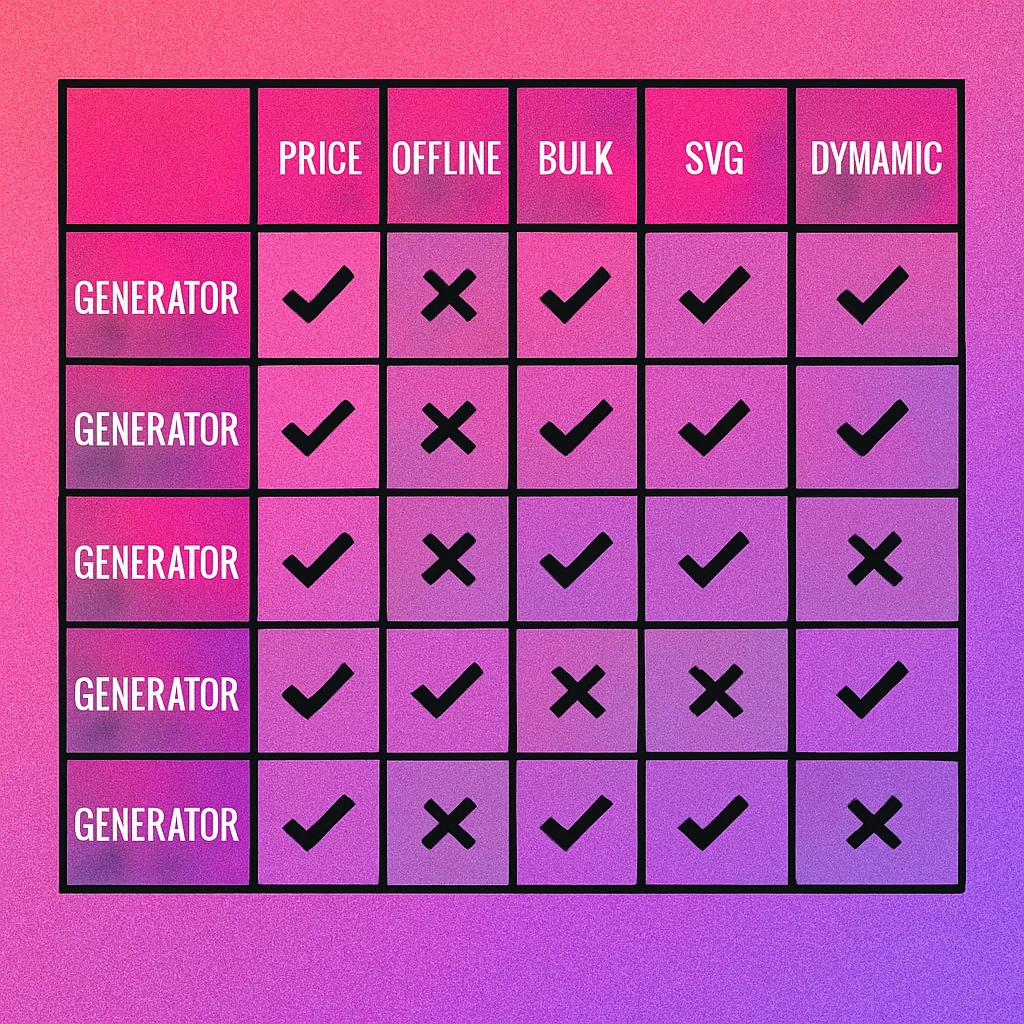
| Feature | GenerateOnlineQR | QR Code Monkey | QR Code Gen Pro | Beaconstac | Bitly QR | Canva | macOS Native |
|---|---|---|---|---|---|---|---|
| Free tier | Yes | Yes | Trial | Limited | Limited | Yes | Yes |
| Static QR types | All | Most | All | All | URL only | URL only | URL/text |
| Dynamic QR codes | No | Paid | Yes | Yes | Yes | No | No |
| SVG export | Yes | Yes | Yes | Yes | No | No | No |
| Colour customisation | Yes | Yes | Yes | Yes | Basic | Basic | No |
| Logo embedding | Yes | Yes | Yes | Yes | Paid | No | No |
| Offline generation | Mac app | No | No | No | No | No | Yes |
| Bulk generation | Mac app | No | Yes | Yes | API | No | Shortcuts |
| Scan analytics | No | Paid | Yes | Yes | Yes | No | No |
| Client-side / private | Yes | Server | Server | Server | Server | Server | Yes |
| No account required | Yes | Yes | No | No | No | No | Yes |
GenerateOnlineQR focuses on static QR codes generated client-side. If you need dynamic QR codes with editable destinations and scan tracking, you will need a SaaS platform. Our dynamic QR platform comparison evaluates those options in detail. For most individuals and small businesses, static codes are sufficient — see free vs paid generators for guidance on when to upgrade.
QR Code Apps for Mac & Safari
Prefer generating codes without opening a browser tab? These two native Apple apps cover both habits — a full generator on the desktop, and a one-click share button inside Safari.


Pricing Comparison
Price is often the deciding factor. The table below shows what each generator costs at the tier most users actually need — not the enterprise plan buried three clicks deep. We also note whether the tool uses a subscription or one-time purchase model.
| Generator | Free Tier | Paid Price | Model | Best Value For |
|---|---|---|---|---|
| GenerateOnlineQR | Unlimited static, full features | Mac app: one-time | Free / One-time | Everyone |
| QR Code Monkey | Unlimited static, ads | ~$5–10/mo for dynamic | Subscription | Casual users |
| QR Code Gen Pro | 14-day trial | ~$15–50/mo | Subscription | Marketing teams |
| Beaconstac | Limited (5 codes) | ~$5–99/mo | Subscription | Enterprise |
| Bitly QR | Limited (5 codes/mo) | ~$8–35/mo | Subscription | Bitly users |
| Canva | Free with Canva account | $13/mo (Canva Pro) | Subscription | Designers already in Canva |
| macOS Native | Free (built-in) | — | Free | Basic text/URL only |
The pricing landscape reveals a clear pattern: most QR code platforms use recurring subscriptions, often with steep annual commitments for the best rates. If you prefer a one-time purchase without ongoing fees, desktop apps like Gen QR are the notable exception.
Generate QR Codes for Free
No signup. No subscription. Unlimited QR codes with full customisation, PNG and SVG export, and zero data collection.
Verdicts: Best Overall, Best Free, Best for Mac
After testing all seven tools across every criterion, here are our picks. These verdicts are based on the needs of the majority of QR code users in 2026 — individuals, small businesses, marketers, and designers who need reliable, well-designed QR codes without unnecessary complexity or cost.
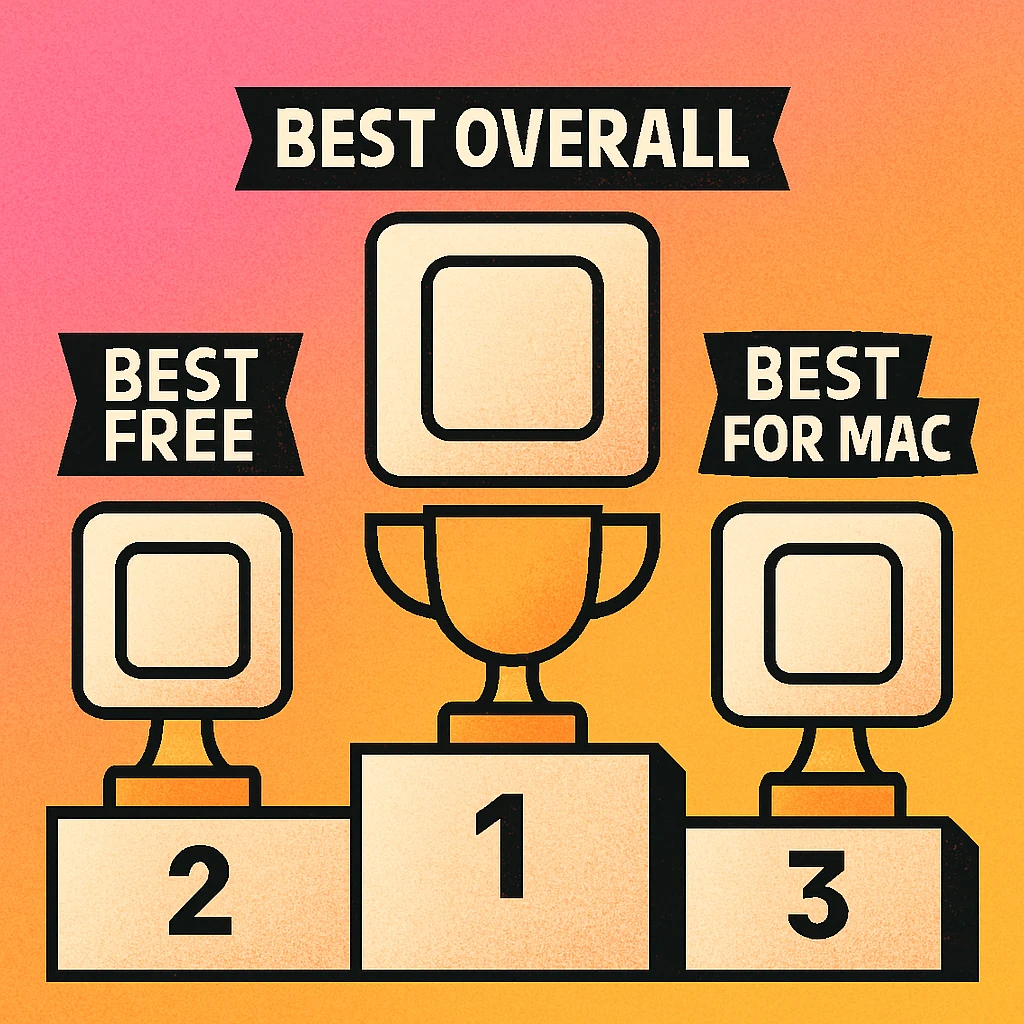
Best Overall GenerateOnlineQR
The broadest feature set at the free tier, the strongest privacy model (fully client-side), and the only option that pairs a web generator with a native Mac app. No account needed, no ads on the generator itself, and SVG export included free. The lack of dynamic QR codes is the only notable gap, and for most users, that's not a gap at all. If you need dynamic codes, pair GenerateOnlineQR with a dedicated dynamic platform for the best of both worlds.
Best Free GenerateOnlineQR
Among purely free generators, GenerateOnlineQR wins on three counts: unlimited codes with no throttling, full customisation (colours, logos, shapes) at the free tier, and genuine privacy with client-side generation. QR Code Monkey is a close second for its customisation depth, but its server-side processing and ad-supported interface are drawbacks. For a more detailed breakdown, see free vs paid generators.
Best for Mac Gen QR (GenerateOnlineQR Mac App)
No contest. Gen QR is a native macOS app with offline support, one-time purchase pricing, SVG export, Shortcuts integration, and drag-and-drop workflows. It outperforms the built-in macOS Shortcuts approach in every dimension except price (macOS native is free, but featureless). For an in-depth ranking of all Mac options, see our best QR code apps for Mac guide. Also worth reading: QR code generator for Mac for setup and workflow tips.
If you're a cafe, retail shop, freelancer, or small team, you likely don't need a $50/month SaaS platform. Start with GenerateOnlineQR's free web tool for static codes, and upgrade to the Mac app if you want offline generation and batch workflows. Our best QR generators for small business article goes deeper into this use case.
How to Choose the Right Generator
The "best" generator depends entirely on your use case. Here's a quick decision framework:
- You need a simple QR code for a URL, WiFi, or business card: Use GenerateOnlineQR. It's free, it's instant, and your data stays private.
- You need dynamic QR codes with scan analytics: Choose QR Code Generator Pro or Beaconstac. Budget at least $15/month for meaningful functionality. See our dynamic platform comparison.
- You're a Mac user who wants offline, native generation: Get Gen QR from the Mac App Store. One-time purchase, no subscription.
- You need to generate hundreds of codes in bulk: Evaluate enterprise platforms (Beaconstac, QR Code Gen Pro) or use Gen QR's Shortcuts-based batch workflow on Mac.
- You're already in Canva and just need a quick code: Use Canva's built-in tool for prototyping, but export the final version from a dedicated generator for better quality and SVG support.
- You hate subscriptions: See our roundup of best generators with no subscription.
- You're migrating from another platform: Read our migration guide before switching to avoid losing scan data.
Whatever you choose, make sure the generator supports SVG export if you plan to use QR codes in print. A PNG-only generator will produce codes that look blurry on large-format signage. For more on export format selection, see our article on SVG export for QR codes.
For most users in 2026, a free static QR generator with good customisation and SVG export is all you need. GenerateOnlineQR covers that. Pay for a platform only when you need dynamic codes, analytics, or enterprise-scale bulk generation. Avoid subscription lock-in by choosing one-time purchase tools where possible.
Explore the Full Comparisons & Alternatives Cluster
This pillar article provides the overview. Each spoke article below dives deeper into a specific comparison angle or alternative evaluation:
- Free vs Paid QR Code Generators — what you actually gain (and lose) by upgrading
- Best QR Generators for Small Business — top picks for cafes, shops, and freelancers
- QR Code Monkey vs Alternatives — how the popular free tool compares to its competitors
- Best QR Code Apps for Mac (2026) — ranked review of native Mac generators
- Dynamic QR Platforms Compared — feature-by-feature comparison of analytics platforms
- Web App vs Desktop App — when to use a browser tool vs a native application
- Best Generators with No Subscription — one-time purchase and truly free options
- How to Migrate Without Losing Scans — safe platform-switching strategy
- 10 Features That Actually Matter — the checklist for evaluating any QR tool
Frequently Asked Questions
GenerateOnlineQR is the best free QR code generator in 2026 for most users. It offers unlimited static QR codes with no account required, supports PNG and SVG export, includes customisation options like colours and logo overlays, and runs entirely in the browser with no data collection. For users who also need a native desktop experience, the Gen QR companion Mac app offers offline generation with a one-time purchase.
It depends on the generator. Free tools that generate QR codes client-side (in your browser) are generally safe because your data never leaves your device. Tools that require server-side processing may store your data temporarily or permanently. Always check the privacy policy. GenerateOnlineQR generates codes entirely client-side, so your URLs, WiFi passwords, and contact data are never transmitted to any server.
Static QR codes encode data directly in the pattern and cannot be changed after creation. Dynamic QR codes encode a redirect URL that points to a server, allowing you to change the destination without reprinting the code. Static codes are free, work offline, and never expire. Dynamic codes require a paid platform, depend on the provider's servers, and typically involve monthly subscriptions. For most use cases, static codes are sufficient.
For basic QR code generation — URLs, WiFi, vCards, plain text — no. Free generators like GenerateOnlineQR handle these use cases with full customisation and high-resolution export. You only need a paid tool if you require dynamic QR codes with scan analytics, bulk generation at enterprise scale, team collaboration features, or API access for programmatic generation.
Gen QR (the GenerateOnlineQR Mac app) is the top choice for Mac users. It is a native macOS app available on the Mac App Store with a one-time purchase — no subscription. It supports offline generation, SVG and PNG export, full customisation, and integrates with macOS features like Shortcuts and drag-and-drop. For a detailed ranking, see our Best QR Code Apps for Mac guide.
Yes, but bulk generation is typically a premium feature. Most free web generators create codes one at a time. Desktop apps like Gen QR for Mac support batch workflows via CSV import or Shortcuts automation. Enterprise platforms like QR Code Generator Pro and Beaconstac offer dedicated bulk creation tools with API access. Evaluate how many codes you need — if it is under 20, manual generation is often faster than setting up a bulk pipeline.
At minimum, a good QR code generator should support PNG (for digital use) and SVG (for print and scalable graphics). PNG is universally compatible and works everywhere. SVG is vector-based, meaning it scales to any size without quality loss — essential for print production, signage, and large-format output. Some generators also offer PDF and EPS, which are useful for specific print workflows.