Why Architecture Matters for QR Code Generators
When you search for a QR code generator on macOS, you'll find three fundamentally different kinds of tools: native apps built with Swift and AppKit, cross-platform apps built with Electron (which bundle a full Chromium browser inside a desktop wrapper), and web-based generators that run entirely in your browser. Each approach has trade-offs in performance, integration, privacy, and cost — but those trade-offs are rarely discussed.
Most comparison articles focus on features: which tool supports which QR code type, which offers more colour options, which exports to SVG. Those features matter, but they're table stakes. The real differences lie underneath — in how the tool is built, how it interacts with your operating system, where your data goes, and how you pay for it over time. For a broader look at QR code generators on Mac, see our pillar guide. This article goes deeper into the technical architecture.
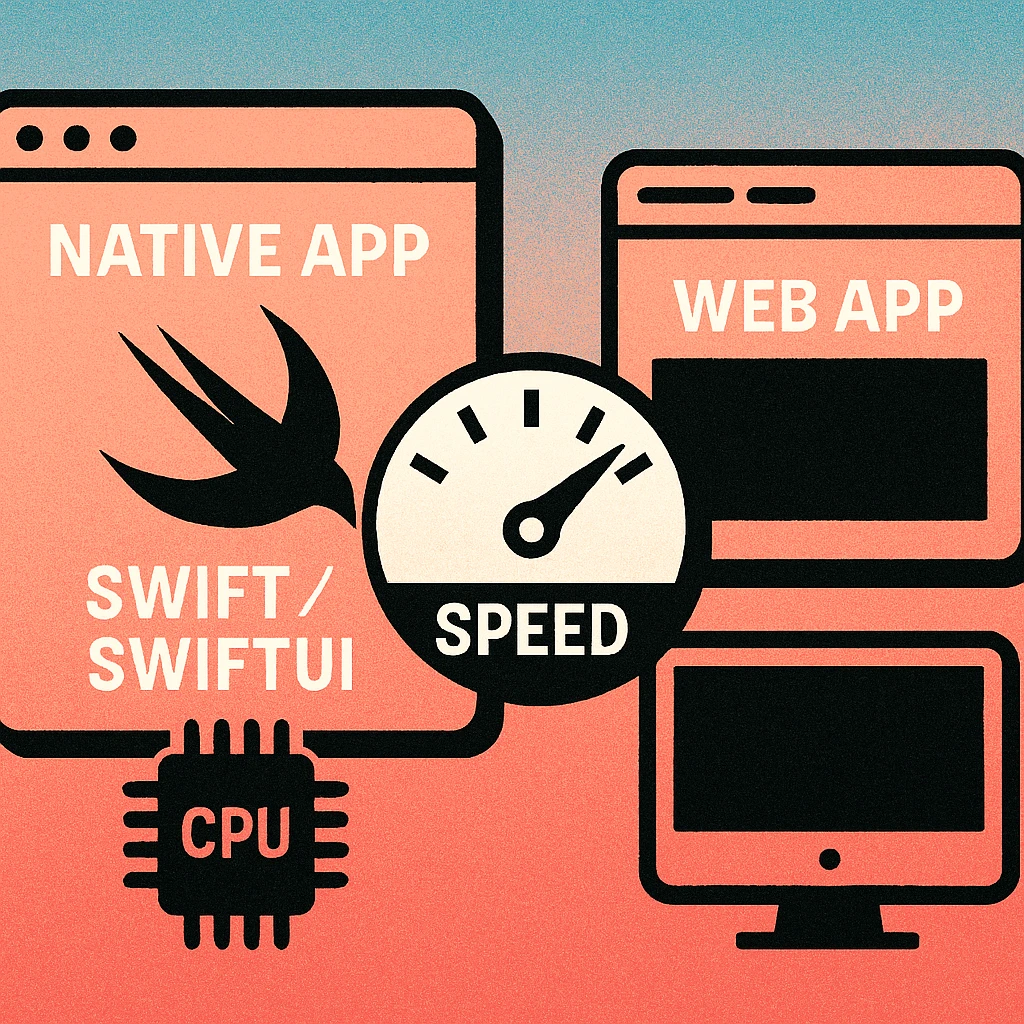
Native Swift compiles to machine code and uses Apple's frameworks directly. Electron ships a full Chromium browser plus Node.js runtime. Web tools run inside your existing browser. The same QR generation task can require 15 MB of RAM in a native app or 400 MB in an Electron wrapper — a 25x difference for identical output.
Performance Benchmarks: Native vs Electron vs Web
Performance isn't just about bragging rights. A QR code generator that launches instantly and renders codes in real time feels like a utility. One that takes four seconds to open and stutters during preview feels like a chore. For users who generate codes frequently — designers creating batches, marketers iterating on campaigns, developers testing integrations — the difference compounds across hundreds of sessions.
Launch Time
A native Swift app on Apple Silicon launches in under 0.3 seconds from cold start. The binary is small (typically 5–15 MB), loads no runtime dependencies, and the system has already cached Apple's frameworks. By contrast, an Electron app must initialise Chromium's rendering engine, V8 JavaScript engine, and Node.js runtime before it can display a single pixel. Cold launch times of 2–4 seconds are typical. Web tools depend on browser startup (if not already running) plus page load, which varies from 1–6 seconds depending on the site's payload and your connection speed.
QR Code Render Speed
Native apps can use Apple's CIQRCodeGenerator Core Image filter, which runs on the GPU and renders a QR code in under 8 milliseconds. This enables true real-time preview: the QR code updates as you type, with no perceptible delay. Electron apps route the same operation through JavaScript, typically using a library like qrcode or qr-image. Render times of 30–80 milliseconds are common, which is fast enough for single generation but introduces visible lag during live preview updates. Web tools have similar render performance to Electron, since they use the same JavaScript libraries, but add network latency if the generation happens server-side.
Memory Footprint
A native QR code app typically uses 15–40 MB of RAM. An Electron app starts at 150–400 MB before you generate a single code, because it's running a full browser engine. This matters on laptops where RAM affects battery life, thermal throttling, and available memory for other apps. Web tools use whatever your browser allocates to the tab, typically 80–200 MB, but that memory is shared with your existing browser session.
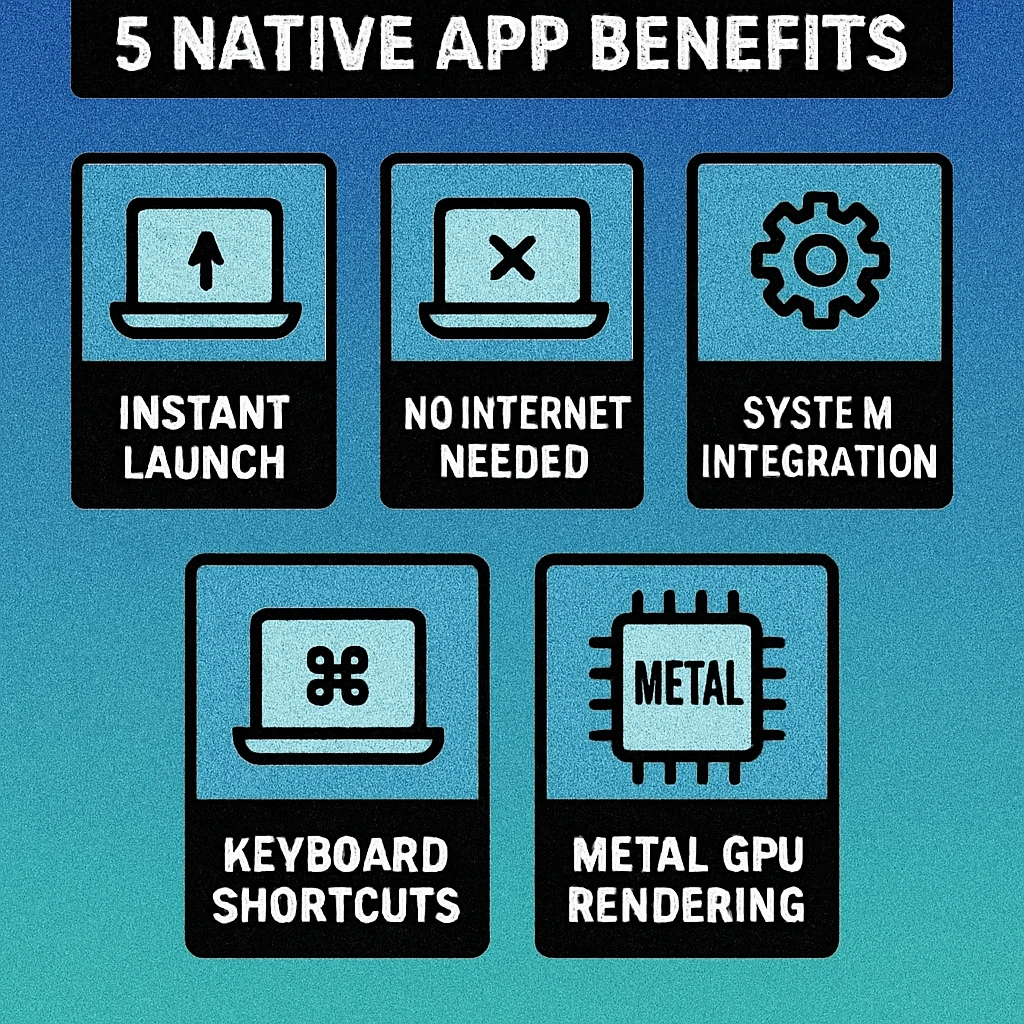
macOS System Integration
The most practical advantage of a native Mac app isn't raw speed — it's how deeply the app integrates with the operating system. These integrations eliminate friction from everyday workflows and are difficult or impossible to replicate in Electron or web tools.
Drag-and-Drop
A native app can register as a drag source, letting you drag a generated QR code image directly from the app window into Keynote, Pages, Figma, an email compose window, or any app that accepts image drops. The transfer happens through macOS's pasteboard system with zero file I/O — no need to save to disk first. Electron apps can support basic drag-and-drop, but the implementation is often inconsistent across receiving apps. Web tools cannot initiate native drag operations at all; you must download the file first.
Clipboard Integration
Native apps write QR code images to the system clipboard as NSImage objects, which means you can generate a code and immediately Cmd+V it into any application. The paste preserves full resolution and transparency. Electron apps can write to the clipboard, but often produce lower-quality results or lose transparency. Web tools require you to right-click and "Copy Image" or download the file manually.
Share Sheet
macOS's native Share sheet lets you send content to AirDrop, Messages, Mail, Notes, and any third-party app that registers a Share extension. A native QR code app can invoke the Share sheet directly, letting you AirDrop a QR code to a colleague's Mac or iPhone in two clicks. This integration requires Apple's NSSharingServicePicker API, which is only available to native apps.
Spotlight Integration
Native apps can index generated QR codes with Spotlight using Core Spotlight, making them searchable from the macOS menu bar. Type a keyword related to a QR code you created last week, and Spotlight surfaces it alongside your files and emails. This kind of deep OS integration is invisible until you need it — and then it saves minutes of hunting through folders.
Shortcuts and Automation
Native Mac apps can expose actions to the Shortcuts app, enabling automated workflows. Batch-generate QR codes from a spreadsheet, create a code every time a calendar event is added, or wire QR generation into a multi-step automation. Electron and web tools have no access to the Shortcuts framework.
Drag-and-drop, clipboard, Share sheet, Spotlight, and Shortcuts are not nice-to-have features — they are workflow multipliers. Each one removes a step from the generate-and-use pipeline. Over hundreds of uses, native integration saves hours of cumulative friction that Electron and web tools cannot eliminate.
Privacy: Your Data Never Leaves Your Device
QR codes frequently encode sensitive information: Wi-Fi passwords, personal URLs, email addresses, phone numbers, calendar event details, and business contact cards. Where that data goes during the generation process matters significantly.
A native Mac QR code generator that uses Apple's Core Image framework processes everything on-device. The CIQRCodeGenerator filter runs locally. No network request is made. No server ever sees the content you encode. You can verify this yourself by monitoring the app's network activity in macOS Activity Monitor or using a network inspector like Little Snitch — a properly built native app makes zero outbound connections during QR code generation.
Web-based generators, by definition, require you to load a webpage. Even if the actual QR generation happens client-side in JavaScript (which is the case for well-built tools like GenerateOnlineQR.com), the page itself loads scripts, fonts, and assets from remote servers. Some web tools send your input to a server for processing — your Wi-Fi password or contact details transit the network in plaintext or under someone else's TLS certificate.
Electron apps fall somewhere between: the generation itself is local, but many Electron QR apps include analytics, telemetry, or update-check mechanisms that phone home. Some require account creation and sync data to cloud services. For a deeper exploration of on-device processing and why it matters for QR code generation, see our article on QR code privacy and on-device processing.
A native Mac QR code app from the Mac App Store requires no sign-up, no email, and no cloud account. You download it, open it, and start generating. Your data stays on your Mac. Apple's App Review process and sandboxing provide an additional layer of verification that the app behaves as advertised.
Private, Fast, Native QR Codes on Mac
Gen QR generates codes on-device with zero data collection. One-time purchase, no subscription, no account needed.
One-Time Purchase vs Subscription Model
The pricing model of a QR code tool has long-term implications that most users don't consider at the point of purchase. The three architectures tend to correlate with different pricing strategies, and the lifetime cost differences are substantial.
Subscription Web Services
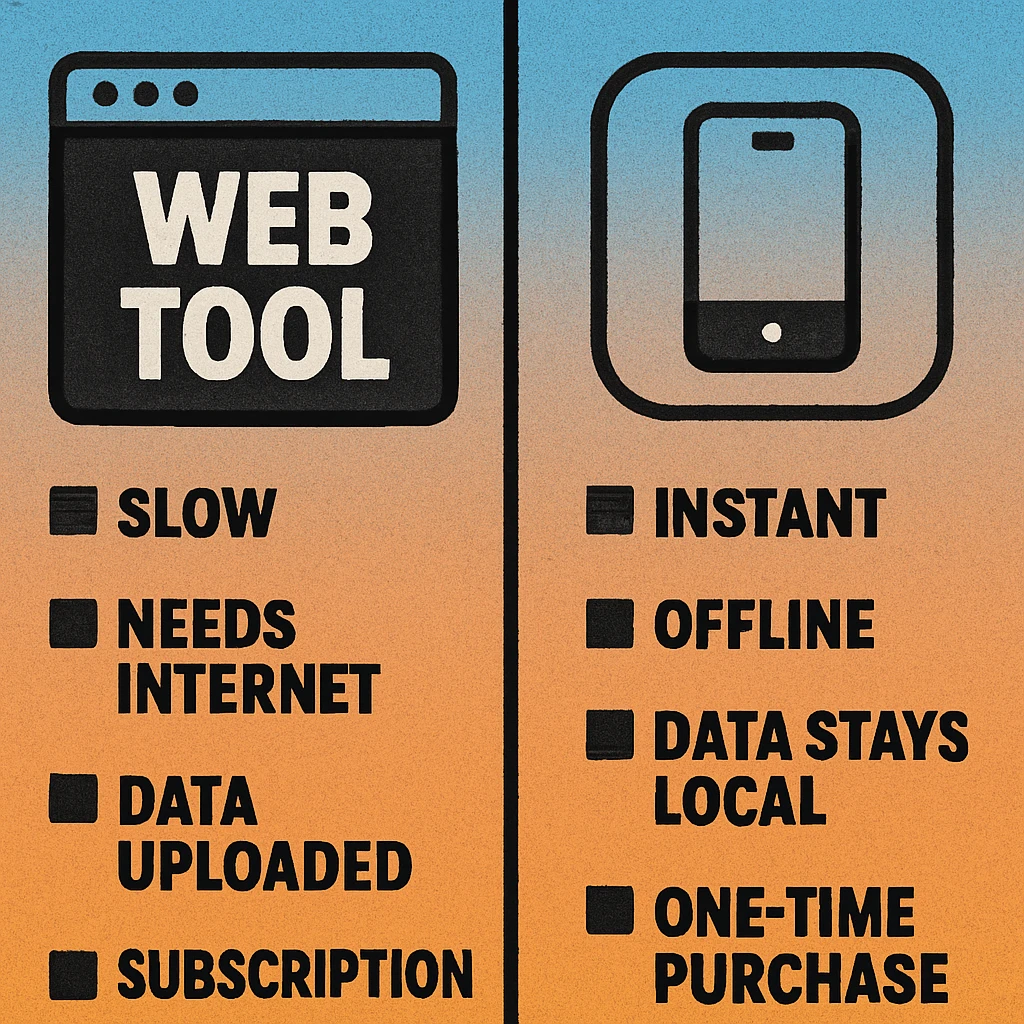
Most full-featured web-based QR code platforms charge $7–20 per month, billed monthly or annually. Over two years, that's $168–480 for access to a tool that stops working the moment you cancel. These services justify recurring fees by hosting dynamic QR code redirect infrastructure, analytics dashboards, and team collaboration features. If you need those specific capabilities, the subscription is justified. But if you're generating static QR codes — which covers the vast majority of use cases — you're paying ongoing rent for a one-time task.
Electron Apps
Electron-based QR code apps often use a hybrid model: a free tier with limitations, plus a premium subscription or in-app purchase. Some are genuinely free but ad-supported. The Electron approach tends to attract developers who want to ship on Mac, Windows, and Linux from a single codebase, which reduces development cost but passes the performance overhead to the user.
Native Mac App (One-Time Purchase)
Native Mac apps on the App Store typically use a one-time purchase model. You pay once and own the app indefinitely, including all updates within that major version. There's no recurring fee, no account to maintain, and no service that can be discontinued. For a detailed analysis of why one-time purchase models benefit users for utility software, see our article on one-time purchase vs subscription for QR code apps.
The economics are straightforward: a one-time purchase native app that costs $5–10 replaces a subscription that would cost $100–200+ per year. Over a typical Mac's 5–7 year lifespan, the one-time purchase costs 2–5% of the cumulative subscription equivalent.
QR Code Apps for Mac & Safari
Prefer generating codes without opening a browser tab? These two native Apple apps cover both habits — a full generator on the desktop, and a one-click share button inside Safari.


Full Comparison: Native vs Web vs CLI
| Feature | Native Swift App | Web Tool | CLI (qrencode) |
|---|---|---|---|
| Launch Time | < 0.3s | 1–6s (page load) | < 0.1s |
| Render Speed | < 8ms (GPU) | 30–80ms (JS) | < 5ms |
| Memory Usage | 15–40 MB | 80–200 MB | < 5 MB |
| Offline Mode | Yes | No | Yes |
| Drag-and-Drop | Native | No | No |
| Share Sheet | Yes | No | No |
| Spotlight Search | Yes | No | No |
| Clipboard (Cmd+V) | Full quality | Manual copy | Piped output |
| Shortcuts App | Yes | No | Via shell |
| Data Privacy | On-device | Varies | On-device |
| Account Required | No | Often yes | No |
| Visual GUI | Yes | Yes | No |
| Pricing Model | One-time purchase | Free / Subscription | Free (open source) |
| 2-Year Cost | $5–10 (once) | $0–480 | $0 |
CLI tools like qrencode win on raw speed and efficiency but lack a graphical interface. They're ideal for developers and automation but impractical for most users. Web tools offer convenience and zero installation but sacrifice offline capability, system integration, and often privacy. Native apps occupy the sweet spot: fast, private, deeply integrated, and owned rather than rented.
When a Native Mac App Is the Right Choice
Not every user needs a native app. If you generate one QR code per year, a free web tool is perfectly fine. But there are clear scenarios where native architecture delivers a meaningfully better experience.
Ideal Use Cases for a Native QR Code App
Frequent generation. If you create QR codes regularly — for client work, product packaging, event materials, or internal documentation — the sub-second launch and instant render of a native app saves meaningful time across hundreds of sessions. The app is always ready in your Dock.
Sensitive data encoding. Wi-Fi passwords, personal contact cards, internal URLs, and authentication tokens should not transit a third-party server. A native app with on-device processing guarantees your data stays on your Mac. See our full guide on QR code privacy for more on this.
Design workflow integration. Drag a QR code directly into Keynote, Figma, or InDesign without saving to disk. Copy to clipboard and paste into an email. Share via AirDrop to a colleague's device. These frictionless handoffs only work with native system integration.
Offline and travel use. Generating QR codes on a plane, in a coffee shop with unreliable Wi-Fi, or in a secure environment without internet access. Native apps work identically online and offline — there's no page to load, no CDN to reach, no API to call.
Long-term cost efficiency. A one-time purchase that works for the lifetime of your Mac versus a subscription that costs 10–20x more over two years. For a tool you'll use for years, the one-time purchase model is the clear winner financially.
If you generate QR codes more than occasionally on a Mac, a native Swift app is the strongest option across performance, privacy, system integration, and long-term cost. It launches faster, renders faster, integrates deeper, protects your data better, and costs less over time than any Electron or web alternative. For everything else, GenerateOnlineQR.com provides a free, client-side web generator that requires no installation.
Frequently Asked Questions
A native Swift app compiles directly to machine code and uses Apple's Core Image framework for QR generation, which runs on the GPU. Electron apps bundle an entire Chromium browser and Node.js runtime, consuming 200–400 MB of RAM before any work begins. Native apps launch in under 0.5 seconds, while Electron apps typically take 2–4 seconds. The rendering pipeline is also faster because native apps call CIFilter directly rather than routing through JavaScript bridges.
No. A properly built native Mac QR code generator processes everything on-device using Apple's Core Image framework. No network requests are made during QR code generation. Your URLs, Wi-Fi credentials, contact details, and other encoded data never leave your Mac. This is verifiable through macOS Activity Monitor or Little Snitch — the app makes zero outbound connections during use.
For most users, yes. Subscription QR code services typically cost $5–15 per month ($60–180 per year) and require an internet connection. A one-time purchase native app costs a fixed amount once and works indefinitely, including offline. Over two years, a subscription can cost 10–20x more than a one-time purchase app. The exception is if you specifically need dynamic QR codes with server-side redirect tracking, which requires ongoing hosting infrastructure.
Yes. Native Mac QR code generators work completely offline because QR code generation is handled by Apple's built-in Core Image framework on your device. You can create, customise, and export QR codes without any internet connection. This makes native apps ideal for secure environments, travel, or situations where connectivity is unreliable.
Native Mac QR code apps can integrate with macOS features that web tools and Electron apps cannot easily access. These include drag-and-drop from the app directly into any document, native clipboard support for instant paste, the macOS Share sheet for sending to AirDrop or Messages, Spotlight indexing for finding recently created codes, and Shortcuts app automation for batch workflows. These integrations are only possible through Apple's native frameworks.