The Short Answer: A QR Code Itself Is Free
There is no fee for creating or using a QR code. Denso Wave, which invented the format, chose not to exercise its patent rights, and the specification is published as an international standard (ISO/IEC 18004). Nobody sells the right to put a QR code on your menu, poster or business card, and you don’t need to register or “buy” a code. For the full background, see are QR codes free to use?

So when people search “how much does a QR code cost”, the honest answer has three tiers:
- $0: a static code from a free generator. It works indefinitely, has no scan limits and needs no account.
- A few dollars once: a dedicated app that adds design control (colours, logo, error correction), offline use and a tidy library of your codes.
- A recurring fee: a hosted service that makes dynamic codes, whose destination you can edit later and whose scans it counts.
Printing is separate. Stickers, menus or signage cost the same whichever generator made the artwork.
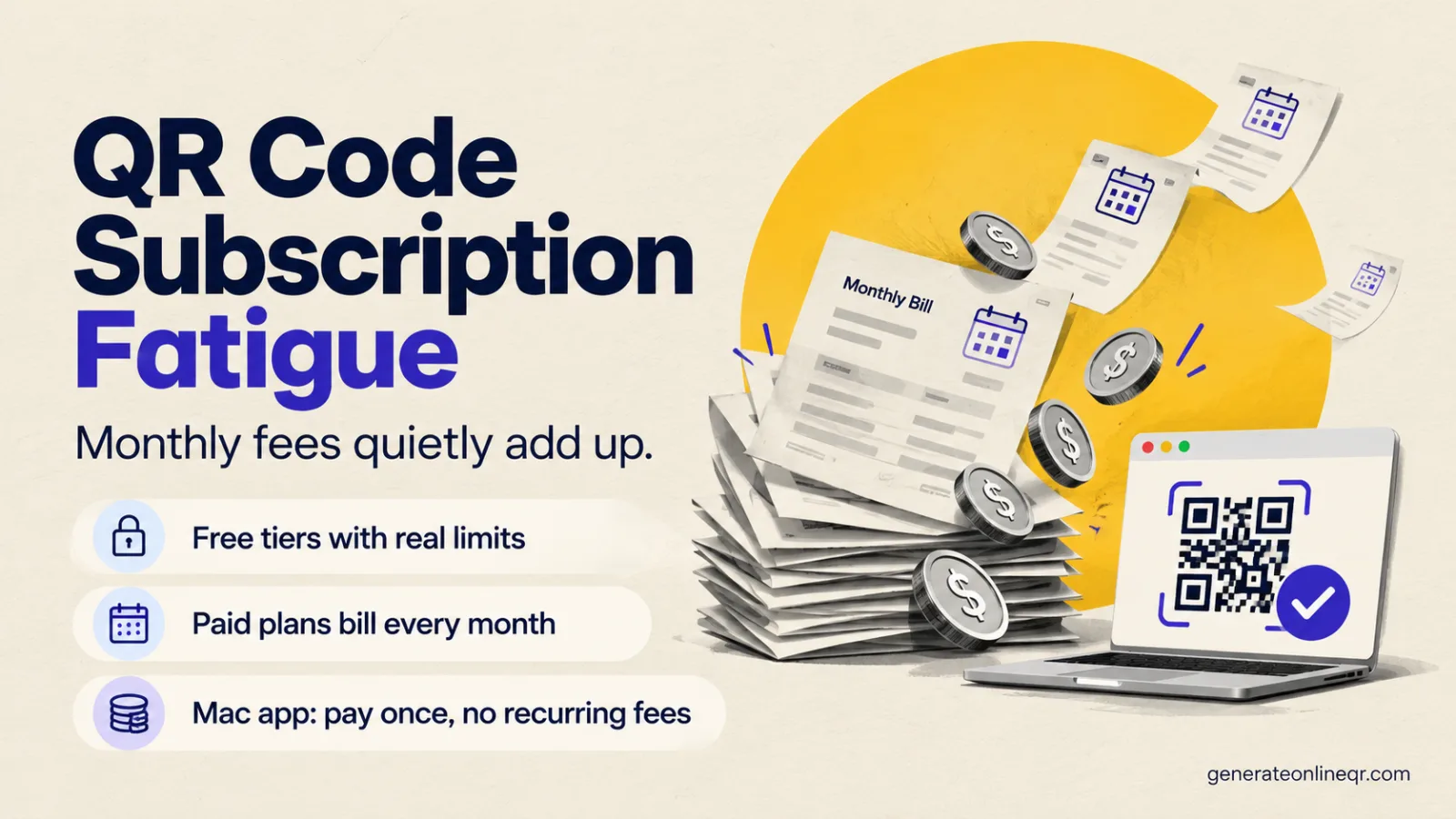
You only ever need to pay monthly if you need the hosting, meaning editable redirects and scan analytics run by someone else. Making the code never requires a subscription.
What You’re Really Paying For: Static vs Dynamic
Nearly every pricing question about QR codes comes down to one distinction:
- A static QR code stores your data, such as a URL, Wi-Fi login or phone number, directly in the black-and-white pattern. Phones read it without contacting any server. It can’t expire and it can’t be switched off, but you also can’t change what it points to once it’s printed.
- A dynamic QR code stores a short link to the provider’s redirect server. That server forwards each scan to your real destination and can log the scan. Because the provider runs that server for you, dynamic codes are almost always sold as a subscription.
For a restaurant’s Wi-Fi card, a link to your website, a business card or an event poster, static is all you need, and static is free. Our guide to static vs dynamic QR codes goes deeper into the trade-offs, and do QR codes expire? covers what can actually make a code stop working.
The No-Subscription Options (What We Offer)
If static codes cover your needs, there are three routes with no recurring fee. These are the tools we make. We’ll be clear about what each one doesn’t do as well.
| Option | Price | Best for | Doesn’t do |
|---|---|---|---|
| Free web generator | $0 | Quick URL, Text, Wi-Fi, Email and Phone codes on any device. PNG or SVG download, no sign-up, runs in your browser. | Colours, logos, vCards, dynamic codes, analytics |
| Tab to QR (Safari extension) | $1.99 once | Turning the current Safari tab into a QR code in one click. Share, copy or save a print-ready PNG. | Anything other than URLs; styling |
| Gen QR Code Maker (Mac) | $5.99 once | Branded codes: custom colours, logo overlay, L/M/Q/H error correction, contact cards (vCard), projects and folders, 2- or 4-up collage export. Fully offline. | Bulk/CSV import, dynamic codes, scan analytics |
The free web generator is the right answer for most one-off codes. It generates the code in your browser, so the URL or Wi-Fi password you enter isn’t uploaded, and there’s nothing to log into or cancel.
Tab to QR is for people who regularly need to hand a web page to someone’s phone, for example in a meeting, a classroom or a shop. It runs entirely on-device in Safari (macOS 11+), with no account and no analytics.
Gen QR Code Maker is what you buy when the code has to match your brand or you make codes often enough to want them organised. It adjusts error correction automatically when you add a logo, so the code stays scannable. It has no ads, tracking or account, and works without an internet connection. More detail is in the QR code generator for Mac guide.
Prices shown are US Mac App Store prices; the App Store sets local prices in other regions.
QR Code Apps for Mac & Safari
Prefer generating codes without opening a browser tab? These two native Apple apps cover both habits — a full generator on the desktop, and a one-click share button inside Safari.
Cost Over 1–3 Years: One-Time vs Monthly
The real cost of a subscription is the monthly price multiplied by how long you keep the codes alive, and printed codes tend to stay in use for years. Subscription prices vary by provider and plan and change often, so the table below uses round example figures. Swap in the price you’ve actually been quoted.

| Total paid after | 1 month | 12 months | 24 months | 36 months |
|---|---|---|---|---|
| Free web generator | $0 | $0 | $0 | $0 |
| Tab to QR | $1.99 | $1.99 | $1.99 | $1.99 |
| Gen QR Code Maker | $5.99 | $5.99 | $5.99 | $5.99 |
| Example plan at $5/mo | $5 | $60 | $120 | $180 |
| Example plan at $10/mo | $10 | $120 | $240 | $360 |
| Example plan at $15/mo | $15 | $180 | $360 | $540 |
The break-even formula
Break-even (months) = one-time price ÷ monthly price. For Gen QR at $5.99 against a $10/month plan, that’s 0.6 months, so the app is cheaper before the first renewal. Against a $5/month plan it’s about 1.2 months. Annual billing lowers the monthly equivalent but means paying a year up front. Run the same formula with the annual price divided by 12.
The table only compares like with like if you’d use the subscription for static-style codes. If you genuinely need what the subscription hosts (see below), the comparison isn’t app vs subscription. It’s whether you build that hosting yourself or rent it.
Other costs worth budgeting for
Whichever tool you choose, the code is rarely the expensive part. Budget for:
- Printing. Labels, table tents, posters and packaging cost the same regardless of which generator made the artwork. A reprint caused by a wrong URL usually costs far more than any app, so test-scan the proof first.
- The destination. A code needs somewhere useful to send people, such as a fast mobile page, a menu or a booking form. If you use the own-domain redirect route below, you need a website you control, but most businesses already pay for one.
- Your time. Getting size, contrast and quiet zone right the first time saves reprints. Our QR code size guide covers the minimums.
The Hidden Cost: What Happens If You Stop Paying
The monthly fee isn’t the biggest risk with a dynamic code. The bigger risk is what happens to it later. A dynamic code on a printed menu, label or brochure works only while the provider’s redirect server keeps forwarding it. If a trial ends, a card expires, the plan is cancelled or the provider changes its terms, what happens next depends entirely on that provider’s policy. Some keep redirects running, while others pause or deactivate them. Read the terms before printing dynamic codes on anything long-lived, and find out whether you can export or point the codes elsewhere.
Static codes have no such dependency. Once you’ve downloaded the PNG or SVG, the code is yours. It keeps working as long as the destination exists, whether or not you ever open the generator again. That is why “free” and “no subscription” go together naturally for static codes.
Some generators that look free create dynamic codes by default and ask for payment later to keep them active. If a tool needs an account before you can download, check whether the code it gives you is static (your real URL inside the pattern) or a short redirect link.
When a Subscription Is Genuinely Worth It
We don’t sell dynamic codes, so here’s a fair account of when you should pay for them:
- You must change destinations after printing and don’t control a website. Hosted redirects are the whole product.
- You want scan counts, locations and devices in a dashboard without setting up analytics yourself.
- A team manages many codes across many campaigns and needs shared folders, permissions or an audit trail.
- You need an API or large-scale automated generation tied into other business systems.
The do-it-yourself middle route
If you already have a website, you can get most of the dynamic benefits without a subscription. Make a static code that points to a short URL on your own domain, such as yourdomain.com/menu. Set that page to redirect wherever you like, and change the redirect whenever you need. Add UTM parameters to the redirect target and scans appear in your own analytics. Our guide to tracking QR code scans in GA4 walks through the setup. The code never changes, never expires and doesn’t depend on anyone’s pricing page.
For a broader look at what free and paid generators include, see free vs paid QR code generators.
Decide in Four Questions
Which option fits you?
Will you ever need to change where the printed code points? If not, use static and skip subscriptions entirely. If yes, and you have a website, use the own-domain redirect route above.
Is it a one-off plain code? Use the free web generator. It costs $0 and works on any device.
Do you mostly share web pages from Safari? Tab to QR costs $1.99 once.
Does the code need your colours, a logo or a contact card, or do you make codes regularly? Gen QR Code Maker costs $5.99 once. Only if you need hosted redirects, dashboards or team features without your own site is a subscription the right buy.
No Subscription Needed for Static Codes
Make one free in your browser now, or get Gen QR Code Maker for Mac for $5.99 once: colours, logo, offline, no account.
Frequently Asked Questions
Making a standard (static) QR code costs nothing. There is no licence fee for using the QR format, and free generators produce codes that work indefinitely. You only pay for extras: an app with design features (for example $1.99 or $5.99 once on the Mac App Store) or a subscription service that hosts editable dynamic codes and scan analytics.
No. You never have to pay to create or use a static QR code that points to a website, Wi-Fi network, email address, phone number or text. Paying only makes sense if you want branding features in a dedicated app, or hosted dynamic codes whose destination you can change after printing.
For static codes, usually yes. You pay once, the price is known up front, and the codes it makes never depend on an account staying active. A subscription is only better value if you genuinely need hosted redirects you can edit, scan dashboards or team features.
Static codes you downloaded keep working because the destination is stored in the code itself. Dynamic codes are different: they point to the provider's redirect server, so whether they keep working after you cancel depends on that provider's terms. Read them before printing dynamic codes on anything long-lived.
When you need to change where printed codes point without running your own website, want scan counts in a hosted dashboard, manage many campaigns across a team, or need an API. If you have your own website, a static code pointing at a short URL on your domain plus UTM tags covers most of this for free.
Static QR codes do not expire. The data is encoded in the pattern itself, so the code works as long as its destination exists. A code only stops working if the website it points to goes offline or, for dynamic codes, if the redirect service is switched off.