The Server Problem with Web QR Generators
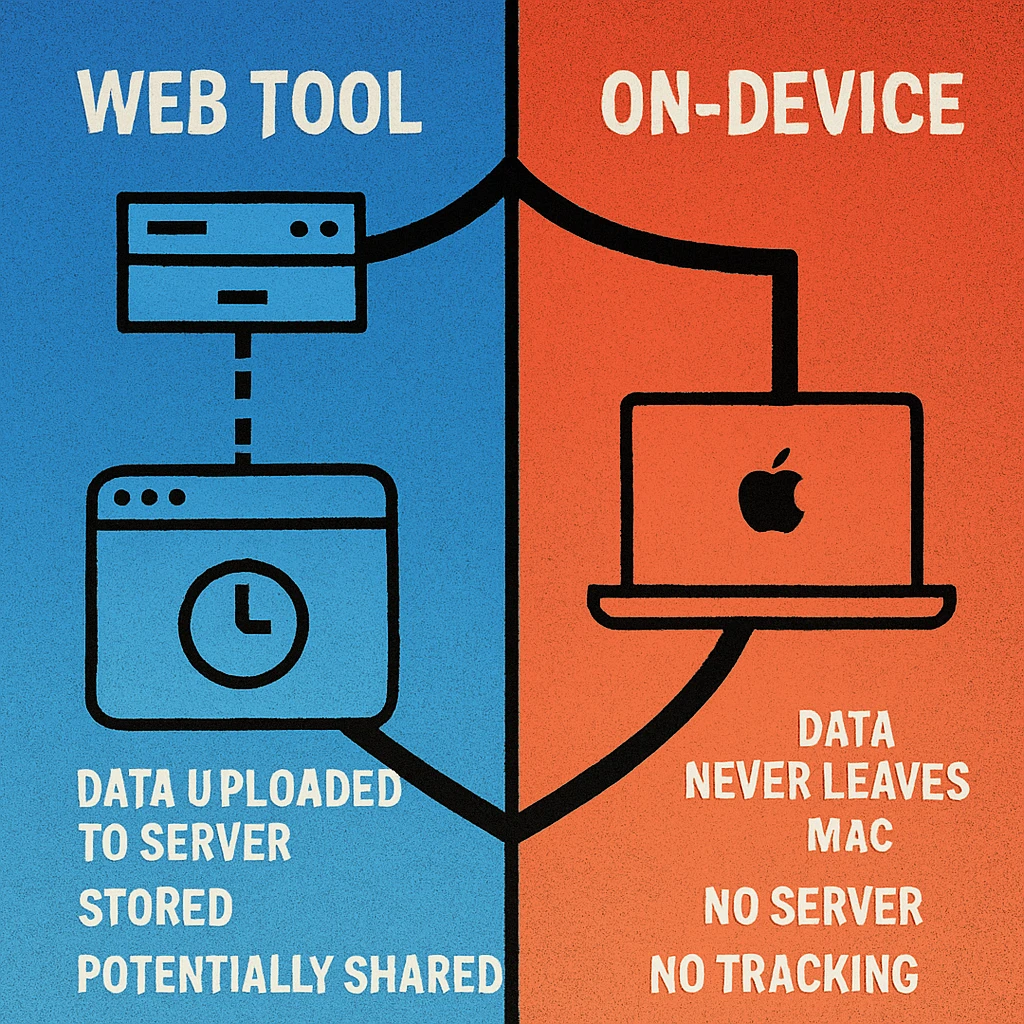
Opening a browser tab and typing text into a QR generator feels instant and frictionless. What isn't visible is the network request being made behind the scenes. In most web-based tools, the moment you enter your data and click “Generate,” that data is transmitted to the provider's server, which does the actual encoding and returns the image.
This architecture is convenient for the developer — server-side rendering is simple and scalable. But it means your input, whatever it contains, has left your device. It has passed through someone else's infrastructure. Depending on the provider's logging policies, analytics setup, and security posture, that data may be stored, analysed, or exposed.
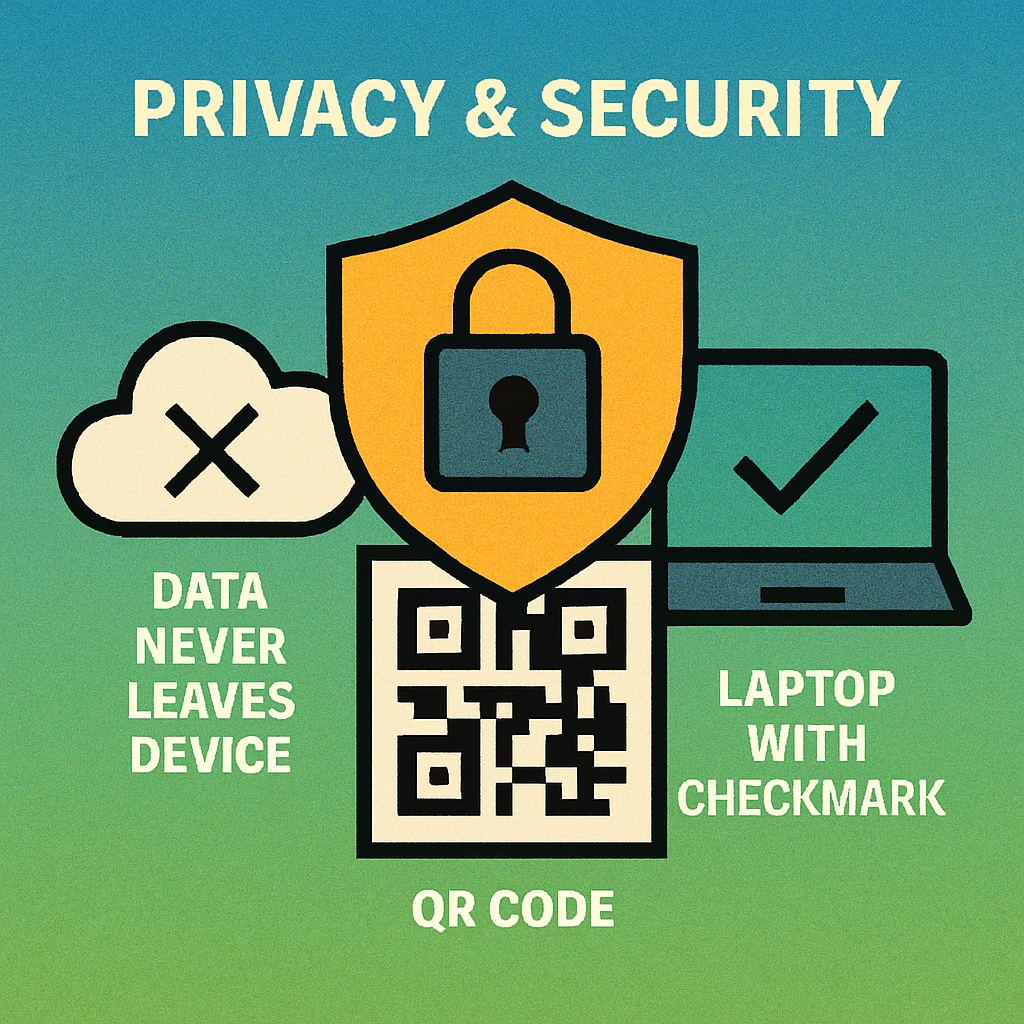
For a URL to a public webpage, this is an acceptable trade-off. For a WiFi password, a contact card, or a medical identifier, it is not. This is the central privacy argument for on-device QR generation, which is why our QR code generator for Mac pillar guide recommends native apps for any privacy-sensitive use case.
HTTPS encrypts data in transit between your browser and the server — it does not prevent the server from logging or processing what you sent. Encryption alone is not a privacy guarantee.
Data Types That Demand Privacy
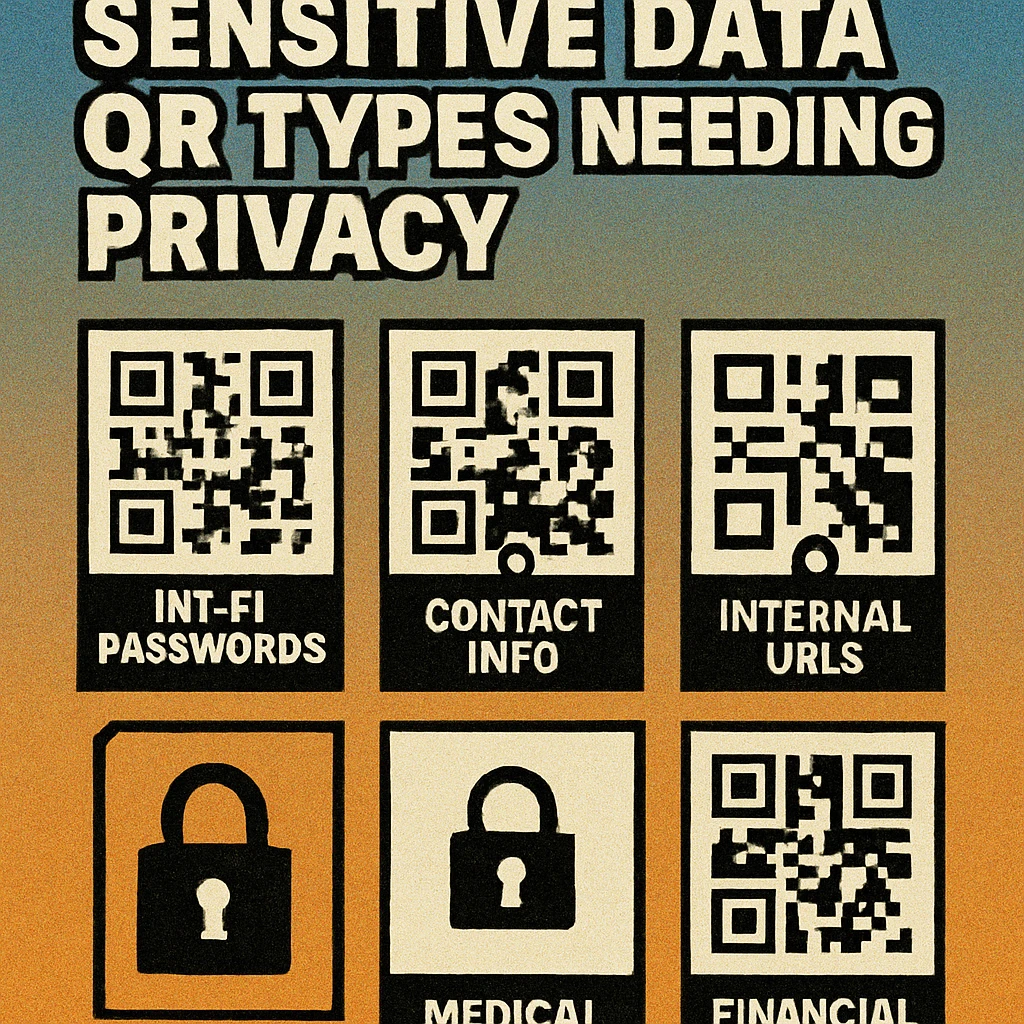
Not all QR codes carry equal risk. A QR code pointing to a public marketing page contains no personal information. But many common QR code use cases involve content that, if intercepted or logged, could cause real harm.
WiFi Credentials
WiFi QR codes encode your network SSID and password in plain text within the QR payload. If a web generator logs that request, your home or office password is stored on a third-party server. A data breach at that provider could expose your network to unauthorised access. For WiFi QR codes, always use a local tool. Our guide on WiFi QR code generation covers the technical format and explains why on-device generation is the recommended approach.
Contact Cards (vCard)
A vCard QR code can contain a full name, mobile number, home address, email address, job title, and more — everything needed for identity targeting or social engineering. Submitting this to a web generator creates a detailed personal profile on a third-party server, even if only momentarily.
Medical and Health Information
QR codes are increasingly used in healthcare to link patients to records, appointments, or consent forms. If the QR payload includes any patient identifier, appointment reference, or medical note, that data must be handled under strict privacy requirements. Using a consumer web tool to generate these codes is almost always non-compliant with applicable regulations and creates unnecessary exposure.
Financial and Payment Data
Payment QR codes, bank account references, and invoice links with embedded account numbers are high-value targets. Even a partial account reference in a QR payload is sensitive. Generating these codes on-device eliminates the risk of server-side interception entirely.
Internal Business URLs and Tokens
Authentication tokens, internal dashboard links, one-time codes, and intranet URLs can reveal your organisation's internal structure if logged by a third-party QR tool. On-device generation ensures these never leave your network.
The On-Device Advantage
A native Mac app like Gen QR Code Maker performs all QR encoding locally, using the CPU and memory of your own machine. The QR specification is entirely deterministic — the same input always produces the same output. There is nothing that requires a network round-trip. The server-side architecture of web generators is a convenience choice, not a technical necessity.
What On-Device Generation Means in Practice
Your data never leaves your Mac. From the moment you type your WiFi password, contact details, or medical reference into the app, it stays on your device. The generated QR image is produced locally and saved directly to your chosen location.
Works fully offline. Once installed, the app requires no internet connection to generate QR codes. This makes it safe in air-gapped environments, during travel, and in any network-restricted setting.
No server logs to breach. Because nothing is transmitted, there is no server-side log that could be breached, subpoenaed, or accidentally exposed. The attack surface is reduced to your own device.
Instant generation, no rate limits. Local processing is typically faster than a server round-trip and is never subject to API rate limits, server downtime, or throttling under high traffic.
QR Code Apps for Mac & Safari
Prefer generating codes without opening a browser tab? These two native Apple apps cover both habits — a full generator on the desktop, and a one-click share button inside Safari.


Web Generator vs. Native Mac App: Privacy Comparison
| Feature | Web Generator | Native Mac App |
|---|---|---|
| Data stays on device | No | Yes |
| Works offline | No | Yes |
| Account required | Often | Never |
| Usage tracking | Typically yes | None |
| Server breach risk | Present | None |
| Safe for WiFi passwords | No | Yes |
| Safe for contact / medical data | No | Yes |
No Tracking, No Account, No Compromise
Beyond the server upload risk, web QR generators typically collect usage analytics. Even tools marketed as “free” and “private” commonly embed third-party trackers that log which pages you visited, which features you used, and in some cases, the actual content you submitted. This data feeds advertising profiles and product analytics whether or not you ever create an account.
A sandboxed native Mac app distributed through the Mac App Store operates under Apple's strict privacy review requirements. It cannot silently exfiltrate data, cannot install background processes without your knowledge, and — when designed with privacy as a first principle — collects nothing. Gen QR Code Maker requires no account to download, activate, or use. There is no email to confirm, no subscription to manage, and no profile to delete.
Generate QR Codes Privately on Your Mac
No server uploads, no account, no tracking. All encoding happens on your device — even offline.
For users who prefer the convenience of a web tool for non-sensitive content, GenerateOnlineQR.com remains a fast, no-account option for public URLs and generic text. The key is knowing which tool to reach for based on the sensitivity of your data.
If the QR code content would be a problem to share publicly — a password, a personal phone number, a bank reference — generate it on-device. If it's already public information, a web tool is fine.
Frequently Asked Questions
Most web-based QR generators send the text or data you enter to a remote server to process the QR code image. Even if the connection is encrypted (HTTPS), your data still passes through third-party infrastructure that may log requests, run analytics, or retain inputs. On-device generators like the Gen QR Code Maker Mac app perform all encoding locally, so your data never leaves your machine.
It carries privacy risk. Your WiFi SSID and password are transmitted to the generator's server when using most web tools. If that server logs requests or is compromised, your credentials could be exposed. For WiFi QR codes, a native on-device app is significantly safer. See our dedicated guide on WiFi QR code generation for more detail.
Avoid using web-based generators for any sensitive content: WiFi credentials, contact cards with personal phone numbers or addresses, medical record identifiers, financial account numbers or payment links with private references, authentication tokens, and internal business URLs. Use a local, on-device app for all of these.
No. Gen QR Code Maker is a native macOS app that generates QR codes entirely on your device. It requires no account, no login, and no internet connection to function. Your data stays on your Mac from input to export.
Yes, with a native Mac app like Gen QR Code Maker. Once installed from the Mac App Store, the app works fully offline. This makes it ideal for air-gapped environments, travel, or any situation where you want complete data sovereignty without relying on a network connection.