Why Construction Sites Need QR Codes
A busy construction site generates a relentless flow of documents: equipment service records, chemical safety sheets, daily inspection logs, permit authorisations, and multiple revisions of architectural drawings. Traditionally, these live in binders in the site office — which means a worker troubleshooting a hydraulic lift or a subcontractor checking a hazardous substance label has to stop, walk to the office, and find the right folder.
QR codes eliminate that friction. A code affixed directly to a piece of equipment, a material container, or a site entrance links the physical object to its digital record. One scan from any smartphone retrieves the relevant information instantly, on-site, without radio calls or paperwork hunts.
For a broader look at how QR codes are applied across industries, see our pillar guide on QR code use cases. This article focuses on the specific workflows where QR codes deliver the most value on active construction sites.
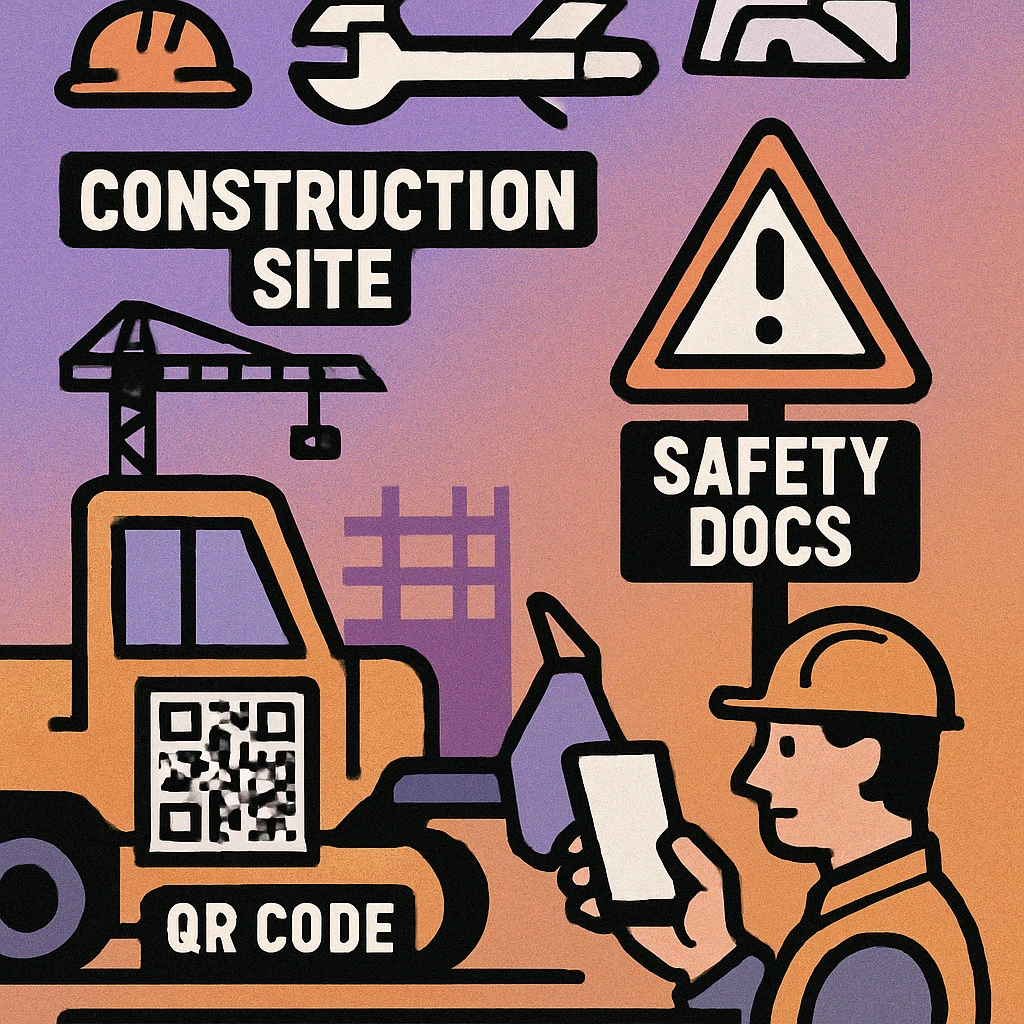
Construction is among the highest-risk industries for workplace injuries. Faster access to safety data sheets, current inspection records, and equipment status information directly supports compliance with occupational health and safety legislation — and can reduce response time in an incident.
Equipment Maintenance Logs
Every piece of plant on a construction site has a service history: oil changes, safety inspections, fault reports, and certification dates. When this information lives only in the office or with a plant manager, equipment operators have no quick way to verify whether a machine is safe to use or due for service.
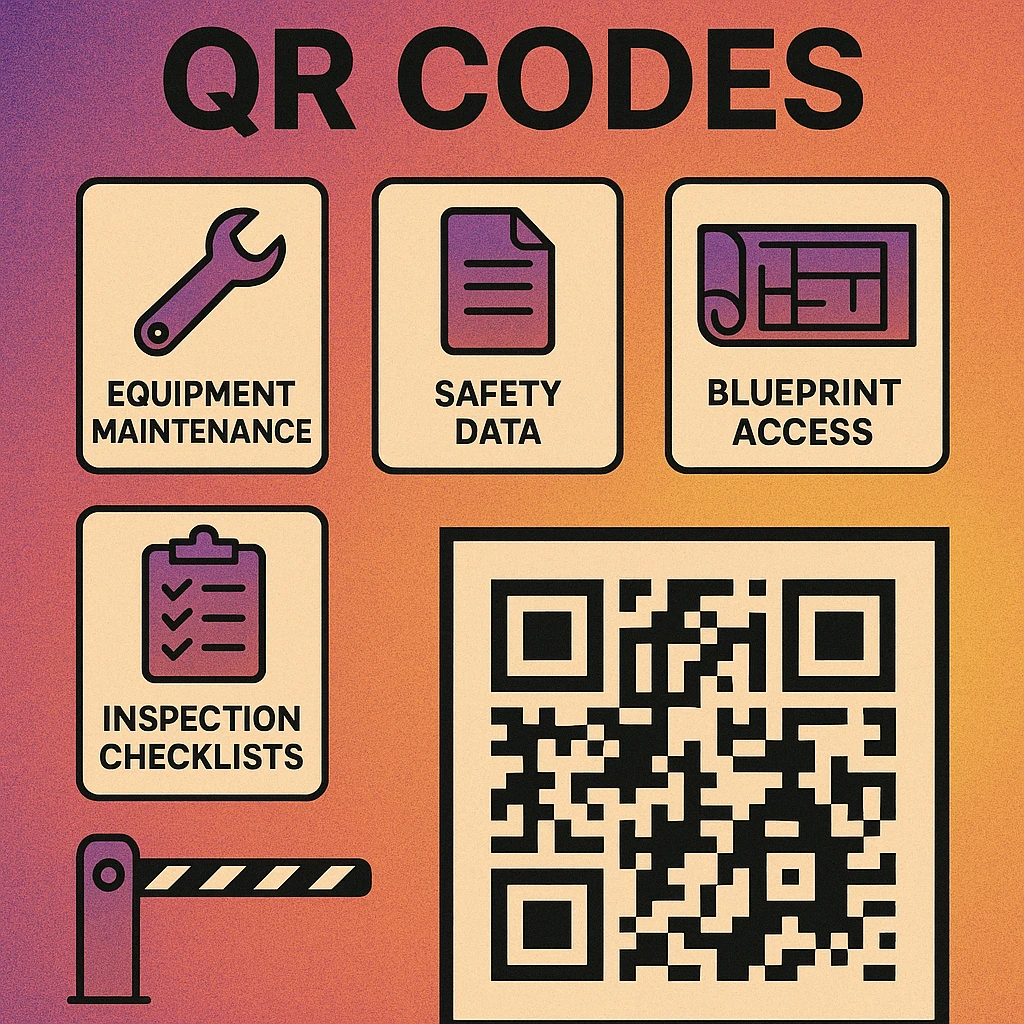
Attaching a durable QR code label to each asset changes that. The code links to a PDF maintenance log or a digital record in your asset management system. Operators scan before each shift to check the service status. Mechanics scan when completing a job to log completion and upload the service report. The result is a time-stamped, always-current record accessible to anyone on site.
What to Include in Equipment QR Records
- Asset ID, make, model, and year
- Last service date and next scheduled service
- Current certification status (e.g. LOLER, PUWER in the UK)
- Known faults or restrictions
- Link to operator manual
- Emergency contact for plant manager
Use dynamic QR codes for equipment labels so that when the linked document is updated (after each service), the QR code on the physical asset automatically points to the new version. You never need to reprint the label.
Safety Data Sheets (SDS)
Every hazardous substance used on site — concrete sealants, solvents, adhesives, fuels, paints — requires an up-to-date safety data sheet to be accessible to workers who handle it. The traditional approach is a physical SDS binder kept near the substance storage area. This works, but binders become outdated, pages go missing, and workers in remote areas of a large site may not have quick access.
A QR code applied directly to the container or storage rack links to the current digital SDS document. When a product formulation is updated by the manufacturer, the linked document is replaced and every QR code on site immediately points to the correct version — without a single label being reprinted.
Local health and safety regulations in many jurisdictions (including OSHA in the US and COSHH in the UK) specify requirements for SDS accessibility. Some require a physical copy within a defined distance of the substance. Before replacing paper SDS binders entirely with QR codes, verify the specific requirements that apply to your site and jurisdiction. QR codes work best as a supplement to, or digital replacement for, physical binders where regulations permit.
For sites using QR codes to deliver SDS and other compliance documents, linking to a PDF is the most reliable delivery method. Our guide on QR codes for PDF documents covers file hosting, dynamic links, and best practices for keeping documents accessible and current.
Blueprint and Document Access
Architectural drawings and structural plans go through multiple revisions throughout a project. Keeping every trade working from the current drawing set is one of the most persistent challenges in site management. Workers using an outdated structural drawing or an older MEP layout can make errors that are costly to reverse.
Placing QR codes at each work zone — on scaffolding, at floor entry points, or on temporary hoarding — that link to the current approved drawings for that area ensures everyone is working from the same document. Update the linked file in your document management system and the QR code immediately reflects the change, with no communication lag and no paper redistribution.
Construction Documents Suited to QR Delivery
- Architectural floor plans and elevations (current revision)
- Structural and MEP drawings
- Method statements and work instructions
- Permit-to-work forms
- Quality assurance hold-point records
- As-built drawing updates
Inspection Checklists
Daily plant pre-use inspections, scaffold tag systems, crane lift plans, and housekeeping audits all generate paper records that must be collected, filed, and retrievable for regulatory audit. Managing paper forms across a large site with dozens of subcontractors is administratively burdensome and prone to gaps.
Paperless Site Inspections Start Here
Generate QR codes that link directly to your digital checklists and inspection forms. Free to create, no account needed.
QR codes on each inspectable asset link to a digital checklist pre-populated with the asset ID and the current date. When the inspector scans the code and completes the form, the submission is timestamped, attributed to their user account, and stored automatically. The result is an auditable inspection record that cannot be backdated, lost, or tampered with.
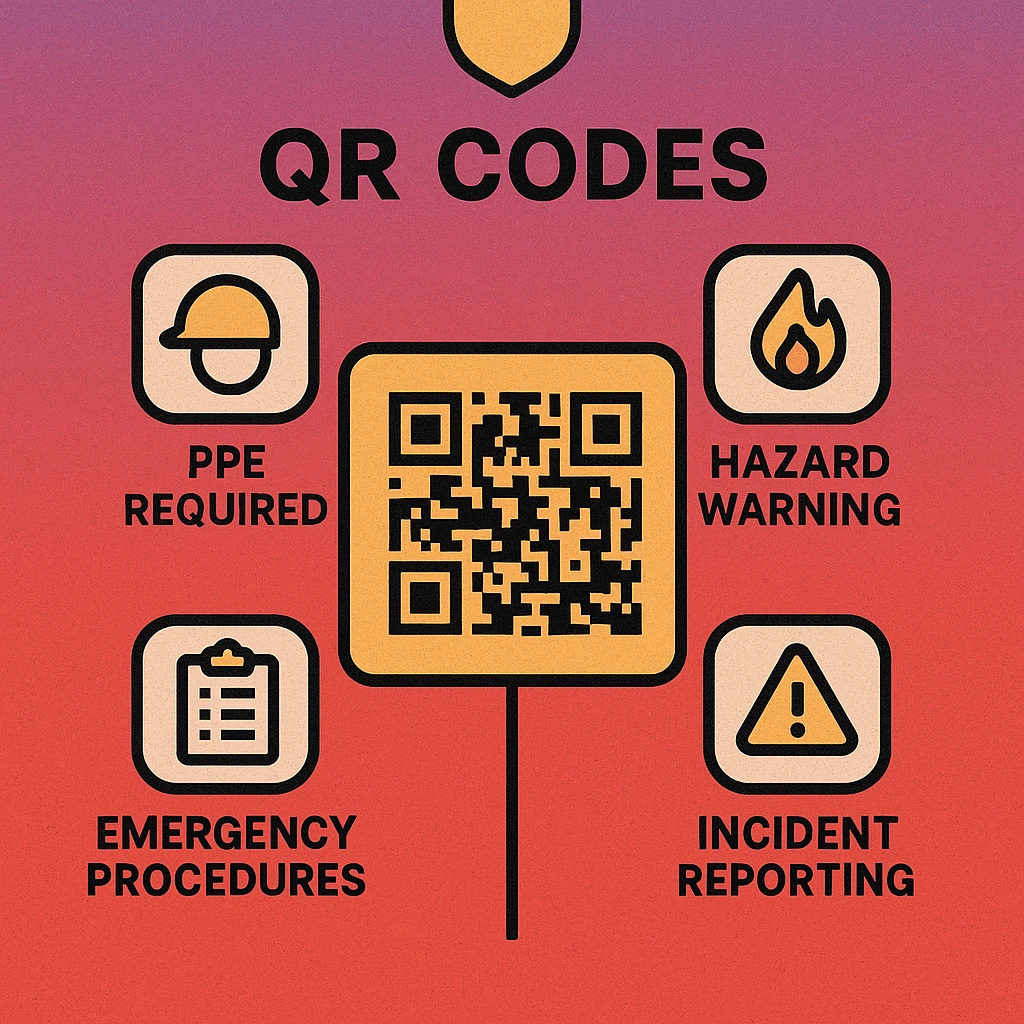
This approach is especially effective for scaffold inspection tag systems, where the traditional colour-coded paper tag tells a worker the inspection date but nothing about what was checked. A QR code tag links to the full signed-off checklist, making the status transparent and verifiable by anyone on site.
QR-linked checklists integrate naturally with inventory management QR workflows, where the same asset tagging infrastructure can track both physical stock and inspection status within a single system.
QR Code Apps for Mac & Safari
Prefer generating codes without opening a browser tab? These two native Apple apps cover both habits — a full generator on the desktop, and a one-click share button inside Safari.


Site Access Control
Controlling who enters an active construction site is a legal and insurance requirement. Most sites use either paper visitor logs or manned gate entry. Both approaches have gaps: paper logs can be incomplete, and manned gates are expensive and impractical for multi-entry sites.
QR-based access control systems issue each approved worker, visitor, or subcontractor a unique QR code (typically via email or a mobile app) that is scanned at the gate. Entry is logged automatically with a timestamp. The system can enforce access rules — blocking workers whose certifications have expired or who are not authorised for a specific zone — without requiring manual checks by gate staff.
Access Control QR Workflows
- Worker induction completion: Issue a QR code upon completion of the site induction, confirming that the worker has received safety briefings.
- Certification gating: Tie QR access to CSCS card status, scaffold licence, or other trade certifications, with automatic expiry when a certificate lapses.
- Visitor management: Pre-register visitors and issue a time-limited QR code valid only for the expected visit window.
- Zone restrictions: Issue different QR codes for different site zones (structural, electrical, excavation) based on the worker's authorised scope.
Automated QR access logs satisfy the requirement in many jurisdictions to maintain a record of all persons on site at any given time. In the event of a fire, structural collapse, or other emergency requiring evacuation, the system provides an accurate real-time headcount — information that is critical for rescue teams.
Implementation Guide for Construction QR Codes
Rolling out QR codes across a construction site requires more planning than a simple consumer campaign. The physical environment is demanding, worker device diversity is high, and the documents linked to each code must be kept current throughout the project lifecycle.
Five Steps to a Successful Construction QR Rollout
Choose dynamic QR codes. Static codes cannot be updated after printing. For construction, where documents change throughout the project, dynamic codes are essential. When a drawing revision is issued or a service record updated, only the linked document changes — the physical label stays the same.
Use industrial-grade labels. Standard paper labels degrade quickly in outdoor conditions, around water, and near solvents. Use polyester or polycarbonate label stock rated for outdoor and chemical exposure, with UV-resistant laminate. Print at high resolution to ensure the QR code remains scannable after weeks of site exposure.
Standardise document hosting. All QR-linked documents should live in a single, access-controlled document management system. Avoid linking to personal cloud folders or email attachments. Use a platform with version control so that previous document versions are retained for audit purposes.
Brief all site users. QR codes are only effective if workers know to use them. Include QR scanning in site inductions. Explain what each type of code links to and why it matters for safety and compliance. Provide brief instructions for workers unfamiliar with smartphone QR scanning.
Audit regularly. Check that QR codes on site are intact, scannable, and linking to current documents. Damaged labels must be replaced promptly. Add a label audit to weekly site safety walks so that any degraded codes are caught before they cause an information gap.
QR codes on construction sites work best when they are dynamic (updatable without reprinting), printed on durable stock, linked to a centralised document management system, and supported by clear worker briefings. The highest-value applications are equipment maintenance logs, safety data sheets, blueprint access, digital inspection checklists, and site access control.
Frequently Asked Questions
QR codes on construction sites serve multiple functions: they link to equipment maintenance logs, safety data sheets (SDS), current blueprint revisions, inspection checklists, and site access control records. Workers scan codes on machinery, scaffold boards, hazardous material containers, and gate entry points using a smartphone, instantly retrieving the correct document without searching paper files or calling the office.
QR codes can supplement or replace printed SDS binders by linking to the current digital version stored in your document management system. When a product formulation changes, only the linked document needs updating — every QR code on site automatically points to the new version. However, check local health and safety regulations: some jurisdictions still require a physical SDS to be accessible within a defined distance of the hazardous substance.
For construction sites, use a dynamic QR code so the linked document can be updated without reprinting the label. Print on durable polyester or laminated stock rated for outdoor and industrial use. Use error correction level H to maintain scannability even if the label becomes partially dirty or scratched. Keep the module style as square (default) for maximum reliability with handheld industrial scanners.
A QR code attached to each piece of equipment links directly to a pre-filled digital inspection checklist. When an operator scans the code, the checklist opens instantly, pre-populated with the asset ID and last inspection date. Completed submissions are timestamped and stored automatically, creating an auditable record that satisfies regulatory inspection requirements and eliminates the risk of paper checklists being lost or altered.