Why QR Codes Work so Well for Inventory
Inventory errors are expensive. Mis-picked orders, phantom stock on a spreadsheet, and audit discrepancies all trace back to the same root cause: data entered by hand. A warehouse worker reading a label and typing a SKU into a terminal has a measurable error rate. A worker scanning a QR code has an error rate close to zero.
QR codes are well suited to inventory work because they pack more data than a standard 1D barcode, scan from any angle without line-of-sight alignment, and work with a standard smartphone camera — no dedicated laser scanner required. For an overview of every industry context where QR codes deliver value, see our complete guide to QR code use cases.
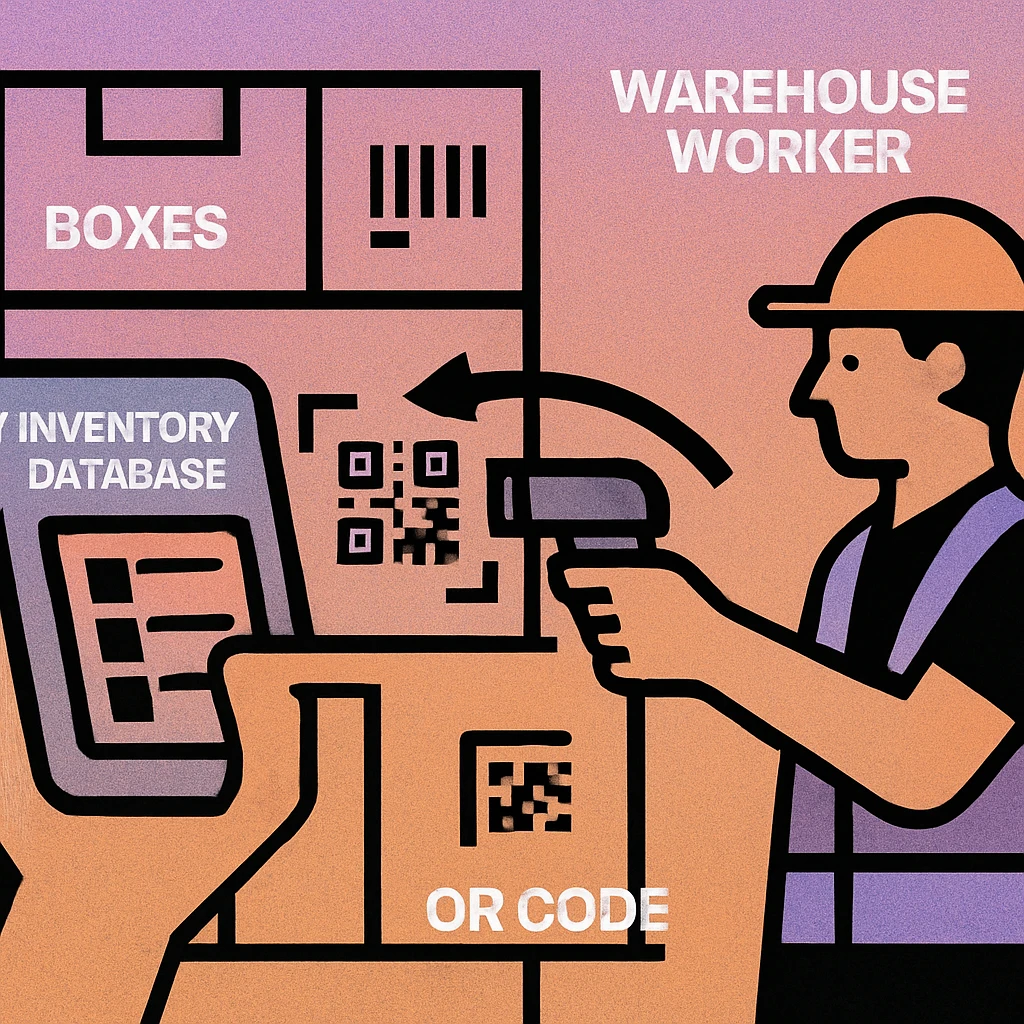
A QR code on a stock item is not a data store — it is a pointer. The QR code encodes a unique identifier (SKU, serial number, or batch ID). All product details, quantities, and movement history live in your inventory database. The scan triggers the lookup and logs the event.
Step 1 — Receiving Goods
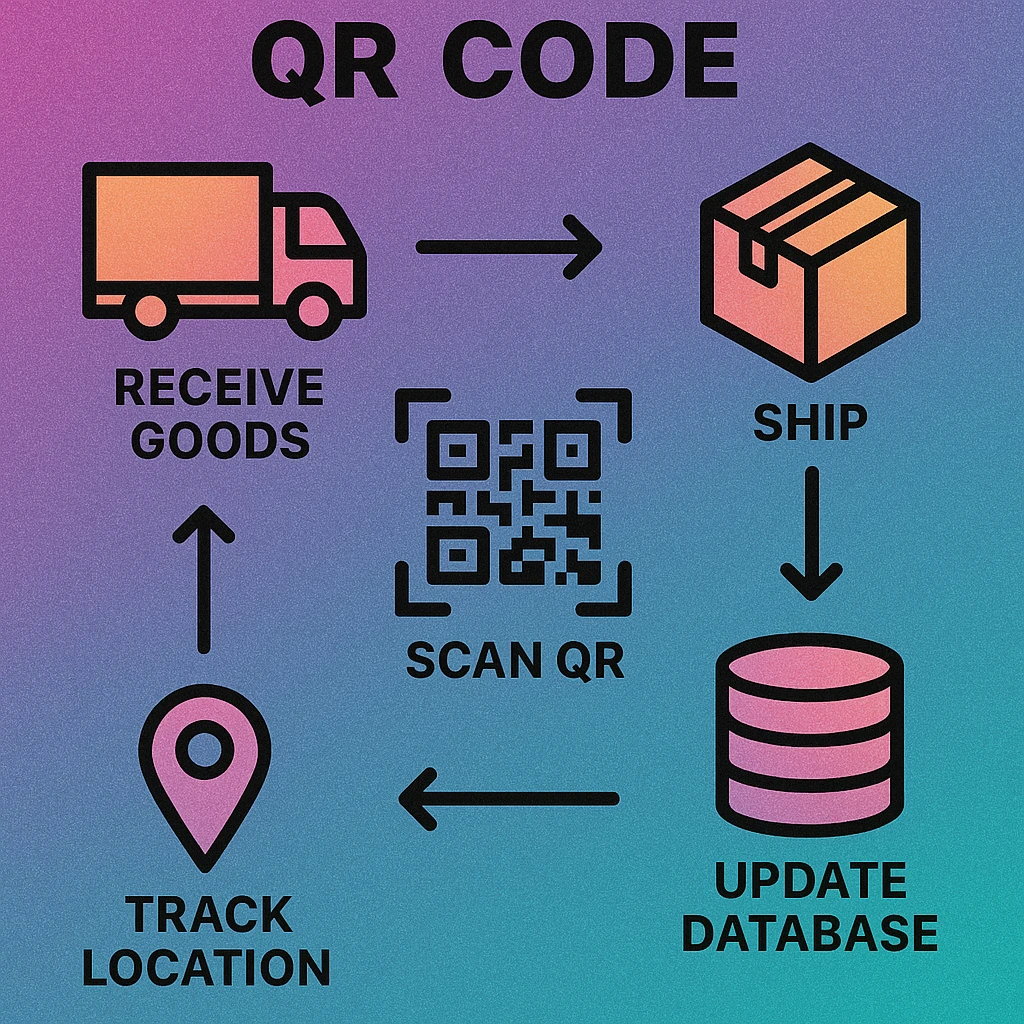
Inventory control begins before a pallet reaches a storage location. When a delivery arrives, each item or case needs an identity in your system. If your supplier prints their own QR or barcode on the packaging, you can scan that directly during goods-in. If not — or if you need to link to your own SKU structure — you print and apply your own QR label at the receiving dock.
What to Encode on a Receiving Label
A receiving QR label typically encodes a URL or identifier that maps to:
- Your internal SKU — the stock-keeping unit code used throughout your system
- Batch or lot number — critical for food, pharma, and any product with expiry dates
- Supplier reference — the supplier's own item code or purchase order number
- Received date — automatically logged by the scan event, but sometimes encoded explicitly
A single scan at goods-in creates the item's record in the database and triggers any putaway workflow. From this moment, every subsequent scan adds a new event to its history.
Step 2 — Location Tracking and the Inventory Database
Every storage location in your warehouse — rack, bay, bin, shelf — gets its own QR code. These location codes are usually printed on laminated labels and fixed to the shelving. When a worker puts stock away, they scan the item QR code and then the location QR code. The system records: item X is now in location Y.
Real-Time Stock Visibility
Because every putaway and movement is scanned, your inventory database reflects the true physical state of the warehouse without requiring a manual count. A query against the database tells you exactly which bins hold a given SKU, how many units are in each, and when they were placed there. This eliminates the "phantom stock" problem — items that appear on a spreadsheet but cannot be found on the floor.
Use a consistent location naming convention before printing QR codes for your shelves. A format like A-03-B-02 (Aisle 3, Bay B, Level 2) is easier to navigate than arbitrary codes. Workers can then mentally verify a scan by cross-checking the printed location name on the label.
Step 3 — Picking and Dispatch
Order picking is where inventory errors most often occur in a manual system. A picker reads a paper pick list, walks to a location, and grabs items — with no verification step. QR-assisted picking adds a scan at every pick: the picker scans the location QR code (confirming they are in the right place), then scans the item QR code (confirming they have the right product). If either scan doesn't match the pick list, the system alerts immediately.
Scan-to-Pack and Dispatch
At the packing station, a final item scan confirms the correct goods are going into the correct outbound shipment. A dispatch scan closes the movement record: item X has left the building at time T, assigned to order O. This creates an unbroken chain of custody from supplier delivery to customer dispatch — every step logged, every discrepancy flagged in real time.
If your operation ships goods with QR codes on the outer packaging for consumers to scan, see our related article on QR codes for product packaging for label design and content strategy guidance.
Create Your Inventory QR Labels Today
Generate QR codes for SKUs, shelf locations, and dispatch notes. Download as PNG or SVG. No account, no fees.
QR Code Apps for Mac & Safari
Prefer generating codes without opening a browser tab? These two native Apple apps cover both habits — a full generator on the desktop, and a one-click share button inside Safari.


Key Benefits of QR-Based Inventory Management
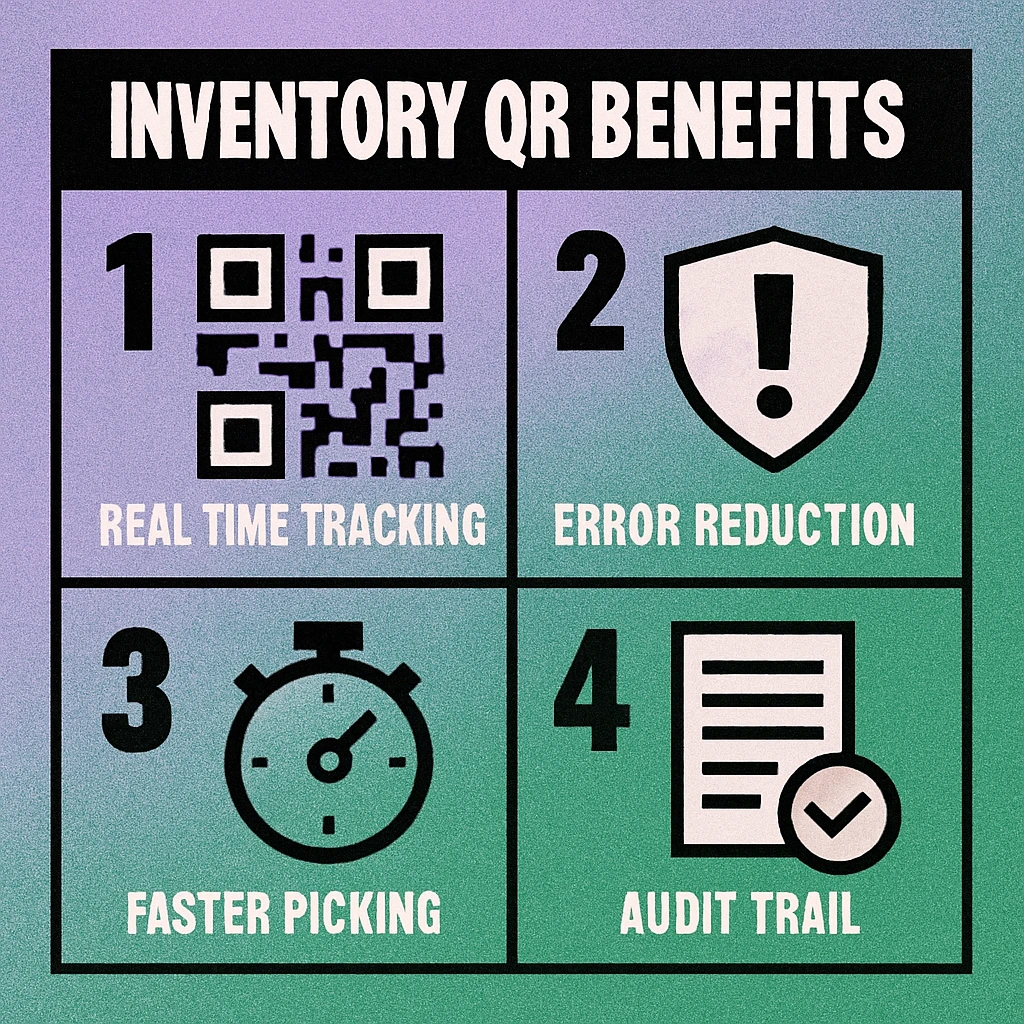
| Benefit | What It Means in Practice | Manual Baseline | With QR Scanning |
|---|---|---|---|
| Real-time tracking | Every movement updates the database instantly | Hours or days of lag | Instant |
| Error reduction | Scan verification replaces manual data entry | 1–3% error rate | <0.1% error rate |
| Pick speed | Guided scanning replaces paper pick lists | Baseline | 20–35% faster |
| Audit trails | Full movement history per item, auto-logged | Incomplete or missing | Complete & timestamped |
| Setup cost | Hardware & label printing investment | Low | Low–Medium |
| Staff training | Learning the scan workflow | Varies | Typically <1 day |
Audit Trails and Compliance
Every scan is a timestamped event tied to a user account. When a discrepancy arises — a missing pallet, an unexplained stock reduction — you can query the movement log and trace exactly where and when an item was last scanned, by whom. For regulated industries (food safety, pharmaceuticals, electronics with serial number tracking), this audit trail is not just useful, it is mandatory.
Cycle counts also become far less disruptive. Instead of closing a warehouse section for a full count, a supervisor can scan a section's worth of shelf location QR codes in minutes and immediately see which bins are discrepant. Problems are isolated and corrected the same day rather than surfacing during an annual stock-take.
Getting Started: A Practical Setup Guide
Five Steps to QR-Based Inventory Tracking
Map your SKU structure. Before printing a single label, define your SKU or item identifier format. Consistency matters: a clear, unique identifier per product variant (size, colour, batch) avoids ambiguity when scanning. Your QR code will encode this identifier.
Label your storage locations. Assign a unique code to every rack, bay, bin, and shelf. Print QR codes for each location and fix them at eye level so they are easy to scan during putaway and picking. Use durable laminated labels or adhesive vinyl for warehouse environments.
Choose your inventory software. Your QR codes are only as useful as the system that processes the scans. Options range from spreadsheet-linked QR systems (for very small operations) to dedicated WMS (Warehouse Management System) platforms. The QR code encodes a URL or ID; the software does the rest.
Generate and print your item QR labels. Use a QR code generator to create codes for each SKU or serial number. Download as SVG for crisp label printing at any size. Apply labels to items at goods-in. For high-volume operations, consider batch generation via a spreadsheet-to-QR workflow.
Train staff on the two-scan discipline. The core habit is simple: always scan the item, then scan the location. Receiving, putaway, picking, and dispatch all follow the same pattern. Reinforce this with posted reminders at each workstation until it becomes automatic.
QR codes give every item in your warehouse a scannable identity. Scan at receiving, putaway, picking, and dispatch. Every scan logs a timestamped event to your inventory database. The result: real-time stock visibility, near-zero picking errors, and complete audit trails without extra manual effort.
Frequently Asked Questions
QR codes replace manual data entry with instant, error-free scanning. Each scan writes a timestamped record to your inventory database, eliminating transcription mistakes and ensuring every movement — receipt, putaway, pick, and dispatch — is logged against the correct SKU and location. Studies consistently show scan-based systems reduce stock discrepancy rates by 80% or more compared to paper-based counting.
A warehouse QR code typically encodes a unique identifier — such as an SKU, serial number, or batch ID — that links to the full item record in your inventory system. The QR code itself does not need to store all product details; it just needs to point to the record. The inventory database holds the product name, quantity, location, supplier, and other attributes. Some operations also embed a short URL so the code can be scanned by any smartphone without a dedicated app.
In most warehouse contexts, yes. QR codes store significantly more data than a standard 1D barcode, can be scanned from any angle (no line-of-sight alignment needed), and work with standard smartphone cameras rather than specialist laser scanners. They are also easier to generate in-house. The main scenario where 1D barcodes retain an advantage is very high-speed automated conveyor scanning, where laser scan rates can be faster than camera-based QR reading.
During a stock audit, staff scan each item or shelf location rather than reading labels and writing down counts. The scan records a timestamp, the scanner's identity, and the counted quantity. Your inventory system can then compare the physical scan count against the expected stock level and flag discrepancies in real time. This cuts audit time dramatically — a shelf that takes 15 minutes to count manually can be audited in under 2 minutes with a QR scanner.