Why Restaurants Need QR Codes
The COVID-19 pandemic accelerated a shift that was already underway: diners expect digital convenience. During lockdowns and reopenings, the QR code restaurant menu became the default touchless solution for viewing food and drink options without handling a shared physical menu. What started as a health precaution has become a permanent operational upgrade that most customers now prefer.
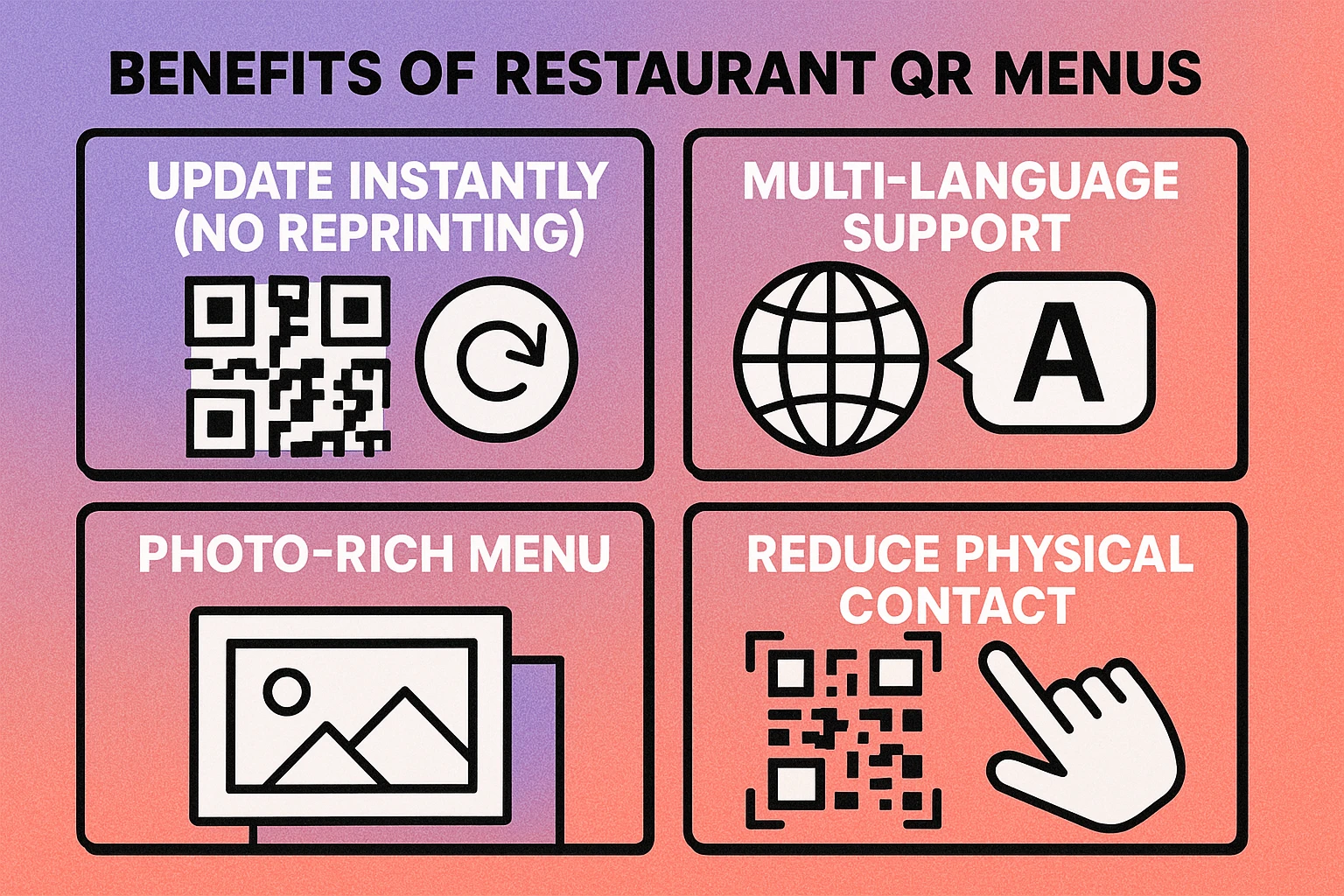
The business case is straightforward. Printing new menus every time a price changes, a dish is added, or a seasonal special launches costs money and time. A single QR code linked to a digital menu eliminates that cycle entirely. Update the menu online, and every table in the restaurant instantly reflects the change — no reprinting, no waste, no delay.
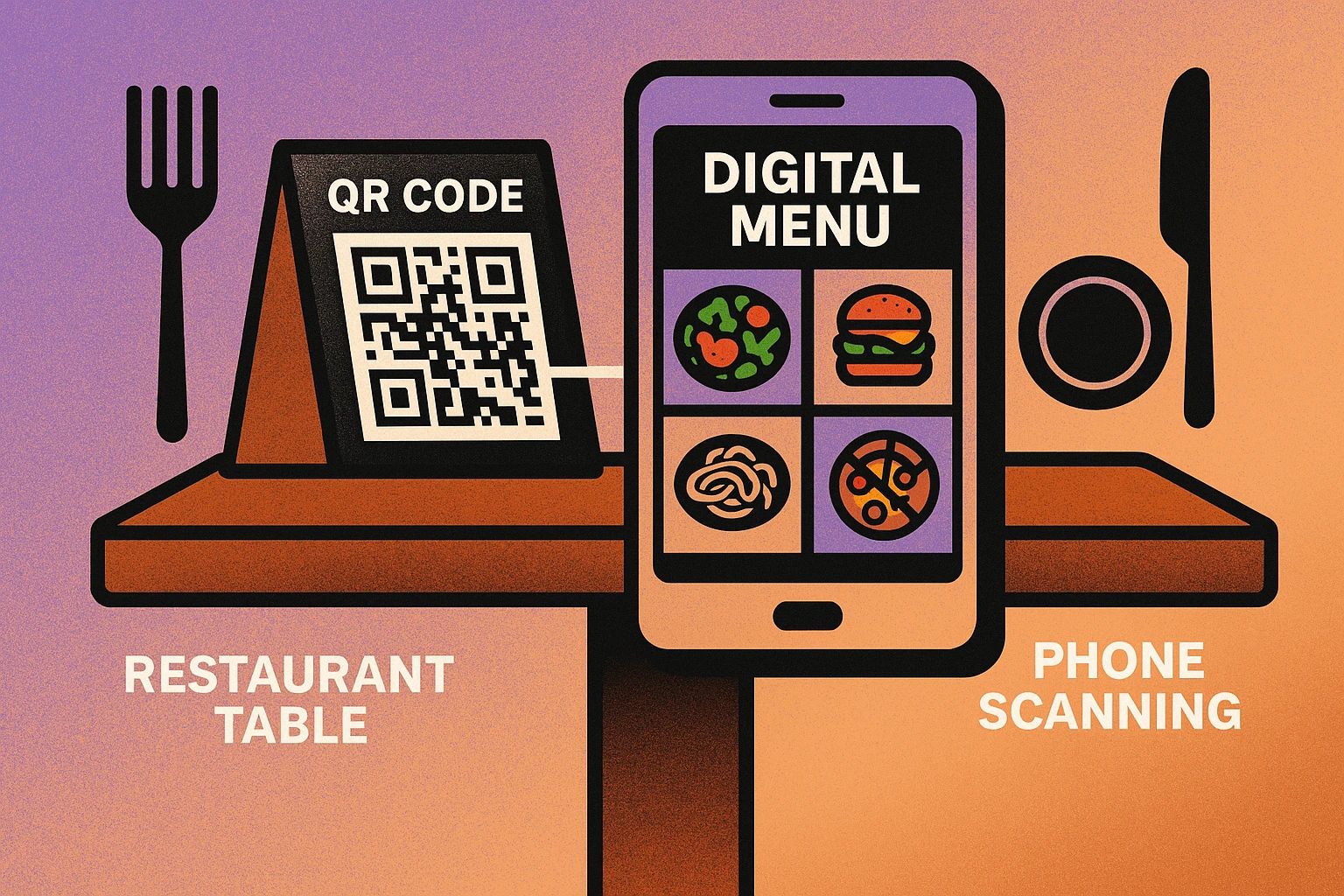
Beyond menus, restaurants are using QR codes across the entire dining experience: ordering food, splitting bills, joining waitlists, connecting to Wi-Fi, leaving reviews, and accessing loyalty programs. For a full overview of QR code applications across industries, see our QR code use cases pillar guide.
QR codes save restaurants money on printing, let them update menus instantly, and meet customer expectations for contactless, digital-first experiences. What began as a pandemic workaround is now a permanent industry standard.
Digital Menu QR Codes
A digital menu QR code links to an online version of your restaurant's menu. When a guest scans the code with their smartphone camera, the menu opens in their mobile browser — no app download required. The setup is simple, but the format you choose for hosting the menu makes a meaningful difference.
PDF Menu vs. Web-Based Menu
The two most common approaches are uploading a PDF file or building a mobile-friendly webpage. Each has trade-offs:
| Feature | PDF Menu | Web-Based Menu |
|---|---|---|
| Setup effort | Low — upload existing file | Medium — build or use a platform |
| Mobile experience | Pinch-to-zoom needed | Responsive & scrollable |
| Update speed | Re-upload the file | Edit text in real time |
| Photos & rich media | Static images only | Interactive galleries |
| Cost | Free (host on Google Drive, etc.) | Free to moderate |
If you already have a well-designed PDF menu, that is the fastest way to get started. Upload it to a cloud service or your own site, then generate a QR code that links to the PDF. For a better mobile experience with photos, allergen filters, and real-time updates, a web-based menu is the stronger long-term choice.
Keeping the Menu Updated
The biggest advantage of a QR code restaurant menu is that you never need to reprint QR codes when the menu changes. Use a URL-based QR code that points to a fixed web address. When you update the content at that address — swapping a PDF, editing a webpage, or changing prices — every QR code in the restaurant automatically serves the new version. If you use a dynamic QR code, you can even change the destination URL itself without reprinting.
QR Codes for Ordering
Digital menus are just the starting point. A growing number of restaurants now let customers scan a QR code to browse the menu, place an order, and pay — all from their phone, without waiting for a server.
Table Ordering
Each table gets a unique QR code tied to its table number. When a guest scans it, the ordering system knows which table the order belongs to. The customer selects items, adds modifications (no onions, extra sauce), and submits. The order goes directly to the kitchen display or printer. This workflow reduces wait times, minimizes order errors caused by miscommunication, and frees up staff to focus on hospitality instead of order-taking.
Takeout and Delivery Integration
QR codes also work outside the dining room. A code on your takeout packaging or storefront window can link to an online ordering page for pickup or delivery. This gives you a direct ordering channel that avoids the commissions charged by third-party delivery platforms. Some restaurants place QR codes on flyers, door hangers, or local advertisements to drive direct orders.
Pair your table QR code with your Wi-Fi QR code on the same table tent. Guests connect to Wi-Fi first, then scan the menu — ensuring a fast, smooth experience even if cellular signal is weak inside your restaurant.
QR Codes for Reviews
Online reviews directly impact a restaurant's revenue. A one-star increase on Yelp can lead to a 5–9% increase in revenue according to widely cited research. The challenge is that satisfied customers rarely leave reviews on their own — they need a nudge at the right moment.
Google Reviews and Yelp
A QR code that links directly to your Google Business or Yelp review page removes every barrier between a happy customer and a five-star review. Instead of asking guests to search for your restaurant, find the review section, and figure out how to leave feedback, you give them a single scan that opens the review form immediately. Place this QR code on the receipt, the check presenter, or a small card delivered with the bill.
Direct Feedback
Not all feedback should be public. A separate QR code linking to a private feedback form (Google Forms, Typeform, or a simple page on your site) lets customers share complaints or suggestions directly with management. This gives you a chance to address issues before they become negative public reviews. Many restaurants place a discreet feedback QR code near the restroom or exit.
For more on how the hospitality industry uses QR codes beyond restaurants, read our guide on QR codes in hospitality.
Create Your Restaurant QR Code — Free
Link to your menu, ordering page, or review form. No signup required. Download PNG or SVG instantly.
QR Code Apps for Mac & Safari
Prefer generating codes without opening a browser tab? These two native Apple apps cover both habits — a full generator on the desktop, and a one-click share button inside Safari.


Where to Place QR Codes in a Restaurant
The best QR code in the world is useless if customers never see it. Strategic placement is critical. Here are the highest-impact locations:
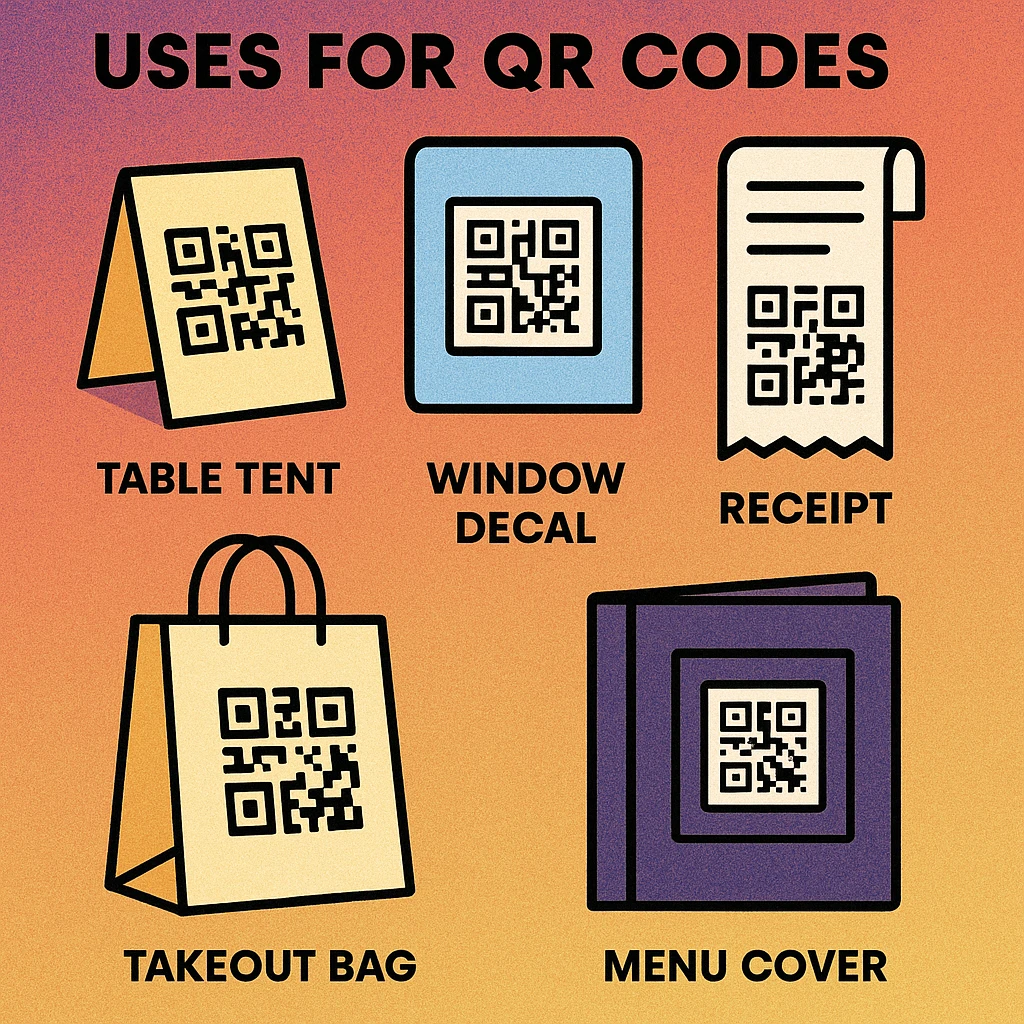
Top 5 QR Code Placement Spots
Table tents and table stickers. The most common location. A small acrylic tent or a vinyl sticker on the table surface puts the QR code directly in front of every seated guest. Include a brief instruction: "Scan to view our menu."
Storefront window. A QR code on the front window lets passersby view the menu before entering. This can convert foot traffic into seated customers — especially for tourists comparing options along a street.
Receipts and check presenters. The ideal moment to ask for a review. Print a QR code at the bottom of the receipt or slip a card into the check presenter that links to your Google or Yelp review page.
Takeout bags and packaging. A QR code on the bag or container links to your direct ordering page, encouraging repeat orders. It can also link to a feedback form for the takeout experience.
Menu cover or first page. For restaurants that still offer physical menus, printing a QR code on the cover gives guests the option to follow along on their phone — useful for menus with photos, allergen details, or daily specials not printed in the physical version.
Best Practices for Restaurant QR Codes
Getting the QR code to work is easy. Getting it to work well — reliably, for every customer, in every lighting condition — takes a bit more attention. Follow these guidelines for the best results.
Size for Scanning Distance
A QR code must be large enough to scan from a comfortable distance. For table tents scanned from about 30 cm (12 inches), a minimum of 3 cm × 3 cm works. For window signs scanned from the sidewalk, you may need 15–20 cm. The general rule: 1 cm of QR code width for every 10 cm of expected scanning distance. Refer to our complete QR code guide for detailed sizing charts.
Test in Real Lighting Conditions
Restaurants often have dim, warm lighting — which is great for ambiance but challenging for phone cameras. Print your QR codes on high-contrast materials (black code on white or light background) and test them under the actual lighting conditions in your dining room. Avoid placing QR codes on reflective surfaces like glossy laminate, which can cause glare.
Offer Multilingual Menus
If your restaurant serves an international clientele, link the QR code to a menu page that offers language selection. A web-based menu can detect the phone's language setting and display the appropriate version automatically. This is far more practical than printing physical menus in multiple languages.
Always Have a Fallback
Not every guest will want to use a QR code. Keep a few printed menus behind the host stand for customers who ask. A simple line on the table tent — "Ask your server for a printed menu" — ensures no one feels excluded.
Brand Your QR Code
A plain black-and-white QR code works, but adding your restaurant's logo to the center or matching the code's colors to your brand makes it feel intentional rather than improvised. Most QR code types support customization without affecting scannability, as long as you maintain sufficient contrast and keep the quiet zone intact.
Size for distance. Test in dim lighting. Use high contrast. Add a brief instruction line. Keep printed menus as backup. Brand the QR code with your logo. Update the linked content regularly.
Frequently Asked Questions
Upload your menu as a PDF or host it as a webpage, then paste the URL into a free QR code generator. Download the QR code image and print it on table tents, window stickers, or menu covers. Use a dynamic QR code so you can update the menu link without reprinting.
Yes. You can create a QR code that links to a PDF or webpage for free using any standard QR code generator. The only costs are hosting the menu file (many free options exist) and printing the QR code itself. Some platforms charge for advanced features like scan analytics or dynamic redirects.
For table tents scanned from about 30 cm (12 inches) away, a QR code of at least 3 cm × 3 cm (roughly 1.2 × 1.2 inches) works well. For window signs or posters scanned from farther away, increase the size proportionally — a general rule is 1 cm of QR code width for every 10 cm of scanning distance.
Yes. Many restaurant platforms let customers scan a QR code to view the menu, place an order, and pay directly from their phone. The QR code links to a web-based ordering page tied to the table number, so orders go straight to the kitchen without needing a server to take them manually.
Most smartphones manufactured after 2017 scan QR codes automatically through the built-in camera — no app needed. However, it is best practice to keep a few printed menus available as a fallback for guests who prefer them or who have older devices. A brief instruction line near the QR code ("Point your camera here to view our menu") also helps.