What Is a URL QR Code?
A URL QR code is a QR code that encodes a web address. When someone scans it with their phone, the browser opens and navigates directly to the encoded website — no typing required. It is by far the most common type of QR code in use today, accounting for the vast majority of all QR codes created worldwide.
The concept is straightforward: the url qr code generator takes your website link (for example, https://www.example.com/page), converts it into a binary data stream, and renders that data as a pattern of black and white modules in a square grid. Any smartphone camera can decode this pattern and extract the original URL in milliseconds.
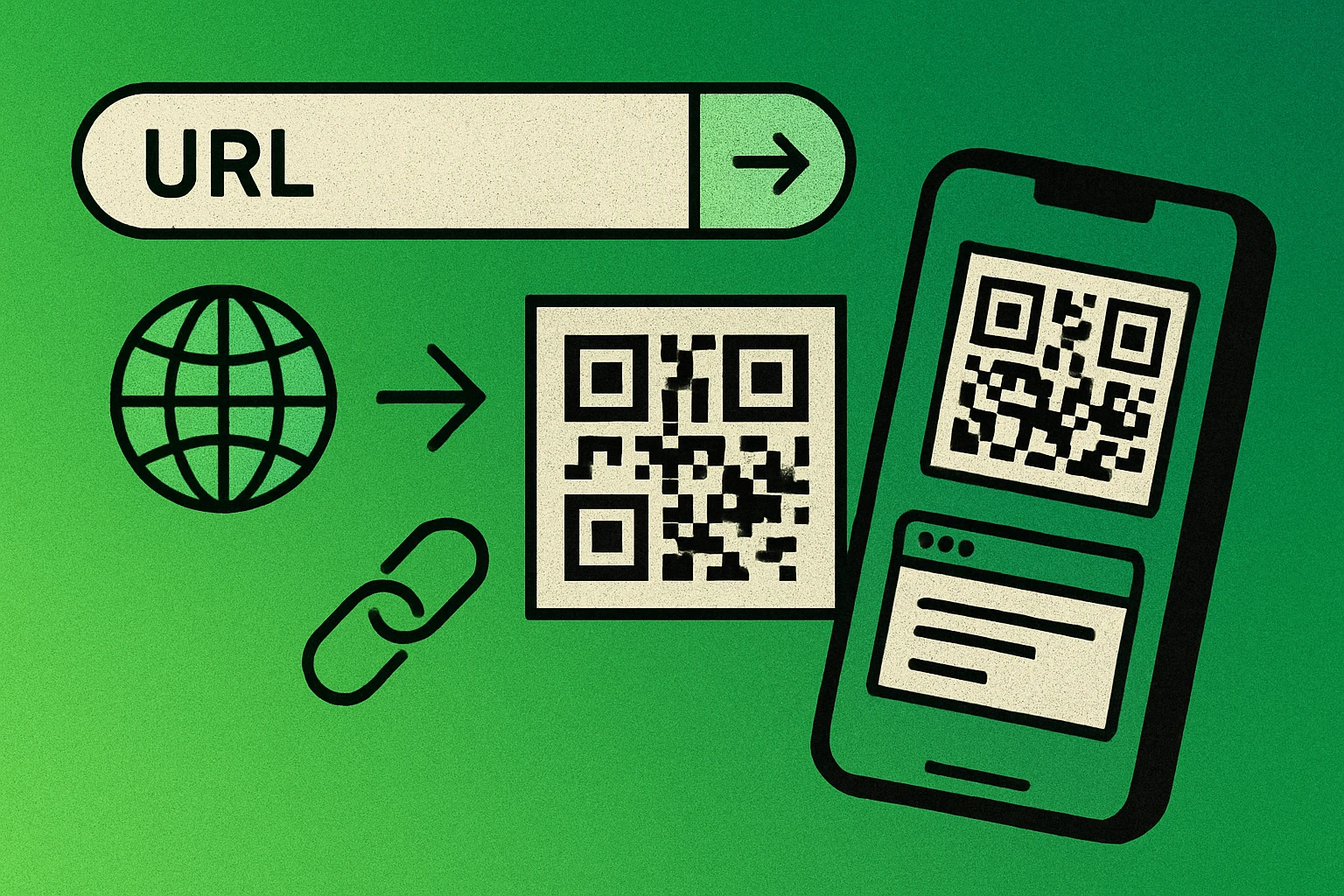
URL QR codes work because the QR specification uses byte mode encoding to handle the full range of characters found in web addresses — letters, numbers, slashes, colons, query strings, and more. The encoded URL is stored entirely within the code's pattern, meaning a static URL QR code will work forever as long as the destination webpage exists. There is no expiration date and no dependency on a third-party service.
For a broader overview of every QR code type available, see our pillar guide on every type of QR code explained. If you are new to QR codes in general, our guide to how to create a QR code of any type covers the fundamentals first.
A URL QR code encodes a web address into a scannable pattern. It is the most popular QR code type because it instantly connects physical materials — business cards, flyers, packaging — to any webpage or online resource.
How to Create a QR Code for a Link (Step by Step)
Turning a web address into a scannable code takes less than a minute, and the method is the same whether the link points at your homepage, a Google Form, a PDF, or a YouTube video. Here is the process from start to finish.
Create a QR Code for a Link in 4 Steps
Open a QR code generator. Go to a free URL QR code generator such as GenerateOnlineQR.com. No account or signup is required, and the generator loads instantly in the browser on desktop or mobile. If you are still deciding which content type you need, the complete guide on how to create a QR code covers every format.
Paste your URL. Enter the full website address including the https:// protocol into the URL input field. Double-check the link is correct — a single mistyped character will send scanners to the wrong page or a broken link. If the URL is very long, consider using a URL shortener first to keep the QR code simple and easy to scan.
Customize your QR code. Choose your preferred size, error correction level, and colors. For print materials, use high error correction (Level H or Q) and ensure strong contrast between the dark modules and light background. You can also adjust margins and select the output file format at this stage.
Download and test. Download your QR code as PNG (for digital use) or SVG (for print, since it scales without losing quality). Before printing or sharing, scan the code with your own phone to verify it opens the correct URL. Test on at least two different devices to catch any issues.
The entire process takes 30 seconds or less. Once you have the file, you can drop it into any design tool, document, or print layout. For guidance on choosing the right output format, read our article on QR code file formats explained, and if a finished code refuses to scan, our troubleshooting guide on why a QR code is not scanning lists the usual culprits.
Every QR code holds exactly one destination. If you want a single printed code to reach several places — a menu, a booking page and an Instagram profile — point it at one landing page on your own site and put the three links there. That also means you can change the options later without reprinting anything.
Creating a Link QR Code on iPhone, Android and Desktop
You do not need to install anything to make a QR code for a link. Each platform gives you a slightly different route to the same static code:
On iPhone or iPad
- Open the page you want to link to in Safari and tap the Share button, then Copy to put the exact URL on your clipboard.
- Open a browser-based generator, tap and hold the URL field, and choose Paste.
- Tap download, then Add to Photos so the PNG is saved to your camera roll ready to send or drop into a design.
On Android
- Open the page in Chrome, tap the three-dot menu, and choose Share.
- Pick the QR Code option — Chrome renders a code for the page you are on and lets you download it directly.
- For control over size, colour or error correction, paste the link into a web generator instead; Chrome's built-in code uses fixed settings.
On Windows, Mac or Linux
- Copy the address straight from the browser bar so you capture the full URL, query string included.
- Paste it into the generator, set the error correction level and colours, and export SVG if the code is heading for print.
- Scan the file on screen with your phone as a final check before it goes into a layout.
Whichever route you take, the result is a static code: the URL lives inside the pattern itself, so it keeps working with no service behind it. If you are on the receiving end instead, see how to scan a QR code on any device.
Static vs Dynamic URL QR Codes
When creating a link QR code, you have two fundamental options: static and dynamic. Understanding the difference is critical, especially if you plan to use the code on printed materials that cannot be easily reprinted.
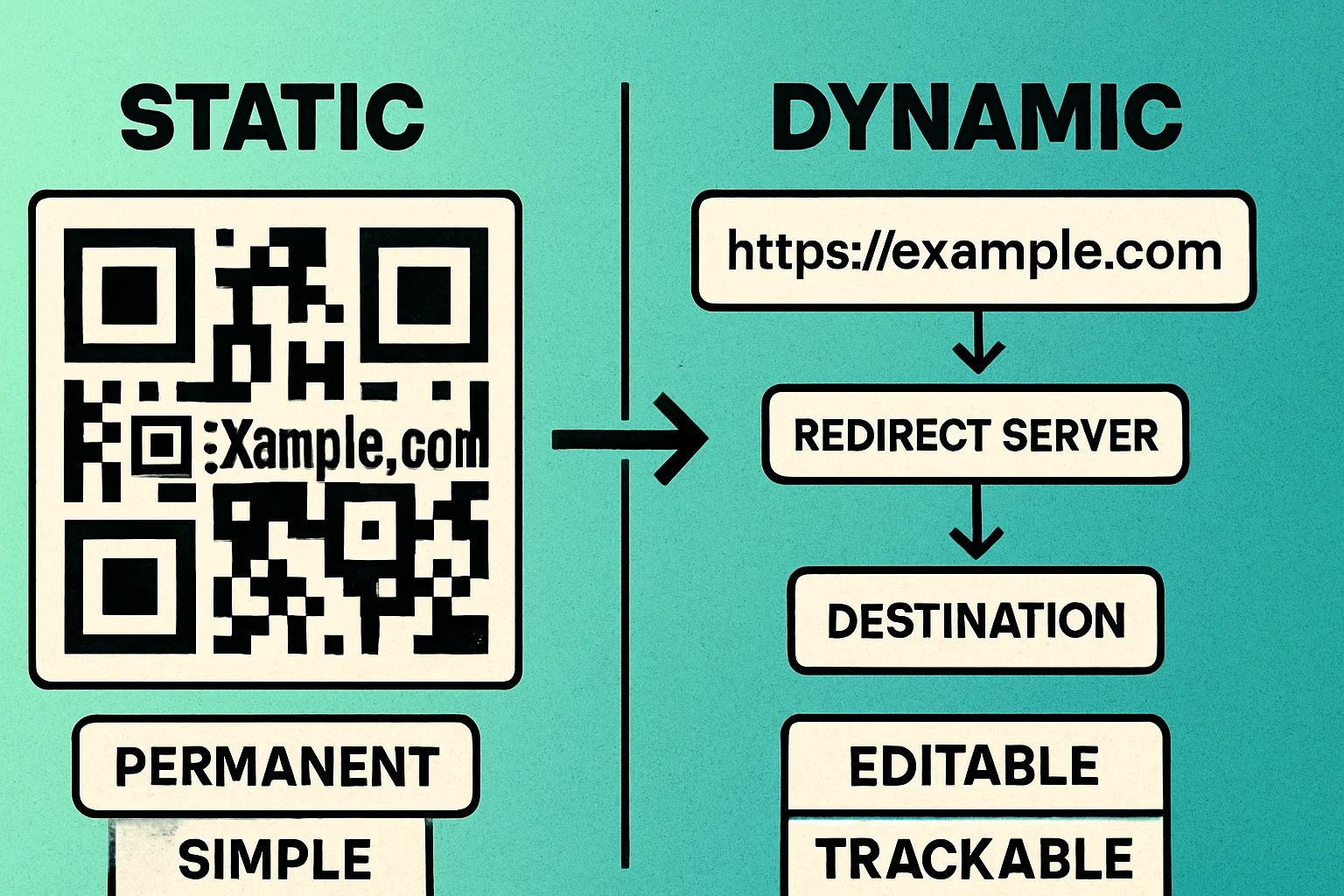
A static URL QR code encodes your destination URL directly into the code pattern. The link is permanently baked in — it cannot be changed after the code is generated. The upside is that static codes are completely self-contained: they never expire, require no ongoing service, and work offline (the scan itself, not the web page). Most free QR code generators, including ours, produce static codes by default.
A dynamic URL QR code encodes a short redirect URL instead of your actual destination. When scanned, the redirect service forwards the user to your target page. Because you control the redirect, you can change the destination URL at any time without regenerating or reprinting the QR code. Dynamic codes also typically offer scan analytics — tracking how many people scanned the code, when, and from where.
| Feature | Static QR Code | Dynamic QR Code |
|---|---|---|
| URL encoded | Destination URL directly | Short redirect URL |
| Editable after creation | No | Yes |
| Scan tracking | No | Yes |
| Expires | Never | Depends on service |
| Requires internet to scan | Only to load the page | Yes (redirect + page) |
| Cost | Free | Often paid |
| Best for | Permanent links, personal use | Campaigns, print materials needing updates |
When to use static: Choose static when the URL will not change — a personal website, a product page with a permanent address, or any link you are confident will remain valid. Static codes are simpler, free, and have no dependencies.
When to use dynamic: Choose dynamic when you need the flexibility to change the destination later (marketing campaigns, seasonal promotions, A/B testing landing pages) or when you need scan analytics. Be aware that dynamic codes depend on the redirect service staying online. For a deeper comparison, read static vs dynamic QR codes.
Create Your URL QR Code — Free, No Signup
Paste any URL and download your QR code as PNG or SVG in seconds. Works on any device.
QR Code Apps for Mac & Safari
Prefer generating codes without opening a browser tab? These two native Apple apps cover both habits — a full generator on the desktop, and a one-click share button inside Safari.


URL QR Code Best Practices
A QR code for URL is only useful if people can actually scan it and reach the right page. Follow these best practices to avoid common mistakes:
Always Use HTTPS
Encode the full URL with https:// rather than http://. HTTPS ensures the connection is encrypted, which protects your users. Many browsers now flag non-HTTPS sites as "Not Secure," which will immediately undermine trust if someone scans your QR code and sees a warning. If your website does not support HTTPS yet, make that your first priority before creating QR codes.
Keep URLs Short
Shorter URLs produce simpler QR codes with fewer modules, which are easier to scan — especially at small sizes or from a distance. If your destination URL is long (common with tracking parameters or deep links), use a URL shortener or set up a clean redirect on your own domain. For example, yoursite.com/menu is far better than a 150-character URL with UTM parameters.
Add UTM Parameters for Tracking
If you need campaign analytics beyond what dynamic QR codes offer, append UTM parameters to your URL before encoding it. A typical setup looks like this:
utm_source=qr_code— identifies the traffic source as a QR codeutm_medium=print— specifies the medium (print, packaging, signage)utm_campaign=spring_2026— identifies the specific campaign
This allows Google Analytics and other tools to attribute website visits directly to your QR code campaigns. Just remember: longer URLs mean denser codes, so balance tracking detail with scannability. Our guide to tracking QR code scans compares UTM tagging with the analytics built into dynamic codes.
Test Before Printing
This cannot be overstated: always scan your QR code before sending it to print. Test on at least two devices (iPhone and Android) and verify the correct page loads. Check for typos in the URL, broken redirects, and ensure the page is mobile-friendly. Reprinting thousands of flyers because of a wrong URL is an expensive mistake that is entirely preventable.
Choose the Right Size
A QR code that is too small will not scan reliably. The general rule is that the code should be at least 2 cm x 2 cm for close-range scanning (business cards, table tents) and proportionally larger for greater distances. For detailed sizing recommendations, refer to our QR code size guide.
Common Use Cases for URL QR Codes
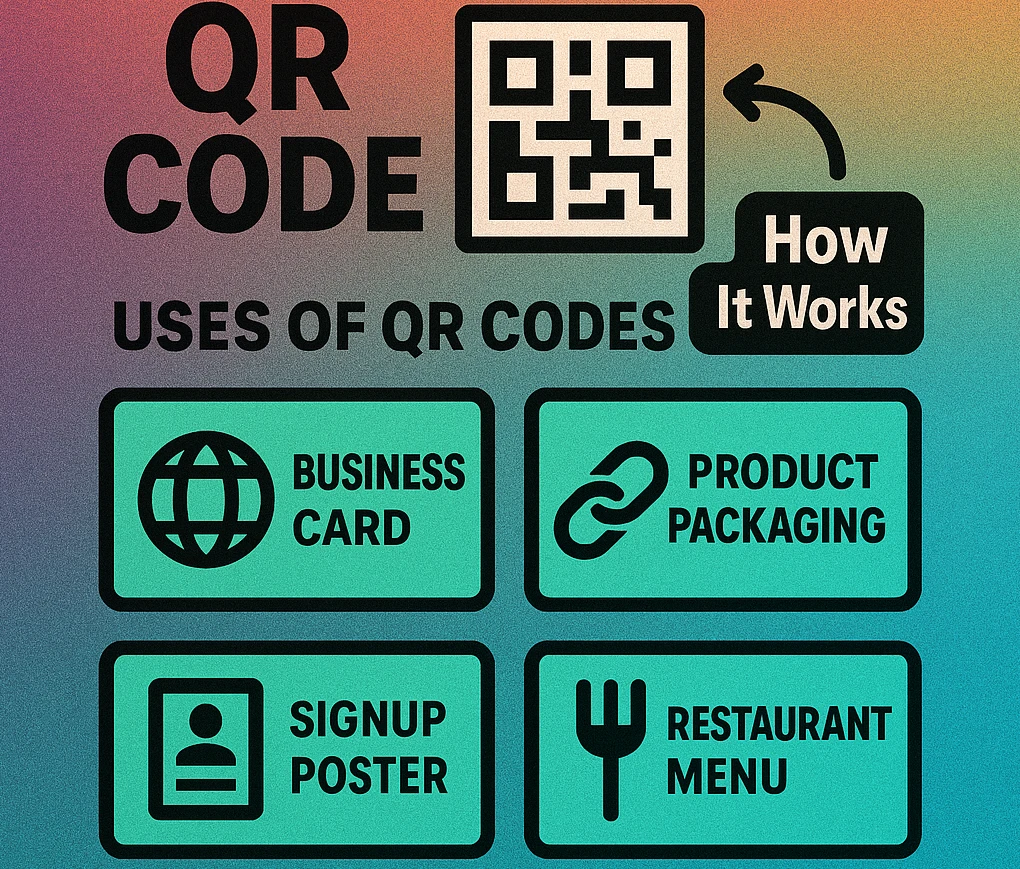
URL QR codes bridge the gap between physical and digital. Here are the most popular applications:
Business Cards
A QR code on your business card can link to your personal website, LinkedIn profile, portfolio, or a digital vCard. It saves the recipient from typing your URL manually and increases the chance they actually visit your site. Place the code on the back of the card with a clear call to action like "Scan to visit my portfolio."
Flyers and Print Advertising
Print ads have limited space for information. A website QR code lets you keep the printed message short and direct readers to a landing page with full details, videos, signup forms, or special offers. Include UTM parameters to measure how many leads come from each flyer campaign.
Product Packaging
QR codes on product packaging can link to user manuals, assembly instructions, recipe ideas, warranty registration, or nutritional information. This reduces the amount of printed material you need to include in the box while giving customers richer, more up-to-date content. It is especially useful for products that receive frequent updates.
Restaurant Menus
The pandemic accelerated the adoption of QR code menus, and many restaurants have kept them permanently. A link QR code on each table directs diners to an online menu that can be updated instantly — no reprinting required. This is ideal for restaurants with seasonal menus, daily specials, or frequently changing prices.
Billboards and Outdoor Signage
Large-format advertising uses QR codes to convert a passive viewer into an active website visitor. For billboards, the code must be large enough to scan from several meters away and the URL should load a mobile-optimized landing page. Keep the destination URL short and the landing page fast — people scanning from a car have only seconds.
For any print use case, always generate your QR code for URL as an SVG file. SVG is vector-based and scales to any size without pixelation — critical for large-format printing like posters and banners. For more on choosing between formats, see QR code file formats.
Tips for Better Scan Rates
Creating a QR code is easy. Getting people to actually scan it requires attention to placement, design, and context. Here are six tips to maximize your scan rate:
- Size matters. Follow the 10:1 distance-to-size rule. If users will scan from 1 meter away, the code should be at least 10 cm wide. For detailed guidance, see the QR code size guide.
- Maximize contrast. Dark modules on a light background produce the best results. Black on white is the gold standard, but dark navy on cream or dark green on white also work well. Avoid low-contrast combinations like light grey on white or colored modules on a busy background.
- Add a call to action (CTA). A QR code without context is often ignored. Add text near the code that tells people what they will get: "Scan for 20% off," "Scan to see the menu," or "Scan to download the app." The CTA is often more important than the QR code itself.
- Place at eye level. Position QR codes where they are easy to reach with a phone camera. Avoid placing them on floors, high ceilings, or surfaces that are frequently obstructed. On packaging, the code should be on a flat, unfolded surface.
- Keep a quiet zone. Maintain at least 4 modules of blank space around the code. Do not crowd logos, text, or decorative elements right up to the edge of the QR code — the scanner needs that white border to identify where the code begins and ends.
- Ensure the landing page is mobile-friendly. Every QR code scan happens on a phone. If the destination page is not responsive, loads slowly, or requires horizontal scrolling, users will bounce immediately. Test your landing page on mobile before deploying the QR code.
Following these guidelines consistently can double or triple your scan rates compared to a poorly placed, small, or context-free QR code.
Frequently Asked Questions
Open a QR code generator, paste the full link including https://, set the size and error correction level, then download the code as PNG for screens or SVG for print. Scan the finished code with your own phone before you use it anywhere. The whole process takes under a minute and, for a static code, needs no account and no subscription.
On iPhone, open the page in Safari, tap the Share button and choose Copy, then paste the link into a web-based QR code generator and download the image to your Photos. On Android, use Chrome's built-in Share menu, which has a QR Code option that generates and saves a code for the page you are viewing. Both methods produce a static QR code that points at that exact URL.
Yes. Most online QR code generators, including GenerateOnlineQR.com, let you create static URL QR codes completely free with no signup required. The generated codes never expire and can be downloaded as PNG or SVG files.
Static URL QR codes never expire because the website address is encoded directly into the code pattern. Dynamic QR codes may expire if the redirect service behind them is discontinued or if a paid subscription lapses. For permanent use, static codes are the safer choice.
Only if you use a dynamic QR code. Dynamic codes point to a short redirect URL that you control, so you can change the final destination at any time without reprinting the code. Static QR codes have the URL baked in permanently and cannot be edited after creation.
For print materials like business cards, flyers, and packaging, download your QR code as an SVG file because it scales to any size without losing quality. For digital use such as websites, emails, or social media, PNG works well. Avoid JPEG as it introduces compression artifacts that can reduce scan reliability.
The minimum recommended size for a URL QR code is 2 cm x 2 cm (about 0.8 inches) for close-range scanning such as on a business card. For posters and signage scanned from a distance, the code should be at least 1/10th of the expected scanning distance. A billboard scanned from 3 meters away needs a code at least 30 cm wide.