Why QR Codes Work So Well for Events
Events generate a flood of data touchpoints in a compressed time window: thousands of attendees arriving in waves, dozens of sessions running in parallel, exhibitors trying to capture warm leads before the floor closes, and organisers needing real-time attendance counts to manage catering, fire safety, and session capacity. The technology supporting all of this needs to be fast, offline-tolerant, and operable by non-technical staff.
QR codes meet every one of those requirements. A smartphone camera or dedicated scan gun can read a QR in under a second. The encoded data can be a unique token, a URL, or a plain identifier — no specialist hardware required on the attendee side. And because every smartphone made in the last eight years can read a QR natively, there is no app to install, no NFC antenna to hold correctly, and no radio pairing to negotiate.
For a complete overview of how QR codes are being applied across industries, see our pillar guide: QR Code Use Cases: The Complete Industry Guide.
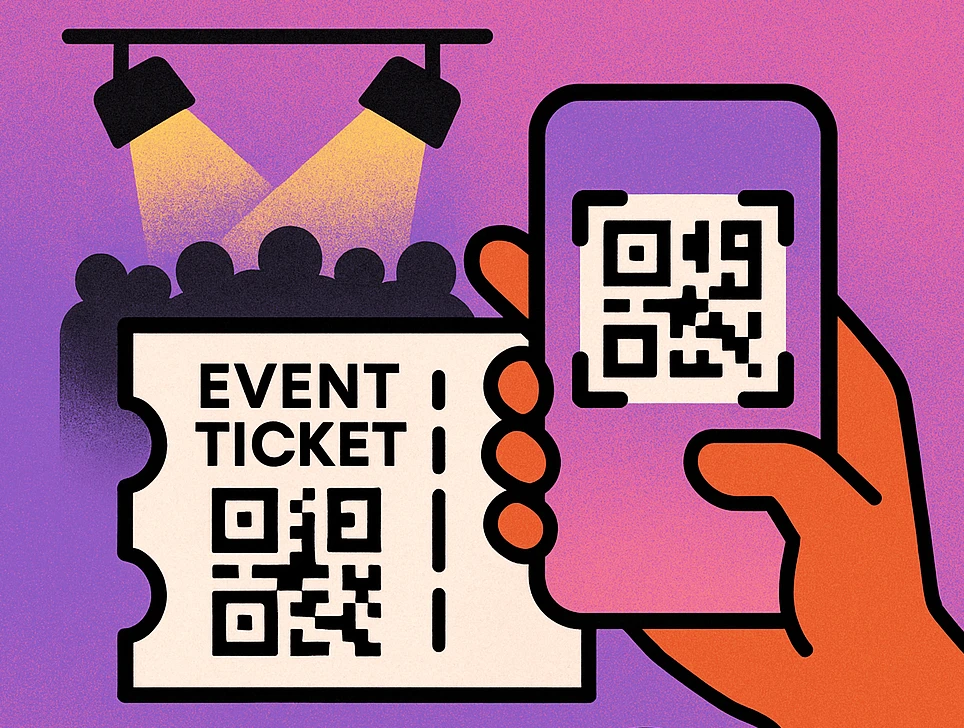
A well-configured QR gate can process 600–900 scans per hour per lane — roughly three to four times faster than a traditional barcode check-in and ten times faster than a manual name-search on a printed guest list.
Ticket Scanning & Admission
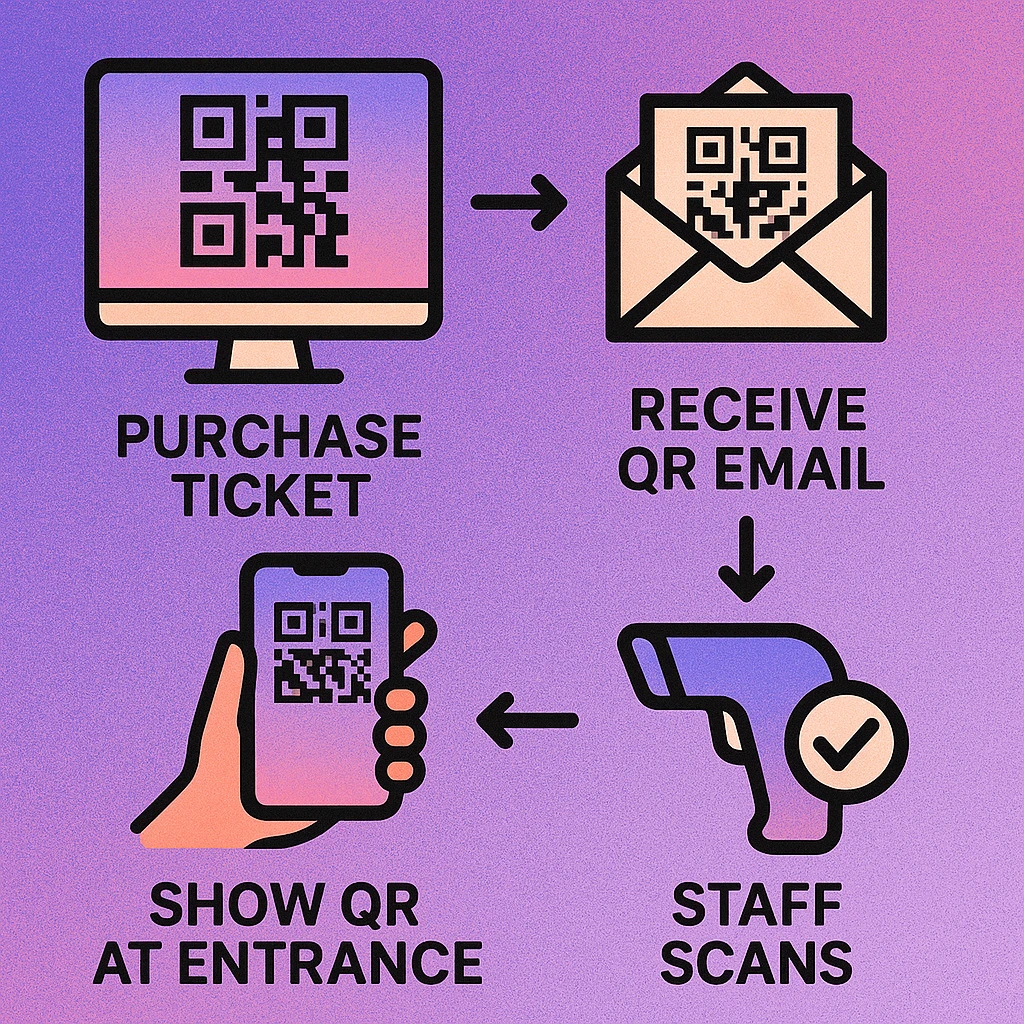
The most familiar QR event application is the e-ticket: a unique QR code embedded in a booking confirmation email, a PDF, or a wallet pass (Apple Wallet / Google Wallet). When the attendee presents it at the gate — on screen or printed — a scan app validates the token against a live or cached database and grants or denies entry.
How Ticket QR Codes Are Structured
Secure event tickets encode a short unique token rather than raw attendee data. The token is meaningless on its own; its validity is determined by a server lookup at scan time. This approach prevents simple copy-paste duplication: the first scan marks the token as used, and any subsequent scans of the same code return a visual alert (usually a red screen or error sound) for the gate staff.
- Static vs. dynamic tokens: Most ticketing platforms generate static tokens at purchase time. More secure systems rotate the QR image every 30 seconds using time-based OTP logic, making screenshots useless.
- Offline mode: For large festivals with unreliable connectivity, scan apps can download a hash list of valid tokens before the gates open and validate locally, syncing used-token status when connectivity returns.
- Ticket types: A single event can use multiple QR code types — general admission, VIP, press, crew — each with a different visual result on the scan screen so gate staff instantly know which area to direct the person.
Never encode personally identifiable information (full name, email, payment data) directly in a ticket QR code. Encode only a short opaque token and look up attendee details server-side. This protects attendee privacy if a ticket screenshot is shared or intercepted.
Session Check-ins at Multi-Track Events
Conferences, trade shows, and multi-day festivals often need granular attendance data beyond just "who entered the building." Session-level check-in answers questions like: Which talks were standing-room-only? Which workshops need a bigger room next year? Who completed the required CPD modules?
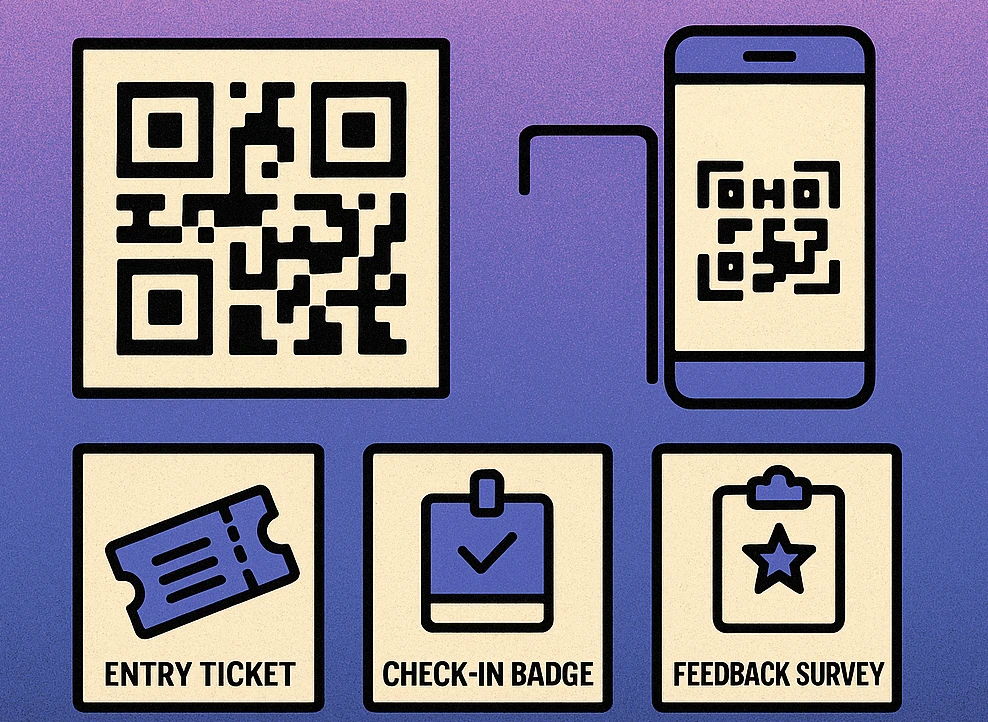
The typical implementation places a unique static QR code on a large-format display or printed A3 poster at each session room entrance. The QR encodes a URL that includes the session identifier. When an attendee scans it, the landing page either:
- Asks for their registration email or badge number to log attendance, or
- Reads a stored token from their device (set during badge registration) and logs attendance silently.
For conference badges with embedded QR codes, staff can also use handheld scanners to sweep badges as attendees enter a room. See our detailed guide on conference badge QR codes for badge design, data encoding, and staff-side scanning workflows.
Benefits of QR Session Check-in
- No staff required at every session door — reduces head count and labour costs.
- Real-time occupancy data enables fire-safety and room-capacity decisions on the fly.
- Attendance logs are exportable for CPD certificates, sponsor reporting, and content personalisation.
- Latecomers can self-check-in without disrupting the session.
Exhibitor Lead Capture
For exhibitors at trade shows and exhibitions, capturing visitor contact details quickly and accurately is the primary measure of ROI. The old workflow — collecting business cards, scanning badge barcodes with rented equipment, or keying data into a laptop — is slow, error-prone, and expensive.
QR codes on both sides of the exchange solve this cleanly. Exhibitor stands can display a QR linking directly to a lead form; visitors scan it in three seconds and submit their details. Alternatively, each exhibitor receives a QR-enabled lead retrieval app that can scan the attendee's badge QR to pull their registration data directly.
| Lead Capture Method | Speed | Data Accuracy | Cost | CRM Integration |
|---|---|---|---|---|
| Business cards | Medium | Low | Free | Manual |
| Rented badge scanner | Fast | High | High | CSV export |
| QR lead form (stand) | Fast | High | Low | Direct API |
| QR badge scan (app) | Very fast | High | Medium | Direct API |
For maximum results, pair your exhibitor QR lead form with a short incentive: a whitepaper download, a product demo booking, or a competition entry. Visitors are far more likely to scan and submit when there is an immediate reward. You can also use a calendar event QR code on your stand to let visitors add a post-show follow-up meeting directly to their calendar in one tap.
Ready to QR-Power Your Next Event?
Generate free QR codes for tickets, session check-ins, lead capture forms, and feedback surveys. No account required.
QR Code Apps for Mac & Safari
Prefer generating codes without opening a browser tab? These two native Apple apps cover both habits — a full generator on the desktop, and a one-click share button inside Safari.


Post-Event Feedback Collection
Attendee feedback is the most underused dataset in events. It informs speaker selection, venue choice, catering, scheduling, and sponsorship packages for the next edition — but response rates for post-event email surveys rarely exceed 15–20%. QR codes placed at the right moments dramatically improve this.
Where to Place Feedback QR Codes
- Session slides: Display a QR on the final slide of every talk, linking to a five-question session feedback form. Scan rates are highest in the 60 seconds after a session ends.
- Exit signage: Large-format QR posters at venue exits catch attendees as they leave, when their overall experience is freshest.
- Printed programmes: A QR on the back cover of a physical programme provides a persistent, take-home feedback touchpoint.
- Post-event email: Embed the same QR (or a direct link) in your follow-up email sent within 24 hours of the event closing.
Use a dynamic QR code for feedback links. Dynamic codes let you update the destination URL after the event — redirecting the QR from the live feedback form to an event recap page or replay registration once the feedback window closes. This keeps all your printed and digital materials relevant long after the event ends.
Keep feedback forms to five questions or fewer. Every additional question reduces completion rate by approximately 10–15%. Use one open text field and four rating scales. QR-linked forms on mobile convert best when they load in under two seconds and require no login.
Implementation: A Step-by-Step Plan
Deploying QR Codes Across Your Event
Map every QR touchpoint before you generate a single code. List each use case: admission gate, session check-in rooms, exhibitor stands, feedback stations, sponsor activations. Each touchpoint may need a different QR type (static vs. dynamic, URL vs. token) and a different backend workflow.
Choose dynamic QR codes for anything that might change. Feedback form URLs, sponsor landing pages, and schedule links can shift after print deadlines. Dynamic codes let you redirect without reprinting. Static codes are fine for fixed session IDs and admission tokens.
Test every QR code at print size before the event. Print the code at the exact size it will appear on signage, badges, or tickets, then test with three devices in the ambient lighting conditions of the venue. A code that scans beautifully on a bright laptop screen may struggle on a laminated outdoor banner at dusk.
Brief your staff on the scan workflow and failure states. Every gate and session-door volunteer should know what a valid scan looks like, what an invalid or duplicate scan looks like, and what the escalation path is. A red screen or error sound at the gate needs a clear protocol — not a five-minute argument.
Monitor scan analytics in real time during the event. Most dynamic QR platforms show scan counts, device types, and timestamps. This data tells you whether a session is over capacity, whether a sponsor QR is being ignored, or whether the feedback kiosk is actually being used. Act on it live, not in the post-event report.
Export and archive all QR scan data immediately after the event. Admission logs, session attendance, and lead capture data are time-sensitive. Export to CSV or connect to your CRM within 24 hours. Share exhibitor lead lists promptly — warm leads go cold fast.
Frequently Asked Questions
QR code tickets can be secured against fraud by encoding a unique, server-side token for each ticket rather than static attendee data. When the QR is scanned at the gate, the validation app checks the token against a live database and immediately marks it as used. Any attempt to scan a duplicate copy will return an invalid status. Adding an expiry timestamp and pairing the scan with a photo ID check for high-value tickets adds a further layer of protection.
Yes. Each session room can display a unique static QR code on a screen or poster at the door. Attendees scan it with their phone to log attendance — no staff required. The session QR encodes a URL that records the attendee's badge ID alongside the session ID, building a complete attendance log in real time. This data is useful for CPD hour tracking, catering orders, and post-event content distribution.
The most effective method is to place a unique QR code on every exhibitor's stand that links to a short lead-capture form. When a visitor scans the code, they enter their details (or the form pre-fills from their badge scan), and the data flows directly into the exhibitor's CRM. Alternatively, the exhibitor can scan the attendee's badge QR using a lead retrieval app. Both approaches eliminate paper business cards and give exhibitors instant, exportable lead lists.
Place a QR code linking to your feedback form on the back of printed programmes, on exit signage, on session slides, and in your post-event follow-up email. Dynamic QR codes are ideal here because you can update the destination URL after the event to redirect to a summary report or replay page. Aim for a short form — five questions or fewer — to maximise completion rates. Offering a prize draw entry for respondents typically lifts response rates significantly.