Why QR Codes Suit Hospitality
Hospitality is fundamentally a service industry built on friction reduction. Every extra step between a guest's need and its fulfilment is a moment the experience can disappoint. QR codes solve this problem elegantly: they bridge physical spaces — rooms, lobbies, lifts, tables — to digital services that guests can access on their own device, on their own schedule.
Unlike dedicated hotel apps that require downloading, QR codes work with the camera already in a guest's pocket. They require zero infrastructure beyond a smartphone and a printed or displayed code. And unlike NFC, they work on every device, with no tap-and-hold required. For a full picture of how QR codes are used across industries, see our pillar guide on QR code use cases.
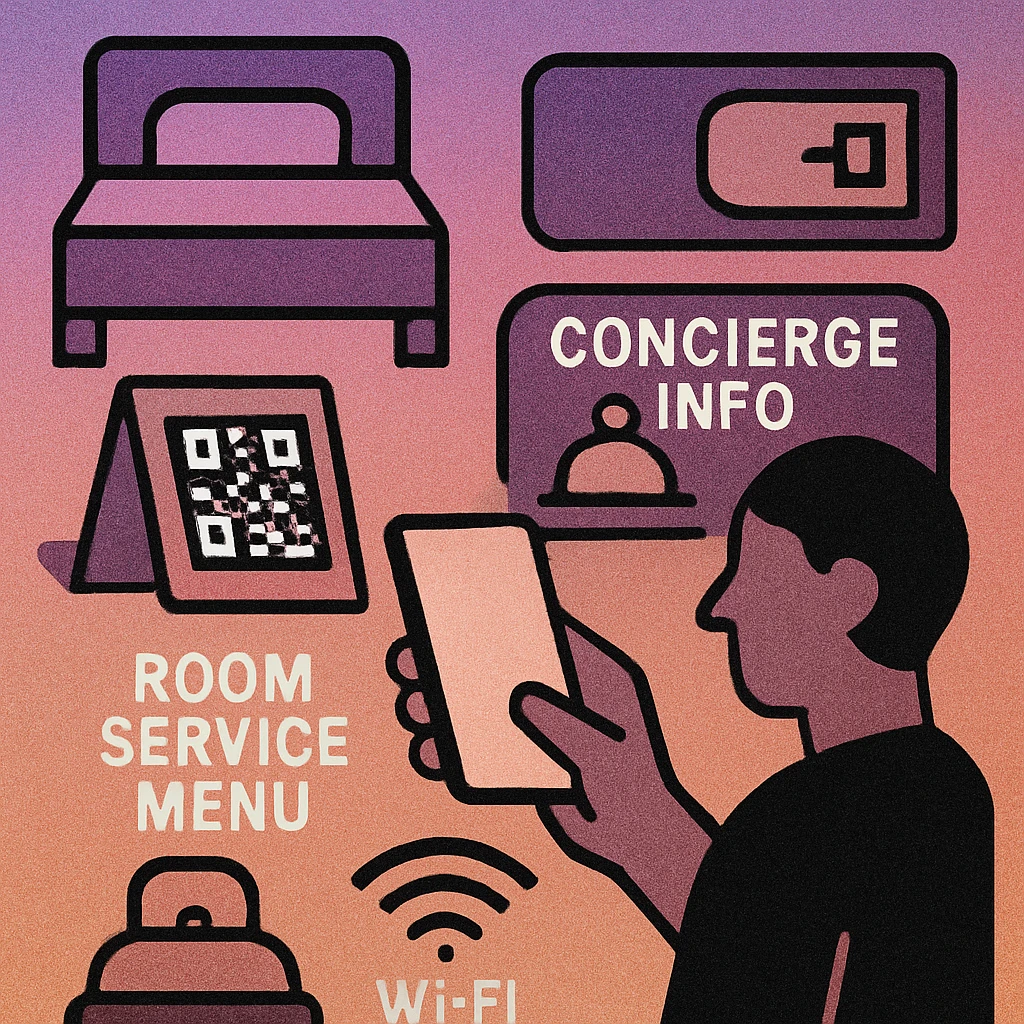
Hotels that replaced printed room directories with QR-linked digital equivalents report saving hundreds of printing hours annually while keeping their information perpetually up to date — a major advantage during seasonal menu changes and event schedules.
Guest Journey Touchpoints
The guest journey has a clear arc: pre-arrival, check-in, in-room stay, on-property exploration, and checkout. QR codes can add value at every stage, but the highest-ROI deployments focus on moments of active need — when a guest is already trying to do something and a QR code can make that thing easier.
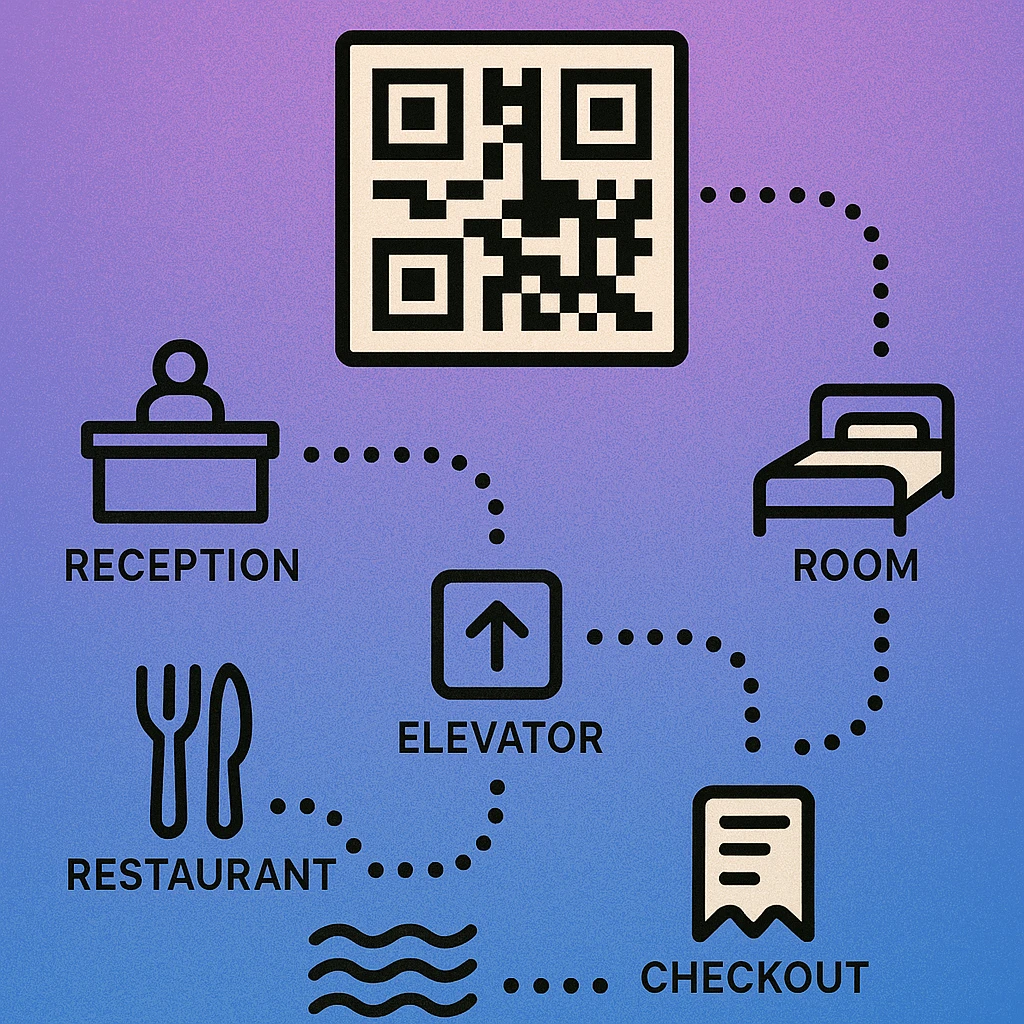
| Touchpoint | QR Code Use | Guest Benefit | Effort to Deploy |
|---|---|---|---|
| Check-in desk | WiFi code, digital welcome pack | Instant connectivity on arrival | Low |
| Room desk / TV stand | Room service menu, concierge form | Order without calling reception | Low |
| Bedside table | Pillow menu, late checkout request | Self-serve comfort preferences | Low |
| Restaurant / bar | Digital menu, payment link | Browse at own pace, no wait for waiter | Low |
| Lobby / lift | Local guide, event schedule | Discover on-property activities | Low |
| Checkout / receipt | Review request, loyalty sign-up | Simple feedback at peak satisfaction | Low |
Room Service & Dining Menus
The printed in-room dining menu is one of the most expensive and impractical pieces of hotel collateral: it goes out of date when prices change, wears out quickly, and requires replacement across every room. A QR code on a tent card or laminated insert solves all three problems at once.
Guests scan the code, open a mobile-optimised menu, and can place their order directly — either by submitting a form that routes to the kitchen or by calling through to a pre-filled message. For the restaurant equivalent of this approach, see our detailed guide on QR codes for restaurant menus, which covers menu hosting, design, and ordering integration.
The key implementation decision is static vs. dynamic. A static QR code links to a fixed URL that you can update at any time without changing the printed code. A dynamic code (which uses a redirect URL) gives you analytics on scan counts as well. For a hotel with regular menu rotations, a dynamic approach is worth the small additional setup cost.
Consider linking to a Google Form for room service orders if you don't have a dedicated PMS integration — it's free, mobile-friendly, and sends responses directly to a shared spreadsheet your kitchen team can monitor. See our guide on using QR codes with Google Forms for step-by-step setup.
WiFi Access
The single most appreciated QR code any hotel can deploy costs almost nothing: a WiFi QR code. Instead of printing a password on a card that guests squint at while typing 16 characters into their phone, a single scan connects them automatically.
A WiFi QR code encodes the network SSID, password, and encryption type in a format that every modern smartphone understands natively. Scanning it triggers an automatic join prompt — no app, no typing, no frustration. Place codes in every room, at the check-in desk, in the restaurant, and in the lobby. For a complete walkthrough including how to generate and update WiFi QR codes, see our guide on the WiFi QR code generator.
One operational note: when the WiFi password changes, the QR code must be regenerated and reprinted. Use a consistent label format so staff can identify and replace old codes quickly. If you change passwords seasonally, generate all four versions at once and keep them in a labelled folder.
Concierge & Service Requests
QR codes can bridge the gap between a guest's need and the front desk — especially at times when calling feels awkward (late at night, early morning) or when the front desk is busy. A QR code linked to a simple request form lets guests ask for extra towels, report a maintenance issue, or request a wake-up call without picking up the phone.
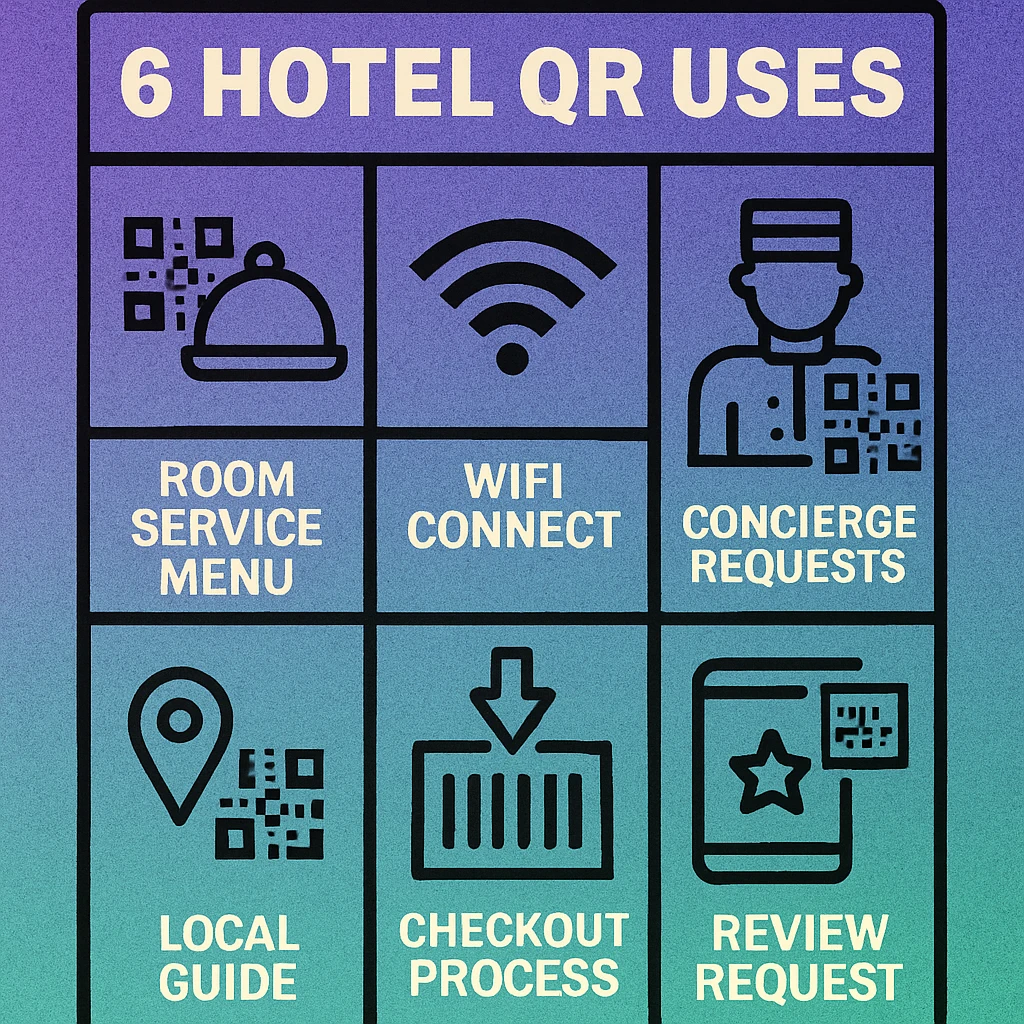
The best implementations create a single hub QR code that opens a mobile landing page with clearly labelled buttons: Room Service, Housekeeping, Maintenance, Concierge, Local Guide. This replaces the entire printed guest directory with one scannable object. Dynamic QR codes let you add or remove services from the hub without reprinting the in-room materials.
QR Code Apps for Mac & Safari
Prefer generating codes without opening a browser tab? These two native Apple apps cover both habits — a full generator on the desktop, and a one-click share button inside Safari.


Local Guides & Digital Directories
Guests frequently ask front desk staff for restaurant recommendations, directions, and local tips. A well-curated QR-linked local guide offloads these requests while giving the hotel an opportunity to highlight preferred partners and upsell on-property experiences.
The guide can be as simple as a Google Maps list, a hosted PDF, or a fully designed mobile webpage. The QR code in the room, lift, or lobby links to it directly. Consider organising content by category: Dining, Culture, Shopping, Outdoors, Transport. Update the guide seasonally to keep recommendations current and add any new partner venues.
Hotels with spa, gym, or event facilities can include those in the same hub, with direct booking links or form requests. This transforms a passive information sheet into an active upsell channel.
Create Your Hotel QR Codes Free
Generate WiFi codes, menu links, form QRs, and local guide codes. No account needed — download PNG or SVG instantly.
Checkout & Review Requests
Checkout is the highest-satisfaction moment in most hotel stays: the guest has experienced everything, the bill is settled, and they're leaving with a clear impression. This is the perfect time to ask for a review — but doing so verbally at the front desk creates awkward pressure. A QR code does it passively and naturally.
Place a review request QR code on:
- The checkout receipt or folio
- A tent card on the front desk ("Loved your stay? Tell others.")
- Near the exit door or in the lift on checkout day
- The follow-up email confirmation (for digital-first guests)
The code should link directly to your Google Business profile review page, TripAdvisor listing, or Booking.com feedback form — not a general homepage. The fewer clicks between scanning and leaving a review, the higher the conversion rate. A QR code linking directly to the review compose screen eliminates two to three navigation steps compared to asking guests to "find us on Google".
Combine the review QR code with a simple handwritten note from staff ("We hope you enjoyed your stay — your feedback means a lot to us"). Personalised touches alongside a frictionless review mechanism have been shown to significantly increase review submission rates in hospitality contexts.
Implementation Tips for Hotels
Seven Steps to a Successful Hotel QR Rollout
Audit your guest journey first. Walk through every touchpoint from arrival to departure. Identify the top five moments where guests currently ask for information or wait for service. Those are your highest-ROI QR code placements.
Use dynamic QR codes for content that changes. Menus, local guides, and event schedules change frequently. Dynamic codes let you update the destination URL without reprinting, saving time and cost across many rooms.
Test every code before deployment. Scan each code with both an iPhone and Android device before placing it in the room. Check that the linked page loads correctly on mobile and that any forms or menus are readable without zooming.
Label codes clearly with a call to action. "Scan for our room service menu" outperforms an unlabelled QR code every time. Guests need to understand why they're scanning before they will. Keep the instruction text brief and direct.
Keep the linked experience mobile-first. A QR code that opens a desktop-formatted PDF or a page that requires pinch-to-zoom creates friction. Ensure every destination is fully responsive and loads in under three seconds on mobile data.
Maintain codes regularly. Assign a staff member to scan-test all in-room codes quarterly. Codes can become damaged, destinations can expire, or URLs can change. A broken QR code in a guest room is worse than no QR code at all.
Track engagement with analytics. Dynamic QR codes provide scan counts and timestamps. Use this data to identify which services guests access most, which rooms are highest-engagement, and whether your review request code is driving actual submissions.
Frequently Asked Questions
Hotels place a QR code on the in-room dining card or on the TV stand. Guests scan it to open a mobile-optimised menu, browse items, and submit their order directly — no phone call to the front desk required. The order can route straight to the kitchen or POS system, reducing wait times and transcription errors.
Generate a WiFi QR code that encodes the network name (SSID), password, and encryption type. Print it on a tent card or sticker and place it in every room. When a guest scans it, their phone joins the network automatically — no typing required. Update the QR code whenever the password changes.
Yes. A single QR code in the room can link to a digital guest directory covering hotel amenities, hours, local recommendations, and policies. A dynamic QR code lets the hotel update the directory content at any time without reprinting anything, keeping information current throughout the year.
Place a QR code on the checkout receipt, in the lift, or on a tent card near the exit. The code links directly to the hotel's Google review page, TripAdvisor listing, or an internal feedback form. Guests who have just checked out and had a positive stay are most likely to leave a review when the process is this frictionless.