Why Real Estate Is a Perfect QR Code Fit
Real estate is a high-stakes, information-dense industry. Buyers need to compare dozens of properties, check neighbourhood data, review floor plans, and contact agents — often in a matter of days. Yet most property marketing still relies on paper flyers, static signs, and cold calls. QR codes bridge that gap by turning every piece of physical marketing material into a live, interactive digital touchpoint.
For a broad overview of how QR codes are transforming industries, see our pillar guide: QR Code Use Cases: Every Industry Explained. This article dives deep into real estate specifically — covering every major placement opportunity, the right QR type for each job, and practical advice for agents and property managers.
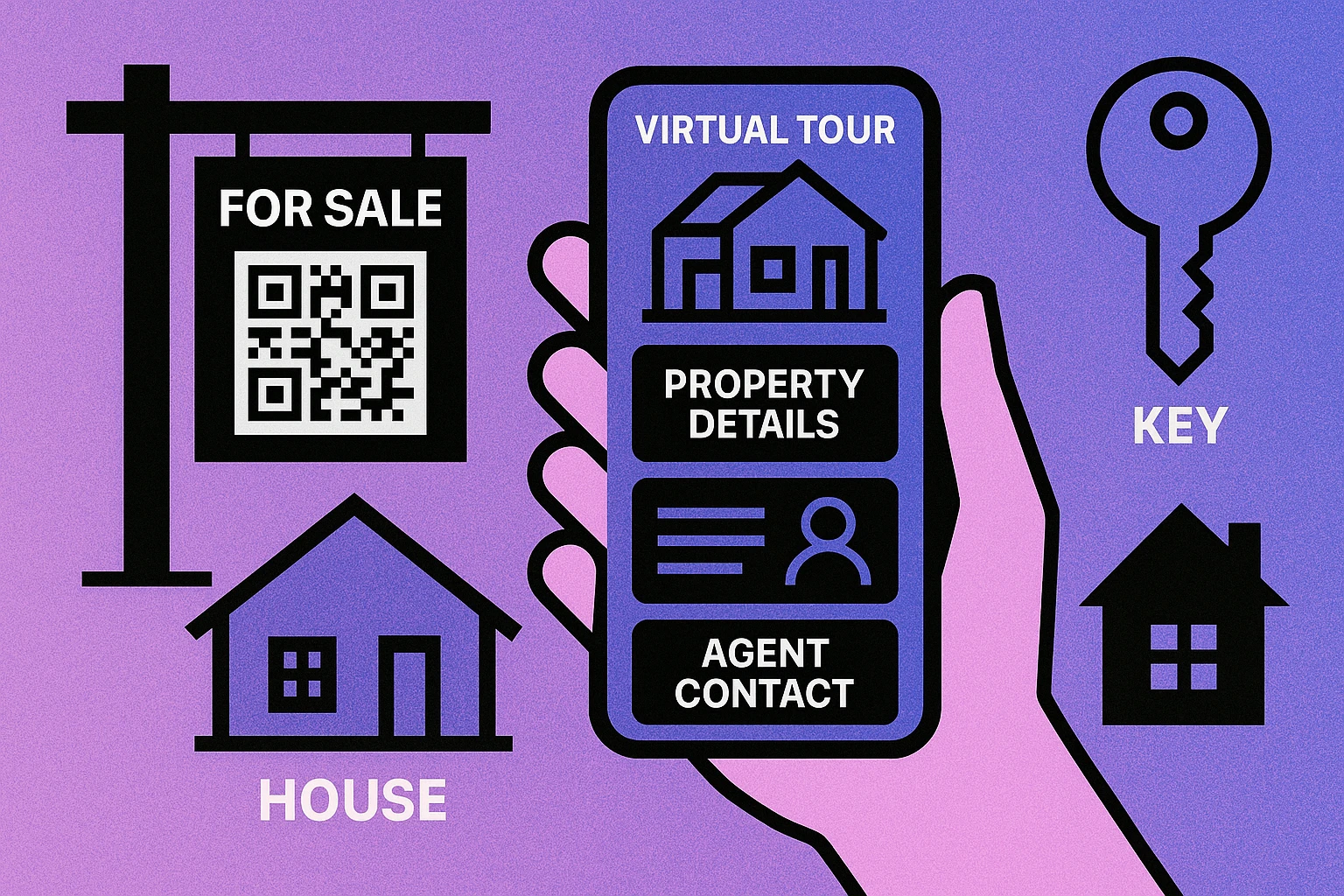
The numbers back it up. According to industry data, over 75% of home buyers use a mobile device during their property search. When someone drives past a for-sale sign, they have a phone in their pocket. A QR code converts that fleeting moment of interest into a trackable digital interaction — without requiring the buyer to memorise a web address or call a number.
A QR code on a yard sign is essentially a 24/7 open house. It delivers property photos, pricing, floor plans, and agent contact details at the exact moment a buyer's interest is highest — while they are standing in front of the property.
Yard Signs, Flyers & Print Marketing
The yard sign is still the cornerstone of residential real estate marketing. Adding a QR code to a sign — either printed directly on the board or on a rider strip attached beneath it — transforms a static announcement into a rich information portal.
What the QR code should link to
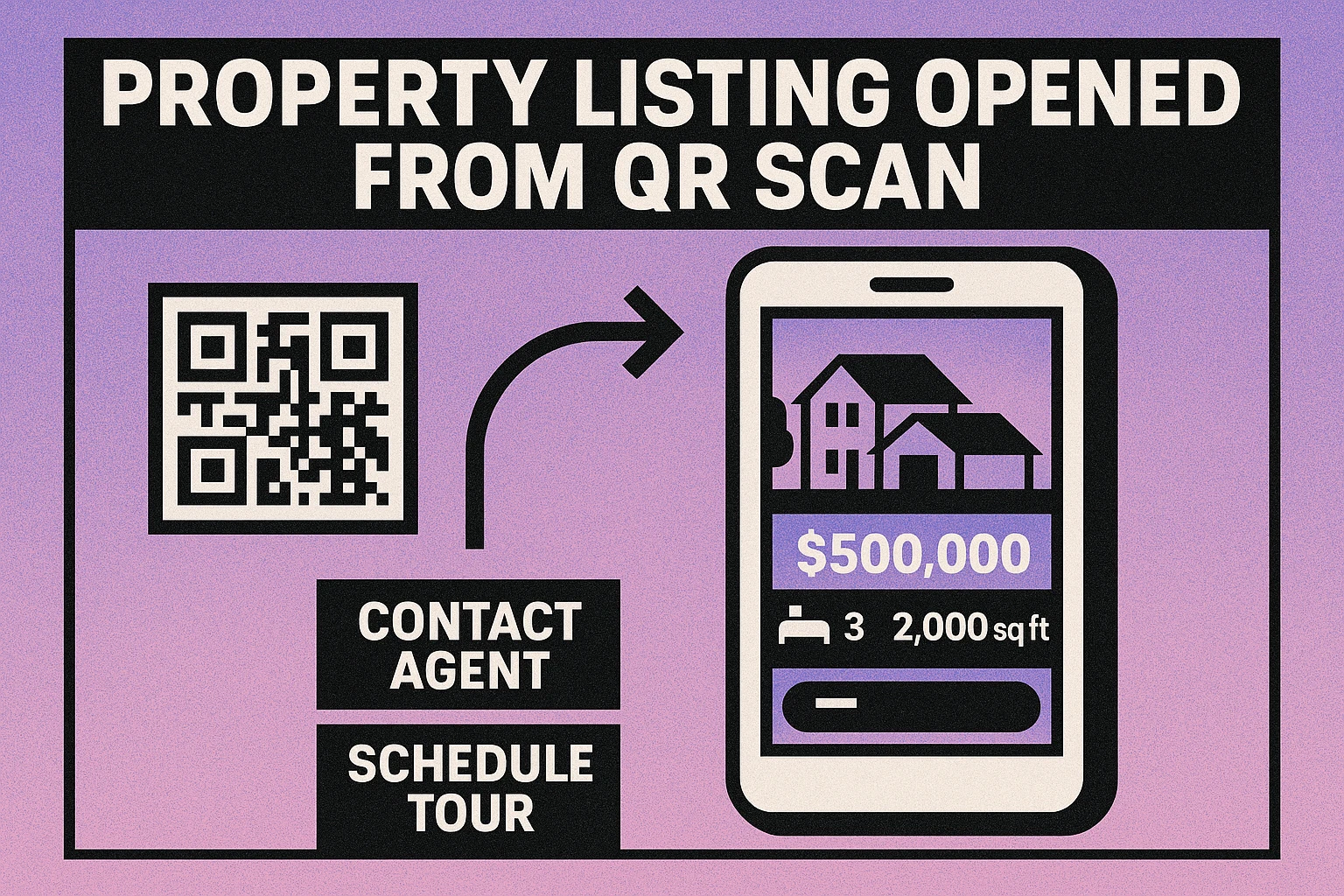
Point the yard sign QR to a dedicated property landing page that includes high-resolution photos, a video walkthrough, key stats (price, beds, baths, square footage, lot size), neighbourhood information, and a clear call-to-action to schedule a viewing or contact the agent. Avoid linking to a generic listings portal page where the buyer may lose interest navigating the site.
For flyers and brochures, you can use the same URL or create a version that links directly to a virtual tour. Brochure QR codes can also link to a PDF floor plan, downloadable from the phone without needing to fill out a form. This low-friction approach increases engagement from colder audiences who are not yet ready to share their contact details.
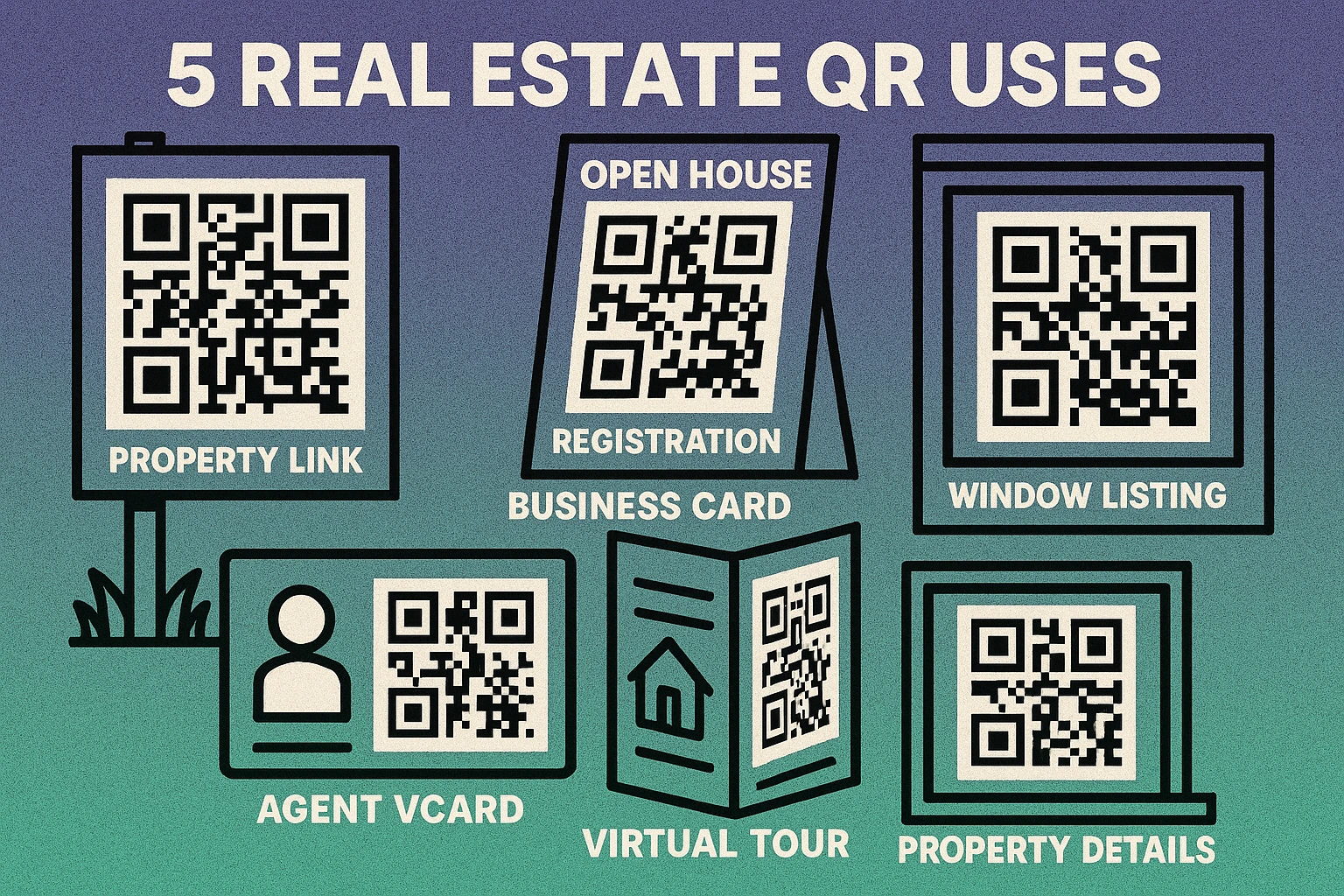
Window listings and commercial properties
Estate agency windows remain a high-footfall location. A QR code on each property card in the window lets passersby scan after hours, when the branch is closed, and access the full listing including contact options. For commercial lettings with complex lease terms, the QR code can link to a detailed PDF information pack or a video site tour.
Always print QR codes on signage at a minimum of 300 DPI. For yard signs, the code should be at least 2.5 inches square. Include a short call-to-action label beneath the code such as "Scan for photos & tour" so passers-by know exactly what they will get.
Virtual Tours via QR Code
The pandemic accelerated adoption of virtual property tours, and buyer appetite has remained strong. A virtual tour QR code on any piece of marketing collateral — from a flyer to a social media print ad — gives buyers instant access to an immersive property experience on their phone.
Create a URL QR code that links directly to your 3D walkthrough platform URL (such as Matterport, iGUIDE, or a YouTube video tour). The key advantage over simply printing a URL is immediacy: scanning is faster than typing a long URL, and it works seamlessly on mobile without copy-paste friction.
Setting Up a Virtual Tour QR Code
Upload your virtual tour to a stable hosting platform. Matterport, iGUIDE, and YouTube all provide permanent, shareable URLs. Avoid URLs that expire when a listing is removed from a portal.
Generate a URL QR code at generateonlineqr.com. Paste the tour URL, choose a high error-correction level (Q or H) for print durability, and download as PNG at 1200px or larger.
Add to all print collateral: yard sign rider, property brochure, listing sheet, and open house handout. Place a label beneath the code: "Scan for 3D Virtual Tour."
Test on iOS and Android before printing at scale. Scan in both bright sunlight and low indoor light to confirm readability across conditions.
Update the destination URL if the tour moves to a new platform. If you used a static QR code, you will need to reprint. For high-volume campaigns, consider using a short-link redirect so you can update the destination without reprinting.
Open House Registration & Visitor Tracking
Open houses generate valuable buyer leads, but paper sign-in sheets are inefficient: handwriting is often illegible, follow-up is manual, and there is no way to know which buyers showed genuine interest versus casual curiosity. QR code check-in solves all three problems.
Place a printed QR code sign at the entrance that links to a Google Form or a simple registration page. The form captures the visitor's name, email address, phone number, and optionally their buying timeline and current living situation. Data goes directly into a spreadsheet or CRM, ready for follow-up the same evening.
You can layer additional QR codes throughout the property to create a self-guided tour experience:
- Kitchen: Link to appliance specifications, renovation history, or a video showing the space in use.
- Garden/outdoor area: Link to a PDF showing garden dimensions, planning permissions, or seasonal photos.
- Master bedroom: Link to a floor plan with room measurements.
- Garage/utility rooms: Link to energy performance certificate (EPC) and utility cost estimates.
This approach transforms a standard open house into an interactive, data-rich experience that differentiates the listing agent and gives buyers confidence in the information they are reviewing.
Ready to Create Your Real Estate QR Codes?
Generate URL, vCard, and form QR codes for free. High-resolution download for print-ready yard signs, brochures, and business cards.
QR Code Apps for Mac & Safari
Prefer generating codes without opening a browser tab? These two native Apple apps cover both habits — a full generator on the desktop, and a one-click share button inside Safari.


Agent Business Cards with vCard QR Codes
A real estate agent's business card is one of the most frequently distributed print items in professional life. Adding a vCard QR code to the card allows prospects to save all contact information — name, phone, email, agency, website, and even a headshot — with a single scan.
Use our vCard QR code guide to create a contact card QR that encodes your full professional profile. When a potential buyer scans your business card, their phone prompts them to add you directly to contacts. No manual typing, no transcription errors, and the contact is saved correctly every time.
For agents who also use social media for marketing, a social media QR code on the back of a business card can link to a combined profile page showing Instagram, LinkedIn, and a portfolio of recent sales. This is particularly effective at networking events and property expos where personal branding matters.
Placement Best Practices for Real Estate QR Codes
Where you place a QR code is as important as what it links to. Real estate materials span a wide range of contexts — outdoor signs read from a moving car, indoor flyers read at arm's length, and business cards scanned centimetres from the phone camera. Each requires a different approach.
Outdoor signage (yard signs, window cards)
Position the QR code in the lower-right quadrant of the sign where eye-tracking research shows viewers naturally finish reading. Minimum printed size: 2.5 inches square. Use high-contrast colours only — black modules on white is optimal. Laminate or use weatherproof materials. Add a white border of at least 8mm around the code.
Print collateral (flyers, brochures, listing sheets)
A 1.5-inch square QR code is sufficient for materials held at reading distance (30–40 cm). Place it near the bottom of the page alongside a brief label. On double-sided flyers, the back cover near the contact section is ideal. Always ensure the paper finish is matte rather than high-gloss, which can cause glare that hinders scanning.
Indoor open house signs
A-frame signs at the entrance should have a QR code at least 3 inches square at a height of 90–110 cm from the floor. Individual room signs can be smaller (1.5 inches) since viewers will be standing close. Laminate all indoor signs to prevent moisture damage.
Digital materials (email, social media, presentations)
For PDFs sent by email, embed the QR code as a fallback alongside a clickable hyperlink — most recipients reading on a desktop cannot scan a QR code on screen. In social media posts, QR codes work best in Stories or Reels where the phone is already in hand. In listing presentations to vendors, a QR code slide gives the client a tangible takeaway.
Choosing the Right QR Code Type for Real Estate
| Use Case | QR Code Type | Links To | Reprint if URL Changes? |
|---|---|---|---|
| Yard sign / window listing | URL | Property listing page | Yes (static) |
| Virtual tour access | URL | 3D tour / video walkthrough | Yes (static) |
| Open house check-in | URL | Google Form / registration page | No (reuse form URL) |
| Agent business card | vCard | Contact saved to phone | No (contact data embedded) |
| Floor plan / EPC download | URL | PDF file | Yes (static) |
| Neighbourhood info | URL | Area guide page / map | Rarely |
All QR codes generated at generateonlineqr.com are static — meaning the destination URL is encoded directly in the code. If you update your listing page URL or change tour platforms, generate a new QR code and reprint. For high-volume campaigns where reprinting is costly, use a URL shortener (such as bit.ly) as a redirect layer so you can update the destination without changing the QR code itself.
Frequently Asked Questions
Real estate agents print a QR code directly on the yard sign (or on a rider panel attached to it). When a passerby scans the code with their phone, it opens a property listing page showing photos, price, square footage, number of bedrooms and bathrooms, and the agent's contact details. This allows 24/7 self-service access to property information without the buyer needing to call or wait for a brochure box to be restocked.
Yes. You can create a URL QR code that points directly to a 3D walkthrough URL such as a Matterport tour, a Zillow 3D Home tour, or a video walkthrough on YouTube or Vimeo. Place this QR code on flyers, brochures, and listing sheets so buyers can explore the property remotely at any time.
Place a QR code sign at the entrance that links to a simple Google Form or registration page for visitor check-in. This captures the buyer's name, email, and phone number automatically. You can also post QR codes in individual rooms linking to feature sheets, floor plans, or neighbourhood information. After the event, follow up digitally using the captured contact details.
Absolutely. A vCard QR code on a business card lets recipients instantly save the agent's name, phone number, email, agency, and website to their contacts with a single scan. This eliminates manual data entry and ensures the contact is saved correctly. It also allows you to include more information than fits on a physical card, such as a portfolio link or social media profiles.
For a standard 18” x 24” yard sign, the QR code should be at least 2” x 2” (ideally 3” x 3”) to be easily scanned from a distance of 2–4 feet. Always maintain a quiet zone (white border) of at least 4 modules around the code. Print at a minimum of 300 DPI to ensure clean module edges. Test the printed code by scanning it under typical outdoor lighting before distributing signs.