Why QR Codes Work for Email Signups
Email marketing consistently delivers the highest return on investment of any digital channel — but only if you have a healthy list. Building that list is the hard part. Traditional signup prompts require a person to remember a URL, open a browser, type it in, and complete a form. At an in-store event, on product packaging, or during a presentation, that's too many steps. Most people don't bother.
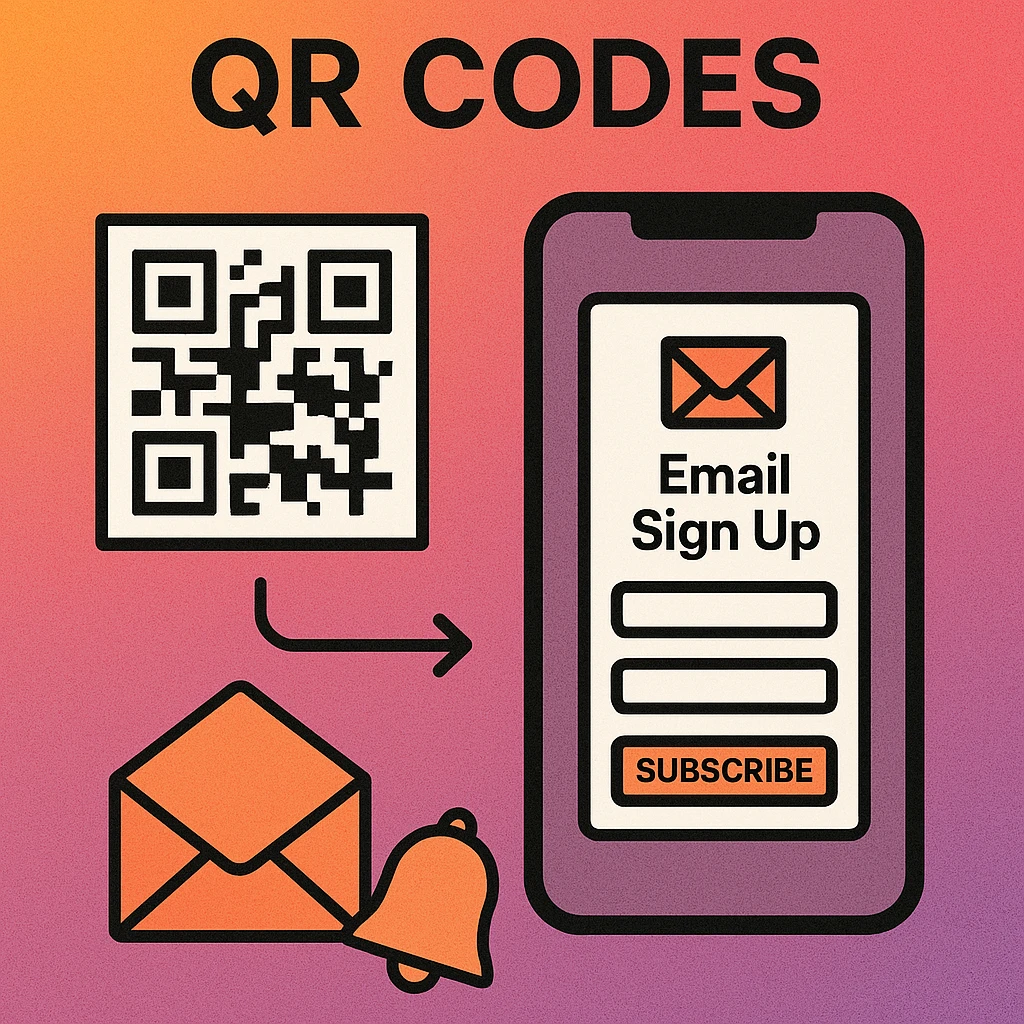
A QR code collapses that entire journey into one camera tap. The user scans, lands on a mobile-optimised form, and subscribes in under 30 seconds. For in-person businesses, events, and physical products, this is a meaningful conversion advantage. It bridges the gap between your offline presence and your digital audience.
Part of a broader strategy? See our pillar guide on QR code marketing strategy for how email list growth fits alongside social, loyalty, and campaign-level QR code use. This article focuses specifically on the email signup use case from code creation through to platform integration.
QR codes reduce signup friction to a single action. In high-intent contexts — at the moment of purchase, during a talk, or on packaging for a product someone already bought — that frictionless moment converts at a far higher rate than passive web forms.
Best Placement Locations for Email Signup QR Codes
Placement is the single biggest factor in QR code signup conversion. The best locations are places where your audience already pauses, has their phone in hand, and has demonstrated interest in your brand.
Point-of-Sale and Receipts
Printed receipts and point-of-sale displays are some of the most underused email list builders available to physical retailers. A customer who just completed a purchase is maximally engaged with your brand. A QR code at the bottom of a receipt reading “Scan for 10% off your next order” captures that moment. Many receipt printers support dynamic URL QR codes; check your POS software's settings.
Product Packaging
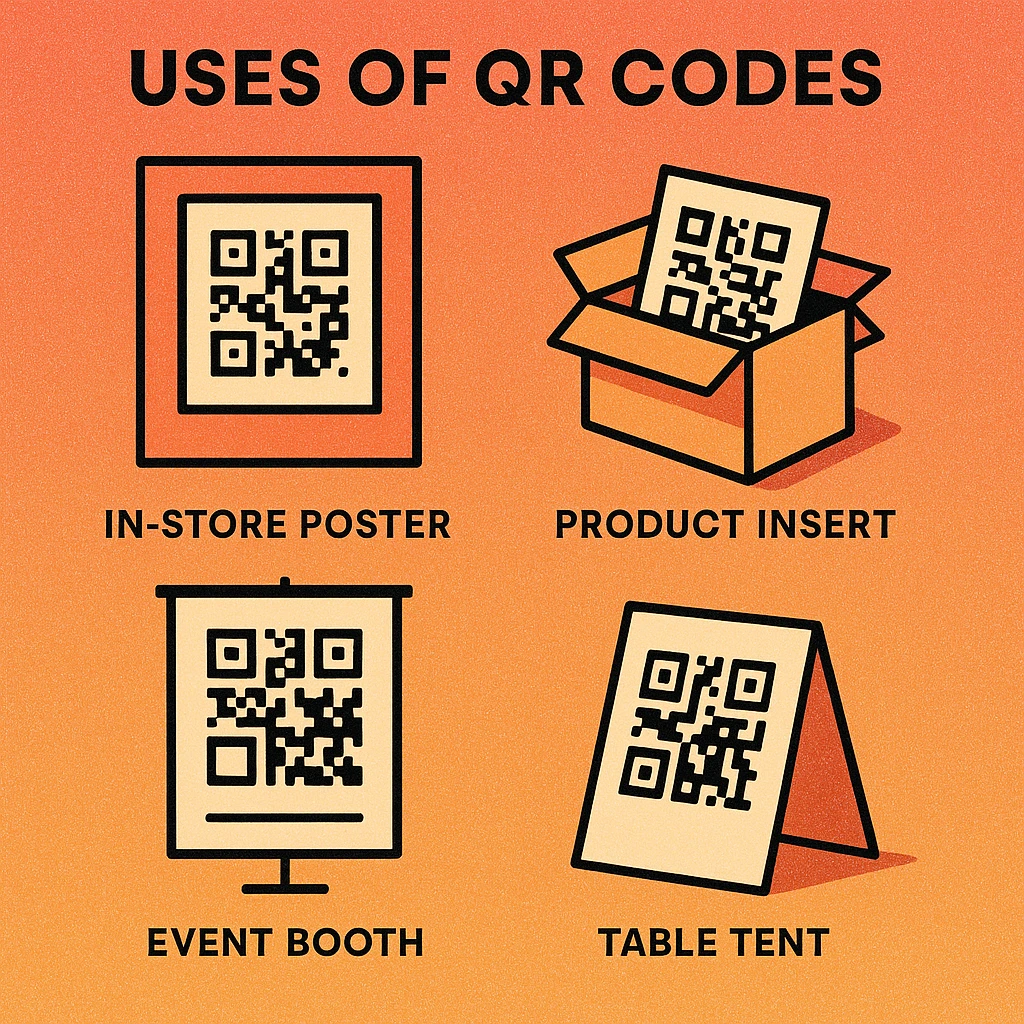
Unboxing is a moment of high engagement. Including a QR code inside packaging — on an insert card, the inner lid, or directly on the box — reaches customers who already trust your product enough to buy it. An incentive like a warranty registration, care guide, or exclusive content bundle increases the perceived value of scanning.
In-Store Table Tents and Counter Cards
For restaurants, salons, and service businesses, table tents and counter-top card holders display your signup code during a natural waiting moment. Pair the QR code with a short benefit statement: “Join our list for monthly specials and early access.”
Events and Conferences
Presentation slides, speaker badges, and handout materials are all excellent QR code surfaces. At the end of a talk, a large QR code on screen saying “Download the slides — enter your email” consistently captures a meaningful percentage of the audience. The slides-for-email exchange is one of the most proven content upgrade formats.
Printed Marketing Materials
Flyers, postcards, brochures, and direct mail already carry your brand message. Adding a signup QR code to any of these turns passive reading into an active list-building action. For best results, create a dedicated landing page for each material type and use UTM tracking so you know which piece drives the most signups.
Place your QR code wherever your customer has a moment to pause and their phone is likely in hand. Never place a signup QR code on a surface that requires someone to stop walking or move to scan — passive glance locations don't convert.
Incentives That Convert
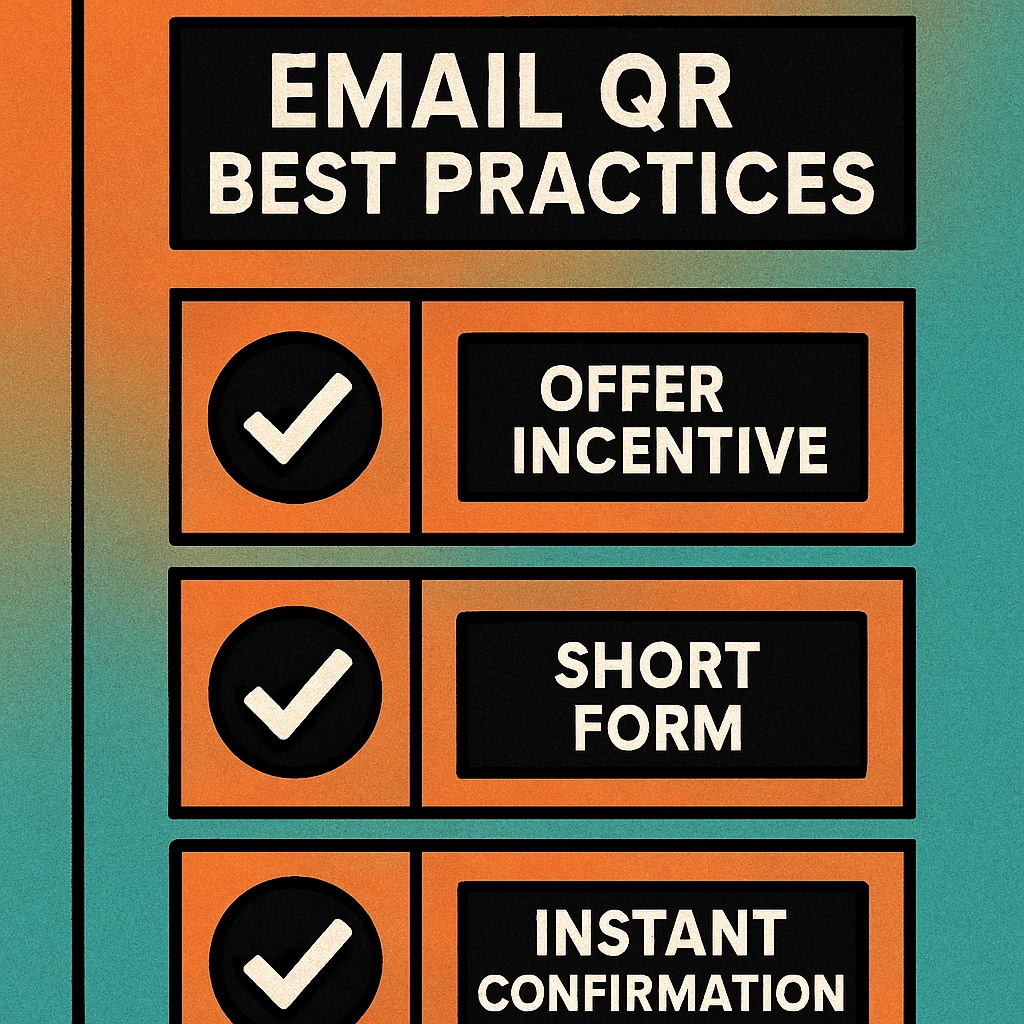
A QR code that says “Sign up for our newsletter” converts at a fraction of the rate of one that offers something concrete. The incentive must be immediately clear from the surrounding label or signage — don't hide it on the landing page.
Discount Codes
A percentage or fixed-amount discount on the next purchase is the most reliable incentive for retail and e-commerce contexts. “Scan for 15% off” communicates instant value. The discount is delivered via the confirmation email, which also ensures the address is valid — a double benefit for list hygiene.
Digital Downloads
PDF guides, templates, checklists, and cheat sheets work exceptionally well when the download is directly relevant to what the person is doing or buying. A cookware brand offering a “30 Essential Recipes” PDF, a fitness studio offering a “Weekly Training Plan”, or a software company offering an “Integration Setup Checklist” all create clear value exchanges.
Exclusive Access
Early access to sales, member-only content, or a private community appeals to high-engagement customers. It signals that joining the list has ongoing benefits rather than a one-time reward, which tends to produce lower unsubscribe rates post-signup.
Contest Entry
At events and in retail environments, a prize draw or competition entry can generate significant volume quickly. Legal requirements vary by jurisdiction — always display entry rules and ensure your signup complies with local promotional regulations.
Building a Mobile-Optimised Signup Form
A QR code brings someone to your form on a phone. If the form is slow, cluttered, or requires too much typing, they leave. Mobile optimisation is not optional; it's the entire point of the channel.
Five Principles of High-Converting Mobile Signup Forms
One field, one action. Ask only for an email address on the first form. Name, phone, and preferences can be collected in a welcome sequence. Every additional field reduces completion rate by approximately 10–15%.
Speed above everything. Mobile users abandon pages that take longer than 3 seconds to load. Use a hosted form from your email platform (Mailchimp, ConvertKit) or a lightweight custom page. Avoid heavy scripts, large hero images, or third-party tracking tags on the form page itself.
Make the benefit the headline. The first thing a visitor reads should be the incentive, not your brand name. “Get 15% off your next order” beats “Join the [Brand] Newsletter” every time.
Large tap targets. Use a minimum 48×48 px tap area for the submit button. Use type="email" on the input so mobile browsers surface the correct keyboard. Avoid tiny font sizes and closely spaced form elements.
Build trust instantly. Display a single line below the submit button: “No spam. Unsubscribe anytime.” and link to your privacy policy. This reduces hesitation without adding visual complexity.
Create Your Email Signup QR Code Now
Paste your Mailchimp, ConvertKit, or custom form URL and download your QR code instantly — no account needed.
QR Code Apps for Mac & Safari
Prefer generating codes without opening a browser tab? These two native Apple apps cover both habits — a full generator on the desktop, and a one-click share button inside Safari.


Mailchimp & ConvertKit Integration Tips
The simplest integration is also the most reliable: encode your email platform's hosted form URL directly into the QR code. Both major platforms provide hosted, mobile-friendly signup pages that require no custom development.
Mailchimp
In Mailchimp, navigate to Audience > Signup forms > Form builder. At the top of the form builder, Mailchimp displays a “Signup form URL” — copy it. This is the direct URL to your hosted form. Paste it into our URL QR code generator, customise the style, and download. New subscribers will be added directly to your chosen audience.
For more control, use Mailchimp's Landing Pages feature (available on paid plans) to build a dedicated, branded landing page. Landing pages support custom copy, images, and single-incentive layouts that outperform the generic form builder output.
ConvertKit (now Kit)
In ConvertKit, go to Grow > Landing Pages & Forms, select a form or landing page, and click Publish. Copy the public URL shown in the share panel. This URL is what you encode in the QR code. ConvertKit's landing pages are already mobile-responsive and load quickly, making them well-suited to QR traffic.
ConvertKit also supports incentive emails natively — the file or discount code is delivered automatically in the confirmation email when double opt-in is enabled. This removes the need to build a custom delivery sequence for common freebie incentives.
Custom Landing Pages
If you use a different email platform or want full design control, build a dedicated landing page on your domain with a form that posts to your platform's API. Add UTM parameters to the page URL before encoding it. This approach provides the cleanest analytics data and the most consistent brand experience. See our guide on using QR codes with Google Forms if you're collecting signups via Google Workspace before moving data to your email tool.
Always test the full flow before printing: scan the QR code on a real phone, complete the form with a test email address, and confirm the subscriber appears in your email platform and receives the welcome or incentive email. Fix any gaps before deploying at scale.
Tracking and Optimising Performance
Without tracking, you can't tell which placements work and which don't. Two approaches cover most situations:
UTM Parameters
Append UTM parameters to your signup URL before encoding it. A minimal set looks like: ?utm_source=qr&utm_medium=print&utm_campaign=storefront-2026. Google Analytics (or your email platform's source tracking) will show you exactly how many sessions and conversions came from the QR code. Create a unique UTM campaign for each placement location so you can compare performance across receipt, packaging, and in-store contexts.
Dynamic QR Codes
Dynamic QR codes embed a short redirect URL rather than your final destination URL. This means you can change the destination later without reprinting, and the redirect service provides built-in scan analytics including scan counts, device types, and geographic data. For high-volume or ongoing campaigns, this is the recommended approach.
Whether you use static or dynamic codes, review your signup source data at least monthly. If one placement consistently outperforms others, invest in more of it. If a placement produces zero conversions after 30 days, change the incentive label or move the code to a higher-traffic location.
For foundational guidance on creating and managing URL-based QR codes, see our URL QR code generator guide. For multi-channel campaign integration, the QR code marketing strategy pillar covers how to coordinate email with social, loyalty, and paid channels.
Frequently Asked Questions
Yes, when placed strategically and paired with a clear incentive. QR codes remove friction for in-person signups — a customer at your store or event can scan and subscribe in under 30 seconds without typing a URL. The key factors are a compelling offer (discount, freebie, exclusive content), a mobile-optimised landing page, and placement in high-traffic locations where people have a moment to pause.
Keep it minimal: a single headline stating the benefit, one email input field, and a submit button. Avoid asking for name, phone, or other optional fields on the first touch — each extra field reduces completion rates. Display your privacy policy link and a brief one-line reassurance (“No spam. Unsubscribe anytime.”). Load time matters enormously on mobile; aim for under 2 seconds.
Yes. Both platforms provide hosted signup form URLs that you can encode directly into a QR code. In Mailchimp, navigate to Audience > Signup forms > Form builder and copy the form URL. In ConvertKit (now Kit), go to Landing Pages and copy the public URL of your form page. Paste either URL into a URL QR code generator and your code will open the form directly on scan.
Discount codes and immediate-access digital downloads (PDF guides, templates, checklists) consistently outperform vague “newsletter updates” offers. The incentive should be relevant to the context: a discount works well at retail point-of-sale, a recipe download works on food packaging, and a content upgrade works at events and conferences. Make the benefit visible on the QR code label or surrounding signage — do not bury it on the landing page.
Add UTM parameters to your signup page URL before encoding it (e.g., ?utm_source=qr&utm_medium=print&utm_campaign=storefront). This lets Google Analytics or your email platform’s built-in analytics show you exactly how many sessions and signups came from the QR code. If you use a dynamic QR code service, scan analytics are built in and do not require UTM tagging.