Why QR Codes Work for Nonprofits
Charitable giving is an impulse that can evaporate in seconds. If the path from intention to action requires a donor to remember a URL, search for your organisation, navigate to a payment page, and type their card details — most will drop off before completing the journey. A QR code collapses that entire journey to a single scan.
For nonprofits and charities, that friction reduction is not just a convenience; it is a meaningful increase in conversion. A supporter who scans a QR code at your fundraising table, on your campaign poster, or from the back of an event programme lands directly on your donation page — no typing, no searching, no forgetting.
This article is part of our broader guide to QR code use cases across industries. Here we focus specifically on the five highest-impact applications for nonprofits: donation collection, volunteer sign-ups, event registration, awareness campaigns, and annual report sharing.
Static URL QR codes are completely free to generate, download, and print. For most nonprofit campaigns, a free static code linked to a donation page is all you need to get started today. Dynamic codes add the ability to update the destination URL after printing, which is useful for campaigns that evolve over time.
Donation Collection
The most direct application is linking a QR code to your online donation page. Whether you use PayPal Giving Fund, GoFundMe Charity, Donorbox, Network for Good, or a custom checkout on your own website, any URL can be encoded into a QR code in seconds.
Use our URL QR code generator to create a code that points directly to your payment form. When a supporter scans it — from a collection table, a poster, a business card, or a printed flyer — they arrive on the donation page immediately, with no intermediate steps.
Where to Deploy Donation QR Codes
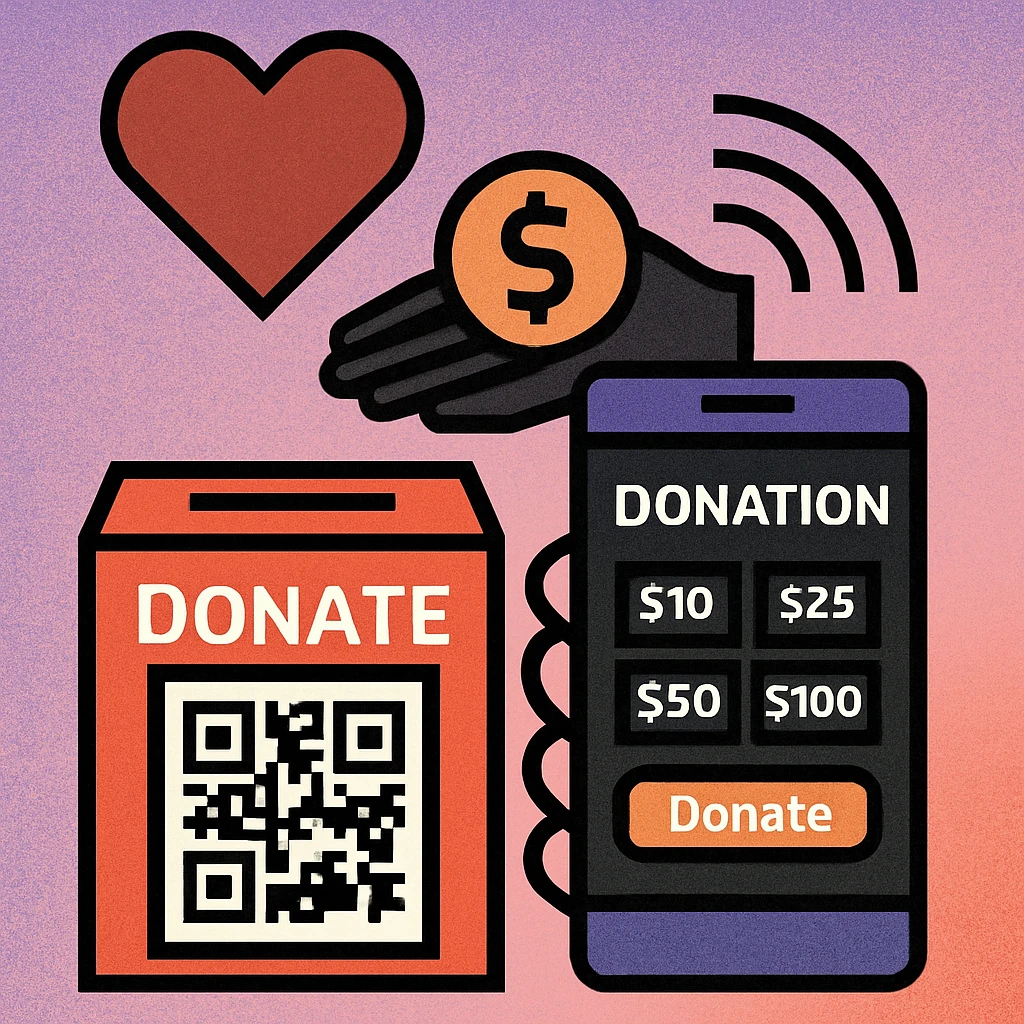
- Donation jars and collection boxes: Replace a web address card taped to a tin with a printed QR code sign. Supporters who prefer digital giving can scan and contribute in moments.
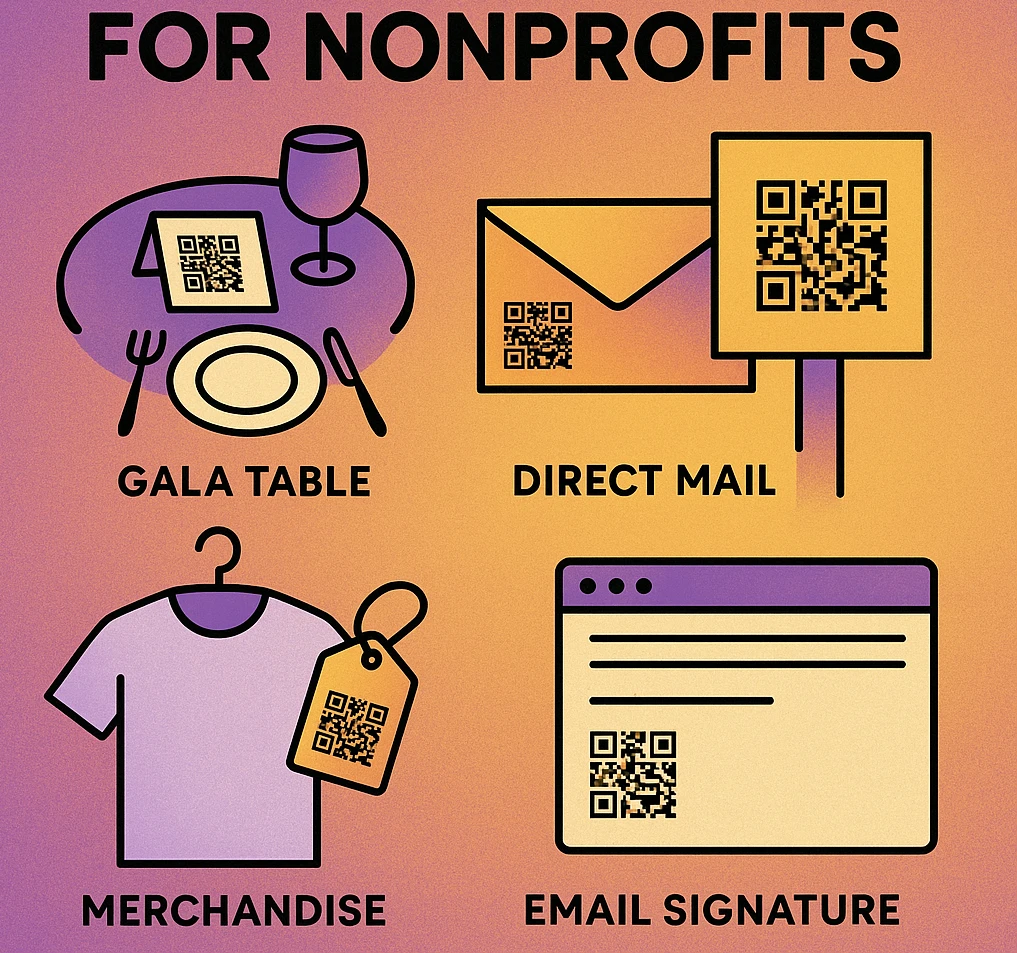
- Direct mail inserts: Adding a QR code to a donation appeal letter gives readers a fast path to your online form without requiring them to type a URL.
- Thank-you cards: A QR code on a donor thank-you card linking to a recurring giving option is a low-pressure way to encourage ongoing support.
- Social media graphics: A QR code embedded in a campaign image or story lets followers donate without leaving their feed. Link to a mobile-optimised landing page for best results.
- Email footers: Staff email signatures can include a QR code image. Recipients who are reading email on desktop can screenshot it and scan; those already on mobile tap through directly.
Always write the destination URL in plain text beneath your donation QR code. This builds trust with donors who want to verify where they are being sent, and provides a fallback for anyone whose device has difficulty scanning in low-light or crowded conditions.
Volunteer Sign-Ups
Recruiting volunteers at community events, festivals, and outreach days has traditionally relied on paper sign-up sheets that get lost, become illegible, or require manual data entry back at the office. A QR code linked to a digital sign-up form eliminates all of these problems.
Create a form using Google Forms, Typeform, Airtable, or your volunteer management platform, then encode the form URL into a QR code. See our guide on creating QR codes for Google Forms for a step-by-step walkthrough.
Print the QR code on a pull-up banner, an A-frame sign at your booth, or a small table card. Interested supporters scan the code, complete the form on their phone, and their details flow directly into your volunteer database — without any manual transcription on your part.
What to Include in Your Volunteer Sign-Up Form
- Name and contact details (email and phone)
- Availability — days, times, frequency
- Skills or areas of interest
- Whether they have previously volunteered with your organisation
- How they heard about the opportunity
Keep the form short. A five-field form will get far more completions than a fifteen-field one. You can gather additional details during the onboarding process once someone has committed to volunteering.
Event Registration
Charity galas, fun runs, community clean-ups, and awareness walks all require registration. QR codes make it easy to promote event sign-ups across both physical and digital channels simultaneously.
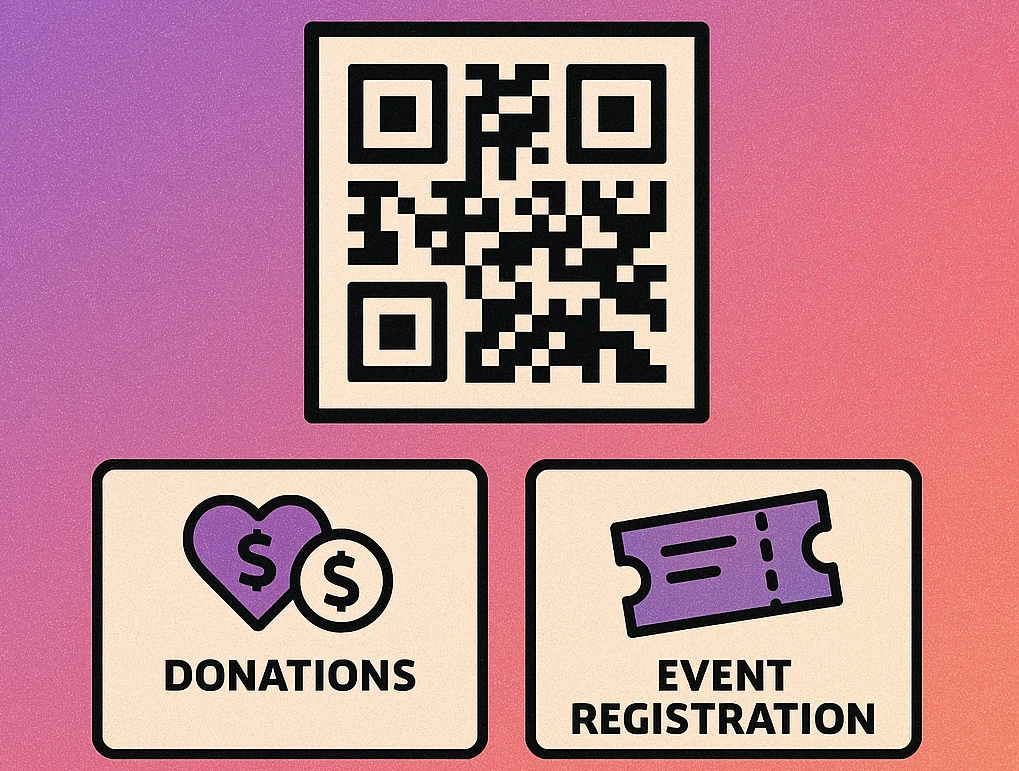
Link your event registration QR code to Eventbrite, a dedicated event page on your website, or a Google Form. Place it on:
- Event posters displayed in libraries, community centres, and local businesses
- Programme inserts at previous events to promote the next one
- Social media posts (embedded as an image)
- Email newsletters — even on-screen, a QR code can be shared by forwarding
For recurring events such as weekly community meals or monthly donor receptions, a single QR code linked to your standard registration page can be reprinted indefinitely. If your registration platform changes, a dynamic QR code lets you update the destination without reprinting all your physical materials.
Awareness Campaigns
Not every QR code in a nonprofit context needs to lead to a donation page. Awareness campaigns have their own goals: educating the public, building an email list, growing a social following, or driving petition signatures. QR codes serve all of these objectives.
Campaign Landing Pages
A well-designed campaign landing page that tells your story, shows your impact, and offers a clear next action (donate, sign up, share) is a powerful destination for a QR code. Place codes on bus shelter posters, window clings, and leaflets, and track scan rates to understand which placements perform best.
Petition Sign-Ups
Advocacy campaigns that collect petition signatures benefit enormously from QR codes at public stalls and community events. A form linked via QR code lets supporters sign on their own device — no shared clipboard, no data entry delays.
Email List Building
A QR code on any print material can lead to a simple email sign-up form. Building your supporter email list through offline channels is one of the most cost-effective long-term investments a nonprofit can make. Combine the QR code with a clear value proposition: "Scan to receive our quarterly impact report."
Create Your Nonprofit QR Code for Free
Generate a URL QR code in seconds. Download in PNG for print or SVG for digital use. No account required.
QR Code Apps for Mac & Safari
Prefer generating codes without opening a browser tab? These two native Apple apps cover both habits — a full generator on the desktop, and a one-click share button inside Safari.


Annual Reports & Impact Sharing
Donors and grant-makers increasingly expect transparency. Your annual report, impact summary, or programme outcome data is one of the most powerful tools for retaining existing donors and attracting new ones. QR codes make that content accessible in any context.
Print a short summary card with key statistics and include a QR code that links to the full digital report, an impact video, or an interactive dashboard. Distribute these cards at community events, include them in thank-you mailings, or leave them in waiting rooms and community spaces.
A QR code on a physical annual report leads to the digital version — reducing print costs while ensuring donors can explore the detail they want without being overwhelmed by a hundred-page document. If your report is hosted on your website, any URL QR code will work perfectly. See our overview of URL QR code types for guidance on choosing between static and dynamic options.
Pair your annual report QR code with a specific, compelling statistic on the printed card: "Last year, your support helped us serve 4,200 meals. Scan to see the full story." Concrete numbers dramatically increase scan rates compared to generic calls to action.
Placement & Design Tips for Nonprofit QR Codes
A QR code is only useful if it gets scanned. Placement and presentation determine whether a supporter pauses to engage or walks past without noticing.
Six Placement and Design Rules for Nonprofits
Always include a call to action. "Scan to donate," "Scan to sign up," or "Scan to read our impact report" tells supporters exactly why they should engage. A bare QR code with no context is frequently ignored.
Print the URL in plain text. Writing the destination URL beneath the code builds trust and provides a fallback. Use a short, readable URL rather than a long query string. A link shortener or custom short URL keeps it clean.
Size matters. Aim for a minimum printed size of 3 cm × 3 cm for general use. For materials viewed at arm's length (table cards, leaflets), 4–5 cm is more comfortable. For signage viewed from a distance, scale up accordingly. Larger is always safer for reliability.
Place at eye level and pause points. Event exits, registration desks, buffet queues, and seating areas are natural pause points where people have time to scan. Overhead or floor-level placement is rarely scanned. For window clings and A-frames, aim for chest-to-eye height.
Use your brand colours thoughtfully. A QR code in your organisation's palette feels considered and on-brand rather than bolted on. Maintain strong contrast between modules and background — dark modules on a light background consistently outperform light-on-dark for scanner reliability.
Test before you print at scale. Always scan the final code with at least two devices — one iPhone and one Android — before sending files to the printer. Verify that the destination page loads correctly and that the donation form or sign-up works end-to-end on mobile.
| Use Case | Destination | QR Type | Best Placement |
|---|---|---|---|
| Donation | Donation page / payment portal | URL | Table cards, leaflets, mail inserts |
| Volunteer sign-up | Google Form / volunteer platform | URL | Event banners, booth signs |
| Event registration | Eventbrite / event landing page | URL | Posters, programme inserts |
| Awareness / petition | Campaign landing page / form | URL | Street posters, window clings |
| Annual report | Digital report / impact video | URL (dynamic) | Summary cards, thank-you mail |
Frequently Asked Questions
Yes. A URL QR code can link directly to your online donation page on platforms such as PayPal Giving Fund, GoFundMe Charity, Donorbox, or your own website checkout. When someone scans the code, they land on the payment form immediately with no typing required. You can also link to a Google Form for pledge collection or in-person gift entry.
A QR code linked to a Google Form, Typeform, or volunteer management system lets supporters register on the spot at events, in store windows, or on printed flyers. Instead of handing out paper sign-up sheets, a single poster with a QR code captures names, contact details, and availability automatically.
Place QR codes where supporters have a natural moment to pause: near the exit of an event venue, on the back of a programme, on table cards at a gala, or prominently on a donation envelope insert. For outdoor campaigns, eye-level placement on A-frame stands or window clings works well. Always pair the code with a short call to action such as "Scan to donate" and the URL written in plain text beneath.
Absolutely. Embedding a QR code in a printed annual report summary allows donors to access the full digital report, impact video, or interactive dashboard with one scan. This reduces print costs while ensuring supporters can explore the detail they want. Use a dynamic QR code so you can update the destination URL if the report location changes after printing.
Static QR codes are completely free to generate and use forever. Tools like GenerateOnlineQR let you create URL QR codes at no cost and download them in print-ready PNG format. If you need to update the destination URL after printing (useful for campaigns that evolve), a dynamic QR code service is required, which typically involves a small subscription fee.