Why Education Loves QR Codes
Education has always been about bridging the gap between information and the learner. For decades that gap was physical — a textbook, a handout, a library catalogue card. Today, the richest educational content lives online: video explanations, interactive simulations, collaborative forms, digital documents. QR codes are the fastest bridge between the paper world that classrooms still depend on and the digital world where students naturally live.
A QR code on a worksheet takes a student from a printed question to a video explanation in under three seconds. A QR code on a library shelf label opens the full digital catalogue record, borrowing history, and related titles without the student touching a terminal. A QR code projected on a classroom screen at 9:01 AM captures attendance for thirty students in the time it would take a teacher to call the first name on the register.
For a broad overview of where QR codes fit across industries, start with our pillar guide on QR code use cases. This article focuses specifically on the education sector.
Students from age 10 upward already know how to scan QR codes from everyday life — menus, posters, packaging. Education institutions can tap into this existing behaviour with zero training overhead for learners.
In the Classroom
The classroom is where QR codes deliver the most immediate value for teachers. Every printed resource — a worksheet, a textbook page, a revision card — can be enriched with a QR code that connects the static paper to dynamic digital content.
Linking to Video Lessons
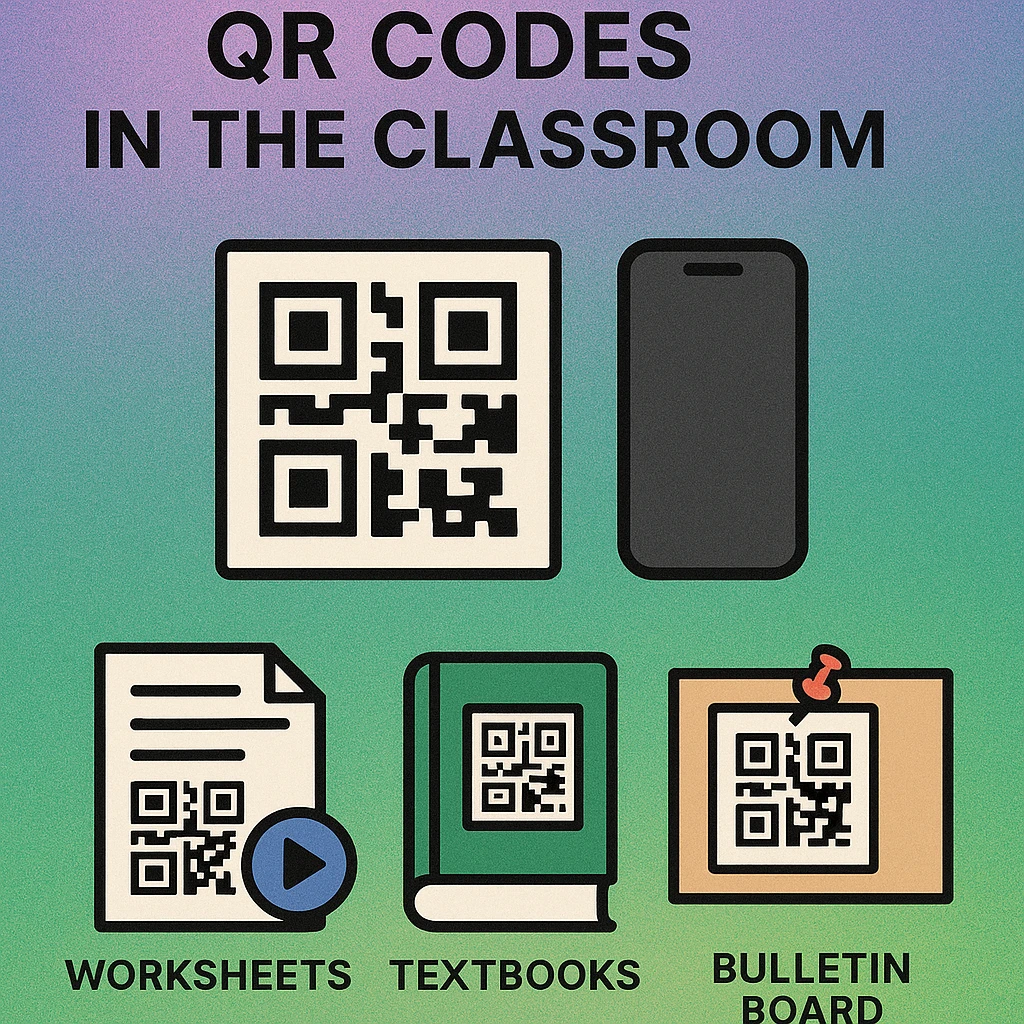
When a concept is hard to explain in text alone — a chemistry reaction, a historical event, a geometric proof — a short video explanation works far better. Teachers can print a QR code directly on the relevant worksheet or textbook annotation that opens the video on scan. Paired with a YouTube video QR code, this workflow requires no login, no search, and no chance of a student landing on an unrelated video. The QR code IS the link.
Homework and Assignment Submission Links
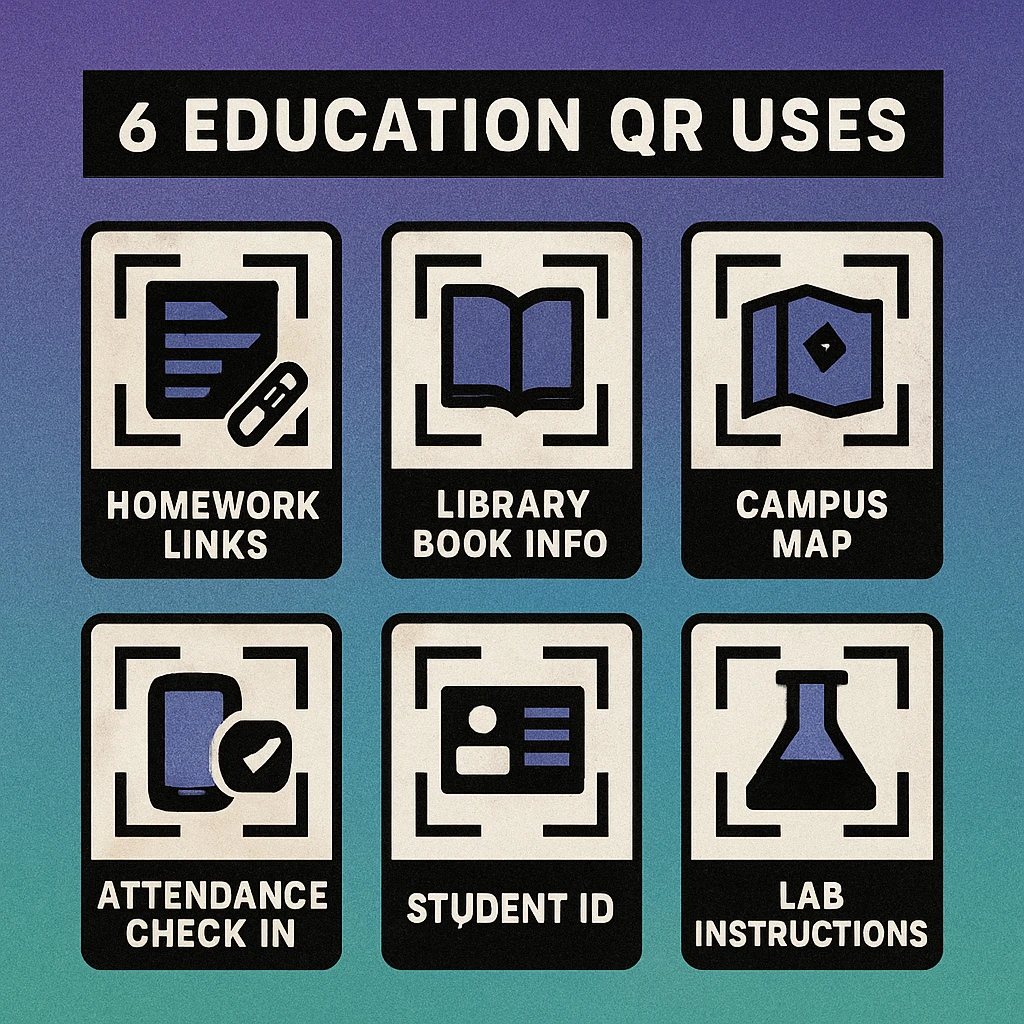
Distributing homework digitally is easy when you have a device for every student, but most classrooms still use printed sheets. A QR code printed at the bottom of a homework sheet can link to the submission form — whether that is a Google Form, a school LMS portal, or a shared drive folder. Students complete the work on paper, scan to submit electronically, and the teacher receives a timestamped digital record. See our guide on QR codes for Google Forms for the exact workflow.
Supplementary Reading and PDFs
Course packs, reading lists, and supplementary documents are expensive to print in bulk and quickly go out of date. A QR code linking to a PDF document lets teachers update the underlying file without reprinting materials. Students always get the current version. Libraries save on photocopying costs. Revisions happen instantly.
Interactive Quizzes and Polls
Mid-lesson comprehension checks are far more engaging when students respond in real time. A QR code linking to a quick Google Form quiz or a platform like Mentimeter allows every student to answer simultaneously from their phone. Results appear live on the teacher's screen. Students get immediate feedback. The teacher sees at a glance which concepts need re-teaching — without calling on individuals or waiting for written answers.
Use a dynamic QR code (rather than static) for any resource that might change — such as a revision guide or assignment brief. Dynamic codes let you update the destination URL without reprinting the physical material.
In the Library
School and university libraries handle thousands of physical items that each need to connect patrons to rich digital metadata. QR codes make every item, shelf, and surface a direct link to the library's digital services.
Book Information and Catalogue Records
A small QR code sticker on a book's spine or a shelf label beside a section opens the full catalogue record on scan: availability, loan history, publisher details, summaries, and related titles. Patrons browsing the stacks can check digital availability, place a hold, or browse the digital edition without returning to a terminal. Librarians reduce the number of enquiries at the desk for basic catalogue lookups.
Digital Borrowing and eBook Access
Many library platforms offer digital lending. A QR code on a physical book's inside cover can link directly to the eBook or audiobook version for patrons who want to continue reading on a device. For reference-only titles that cannot be borrowed, a QR code linking to a licensed PDF or database record gives patrons immediate value from the physical shelf.
Section and Shelf Wayfinding
Large library collections can be difficult to navigate. QR codes on section signs and end-of-aisle labels can link to subject guides, reading lists curated by subject librarians, or a filtered search of the catalogue for that section. A student browsing the psychology section scans the label and sees the top ten recommended titles for their course — without asking at the desk.
| Library Use Case | QR Code Links To | Patron Benefit | Staff Benefit |
|---|---|---|---|
| Book spine label | Catalogue record | Instant availability check | Fewer desk queries |
| Section sign | Subject reading list | Curated recommendations | Promotes catalogue |
| Reserve shelf | Course materials page | Finds digital alternatives | Reduces holds queue |
| Self-issue machine | How-to video | Guided checkout process | Reduces assisted issues |
| Overdue notice | Online renewal form | One-scan renewal | Fewer phone renewals |
Campus Navigation
University and college campuses are often large, confusing, and under-signposted — a particular problem for new students, visiting academics, and open-day guests. QR codes on physical signage transform static wayfinding into an interactive, always-current navigation experience.
A QR code on a building entrance sign can link to a campus map highlighting that building's rooms, a directory of departments located inside, or a timetable showing which rooms are in use. During open days, campus tour QR codes at each stop link to a short video about that facility. For large events, a single QR code on the event programme links to a live map showing queue times, session locations, and schedule changes.
Create Campus QR Codes in Seconds
Link to maps, PDFs, forms, or videos. Free to generate, no account required — download print-ready PNG or SVG.
Emergency evacuation routes are another high-value application. QR codes beside fire exits link to the building's emergency procedure document and assembly point map — information that must be current and that QR codes make instantly updatable without reprinting physical notices.
QR Code Apps for Mac & Safari
Prefer generating codes without opening a browser tab? These two native Apple apps cover both habits — a full generator on the desktop, and a one-click share button inside Safari.


Attendance Tracking
Manual attendance registers are slow, inaccurate, and generate paper records that need to be transferred to digital systems. QR code attendance tracking eliminates all three problems.
The standard workflow is straightforward: at the start of each session, the teacher displays a QR code on the projector or board. The code links to a Google Form pre-filled with the date, time, and course name. Students scan, confirm their student number, and submit. The form response is logged automatically in a connected spreadsheet. The teacher receives a timestamped record of every student who scanned before the window closed.
To prevent abuse — students sharing the link with absent classmates — the QR code should be time-limited. Rotate it every five to ten minutes using a dynamic QR code platform, or use a dedicated attendance system that generates a unique session code. Geolocation confirmation (available in some platforms) adds a further layer by verifying the student's device was on campus when they submitted.
Setting Up QR Code Attendance in 5 Steps
Create your attendance form. Build a Google Form (or use your institution's LMS form tool) with fields for student ID, name, and session. Pre-fill the course and date to minimise student input.
Generate a QR code for the form URL. Use our free generator to create a QR code pointing to the form. For sessions that recur weekly, use a dynamic QR code so you can update the destination each week without a new code.
Display it at the session start. Add the QR code to your opening slide. Give students a clear two- to five-minute window to scan and submit before moving on.
Connect form responses to a spreadsheet. Link your Google Form to a Google Sheet. Each submission auto-populates a row with timestamp, student ID, and name. Sort or filter by session for instant registers.
Rotate or close the code after the window. For dynamic codes, update the destination after the attendance window closes so late-entry submissions are not accepted. For static codes, close the linked form instead.
Digital Student IDs
Physical student ID cards are expensive to produce, easy to lose, and impossible to update when a student's details change. A QR code on a student ID — or a QR-based digital ID stored on a smartphone — addresses all three limitations.
At the library checkout desk, a student scans their QR ID to pull up their borrowing record instantly, replacing the need to type in a student number or hand over a card. At the canteen, a QR-linked digital ID allows cashless payment from a pre-loaded account. At controlled-access facilities (labs, sports centres, IT suites), a QR scan logs entry and verifies that the student has the required permissions for that space.
For institutions issuing formal credentials, QR codes on degree certificates and transcripts allow employers and admissions offices to verify authenticity by scanning the code and retrieving the record from the institution's secure registry. This is increasingly standard practice for internationally recognised qualifications.
QR codes on student IDs should link to authenticated systems, not publicly accessible pages. The QR code is a convenience layer on top of your existing identity infrastructure — it should require institutional authentication to access any personal data it retrieves.
Getting Started: What You Need
Implementing QR codes in an educational setting requires almost no infrastructure investment. Every teacher, librarian, or campus administrator with access to a printer and an internet connection can start today.
- A QR code generator: Use our free online generator to create URL-based QR codes for any resource — video, form, PDF, map link, or website.
- A destination URL: Wherever you want students to land — a YouTube video, a Google Form, a PDF file, a catalogue page. Any URL works.
- A printer: Print the QR code on worksheets, posters, shelf labels, or ID cards. Standard laser or inkjet printing works perfectly for classroom and library use.
- Student smartphones: No app required. iOS and Android both scan QR codes natively through the default camera app.
For more advanced deployments — dynamic codes, scan analytics, or bulk code generation for an entire campus — a dedicated QR platform adds significant value, but the basics are completely free and accessible to any educator right now.
QR codes in education work best when they replace friction: the friction of typing URLs, searching for resources, calling the register, and carrying physical cards. Every QR code you add to a printed resource makes that resource smarter without adding cost or complexity for students.
Frequently Asked Questions
Teachers can print QR codes on worksheets, textbooks, and classroom posters to link students directly to supplementary videos, interactive quizzes, reading materials, and assignment submission forms. A single scan replaces the need to type long URLs or search for resources, making transitions between paper-based and digital activities faster and smoother.
QR codes can supplement or replace barcodes on physical student ID cards, and they can also serve as mobile digital IDs stored in a student’s smartphone wallet. When scanned at library checkouts, canteen tills, or access control points, a QR-based ID retrieves the student’s record instantly. Full replacement of physical cards depends on the institution’s infrastructure and security policy.
The most common approach is to display a time-limited QR code on the classroom projector or board at the start of each session. Students scan it with their phones to submit their attendance via a linked Google Form or dedicated attendance platform. Time-limiting the code (typically valid for 5 to 10 minutes) prevents late or absent students from sharing the link for fraudulent check-ins.
Yes. Libraries place QR codes on shelf labels, book spines, and catalogue cards to give patrons instant access to a title’s catalogue page, digital borrowing options, author biography, reading list, or related titles. This bridges the gap between the physical shelves and the library’s online catalogue without requiring patrons to return to a terminal or desk.
No dedicated app is required. Both iOS (from iOS 11) and Android (from Android 8) include native QR code scanning in the default camera app. Students simply open the camera, point it at the code, and tap the notification. For institutions that need additional features like analytics or access logging, a lightweight third-party app may be used, but this is optional.