What Is a YouTube QR Code?
A QR code for a YouTube video is a scannable two-dimensional barcode that encodes a YouTube URL. When someone points their smartphone camera at the code, it opens the linked video, channel page, or playlist directly in the YouTube app or mobile browser — no typing, no searching, no friction.
At its core, a YouTube QR code is simply a URL QR code that happens to point to a youtube.com address. The QR code itself doesn't know or care that the destination is YouTube. It encodes the URL as a string of data modules, and when scanned, the phone opens that URL exactly as if you had typed it manually. This means any type of QR code generator that supports URLs can create a YouTube QR code.
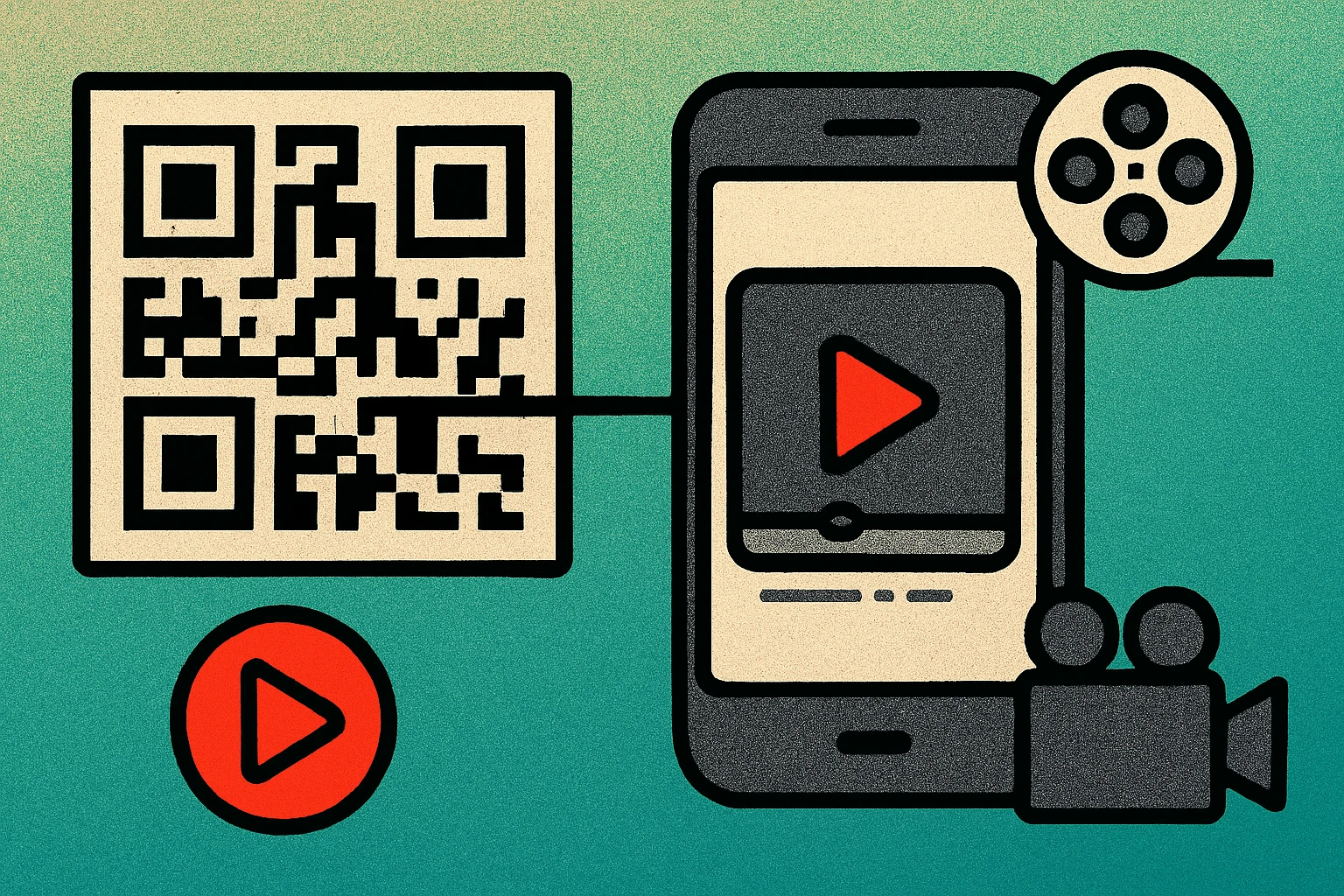
The real power of a YouTube QR code is context. A printed poster, product box, or business card cannot play a video — but a QR code printed on that surface can launch one instantly. You are essentially turning any physical surface into a clickable link to your YouTube content. For creators, brands, and educators, this creates a direct path from the real world to video engagement.
YouTube QR codes work on every modern smartphone. Both iOS and Android have built-in QR code scanning through their default camera apps, so viewers don't need to download anything special. If the YouTube app is installed, most phones will open the video directly in the app, which offers a better viewing experience and makes it easier for viewers to subscribe.
A YouTube QR code is a standard URL QR code that points to a YouTube address. It works on every modern smartphone without requiring a special app, and it opens your video, channel, or playlist with a single scan.
How to Create a YouTube QR Code (Step by Step)
Creating a QR code for a YouTube video takes less than a minute. The process is the same whether you're linking to a single video, your channel homepage, or a curated playlist. Follow these steps:
Generate Your YouTube QR Code
Copy your YouTube URL. Open YouTube and navigate to the video, channel, or playlist you want to link. Copy the full URL from the browser address bar. For a video, it will look like https://www.youtube.com/watch?v=XXXXXXXXXXX. For a channel, it will be https://www.youtube.com/@YourChannel.
Open a QR code generator. Go to a free QR code generator that supports URL encoding. You don't need a YouTube-specific tool — any URL generator works because a YouTube link is just a URL.
Paste the YouTube URL. Enter your copied URL into the generator's input field. Double-check that the full URL was pasted correctly, including the https:// prefix. A missing character will break the link.
Customize your QR code. Choose your preferred colors, size, and error correction level. If you plan to print the code on packaging or marketing materials, select at least Medium error correction to ensure reliable scanning even if the print isn't perfect.
Generate and download. Click generate, then download the QR code as a PNG for digital use or SVG for print. SVG files scale to any size without losing sharpness, making them ideal for large-format printing like posters and banners.
Test before publishing. Scan the QR code with your phone camera to confirm it opens the correct YouTube video or channel. Test on both iOS and Android if possible. This five-second check can save you from printing thousands of codes with a broken link.
That's it. The entire process typically takes 30 to 60 seconds. For more detail on generating URL-based QR codes and advanced options like custom colors and logos, see our URL QR code generator guide.
Video URL vs Channel URL vs Playlist URL — Which to Use
YouTube has three main URL formats, and each serves a different purpose when encoded in a QR code. Choosing the right one depends on what action you want the viewer to take after scanning.
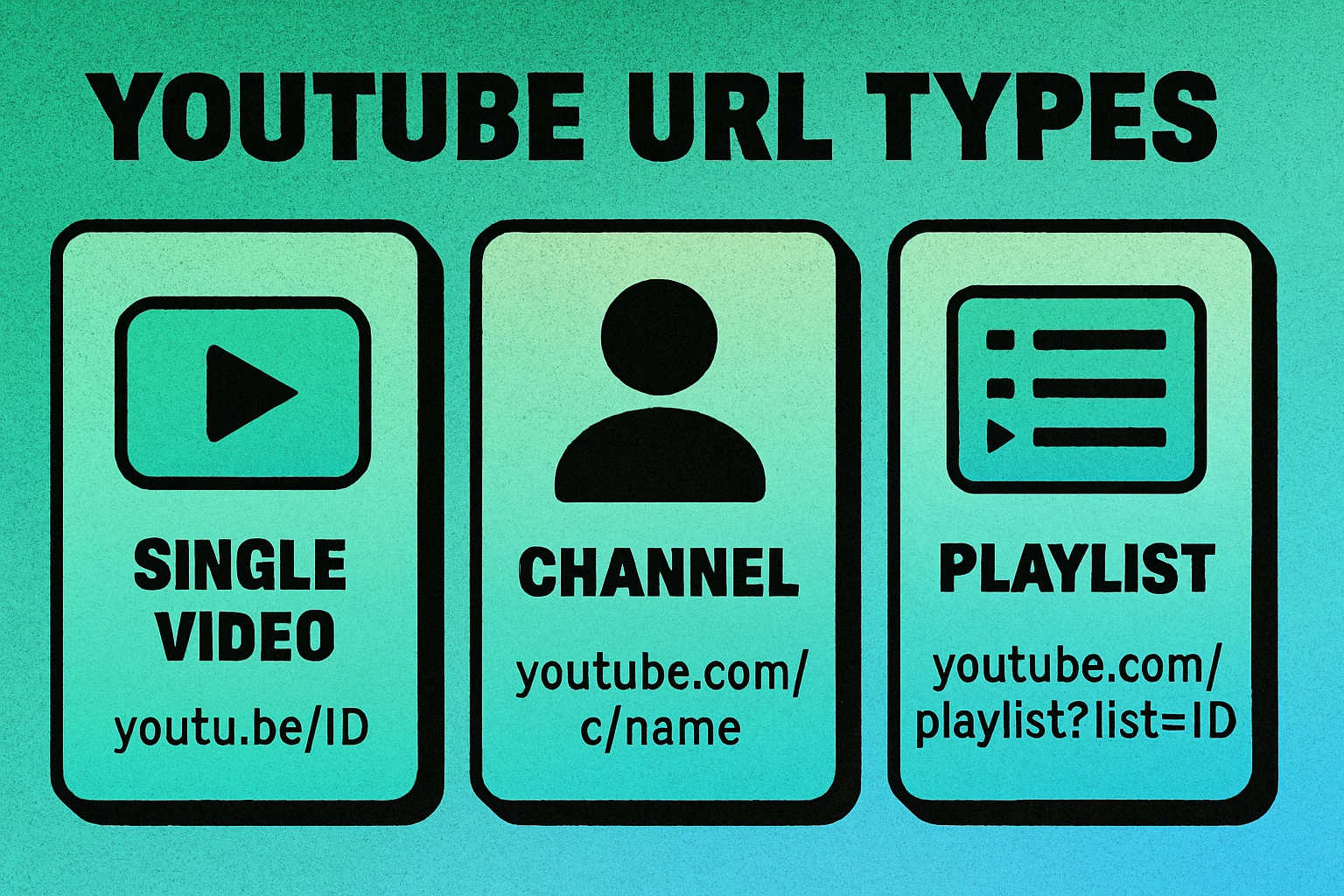
| URL Type | Format | Best For | Viewer Experience |
|---|---|---|---|
| Video | youtube.com/watch?v=ID | Tutorials, product demos, specific content | Plays video immediately |
| Channel | youtube.com/@Handle | Brand awareness, gaining subscribers | Shows channel page with all videos |
| Playlist | youtube.com/playlist?list=ID | Course series, related content collections | Opens playlist, plays from first video |
When to Use a Video URL
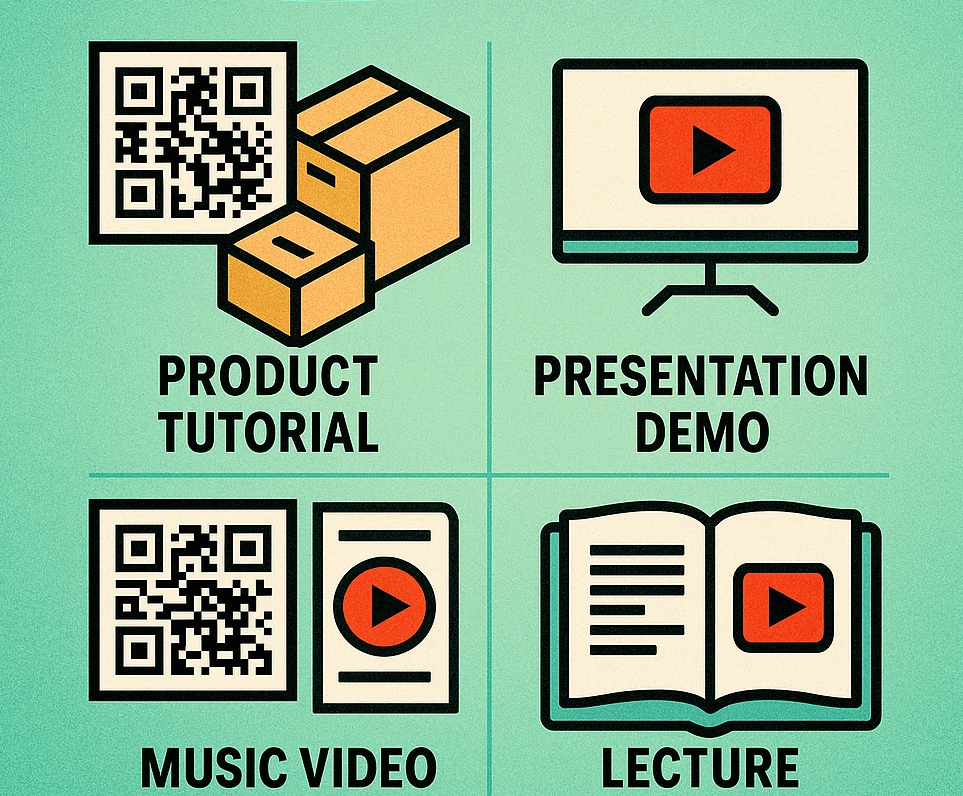
Use a direct video link when you want the viewer to watch one specific piece of content. This is the most common choice for product packaging (linking to an assembly tutorial), event flyers (linking to a promotional clip), or educational materials (linking to a lecture). The viewer scans the code and the video starts playing immediately — zero friction.
When to Use a Channel URL
Use a channel link when your goal is to grow your subscriber base rather than drive views to a single video. This works well on business cards, social media QR codes, and branded merchandise where the audience may want to explore your full content library. The viewer lands on your channel page and can browse, subscribe, and choose what to watch.
When to Use a Playlist URL
Use a playlist link when you have a series of related videos. For example, an online course with 10 modules, a product line with individual demo videos, or a conference with multiple session recordings. The viewer scans and gets the full playlist, which auto-plays from the beginning.
Use YouTube's shortened URL format (youtu.be/ID) for video links. Shorter URLs produce simpler, less dense QR codes that are easier to scan at small sizes and from a distance. The redirect is instant and handled by YouTube's servers.
QR Code Apps for Mac & Safari
Prefer generating codes without opening a browser tab? These two native Apple apps cover both habits — a full generator on the desktop, and a one-click share button inside Safari.


Where to Use YouTube QR Codes
The whole point of a QR code for YouTube is connecting physical touchpoints to video content. Here are the most effective placements, organized by use case:
Product Packaging
This is one of the highest-converting placements for YouTube QR codes. A customer has your product in hand and wants to know how to use it. Print a QR code on the box, insert card, or label that links to an unboxing video, setup tutorial, or recipe demonstration. The context is perfect: the viewer is motivated, has the product, and needs the information your video provides.
Presentations and Slides
When you're giving a talk or workshop, embed a QR code on your slides that links to the full recorded session, supplementary videos, or your YouTube channel. Audience members can scan during or after the presentation to access the content on their own time. This is far more reliable than asking people to "search for my channel" later.
Flyers, Posters, and Print Ads
Static print cannot convey the energy of video. A real estate flyer with a QR code linking to a virtual tour video, a concert poster linking to a performance clip, or a gym flyer linking to a workout demo — all of these transform flat print into multimedia experiences. Make sure your QR code is at least 2.5 cm wide for handheld scanning distance.
Business Cards
If video is central to your professional identity — you're a content creator, videographer, coach, or musician — a YouTube QR code on your business card lets contacts instantly access your work. This is more impactful than listing a URL they'll likely never type. Pair it with a social media QR code or keep it focused on your best showreel.
Email Signatures and Digital Documents
While QR codes are primarily a physical-to-digital bridge, they also work in printed PDFs, invoices, and other documents that may be printed. Include a small QR code in your email signature template or PDF proposals that links to a client testimonial video or your portfolio channel.
Retail and Point-of-Sale Displays
In-store displays, shelf talkers, and table tents at restaurants can all carry YouTube QR codes. A wine shop could link to sommelier tasting notes, a tech store could link to product review videos, and a restaurant could link to behind-the-scenes kitchen content. The QR code enriches the browsing experience and can influence purchase decisions.
Create Your YouTube QR Code Now — Free
Paste any YouTube URL and download your QR code as PNG or SVG in seconds. No signup required.
Tips for Maximizing Views from QR Codes
Generating a QR code is the easy part. Getting people to actually scan it and watch your video requires a few strategic decisions. Here are proven tips to increase scan rates and viewer engagement:
1. Add a Clear Call-to-Action
A QR code by itself is a black-and-white square that tells the viewer nothing. Always pair it with a short instruction or incentive: "Scan to watch the tutorial", "See it in action — scan here", or "Watch the full demo". People are far more likely to scan when they know what they'll get. The call-to-action should be printed directly next to the QR code, not elsewhere on the page.
2. Use the Right Size
A QR code that's too small won't scan reliably. The minimum recommended size is 2 x 2 cm for close-range scanning (business cards, product labels). For posters and signage, follow the 10:1 rule: every 10 cm of expected scanning distance requires roughly 1 cm of QR code width. A poster meant to be scanned from 1.5 meters away needs a QR code at least 15 cm wide.
3. Ensure High Contrast
QR codes need strong contrast between the modules and the background to scan reliably. Dark modules on a light background is the safest combination. Avoid placing QR codes on busy photographs, patterned backgrounds, or surfaces with similar tones. If you customize colors, always test the code before committing to a print run.
4. Link to Mobile-Optimized Content
People scanning QR codes are on their phones. YouTube handles mobile optimization automatically, which is one reason it's an excellent QR code destination. However, if you use a landing page that embeds the video rather than linking directly to YouTube, make sure that page is fully responsive and loads quickly on mobile networks.
5. Track Performance with UTM Parameters
Append UTM parameters to your YouTube URL before generating the QR code. For example: https://www.youtube.com/watch?v=XXXXXXXXXXX?utm_source=qrcode&utm_medium=print&utm_campaign=product_box. This lets you track exactly how many viewers arrived via the QR code using YouTube Studio's traffic source analytics. You can even create different QR codes for different placements to compare performance.
6. Keep the Video Public and Permanent
A QR code printed on 10,000 product boxes cannot be updated after the fact (unless you used a dynamic QR code). Make sure your linked video is set to Public (not Unlisted or Private) and that you don't plan to delete or significantly change it. If the video becomes unavailable, every printed QR code becomes a dead link.
For a deeper dive into QR code best practices including sizing, printing, and design guidelines, read our complete QR code guide. And if you're building QR codes for other platforms beyond YouTube, check out our guides on App Store QR codes and social media QR codes.
Frequently Asked Questions
Yes. Any free URL QR code generator can create a QR code for a YouTube video. Simply paste the video URL, generate the code, and download it as PNG or SVG. No signup or payment is required with most free tools.
A static QR code that links directly to a YouTube URL will never expire. It will work as long as the YouTube video or channel remains publicly available. If the video is deleted or set to private, the QR code will still scan but the link will lead to an unavailable page.
Link to a specific video if you want viewers to watch that particular content immediately. Link to your channel page if you want people to browse your full library and subscribe. For product packaging, a specific video (like a tutorial) usually performs better than a general channel link.
The minimum recommended size is 2 x 2 cm (about 0.8 x 0.8 inches) for close-range scanning like business cards. For posters or signage meant to be scanned from a distance, increase the size proportionally — a general rule is 1 cm of QR code width for every 10 cm of scanning distance.
A static QR code that links directly to YouTube does not provide scan analytics on its own. However, you can use a dynamic QR code service or add UTM parameters to your YouTube URL (e.g., ?utm_source=qrcode) to track scans through YouTube Studio analytics.