Why Healthcare Adopted QR Codes
Healthcare has long struggled with a paradox: the industry where errors are most costly is also one of the most paper-heavy and process-dependent. Medication mistakes, mis-identified patients, and missed follow-up appointments each carry serious consequences. QR codes offer a low-cost, widely compatible bridge between the physical world of clinical care and the digital systems that manage it.
The pandemic accelerated adoption significantly. Contactless check-in and paperless consent forms went from nice-to-have to essential overnight. But the momentum has not slowed — health systems that deployed QR workflows during COVID-19 found efficiency gains significant enough to keep permanently. For a broader view of how QR codes are transforming industries, see our pillar guide on QR code use cases.
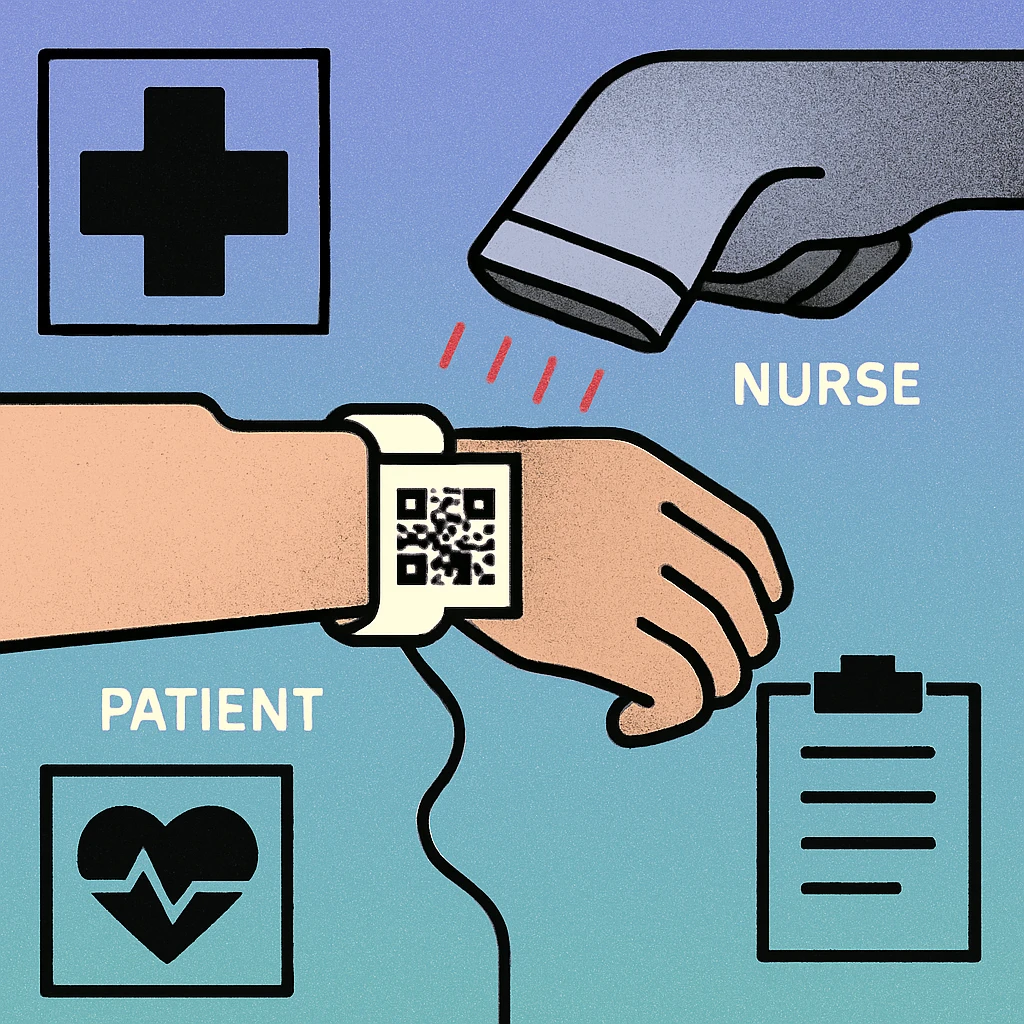
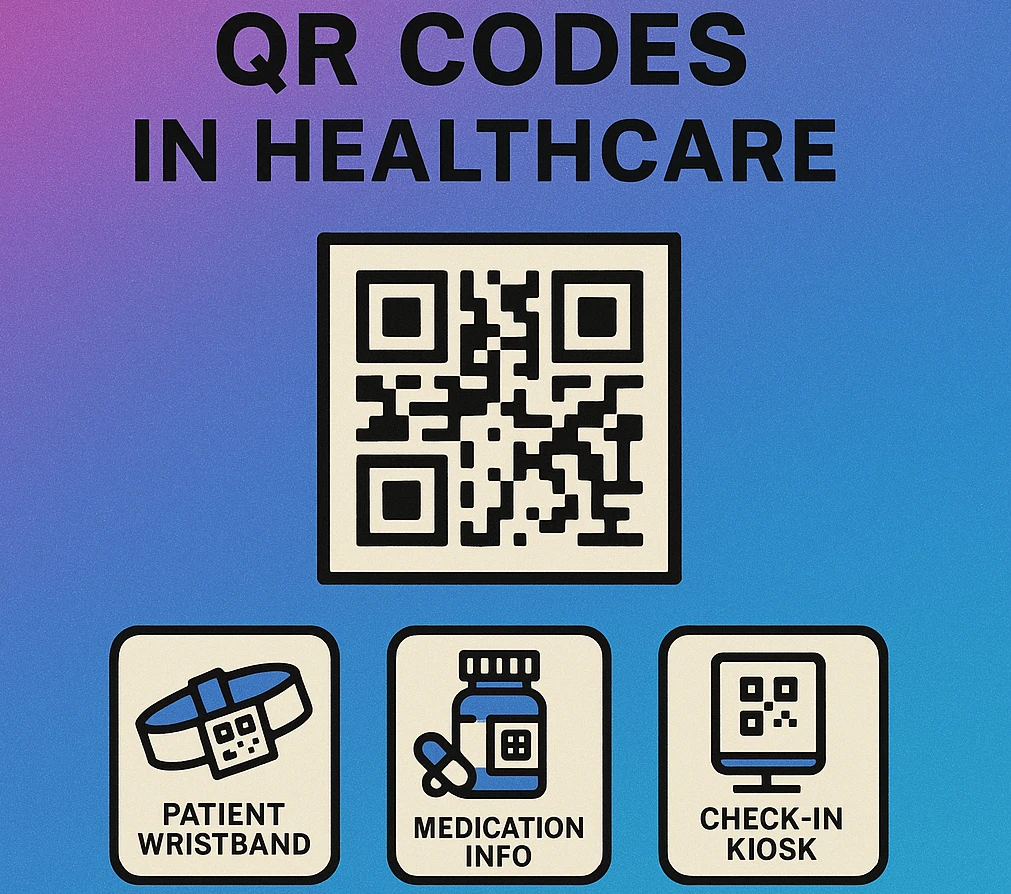
The five core use cases — patient identification, medication tracking, check-in, records access, and appointment scheduling — each address a distinct friction point in the care pathway. Together they form a connected QR layer that can significantly improve both safety and patient experience.
In every healthcare QR application, the QR code encodes a secure identifier or token — never raw patient data. The actual health information lives behind an authenticated portal. Scanning the code grants access; it does not expose the record to anyone who points a camera at it.
Patient Wristband IDs
The patient wristband is one of the most critical documents in a hospital. It must be legible, durable, and unambiguous. Traditional barcodes and printed text have served this role for decades, but QR codes offer a meaningful upgrade: they encode more data in a smaller space and can be scanned from a greater variety of angles, even under awkward bedside conditions.
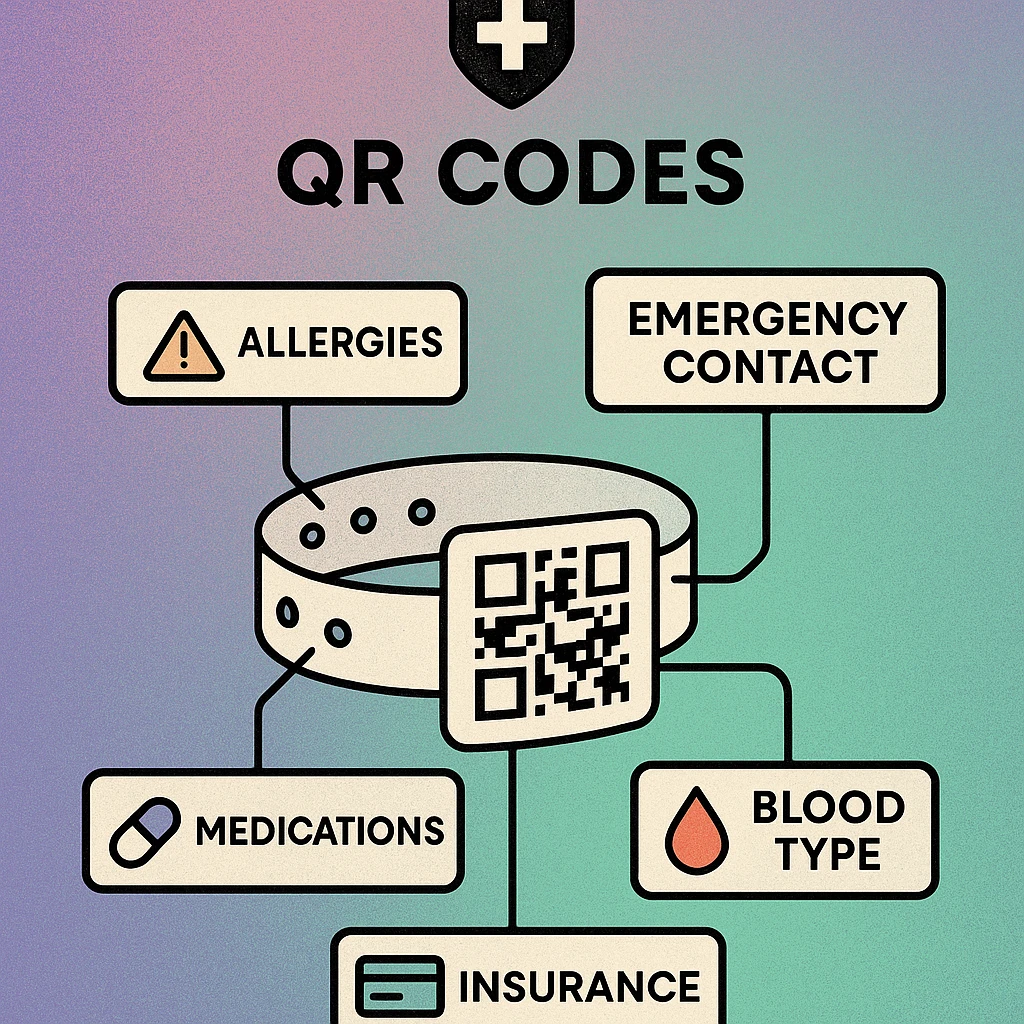
A QR-coded wristband typically encodes a patient ID token that resolves against the hospital information system. When a nurse scans the wristband before administering medication, the system instantly displays the patient's full name, date of birth, known allergies, current medication list, and any active alerts. This five-rights check — right patient, right drug, right dose, right route, right time — becomes a single-second scan rather than a manual look-up.
Key Benefits for Wristband ID
- Angle-tolerant scanning: QR codes are readable from multiple orientations, useful when a patient's arm is in an awkward position.
- Higher data density: Encode patient ID, department, admission date, and alert flags in a compact footprint.
- Cross-department consistency: The same wristband follows the patient from admissions through surgery, recovery, and discharge without reprinting.
- Audit trail: Each scan is logged with timestamp and scanning device, creating an automatic record of every patient interaction.
Wristbands must be printed at a minimum of 300 DPI using thermal or laser printing. Inkjet-printed wristbands can smear when wet (sweat, hand sanitiser, IV line condensation). Always test printed wristbands under realistic ward conditions before rolling out at scale.
Medication Tracking
Medication errors are among the most common and preventable adverse events in healthcare. QR codes are being deployed at multiple points in the medication chain to create a verified, scannable audit trail from pharmacy to patient.
| Touchpoint | QR Code Type | Data Linked | Safety Benefit |
|---|---|---|---|
| Pharmacy dispensing | Dynamic | Drug, dose, patient, prescriber | High |
| Medication cart label | Static | Drug name, strength, expiry | High |
| IV bag / infusion pump | Dynamic | Infusion rate, patient match | High |
| Blister pack (outpatient) | Static | PIL, dosage instructions | Medium |
| Take-home prescription bag | Dynamic | Refill link, patient portal | Medium |
Pharmacy dispensing systems generate a unique QR code for each dispensed item linked to a specific prescription. When a nurse administers the medication, they scan both the medication QR code and the patient wristband QR code. The system cross-checks the two — if they do not match, an alert fires before any medication is given.
For take-home medications, a QR code on the dispensing bag can link to a patient information PDF with full dosage instructions, interaction warnings, and storage guidance — far more information than fits on a printed label, and available in multiple languages.
Check-in Kiosks
The waiting room has traditionally been a friction point: patients queue at reception, staff manually locate records, and paper forms are handed over and re-entered into electronic systems. QR-based check-in eliminates most of this.
The workflow is straightforward. When a patient books an appointment, their confirmation message (SMS, email, or app notification) contains a unique QR code. On arrival, they scan the code at a kiosk or reception screen. The system automatically marks them as arrived, notifies the clinical team, surfaces any outstanding consent forms or questionnaires on the kiosk screen, and updates insurance or payment details if required.
What QR Check-in Solves
- Reduces reception queue times by offloading routine arrival tasks to self-service.
- Eliminates transcription errors since patient details are pulled directly from the booking system, not re-entered manually.
- Enables pre-visit forms — patients can complete consent and health questionnaires from home via the same QR link before even arriving.
- Supports accessibility when kiosks include audio guidance and adjustable screen height for wheelchair users.
Generate QR Codes for Your Clinic
Create check-in links, appointment confirmation codes, and patient information QR codes. Free to use, no account required.
QR Code Apps for Mac & Safari
Prefer generating codes without opening a browser tab? These two native Apple apps cover both habits — a full generator on the desktop, and a one-click share button inside Safari.


Medical Records Access
Patient portals have existed for over a decade, but uptake has historically been low because the login process is cumbersome. A QR code printed on discharge paperwork, referral letters, or test result notifications can deep-link directly to the relevant section of a patient portal, with a single-use or time-limited access token embedded in the URL.
This approach is especially valuable for:
- Discharge summaries: Patients leaving hospital can scan a QR to access their full discharge notes, wound care instructions, and medication list on their phone rather than relying on a printed sheet they may lose.
- Lab and imaging results: A QR on a pathology report form links directly to the patient's result portal, eliminating the need to call the practice or navigate a login screen.
- Specialist referrals: A QR code on a referral letter allows the receiving specialist to instantly pull the referring physician's notes into their system without a fax or secure email exchange.
For healthcare providers who need to share structured documents, a QR code linking to a PDF is a practical starting point that requires no patient portal integration whatsoever. Staff-facing contact details and on-call rosters can similarly be distributed via vCard QR codes that load directly into a phone's contact list.
QR codes that link to patient health information must route through HTTPS with proper authentication. Single-use or time-expiring tokens reduce the risk of unauthorised access if a printed document is lost. Always consult your organisation's privacy officer before deploying any patient-facing QR system.
Appointment Scheduling
Missed follow-up appointments are a major driver of readmissions and avoidable health deterioration. QR codes placed at high-value touchpoints — on prescription bags, discharge paperwork, waiting room posters, and after-visit summaries — can dramatically reduce the friction of booking the next appointment.
A well-placed QR code on a discharge summary opens the practice's booking system with the patient's details and the recommended follow-up type pre-populated. The patient books in under 30 seconds while the clinical context is still fresh. Compare that with the alternative: the patient takes home a phone number, loses the paper, and never calls.
How to Deploy Appointment Scheduling QR Codes
Choose a dynamic QR code. Appointment booking URLs change when systems are updated. A dynamic code lets you update the destination without reprinting physical materials. See our guide on QR code use cases for dynamic vs. static comparison.
Deep-link to the right booking type. Configure the URL to pre-select the appointment category (e.g., GP follow-up, physiotherapy, diabetic review) so patients land on the correct booking flow immediately rather than navigating a menu.
Add a clear call to action. Print a short instruction beside the QR code: "Scan to book your follow-up appointment." Patients unfamiliar with QR codes in healthcare contexts need explicit prompting.
Track scan analytics. Dynamic QR platforms provide scan counts, device types, and time-of-scan data. Use this to measure engagement and identify which materials drive the most bookings.
Test on real devices before printing at scale. Scan the code on both iOS and Android, verify the booking flow works end-to-end, and confirm the QR renders cleanly at the final print size (minimum 2 cm × 2 cm).
Implementation Tips for Healthcare Teams
Deploying QR codes in a clinical environment is more demanding than a retail or marketing rollout. The stakes are higher, the regulatory environment is stricter, and the user population spans a wider range of digital literacy and physical ability.
- Start with low-risk, high-visibility wins. Waiting room Wi-Fi QR codes, patient education leaflet links, and visitor guidance posters are zero-risk deployments that build staff and patient familiarity with scanning before you touch clinical workflows.
- Use high-contrast, large-format codes. Clinical lighting is uneven and patients may have visual impairments. Print QR codes at a minimum of 3 cm × 3 cm on patient-facing materials and always use black on white for maximum reliability.
- Pair every QR with a text fallback. Print the URL or phone number beneath the QR code. Some patients and older staff will not scan and need an alternative pathway.
- Train staff before patient rollout. Nursing and administrative staff should be comfortable explaining how to scan a QR code before patients encounter them. A 10-minute induction is sufficient.
- Review codes regularly. Dynamic codes pointing to decommissioned systems or expired sessions are a patient experience failure. Assign ownership of each QR deployment and schedule quarterly link checks.
QR codes work best in healthcare when they solve a specific, high-friction moment: identifying a patient at the bedside, verifying a medication, letting someone check in without queuing, accessing a discharge summary, or booking a follow-up. Solve one problem well before expanding to the next. Each successful deployment builds the trust and infrastructure for the next.
Frequently Asked Questions
QR codes on patient wristbands give nurses and physicians instant access to critical identifiers, allergy flags, and current medication lists by scanning at the bedside. This eliminates manual transcription errors, speeds up verification during medication administration, and ensures the right treatment reaches the right patient every time.
QR codes used for medical records typically encode a secure token or URL that points to a protected portal rather than storing raw health data in the code itself. Access requires authentication, meaning scanning alone does not expose personal health information. This approach aligns with HIPAA requirements when the backend system enforces proper access controls.
Yes. Many clinics now send appointment confirmation messages containing a QR code that patients scan at a kiosk or reception desk on arrival. The scan triggers an automatic check-in in the practice management system, notifies the care team, and can update insurance and consent form status without any manual data entry by reception staff.
Static QR codes are most common on printed medication packaging because the drug information does not change. However, pharmacy dispensing labels increasingly use dynamic QR codes that link to a patient-specific medication record, enabling real-time reconciliation checks. In either case, high error-correction level (H) and high-contrast black-on-white printing are essential for reliable scanning in clinical lighting conditions.
A QR code printed on a discharge summary, prescription bag, or after-visit summary can deep-link directly to the provider's online booking system with the patient's details pre-populated. This removes friction from follow-up scheduling, reduces no-shows, and keeps patients engaged in their care pathway without requiring them to search for contact details or navigate a website from scratch.