Why Gyms Need QR Codes
Gyms and fitness facilities have an information delivery problem. Members constantly need guidance — how to set up that cable machine, when spin class starts, how to book a session with a trainer — but staff can't be everywhere at once. Paper handouts get lost, notice boards go unread, and app downloads feel like friction for a quick question asked mid-workout.
QR codes bridge that gap. They're scannable in under two seconds, don't require app installation, and link to any content that lives on a URL. For a broad overview of where QR codes are transforming physical industries, see the QR code use cases pillar guide. This article focuses specifically on the gym and fitness environment.
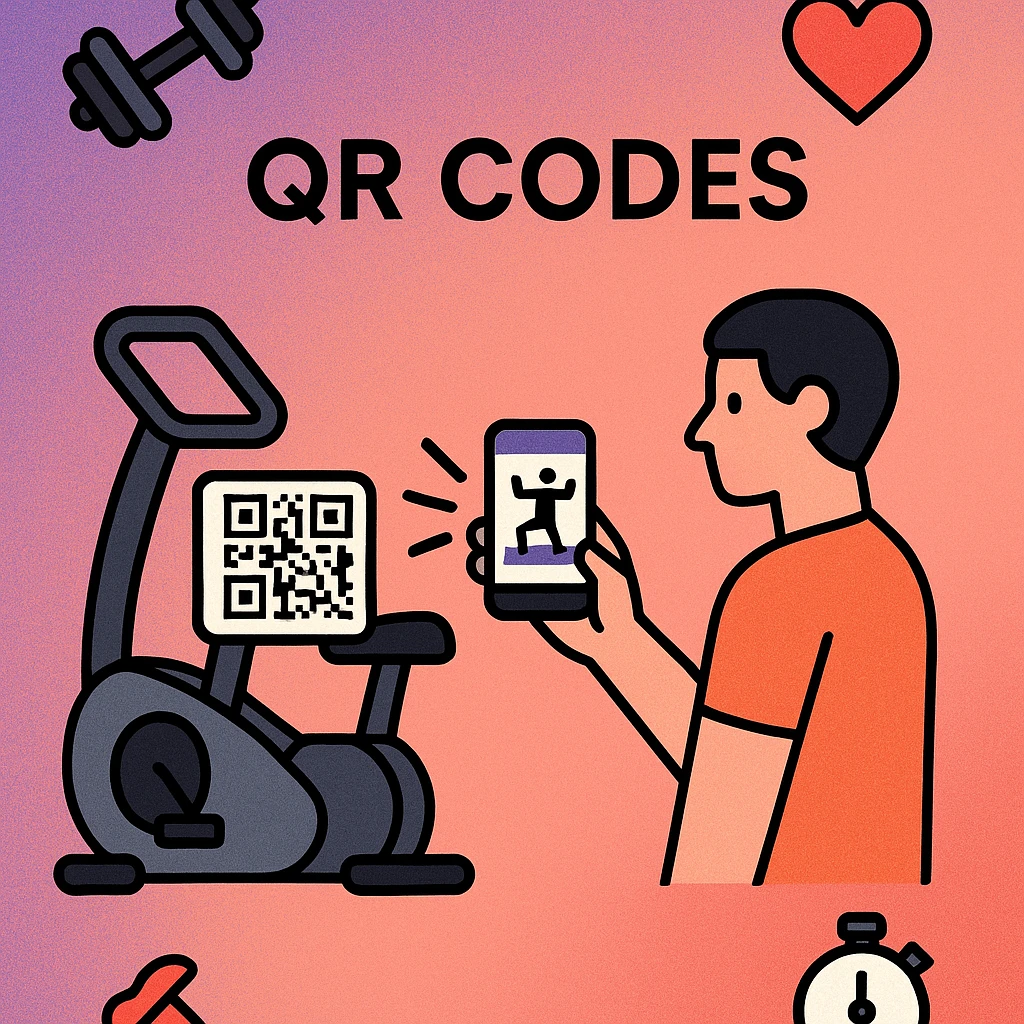
The average gym member interacts with at least six information touchpoints per visit: equipment usage, class times, locker instructions, nutrition advice, PT availability, and membership queries. QR codes can handle all six — without a single printed leaflet or staff interruption.
Equipment Instructions
The most universally useful application in any gym. Attach a QR code to each machine — treadmill, rowing machine, cable station, leg press, Smith machine — and link it to a dedicated page with:
- A short video demonstration (30–90 seconds) showing correct form and setup
- Step-by-step written instructions with labelled diagrams
- The primary muscles targeted and common variations
- Safety notes, weight adjustment guides, and common mistakes to avoid
This approach is particularly effective for free weights areas and functional training zones where the range of exercises is broad and members are more likely to use equipment incorrectly. A QR code on a barbell rack that links to a squat form video is more useful — and more used — than a laminated poster that peels off the wall in six months.
You can also use equipment QR codes to link to maintenance logs or out-of-order reports. Members scan to report a broken machine; the form submission notifies your facilities team instantly.
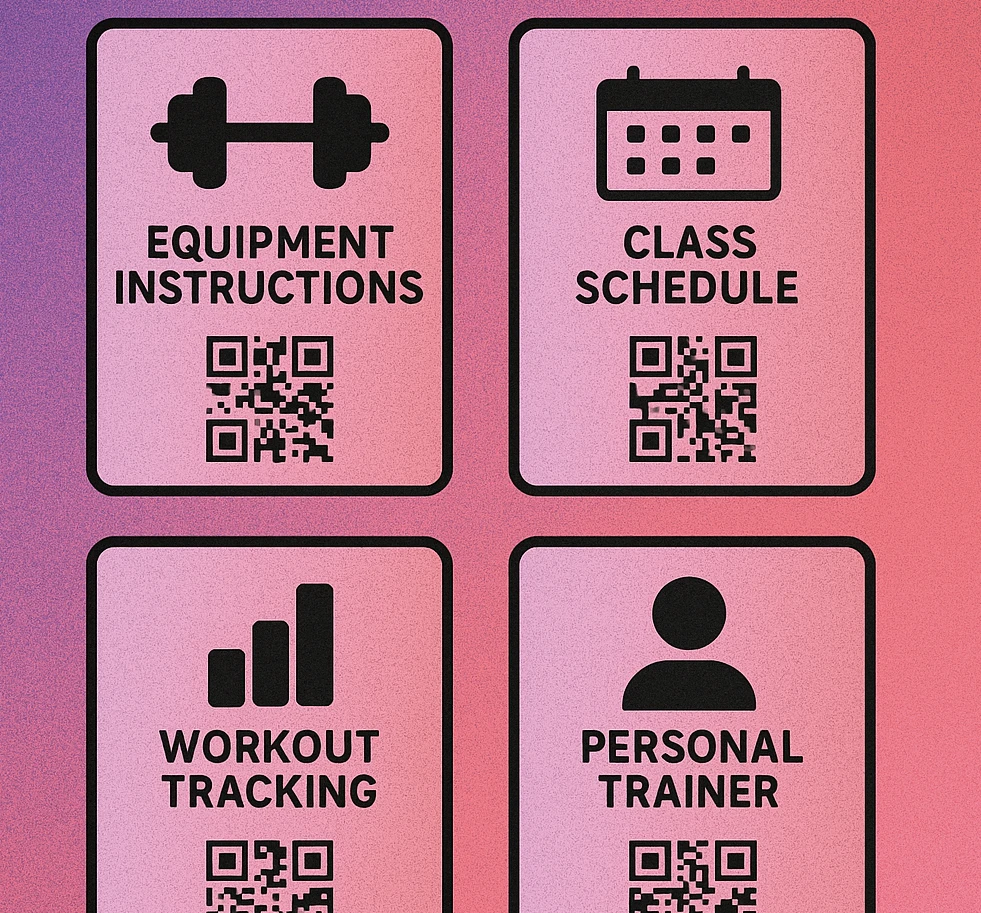
Class Schedules & Signups
Class timetables change weekly. Printing a new schedule every Monday is wasteful and creates version-control headaches when instructors change at the last minute. A dynamic QR code solves this: you print the code once, display it permanently at reception and on notice boards, and update the linked page whenever the schedule changes.
Members scan the same code every time and always see the current timetable. You can link to:
- An embedded weekly schedule (Google Calendar, Mindbody, or your booking platform)
- A class booking page where members reserve their spot
- A waitlist signup for popular classes like HIIT, yoga, or spin
- An instructor profile page with bio and class style description
Always use a dynamic QR code for class schedules. Static codes encode the URL directly in the pattern — if your schedule page URL ever changes, the printed code becomes permanently broken. Dynamic codes use a redirect you can update at any time. See our URL QR code generator guide for how to set this up.
Membership Signups
Prospective members walking past your gym window are high-intent leads. A QR code displayed prominently in the window or on outdoor signage lets them begin the signup process before they've even walked through the door. Link the code to:
- Your online membership purchase or trial registration page
- A free day pass or introductory offer landing page
- A short video tour of the facility
Inside the gym, QR codes near the reception desk can link returning visitors to membership upgrade pages, referral programmes, or loyalty reward schemes. Pair the code with a clear call to action: "Scan to get your first week free" is more effective than a bare code with no context.
Build Your Gym QR Code in Seconds
Generate a URL QR code that links to your signup page, class schedule, or equipment guide. Free, no account needed.
Workout Tracking
QR codes can act as the entry point for member workout logs and progress tracking. Options include:
- Station-based logging: A QR code at each exercise station opens a form where members log sets, reps, and weight. Data feeds into a member profile or shared Google Sheet.
- Programme downloads: Personal trainers share custom workout plans as a QR code. The member scans once, the plan opens in their browser and can be bookmarked or saved to their phone without an app.
- Video content libraries: A QR code in the stretching area or recovery zone links to a curated playlist of cool-down and mobility routines. You can link this to a YouTube playlist — see our guide on QR codes for YouTube videos for best practices on linking to video content.
For gyms running structured programmes — 8-week body transformation challenges, powerlifting cycles, or marathon training plans — a QR code on the programme booklet or wall poster delivers the week-by-week plan directly to a member's phone at the moment they need it.
QR Code Apps for Mac & Safari
Prefer generating codes without opening a browser tab? These two native Apple apps cover both habits — a full generator on the desktop, and a one-click share button inside Safari.


Personal Trainer Bookings
Personal trainers are often booked through reception, which adds friction on both sides. A QR code that links directly to a trainer's booking calendar removes that friction entirely. Each trainer can have their own code — printed on a small card, displayed at their consultation desk, or stuck to their equipment bag.
When a member works out near a trainer and wants to book a session, they scan the code and see available slots. No phone call, no waiting at reception, no back-and-forth email. The booking is confirmed automatically.
| Use Case | QR Code Type | Links To | Update Needed? |
|---|---|---|---|
| Equipment Instructions | Static URL | Video / guide page | Rarely |
| Class Timetable | Dynamic URL | Schedule / booking page | Weekly |
| Membership Signup | Dynamic URL | Signup / offer page | When offer changes |
| Workout Plans | Static URL | PDF / programme page | Per programme cycle |
| PT Booking | Static or Dynamic URL | Booking calendar | If calendar URL changes |
| Video Content | Static URL | YouTube / video library | Rarely |
Where to Place QR Codes in Your Gym
Placement is as important as content. A QR code no one sees — or can't scan due to glare, distance, or awkward angles — has no value.
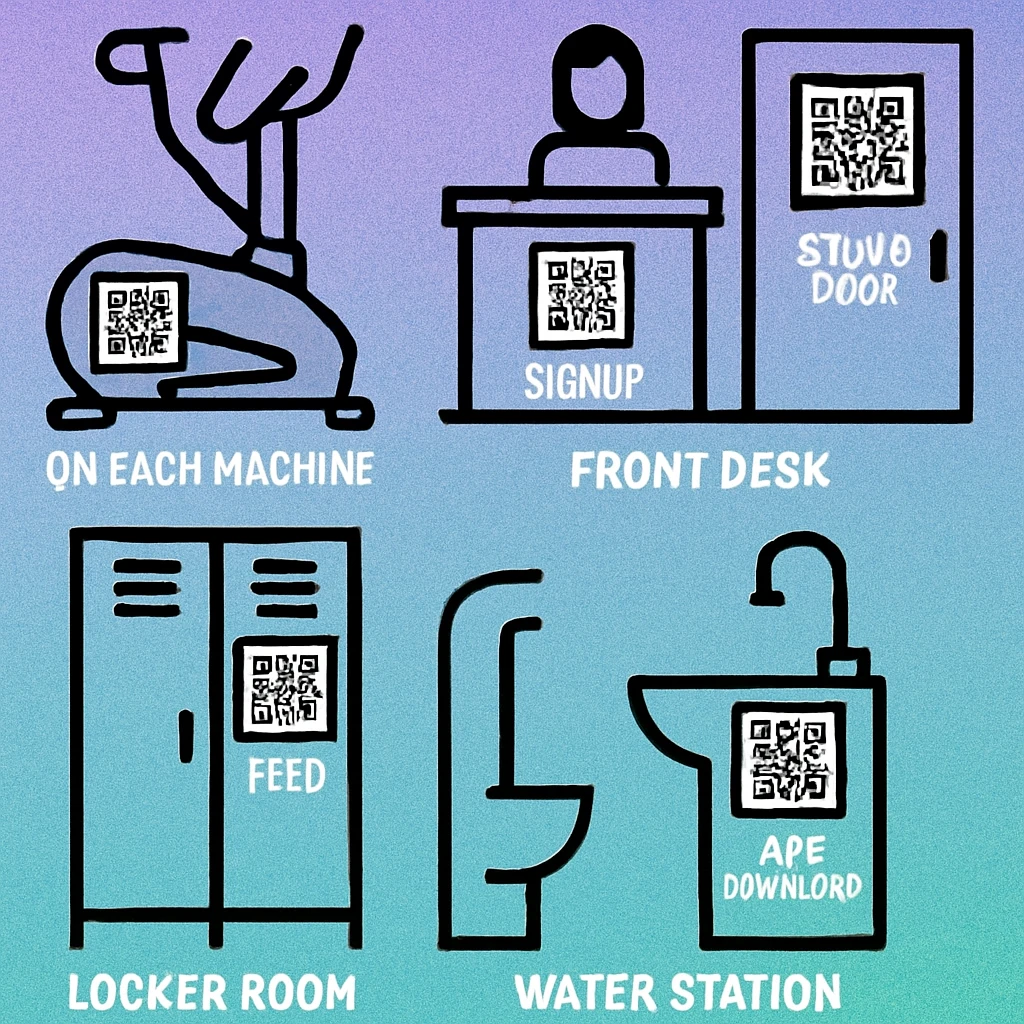
Six High-Impact Placement Positions
On the machine itself. Attach the code at eye level on the frame of each cardio and resistance machine, facing the primary user position. Laminated label stock with strong adhesive survives sweat and cleaning chemicals well. Minimum code size: 3 cm × 3 cm.
Reception desk and entrance. Membership signups, class schedules, and facility tours belong here. Use a small acrylic stand or printed A5 card next to the check-in screen so new visitors see it the moment they arrive.
Notice boards and locker room walls. High dwell-time areas where members read information between sets or while changing. Ideal for class schedules, nutrition resources, PT bios, and challenge signups.
Free weights and stretching zones. Members in these areas are often looking for exercise variety. A code linking to a workout generator or exercise library delivers exactly the right content at the moment of need.
Exterior windows and entrance doors. Membership and trial offer codes placed here capture passing foot traffic before they've even considered entering. Use high-contrast, weatherproof printing for outdoor use.
Printed collateral. Member welcome packs, class cards, and referral flyers all benefit from QR codes linking to relevant digital resources. This extends the physical touchpoint into an ongoing digital relationship.
Avoid placing QR codes on glass display cases or behind mirrors — reflections and glare reduce scan reliability significantly. Matt-laminated prints and direct adhesive labels on equipment surfaces always outperform codes displayed behind glass.
Frequently Asked Questions
Gyms attach QR codes directly to each piece of equipment — treadmills, cable machines, bench press stations, and more. Scanning the code opens a video tutorial, step-by-step usage guide, safety checklist, or muscle-group diagram for that specific machine. This reduces reliance on floor staff for basic questions and helps members use equipment safely and correctly without waiting for assistance.
Yes. A URL QR code can link directly to your online membership signup or trial page. Place the code on window posters, reception desks, leaflets, or social media to let prospects complete sign-up from their phone in seconds. Dynamic QR codes let you update the destination URL without reprinting — useful if your signup platform or offer changes.
A dynamic URL QR code is ideal for class schedules because the timetable changes week to week. You print and place the code once, then update the linked page whenever the schedule changes. Members always scan the same code and see the latest timetable. Static QR codes work only if your schedule is fixed and rarely changes, since you would need to reprint every time you update the URL.
The most effective placement positions in a gym are: directly on each piece of equipment (eye-level, facing the user), at the reception desk and entrance for membership and class info, on locker room notice boards for schedule updates, on the gym floor near the free weights area for workout guides, and at PT consultation stations for booking links. Avoid placing codes behind glass or on curved surfaces, as glare and distortion reduce scan reliability.
Absolutely. Personal trainers can generate a QR code that links to their online booking calendar (Calendly, Acuity, or a custom page). The code can be printed on business cards, attached to the PT's desk, or shown on their phone. Clients scan once and book instantly without needing to call reception or exchange contact details. It also works well in video content — add the booking QR to workout videos to drive session bookings.