Why QR Codes Work for Social Media Growth
Social media growth is typically measured in digital terms — ads, hashtags, collaborations, and algorithmic reach. But a significant portion of your most valuable audience encounters you in the physical world first: at your shop, through your packaging, at events, or on your printed marketing. Without a bridge, that encounter ends there.
A social media QR code is that bridge. It takes someone from a physical moment of interest — holding your product, sitting at your cafe table, reading your flyer — and converts it into a follow in under five seconds. No typing, no searching, no friction. For a complete framework on how QR codes fit into your broader marketing funnel, read our pillar guide on QR code marketing strategy.
The mechanics are simple: you generate a URL QR code pointing to your profile (or a link-in-bio hub), print it where your audience already is, and let passive exposure do the work. The key variables — platform choice, destination URL, and placement quality — determine whether the conversion rate is 0.5% or 5%.
The biggest driver of QR-to-follow conversion is context relevance: the QR code must appear in a moment where the person already likes what they see and would naturally want more of it. A QR code on packaging from a satisfied customer is worth ten times one on a generic poster.
Platform Strategies
Each social platform has its own audience expectations, content format, and follow mechanics. A QR code strategy that works well for Instagram may need adjustment for LinkedIn. Here is what to know for each major platform.
Instagram is the most natural fit for physical QR campaigns. The platform is visual, the follow action is familiar, and the mobile-first camera experience means scanning is second nature to most users. Link your QR code directly to your Instagram profile URL (instagram.com/yourhandle). Add a short CTA next to the code — "Follow for behind-the-scenes" or "Scan for this week's offer" — to give people a reason beyond mere curiosity.
For product businesses, packaging inserts and unboxing tissue paper are especially effective. The customer is already emotionally engaged with your brand. A QR code in that moment catches them at peak interest. See our dedicated article on social media QR codes for design and branding guidelines.
TikTok
TikTok's audience is highly discovery-oriented — people follow accounts they find entertaining, not just brands they already know. That changes the QR code pitch: rather than advertising your account, advertise the content. Use copy like "Scan to watch how this is made" or "See the full tutorial on TikTok" to tease specific content. Link to your profile URL (tiktok.com/@yourhandle).
Physical contexts that work well for TikTok QR codes include event booths (where you can show short highlights on a screen nearby), restaurant and bar environments (menu cards with food content teasers), and retail fitting rooms (styling content). Avoid placing TikTok QR codes in purely professional contexts — they can feel tonally inconsistent.
YouTube
YouTube follows are driven by content depth. People subscribe when they believe your channel will consistently deliver value on a topic they care about. QR codes for YouTube work best when they complement a clear content promise. Link to your channel page and pair the code with copy that describes your series: "Scan for weekly how-to videos" or "Watch our full installation guide on YouTube."
The strongest physical placements for YouTube are instructional contexts: user manuals, product packaging for assembled goods, workshop tables, and educational materials. A URL QR code pointing to a specific playlist (not just the channel homepage) can improve conversion because it delivers immediate, relevant content on scan.
LinkedIn QR codes serve a different goal: professional network growth rather than consumer follower accumulation. They perform best in business-to-business contexts — conference badges, proposal documents, business cards, office reception areas, and presentation handouts. Link to your personal profile or company page URL.
Copy matters especially on LinkedIn. Instead of a generic "Follow us," use context-specific language: "Scan to connect" on a business card, or "Follow our company for industry updates" on a proposal. LinkedIn users are deliberate about who they follow; give them a clear professional reason.
| Platform | Best QR Destination | Top Physical Placement | CTA Style | Scan-to-Follow Fit |
|---|---|---|---|---|
| Direct profile URL | Packaging insert, receipt | Visual / lifestyle hook | Excellent | |
| TikTok | Direct profile URL | Event booth, restaurant menu | Content teaser | Very good |
| YouTube | Channel or playlist URL | Product packaging, manual | Value / tutorial promise | Good |
| Profile or company page | Business card, conference | Professional / network | Niche |
Link-in-Bio vs Direct Profile QR Codes
One of the most common strategic questions is whether to point your social media QR code directly at a platform profile or to a link-in-bio page that aggregates all your channels. Both approaches have merits depending on your business model.
Direct profile QR codes offer the shortest path to a follow. One scan, one destination, one action. Conversion is higher when your audience primarily uses a single platform and you want them to follow that account specifically. Use a direct URL QR code — see our guide to URL QR code generation for best practices on formatting and testing profile URLs.
Link-in-bio QR codes are better when you have a multi-platform presence and different audience segments. A single printed QR code on your packaging can send customers to a hub where they choose Instagram, TikTok, or YouTube based on preference. The trade-off is one additional tap and slightly lower immediate conversion, but broader channel diversification over time.
If you have one primary platform and a focused audience, use a direct profile QR code for maximum simplicity. If you operate across three or more platforms and want flexibility without reprinting, use a link-in-bio QR code. Either way, always use a custom URL — never the platform's own native QR code — so you retain analytics and can update the destination later.
QR Code Apps for Mac & Safari
Prefer generating codes without opening a browser tab? These two native Apple apps cover both habits — a full generator on the desktop, and a one-click share button inside Safari.


Physical Placement Tactics
The placement of a social media QR code determines its exposure volume and, crucially, the mental state of the person who sees it. The goal is high dwell time combined with high existing brand affinity. Here are the most effective placement categories.
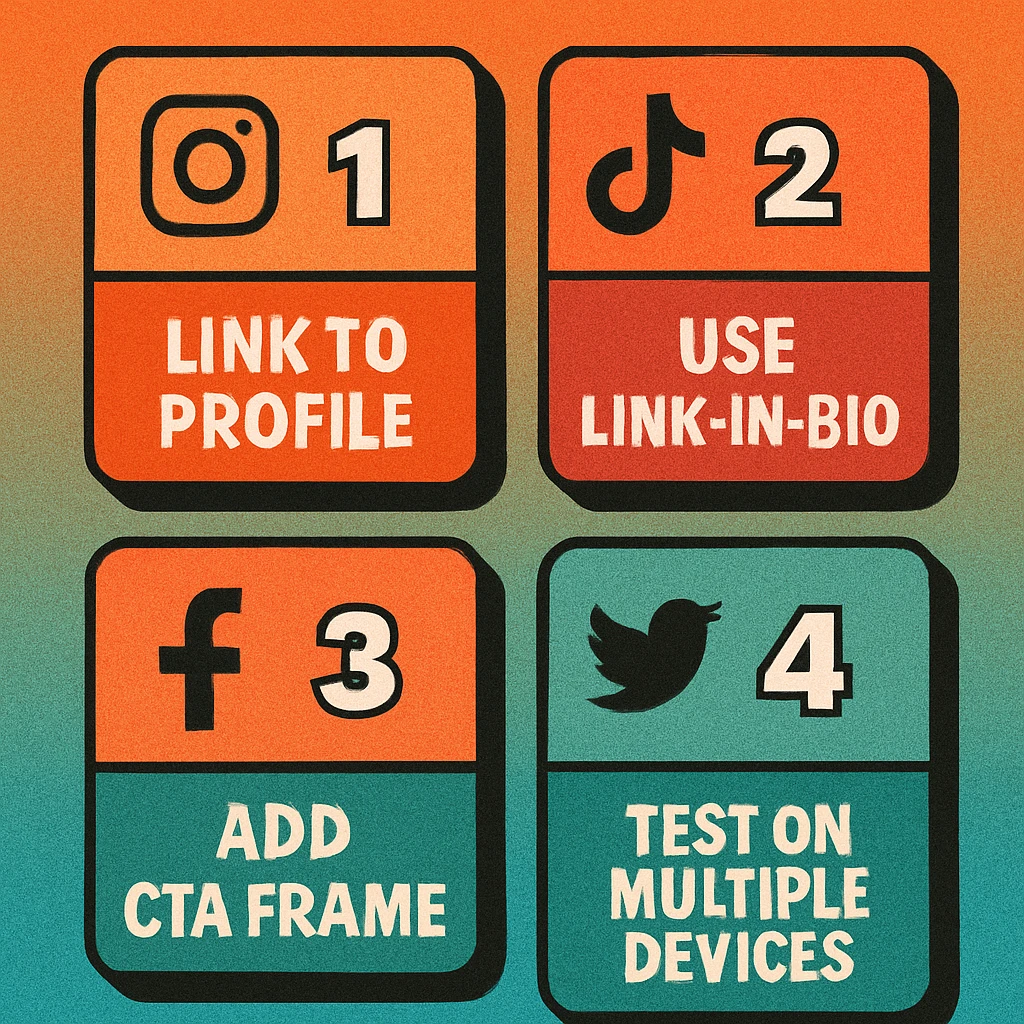
- Product packaging and inserts: Customers who have just purchased are at peak brand sentiment. An insert card with a QR code and a compelling reason to follow ("scan to see how others are styling this") converts exceptionally well.
- Retail and hospitality environments: Counter cards, table tents, menus, and fitting room mirrors all offer idle moments where a phone is already nearby. Keep the CTA short and the code large enough to scan from the reading distance.
- Event materials: Lanyards, wristbands, name badges, and printed event programmes are worn or read throughout an event. A QR code pointing to your event highlights reel (or live feed) gives attendees a reason to scan during the event itself.
- Receipts and invoices: A post-purchase receipt is a low-competition space. Adding "Follow us for exclusive deals" with a QR code catches a customer right after a positive transaction.
- Window signage and exterior displays: Pedestrian-facing window stickers with a QR code let passersby follow you without entering. Pair with a hook visible at a glance: "New arrivals every Thursday — scan to follow."
- Business cards and letterheads: Standard for LinkedIn and professional profiles. The QR code replaces manual URL typing and signals digital savviness.
Step-by-Step Setup
Launch a Social Media QR Campaign in 5 Steps
Choose your destination URL. Decide whether you want a direct profile link or a link-in-bio hub. Copy the exact web URL of your profile (not the app deep link). Test it in a browser before proceeding.
Add UTM parameters for tracking. Append ?utm_source=qr&utm_medium=print&utm_campaign=packaging (or similar) to your URL so you can measure QR-driven traffic in analytics. This is the only way to attribute follower growth to physical QR campaigns accurately.
Generate the QR code. Use the free generator on this site or the Mac app. Choose a high error correction level (H) for print. Brand your code with your colour scheme if the medium allows. Download as PNG at 1000px or higher, or SVG for scalable print use.
Write a clear CTA alongside the code. The QR code alone does not tell anyone why to scan it. A two-to-six word call to action — visible from at least 30 cm away — is non-negotiable. Test your CTA copy on people unfamiliar with your brand.
Test before printing at scale. Scan the final artwork with an iPhone (native Camera app), an Android device, and a dedicated scanner app. Test at print size and at distance. Confirm the destination URL loads correctly and the profile page opens as expected.
Start Growing Your Social Following Today
Generate a branded QR code for your profile in seconds — no account required. Download high-resolution PNG or SVG for print.
Frequently Asked Questions
It depends on how many platforms you want to promote. If you are active on one primary platform, link directly to your profile for the fastest conversion path. If you maintain a presence on multiple platforms, a link-in-bio page lets you send one QR code to a hub where followers can choose how to connect. The trade-off is one extra tap; for most audiences in physical contexts, the direct link wins for simplicity.
The best placements combine high dwell time with a motivated audience. In retail: packaging inserts, fitting room mirrors, and counter cards. In hospitality: menus, receipts, and table tents. At events: lanyards, wristbands, backdrop stands, and merchandise. For service businesses: invoices, appointment reminder cards, and welcome packets. The golden rule is to place the QR code where someone has a moment to pause and a clear reason to follow you.
Platform-native QR codes are convenient but come with limitations. They typically open the native app directly, which is great for existing app users but can produce errors for people who have the app installed but not logged in, or who do not have the app at all. A custom URL QR code pointing to a profile's web URL is more universal — it opens in a browser and offers an install prompt if needed. Custom codes also let you control branding, track scans, and update the destination without reprinting.
The most reliable method is to use a UTM-tagged URL inside your QR code. Add utm_source=qr&utm_medium=print&utm_campaign=your-campaign to your profile link, then track clicks in Google Analytics or your platform's analytics. For a simpler approach, use a URL shortener with click tracking (such as Bitly) as the QR destination, and monitor click volume against your follower growth timeline.
Not directly — a single QR code encodes one URL. However, you can point it to a link-in-bio landing page that lists all your profiles, letting the user choose. Alternatively, use a dynamic QR code service that lets you update the destination URL without regenerating the printed code, so you can rotate platforms seasonally or based on campaign priority.