Why QR Codes Belong on Wedding Invitations
The traditional wedding invitation suite — invitation card, RSVP card, reply envelope, directions insert, accommodation card — is expensive to print and easy to lose. QR codes compress all of that information into a scannable square that fits elegantly on any card stock.
For a full overview of QR code applications across events and industries, see our pillar guide on QR code use cases. This article focuses specifically on the wedding context: what to link to, how to design codes that match your invitation aesthetic, and practical tips for every use case.
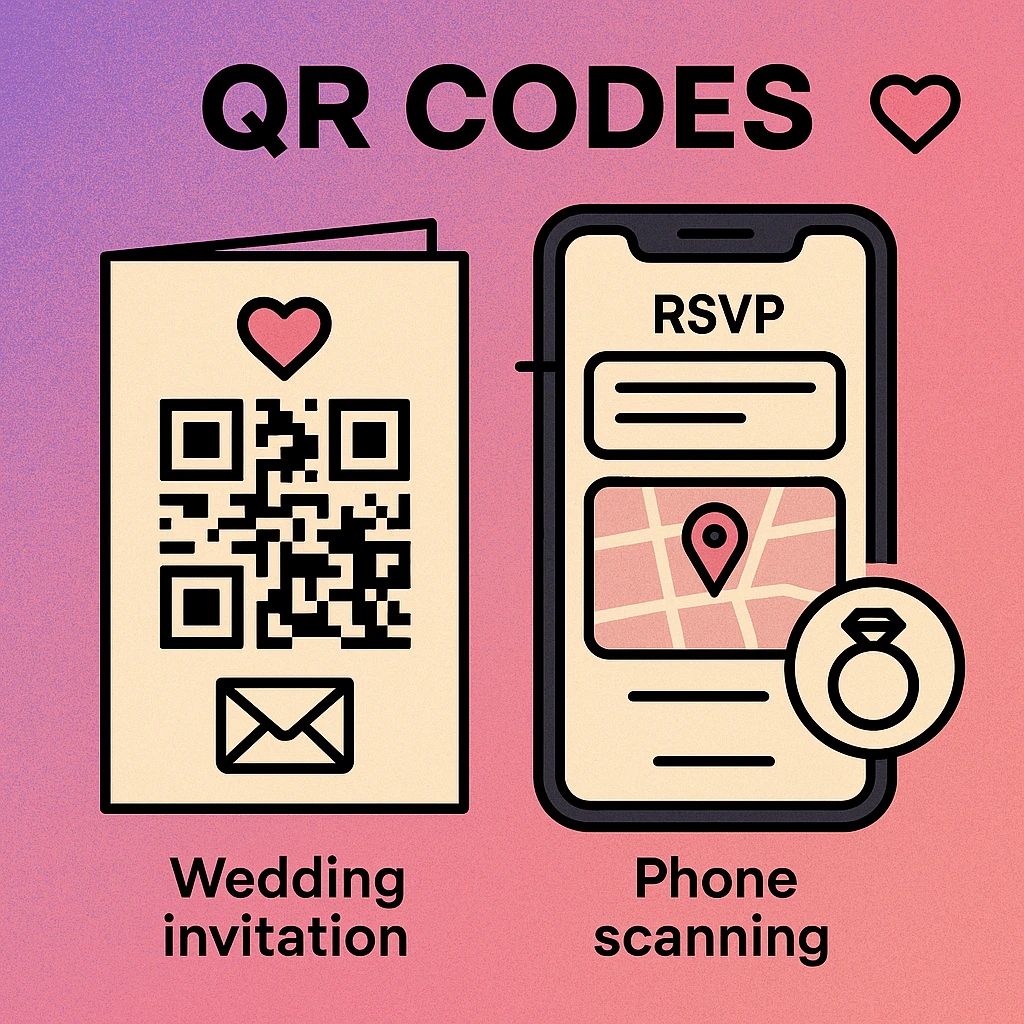
You don't need one QR code per function. Many couples create a single wedding website that contains everything — RSVP form, directions, registry, schedule, accommodation — and print one QR code that links to that website. Guests get a seamless experience; you manage everything from one place.
RSVP Forms via QR Code
Printed reply cards with pre-paid envelopes are the most expensive part of a traditional invitation suite. A QR code linked to an online RSVP form eliminates both the postage cost and the weeks of waiting for cards to arrive by post.
The most popular RSVP tools for wedding QR codes include Google Forms, Typeform, Zola, The Knot, and Squarespace wedding pages. Each generates a URL you can encode into a QR code instantly using a URL QR code generator.
What to collect in your RSVP form
- Guest name and party size
- Attendance confirmation (yes / no / maybe)
- Meal preference (if applicable)
- Dietary requirements or allergies
- Song request for the reception playlist
- Accommodation needs
For a step-by-step guide on linking a QR code to a Google Form specifically, see our article on QR codes for Google Forms. The process takes under five minutes and gives you real-time responses in a spreadsheet you can share with your caterer and planner.
Set an RSVP deadline date in the form description and again on the invitation card. Guests who scan the QR code are far more likely to respond immediately than those who receive a paper card, which can be set aside and forgotten.
Venue Directions & Maps
One of the most practical uses for a wedding QR code is opening the venue directly in Google Maps or Apple Maps. A single tap from the camera app launches turn-by-turn navigation without guests having to type an address — which reduces wrong-location errors on the day.
Use a geolocation QR code that encodes the precise GPS coordinates of your venue. This is especially useful for rural, estate, or destination weddings where the street address doesn't always resolve correctly in navigation apps.
What to include alongside the map QR code
- The printed venue name and address (for guests without smartphones)
- Parking instructions or nearby car park details
- Public transport options if relevant
- A second QR code for the ceremony venue if it differs from the reception
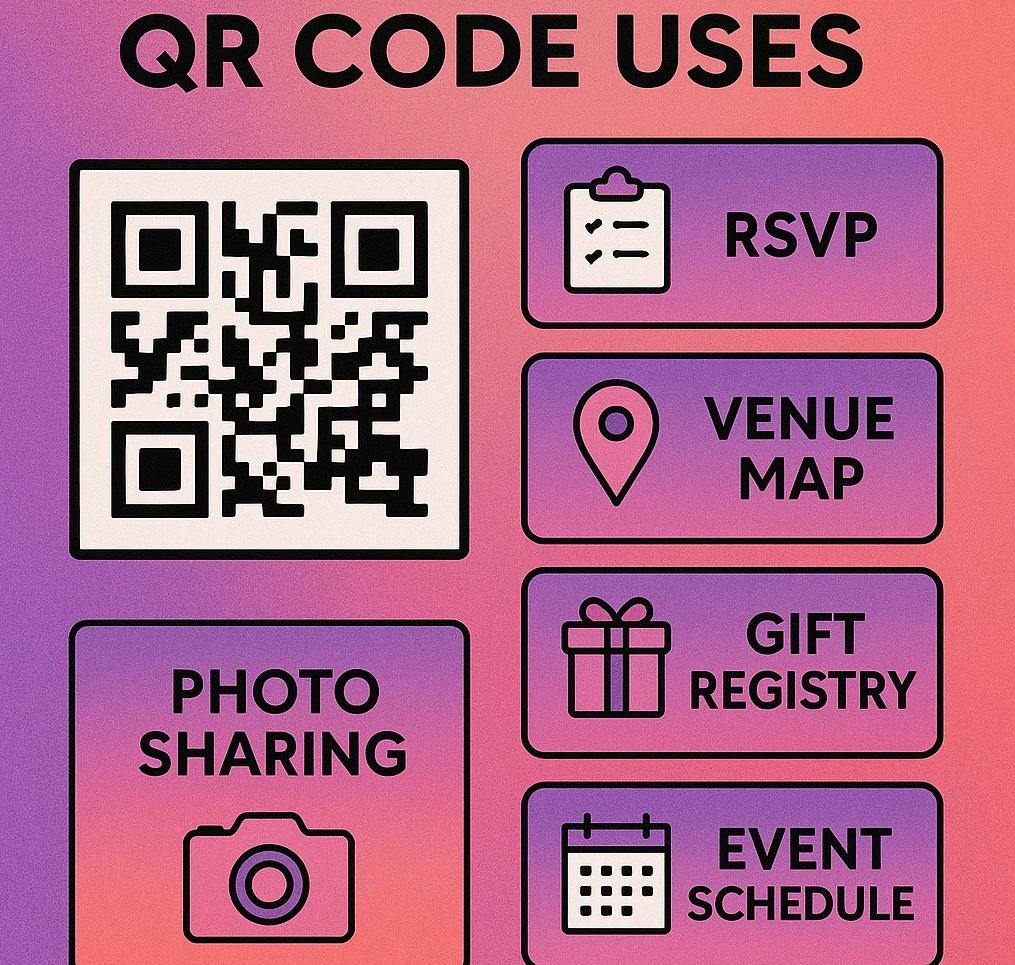
Gift Registry Links
Printing a gift registry URL in full on an invitation looks cluttered and is easy to mistype. A QR code solves both problems: the URL is hidden, the invitation stays clean, and guests go straight to your registry page with one scan.
Most major registry platforms — Amazon, John Lewis, Zola, Prezola, and others — generate a shareable URL for your registry page. Encode that URL using a standard URL QR code and place it on a separate enclosure card labelled "Our Gift List" or on the back of the main invitation.
Registry QR code placement tips
- Use a separate enclosure card rather than the main invitation — registry details are traditionally kept separate
- Label the code clearly: "Scan to view our gift list"
- If you use a dynamic QR code, you can update the destination URL if you change registry providers
- Consider adding a note for guests who prefer not to use the registry
Photo Sharing Albums
Guest photography at weddings is enormous — hundreds of candid shots across multiple phones that never make it to the couple. A shared photo album QR code, printed on table cards or on the back of the invitation, invites every guest to contribute their photos to a single album.
Google Photos shared albums, iCloud shared albums, and Dropbox folders all generate shareable links. You can also use dedicated wedding photo apps such as WedPics or Momento. Encode the upload link as a URL QR code and place it on reception table cards alongside a short prompt: "Share your photos — scan to add to our album."
Generate Your Wedding QR Codes Free
Create URL, map, calendar, and form QR codes in seconds. Download in PNG or SVG. No account needed.
Event Schedule & Calendar Save-the-Date
For weddings with multiple events — rehearsal dinner, ceremony, reception, day-after brunch — a schedule QR code linking to a web page or PDF keeps everyone informed without cramming every detail onto the invitation card.
You can also use a calendar event QR code that, when scanned, prompts guests to save the wedding date directly to their phone calendar (Google Calendar or Apple Calendar). This is particularly effective on save-the-date cards sent months in advance — guests save the date immediately and receive calendar reminders automatically.
What a calendar event QR code can include
- Event title, date, and time (ceremony start and expected end time)
- Venue name and address
- A brief note: "Ceremony begins at 2pm. Reception to follow."
- A URL back to the wedding website for full schedule details
QR Code Apps for Mac & Safari
Prefer generating codes without opening a browser tab? These two native Apple apps cover both habits — a full generator on the desktop, and a one-click share button inside Safari.


Design Styles for Wedding QR Codes
A raw black-and-white QR code on a beautifully printed invitation looks like an afterthought. Fortunately, QR codes are highly customisable, and with a little care they can complement even the most refined stationery design.
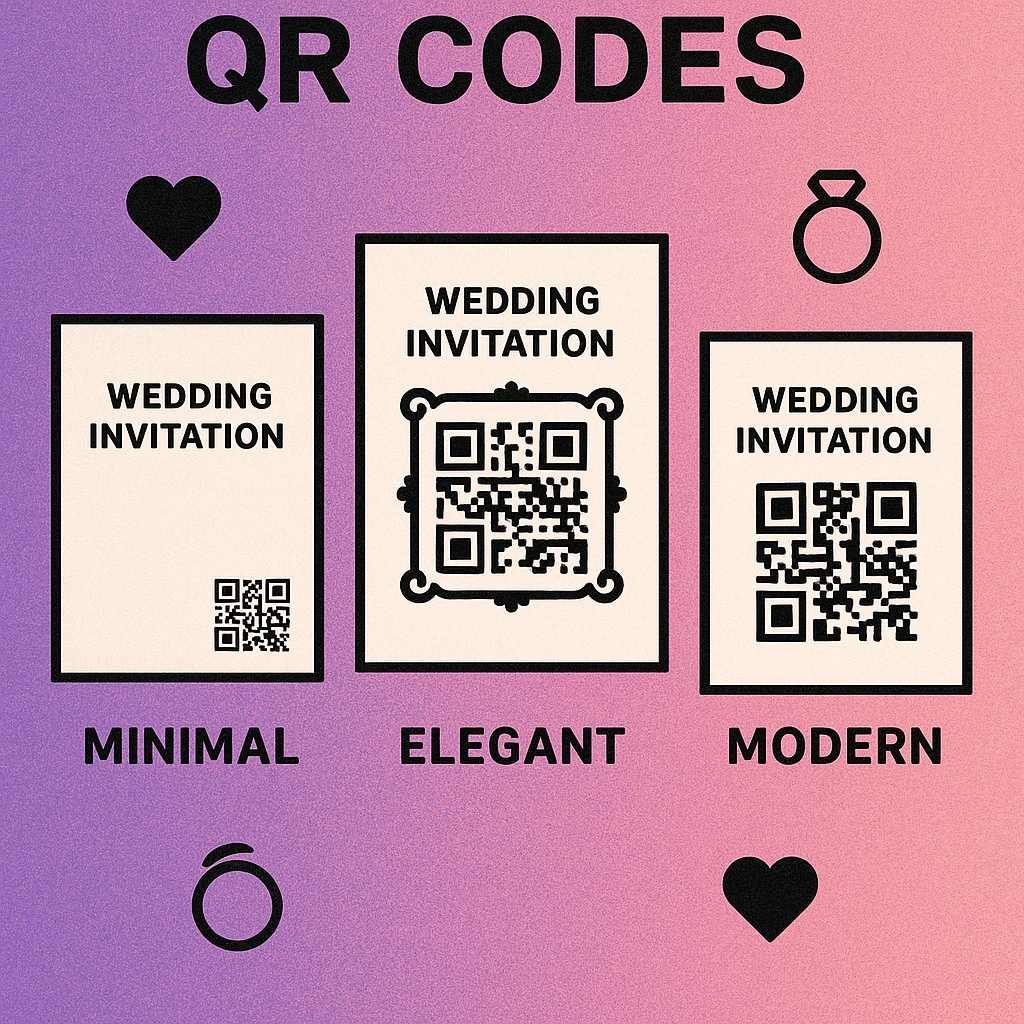
| Style | Module Shape | Colour Palette | Best Invitation Match |
|---|---|---|---|
| Minimalist | Square (default) | Black on cream or white | Clean, modern, typographic |
| Elegant | Rounded corners | Deep navy or forest green on ivory | Classic, formal, letterpress |
| Modern | Dots (circular modules) | Dusty rose, sage, or terracotta on white | Boho, contemporary, illustrated |
| Luxe | Rounded with custom finder | Gold foil effect on black | Black-tie, destination, estate |
Minimum print size: Keep the QR code at least 2.5 cm × 2.5 cm (approximately 1 inch square) so it scans reliably even with rounded or dot-style modules. For dot-style codes on textured paper stock, err on the side of 3 cm to allow for ink absorption. Always run a test print and scan before finalising the print run.
How to Create Wedding QR Codes
Five Steps from Idea to Printed Code
Decide what each QR code links to. For most couples: one code for the RSVP form, one (or a shared album code) for photos, and optionally a map code if the venue is hard to find. Many couples also use one central wedding website URL for everything.
Create your destination pages first. Set up your Google Form, wedding website, registry page, and shared photo album before generating QR codes. Test each URL in a browser to confirm it resolves correctly.
Generate the QR code. Use the free generator on this site. Paste your URL, choose a module style (rounded or dots for a wedding aesthetic), match the colour to your invitation palette, and download as SVG for print-quality output.
Test before you send to print. Scan the final exported code on both an iPhone and an Android device. Check that the destination loads correctly. If you used a dot or rounded style, test in average indoor lighting, not just perfect conditions.
Add a clear call to action on the invitation. A small line of text beneath the QR code — "Scan to RSVP by 15 May" or "Scan for directions" — removes any ambiguity about what the code does and dramatically increases the scan rate.
Wedding QR codes are most effective for RSVPs (replacing reply cards), venue navigation (replacing printed maps), and gift registry links (replacing cluttered URLs). Use rounded or dot-style modules in a colour that matches your stationery, print at minimum 2.5 cm, and always include a short instruction line. Test on both iOS and Android before the print run.
Frequently Asked Questions
Yes. A QR code linked to an online RSVP form (such as a Google Form, Typeform, or wedding website RSVP page) lets guests respond in seconds by scanning with their phone. This eliminates the need for reply cards and return envelopes, reduces postage costs, and gives you real-time response tracking in a spreadsheet or dashboard.
A wedding invitation QR code can link to an RSVP form, a venue map or Google Maps pin, a gift registry page, a wedding website with full schedule details, a shared photo album for guests to upload pictures, or a calendar event file so guests can save the date automatically. Many couples create a single wedding website that houses all of these and use one QR code for everything.
Use a rounded or dot-style QR code rather than the default sharp-edged squares. Match the QR code colour to your invitation palette — dark navy on cream, forest green on ivory, or dusty rose on white all work beautifully. Keep the code at least 2.5 cm × 2.5 cm and pair it with a short instruction line such as "Scan to RSVP". Avoid placing the code over patterned backgrounds.
They serve different needs. Printing the address is useful for guests who write it into their own navigation app. A geolocation QR code opens the venue directly in Google Maps or Apple Maps with one tap, which is faster and reduces the chance of typos leading guests to the wrong location. Using both — the address printed and a QR code alongside it — gives guests the best of both options.
Yes. Both iPhone (iOS 11+) and Android (Android 9+) can scan QR codes directly with the native camera app — no separate QR reader is needed. Guests simply open their camera, point it at the code, and tap the notification that appears. This makes QR codes on wedding invitations accessible to virtually all smartphone users.