The Quick Answer
A QR code is a two-dimensional barcode — a grid of black and white squares that encodes data. That image, by itself, does not have a timer or an expiry date. You can print a QR code today, leave it in a drawer for ten years, and it will still scan perfectly the day you pull it out.
So why do people report that their QR codes "expired"? Because there is a critical difference between scanning the code and loading the content it points to. The code might read perfectly fine, but if the webpage behind it is gone, the experience feels identical to expiration.
QR codes don't have built-in expiration dates. What "expires" is the content they link to — or the redirect service sitting between the code and that content.
Whether your code will keep working for years depends entirely on which type of QR code you generated: static or dynamic. If you're not sure about the difference, our static vs dynamic QR code guide covers it in depth.
Static QR Codes vs Dynamic QR Codes
Static QR Codes
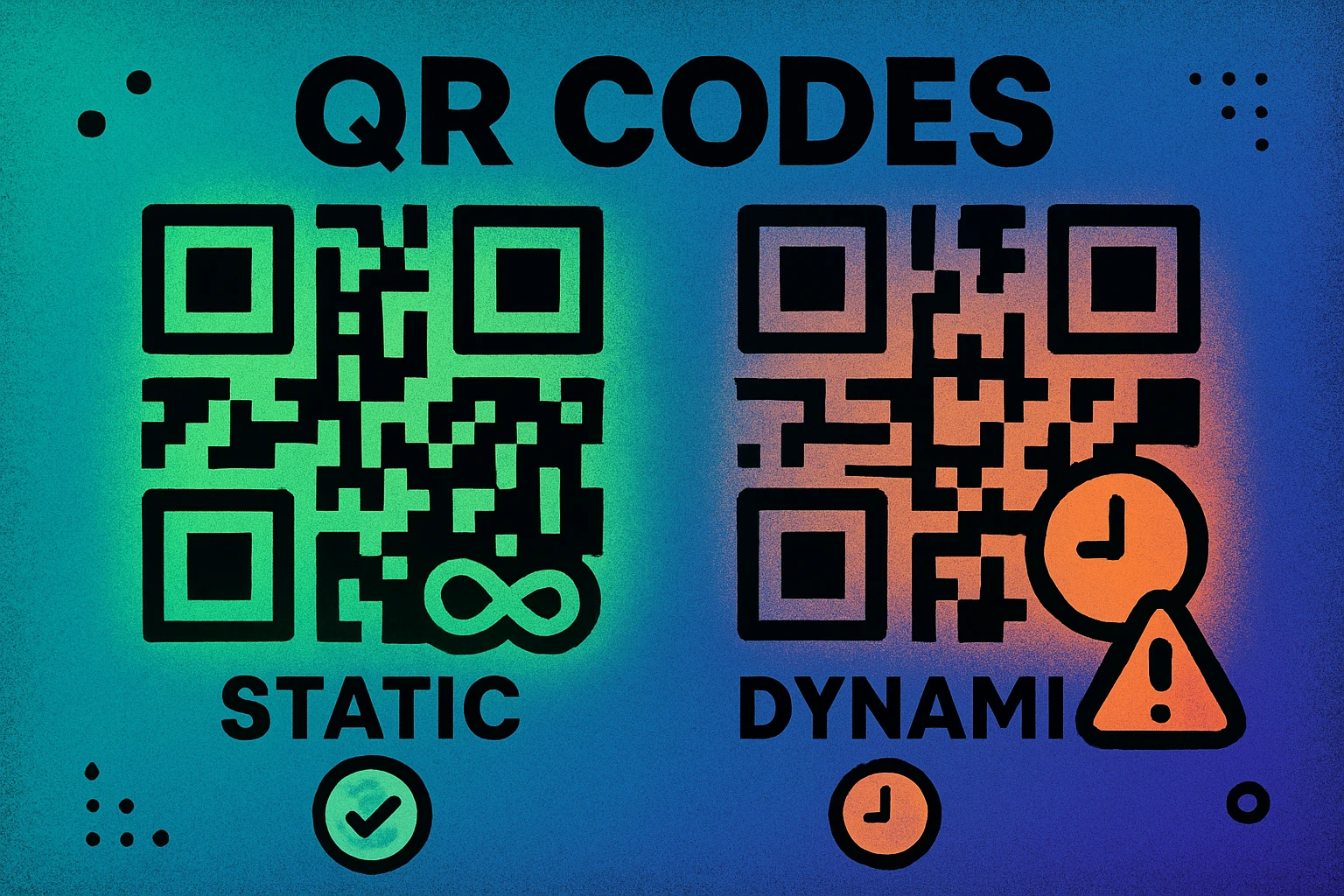
A static QR code bakes the destination data — a URL, a block of text, a Wi-Fi password — directly into the pattern of black and white modules. There is no intermediary server involved. When someone scans it, their device reads the data straight from the image.
Because there is no subscription, no hosting service, and no redirect layer, static QR codes cannot expire on their own. They remain functional indefinitely, as long as two conditions hold: the content they link to is still accessible, and the physical code itself hasn't been damaged or printed too small to scan.
If you've ever generated a QR code for a plain text string or a Wi-Fi password, you've created a static code. It encodes the data locally and has no dependency on any external platform.
Dynamic QR Codes
A dynamic QR code works differently. Instead of encoding the final destination, it encodes a short redirect URL controlled by the QR platform you used. When someone scans the code, they hit the platform's server first, which then forwards them to the actual content.
This redirect layer is what gives dynamic codes their power — you can change the destination without reprinting the code, and you can track scan analytics. But it's also the single point of failure. If the platform goes offline, if your subscription lapses, or if the service caps your scans, the redirect breaks and the code stops working.
Technically the QR code image itself is still perfectly valid. A scanner will read it and extract the short URL. But when the browser tries to load that URL, it hits a wall — an error page, a payment prompt, or nothing at all.
The 6 Reasons QR Codes Stop Working
When a QR code "expires," the root cause is almost always one of these six things. Understanding which one you're dealing with determines whether you can fix it or need to create a new code entirely.
Common Failure Points
The destination URL was deleted or changed. This is the most frequent cause. Someone redesigns their website, moves a page to a new URL, or removes a Google Drive file — and the QR code now points to a 404 error. This affects both static and dynamic codes, though dynamic codes can be fixed by updating the redirect.
The domain expired. If the domain the QR code links to isn't renewed, the entire website goes offline. Every code pointing to that domain becomes dead. This is especially common with free short-link services that shut down without notice.
The dynamic QR platform subscription lapsed. Most dynamic QR code services operate on monthly or annual subscriptions. When you stop paying, the redirect URLs they manage can be deactivated. Your codes still scan, but they lead to an error or payment page instead of your content.
Scan limits were reached. Some free-tier and low-cost platforms impose a cap on the number of scans per month. Once you exceed the limit, the code is temporarily throttled or deactivated. Users see a broken experience with no warning.
A free trial ended. Many generators let you create dynamic codes during a trial period. When the trial expires, so do the redirects. The code worked perfectly during testing, then silently broke after launch — often when it's already printed on thousands of flyers or business cards.
Physical damage or poor print quality. Scratches, tears, fading from sunlight, or printing at too small a size can all make a QR code unscannable. This isn't technically "expiration," but the effect is the same. Our QR code size guide covers the minimum dimensions you should follow.
Static vs Dynamic: Side-by-Side Comparison
Here's how the two types compare specifically in terms of lifespan and expiration risk:
| Factor | Static QR Code | Dynamic QR Code |
|---|---|---|
| Built-in expiry | No | No |
| Requires subscription | No | Usually |
| Affected by scan limits | No | Depends on plan |
| Stops if URL deleted | Yes | Fixable (update redirect) |
| Editable after print | No | Yes |
| Scan analytics | No | Yes |
| Practical lifespan | Indefinite | As long as platform active |
QR Code Apps for Mac & Safari
Prefer generating codes without opening a browser tab? These two native Apple apps cover both habits — a full generator on the desktop, and a one-click share button inside Safari.


How to Create QR Codes That Never Expire
If your priority is permanence — a code you print once and trust for years — the strategy is straightforward. You want to eliminate every dependency that could break the chain between scanning and loading.
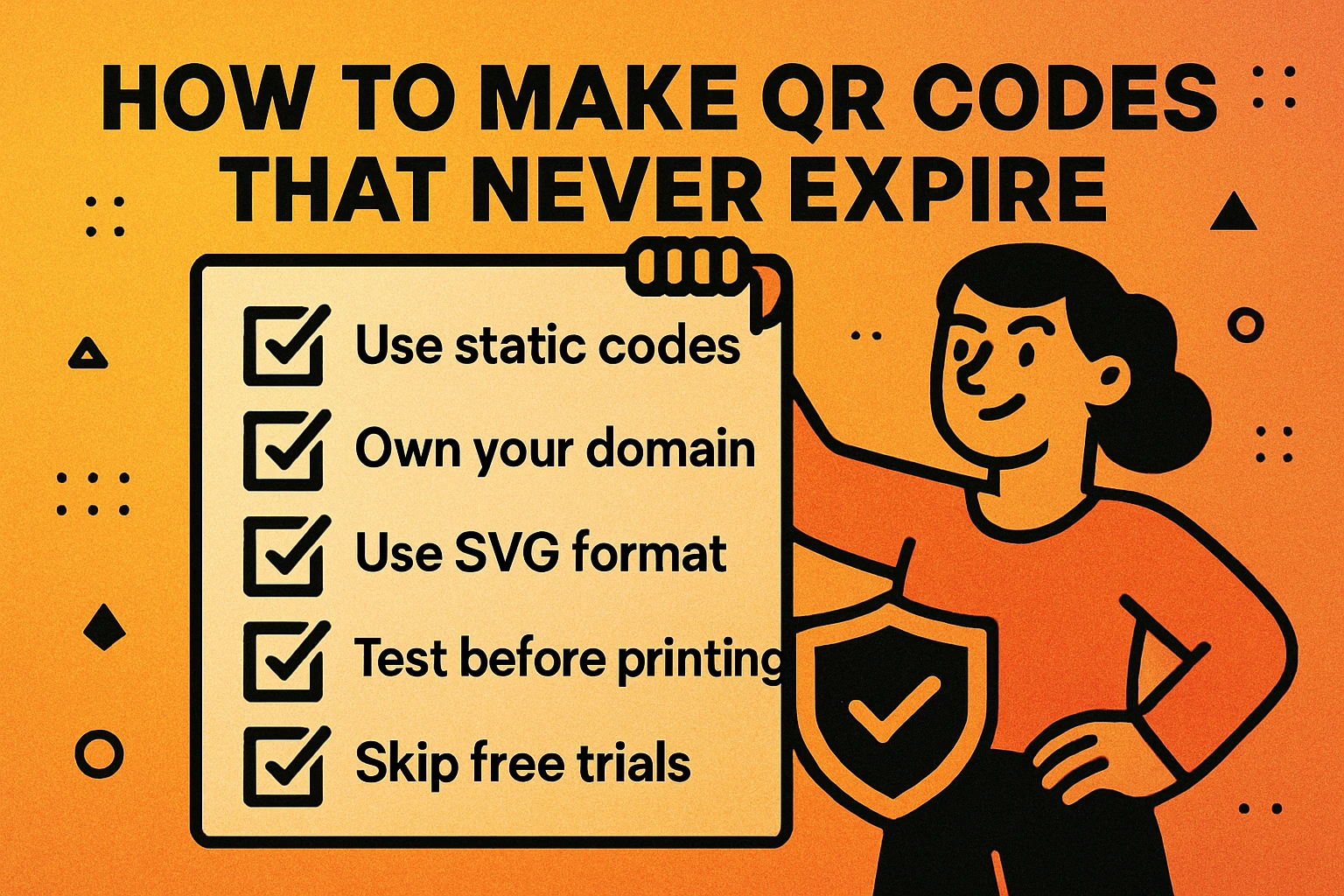
5 Rules for Permanent QR Codes
Use a static QR code. If the content won't change, go static. There's no redirect server to fail, no subscription to forget, and no scan cap to hit. The data lives in the image forever.
Point to a URL you own. Avoid third-party short links, Dropbox files, or free hosting. Use your own domain so you control uptime, redirects, and renewal. If the URL ever needs to change, you can set up a 301 redirect on your server.
Keep the destination page alive. This sounds obvious, but site redesigns and CMS migrations break URLs all the time. Before you launch a new version of your site, audit every URL that has a QR code pointing to it.
Print at the right size with good contrast. A code that's too small or too low-contrast will fail to scan — not because it expired, but because the scanner can't read the pattern. At minimum, print QR codes at 2 cm × 2 cm (0.8 in × 0.8 in) for close-range scanning and larger for anything viewed from a distance.
Use a QR generator that doesn't gate your codes. Some "free" generators create codes that expire after a trial or impose watermarks. The QR codes you generate on GenerateOnlineQR.com are fully static, free, and yours to keep. No account, no subscription, no limits.
For situations where you do need the flexibility of dynamic codes — changing destinations, tracking scan analytics, running A/B tests — go dynamic, but choose your platform carefully. Pick a provider with a proven track record, transparent pricing, and no scan-limit traps. And keep a calendar reminder for your renewal date.
Create a QR Code That Lasts Forever
No signup. No expiration. No scan limits. Just paste a URL and download.
Can You Reactivate an Expired QR Code?
It depends on what caused the failure:
If a dynamic code's subscription lapsed, renewing the plan on the same platform will typically reactivate the redirect. The physical code remains the same — it just needs its backend turned back on. You shouldn't need to reprint anything.
If the platform shut down entirely, there's no way to recover the redirect URL. You'll need to create a new QR code and replace the old one wherever it's printed or displayed. This is one of the key risks of relying on third-party dynamic services, and it's a strong argument for on-device QR generation when permanence matters.
If the destination URL is dead, the fix depends on the code type. Dynamic codes can be updated to point elsewhere. Static codes require generating a fresh QR image with the corrected URL.
If the code is physically damaged, QR codes have built-in error correction that can tolerate some damage — up to 30% of the pattern can be obscured and the code may still scan. But if the damage is severe, you'll need to replace the printed material.
Frequently Asked Questions
No. Static QR codes encode data directly into the pattern and have no expiration mechanism. They remain scannable indefinitely as long as the linked content stays online and the physical code is not damaged.
Dynamic QR codes can stop working if the platform subscription lapses, scan limits are reached, or the hosting service goes offline. The code itself does not expire, but the redirect service behind it can become inactive.
The most common reasons are: the destination URL was deleted or changed, the domain expired, a dynamic QR platform subscription lapsed, scan limits were exceeded, or the printed code is physically damaged or too small to scan.
Use a static QR code that points to a URL you own and control. Keep the destination page live, renew your domain, and print the code at a large enough size with sufficient contrast. Static QR codes generated with GenerateOnlineQR.com are free and permanent.
In most cases, yes — if the code stopped working because your subscription lapsed, renewing the plan should reactivate the redirect. If the platform itself shut down, you would need to create a new code entirely.
Static QR codes from free generators do not expire. However, dynamic QR codes created on free tiers often have scan limits or trial periods — once these are exceeded, the code redirects to an error page. Always check whether your generator creates static or dynamic codes.