Why Generate QR Codes in JavaScript?
JavaScript is the only language that runs natively in both the browser and on the server (Node.js), which makes it uniquely versatile for QR code generation. You can generate codes entirely client-side — without any network request — preserving user privacy and eliminating server cost. Or you can generate at the server level during a build step, inside an API route, or as part of a serverless function.
For developers who need to go deeper into the underlying data structure before writing any generation code, our pillar guide on QR code technical specifications covers encoding modes, error correction mathematics, and the module grid in full detail.
Client-side generation with qrcode.js or qr-code-styling happens entirely in the user's browser. The encoded string is never sent to a third-party server, making it the correct choice for sensitive payloads such as Wi-Fi passwords, authentication tokens, or internal identifiers.
Choosing Your Library
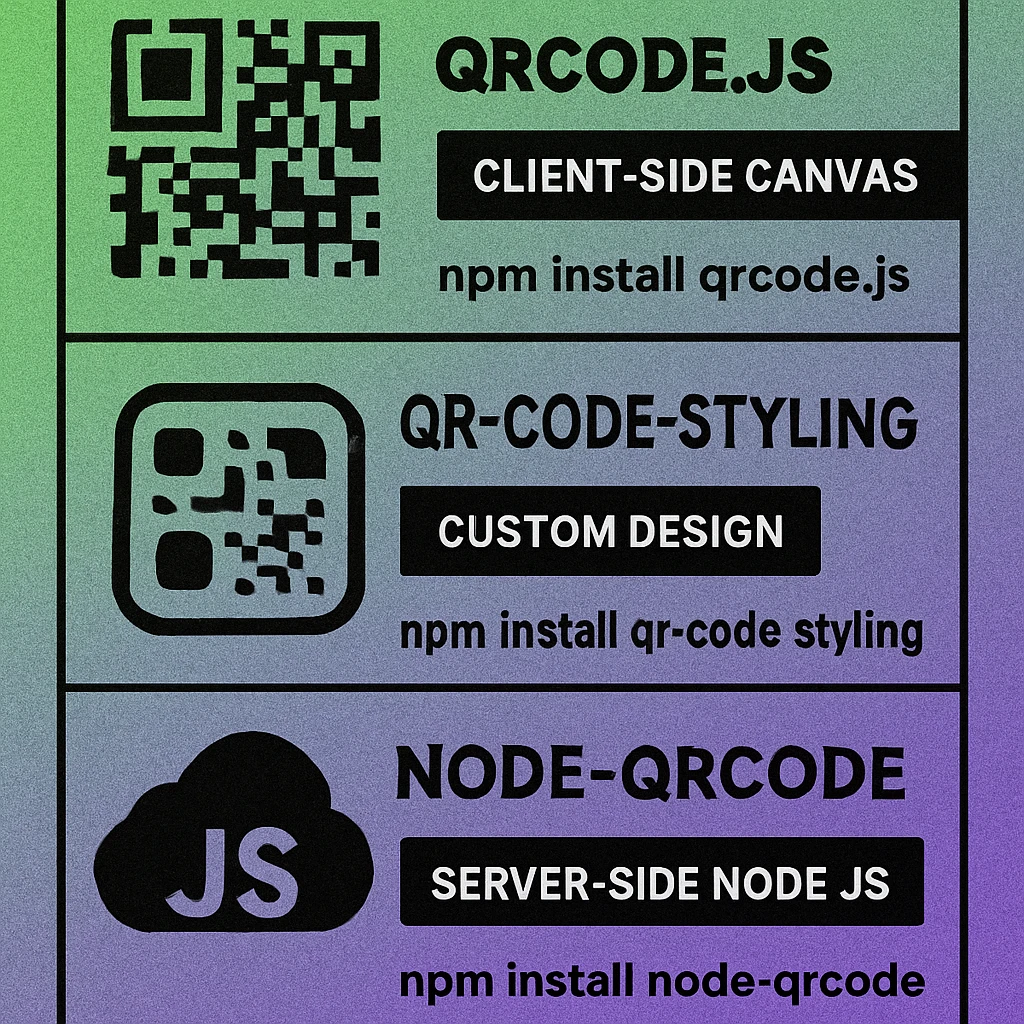
Three libraries cover the overwhelming majority of JavaScript QR generation needs. Each has a different scope and trade-off profile:
| Library | Environment | Output | Styling | Best For |
|---|---|---|---|---|
| qrcode.js | Browser (CDN or ESM) | Canvas / <img> | Basic | Quick integration, no build step |
| qr-code-styling | Browser (npm or CDN) | Canvas / SVG / PNG | Rich | Branded codes, download buttons |
| node-qrcode | Node.js (npm) | PNG file / data URL / SVG string | Moderate | APIs, build pipelines, SSR |
qrcode.js: Browser Basics
qrcode.js (npm: qrcodejs2 or qrcodejs) is a zero-dependency library that renders a QR code directly onto an HTML canvas element or into an <img> tag. It requires no build pipeline — a single script tag is enough.
Installation
<!-- Include from CDN, no npm required -->
<script src="https://cdnjs.cloudflare.com/ajax/libs/qrcodejs/1.0.0/qrcode.min.js"></script>
npm install qrcodejs2Basic Canvas Rendering
// HTML: <div id="qrcode"></div>

const qr = new QRCode(document.getElementById('qrcode'), {
    text: 'https://www.generateonlineqr.com',
    width:  256,
    height: 256,
    colorDark:  '#1a1a1a',
    colorLight: '#ffffff',
    correctLevel: QRCode.CorrectLevel.M  // L | M | Q | H
});
The library appends a <canvas> element (and a fallback <img> for older browsers) inside the target div. correctLevel maps to the standard error correction levels — use H if you plan to overlay a logo. For the full breakdown of error correction levels and their trade-offs, see the technical specifications guide.
Updating the QR Code Dynamically
// Re-render with new content on user input
document.getElementById('input').addEventListener('input', (e) => {
    qr.makeCode(e.target.value);
});
qr-code-styling: Styled Output with PNG/SVG
qr-code-styling extends client-side generation with a rich styling API: dot shapes, rounded corners, gradient fills, embedded images, and custom finder patterns. It renders to a canvas or exports directly to PNG or SVG — making it the right choice when you need download functionality or branded output.
Installation
npm install qr-code-stylingStyled Canvas Rendering
import QRCodeStyling from 'qr-code-styling';

const qrCode = new QRCodeStyling({
    width:  300,
    height: 300,
    data:   'https://www.generateonlineqr.com',
    dotsOptions: {
        color: '#1a1a1a',
        type:  'rounded'   // 'square' | 'dots' | 'rounded' | 'classy' | 'classy-rounded' | 'extra-rounded'
    },
    backgroundOptions: {
        color: '#ffffff'
    },
    cornersSquareOptions: {
        type:  'extra-rounded'
    },
    qrOptions: {
        errorCorrectionLevel: 'M'
    }
});

// Append canvas to the DOM
qrCode.append(document.getElementById('canvas-container'));Use type: 'dots' or 'rounded' for consumer-facing codes where aesthetics matter, and 'square' for any production context that requires maximum scanner compatibility. For a full comparison of module shape reliability, see the article on QR code styles and shapes.
QR Code Apps for Mac & Safari
Prefer generating codes without opening a browser tab? These two native Apple apps cover both habits — a full generator on the desktop, and a one-click share button inside Safari.


node-qrcode: Server-Side Generation
node-qrcode (npm: qrcode) is the standard library for server-side QR generation in Node.js. It has no browser dependency, produces correct output in all Node environments, and supports writing to a file, returning a data URL, or generating an SVG string.
Installation
npm install qrcodeWrite to PNG File
const QRCode = require('qrcode');

QRCode.toFile(
    'output.png',
    'https://www.generateonlineqr.com',
    {
        errorCorrectionLevel: 'M',
        type:   'png',
        width:  512,
        margin: 2,
        color: {
            dark:  '#1a1a1aff',
            light: '#ffffffff'
        }
    },
    (err) => {
        if (err) throw err;
        console.log('QR code saved to output.png');
    }
);
Return Data URL (Promise API)
import QRCode from 'qrcode';

async function generateDataUrl(text) {
    try {
        const url = await QRCode.toDataURL(text, {
            errorCorrectionLevel: 'H',
            width: 400
        });
        return url; // 'data:image/png;base64,...'
    } catch (err) {
        console.error(err);
    }
}
Generate SVG String
const svgString = await QRCode.toString(
    'https://www.generateonlineqr.com',
    { type: 'svg' }
);
// svgString is a complete <svg> element — embed directly in HTML or write to a .svg file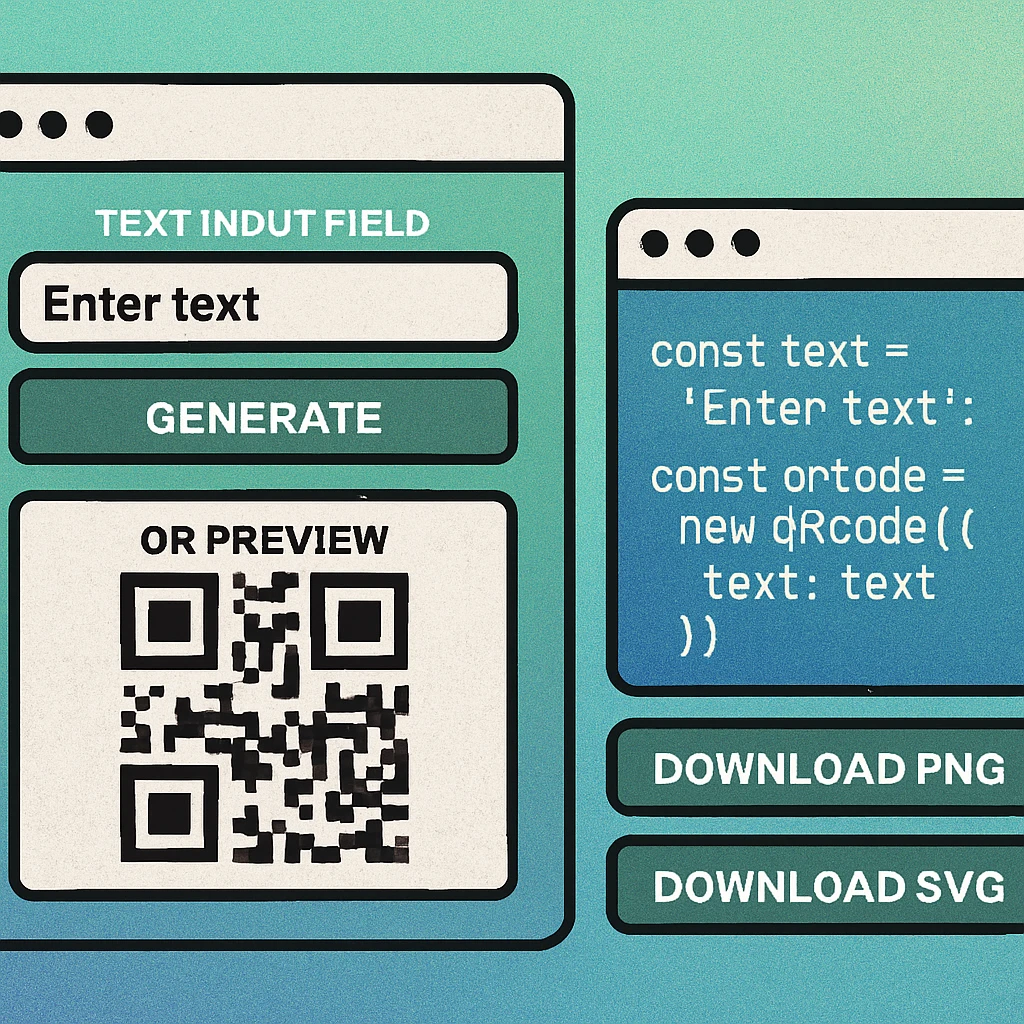
Need QR Codes Without Writing Code?
Our free online generator handles everything in your browser — choose styles, download PNG or SVG, no account needed.
Download as PNG or SVG
Both client-side libraries make download straightforward, but the mechanics differ slightly between PNG and SVG formats.
Download PNG from Canvas (qrcode.js or qr-code-styling)
// For qrcode.js — get the canvas element the library created
function downloadPNG() {
    const canvas = document.querySelector('#qrcode canvas');
    const link   = document.createElement('a');
    link.download = 'qrcode.png';
    link.href     = canvas.toDataURL('image/png');
    link.click();
}
Download PNG or SVG (qr-code-styling convenience method)
// qr-code-styling has a built-in download() method
document.getElementById('btn-download-png').addEventListener('click', () => {
    qrCode.download({ name: 'my-qr', extension: 'png' });
});

document.getElementById('btn-download-svg').addEventListener('click', () => {
    qrCode.download({ name: 'my-qr', extension: 'svg' });
});
Write SVG to File (node-qrcode)
import QRCode from 'qrcode';
import fs      from 'node:fs/promises';

const svg = await QRCode.toString('https://example.com', { type: 'svg' });
await fs.writeFile('output.svg', svg, 'utf8');
console.log('SVG written successfully');Use SVG for any output that will be scaled (print, large-format display, vector design tools) — it remains sharp at any size. Use PNG for web embeds, email assets, and any context where a raster format is required. When building an API that serves QR codes to clients, returning a base64 PNG data URL is the most universally compatible choice.
For developers building a complete generation API rather than a one-off script, see our guide to the QR code generator API, which covers endpoint design, rate limiting, and format negotiation. If your backend stack uses Python instead of Node.js, the Python QR code generation guide covers qrcode and segno with equivalent code examples.
Quick-Start Checklist
Pick your environment. Browser-only project? Use qrcode.js (CDN, no build step) or qr-code-styling (npm, styled output). Node.js project or API? Use node-qrcode.
Set error correction level. Use M as a safe default. Upgrade to H if you're embedding a logo or using heavy module styling that may reduce contrast.
Set a minimum width of 256 px for screen use, 512 px for print assets. Small QR codes rendered at low resolution fail to scan on many devices.
Keep margin/quiet zone at 2–4 modules. All three libraries accept a margin parameter. Never crop this space — the scanner uses it to detect the code boundary.
Test on real devices before deploying. Scan the generated code with iPhone (native Camera), Android (Google Lens), and a third-party QR reader app. Test at the smallest size you'll use in production.
Frequently Asked Questions
qrcode.js is the most widely used client-side library — it requires no build step, works in any browser, and renders to a canvas or an img tag with a single function call. If you need styled output (dots, rounded modules, logos, gradients), qr-code-styling provides a richer API while still running entirely in the browser.
Call canvas.toDataURL('image/png') to get a base64 data URL, then create a hidden anchor element with its href set to that URL and its download attribute set to your desired filename. Programmatically clicking the anchor triggers the browser’s file-save dialog. The qr-code-styling library wraps this in a convenience download() method that works for both PNG and SVG.
Yes. The node-qrcode package (npm install qrcode) works in any Node.js environment and can write QR codes to a PNG file, return a data URL string, or output an SVG string — all without a DOM or canvas polyfill. It is the standard choice for server-side generation, including REST APIs, serverless functions, and build pipelines.
No. Client-side generation with qrcode.js or qr-code-styling happens entirely in the user’s browser — the encoded string never leaves the device and is not sent to any server. This makes client-side generation the privacy-preserving choice for sensitive payloads such as Wi-Fi credentials, personal URLs, or internal system identifiers.
Level M (15% correction) is a good default for most programmatic use cases — it balances data density with resilience. Use level H (30% correction) if you plan to overlay a logo on the QR code, as the logo will obscure part of the data modules. Use level L (7% correction) only when you need to maximise data density and the code will be scanned in ideal conditions.