Why Your QR Code Should Match Your Brand
Every touchpoint your audience encounters shapes how they perceive your brand. A business card, a packaging label, a printed flyer — each carries visual signals that reinforce (or undermine) your identity. Your QR code is no different. When someone sees a generic black-and-white square on otherwise polished brand collateral, the disconnect is subtle but real.
Branded QR codes perform measurably better. Studies on visual marketing consistently show that recognized, trusted visuals increase engagement. A QR code in your brand colors, carrying your logo, sends an immediate signal: "this is official, this is safe, this is worth scanning." For a comprehensive overview of what QR codes are and how they work, see our complete QR code guide.
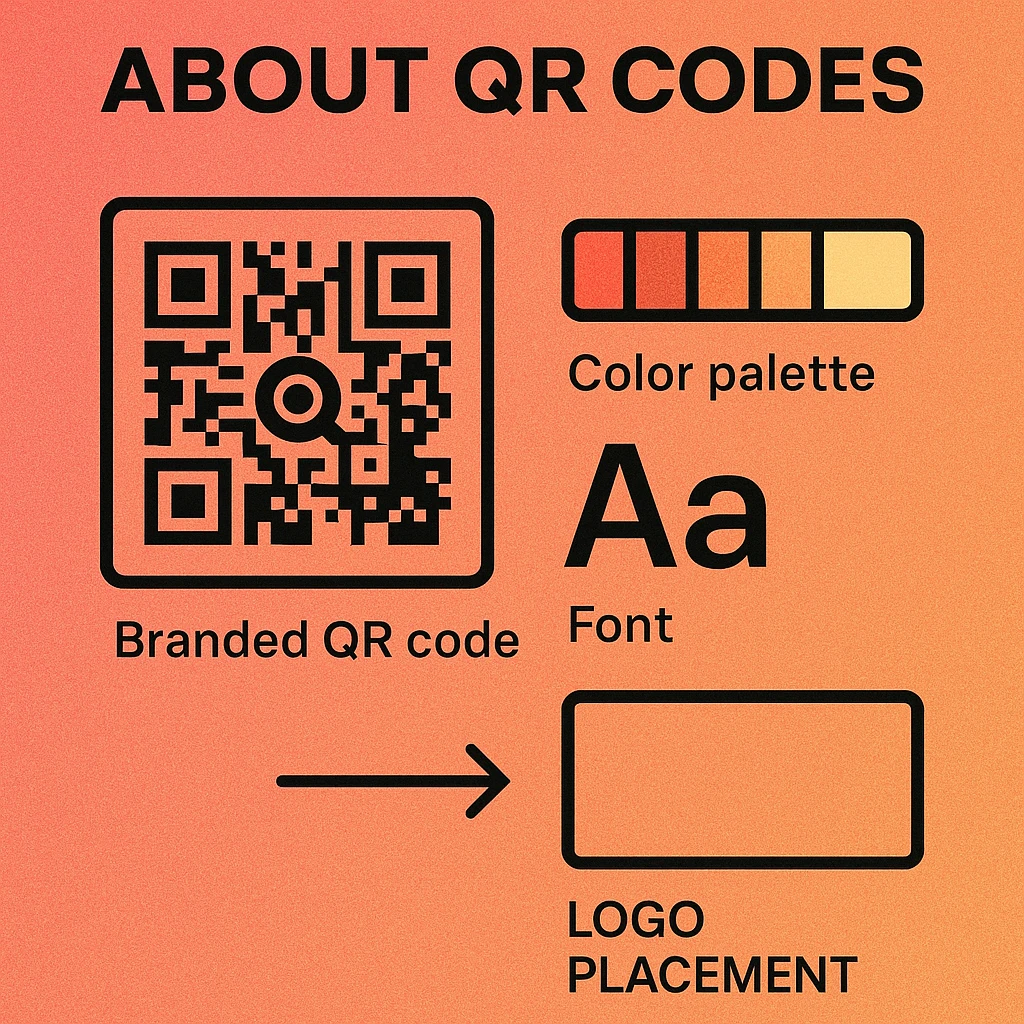
Brand matching also creates consistency. When your QR code shares the same color palette, typography feel, and visual weight as your other marketing materials, it becomes part of your design system rather than an add-on. This is especially important for brands that use QR codes across multiple formats — packaging, print ads, events, and digital screens.
A branded QR code is not just an aesthetic choice — it signals credibility, increases scan rates, and extends your visual identity into every channel where your code appears.
Brand Elements You Can Customize
Modern QR code generators offer several layers of customization. Understanding what each element does — and how it affects scannability — helps you make smart design choices rather than guessing.
Colors
The most visible customization. You can change the foreground color (the modules, or "dots"), the background color, and often the finder pattern color (the three corner squares) independently. The critical rule: always maintain sufficient contrast between modules and background. For in-depth guidance, see our article on QR code color combinations that scan reliably.
Logo
Adding your logo mark to the center of a QR code is one of the most powerful branding moves available. Because QR codes include built-in error correction, they can withstand a central area of up to 25–30% being covered while still decoding correctly. A well-placed logo turns a functional code into a recognizable brand asset. Learn more in our guide to adding a logo to your QR code.
Module Style
The individual data squares (modules) don’t have to be sharp squares. Depending on your generator, you can use rounded squares, circles, diamonds, or even custom pixel shapes. The finder patterns (corner squares) can also be styled independently. Softer shapes read as modern and approachable; sharper shapes feel technical and precise. See all the options in our overview of QR code styles and shapes.
Frame and Border
A frame surrounds the QR code and provides space for a call-to-action label. Frames can be styled in your brand colors with rounded or sharp corners, and the label text (e.g., "Scan to Shop," "Scan for Menu") can use your brand fonts. For detailed frame design options, read our article on QR code frame design.
Call-to-Action Text
The CTA label is often overlooked, but it matters. Telling people what to do — and what they'll get — increases scan rates. Keep it short (three to five words), action-oriented, and aligned with the destination. "Scan for 20% Off" outperforms "Scan Me" every time.
| Element | Brand Impact | Scan Risk | Recommendation |
|---|---|---|---|
| Colors | High | Medium if low contrast | Maintain 3:1+ contrast ratio |
| Logo | High | Medium if oversized | Keep under 25% of code area |
| Module style | Medium | Low | Use rounded or circle styles freely |
| Frame & CTA | Medium | None | Always include a CTA label |
| Background color | Medium | Medium if too dark | Light backgrounds scan most reliably |
Step-by-Step Brand Matching Process
Follow this process to build a branded QR code that looks intentional and scans perfectly. For deeper guidance on custom QR code design, our pillar article covers every design decision in detail.
How to Create a Branded QR Code
Extract your brand colors. Pull your exact hex codes from your brand style guide, or use a color picker tool on your logo file. Identify your primary brand color, secondary color, and any neutrals. Note which colors read well on white backgrounds and which are too light to use as module colors.
Choose a high-contrast color combination. Select a foreground and background pairing that achieves at least a 3:1 contrast ratio — use a free contrast checker tool to verify. Dark modules on a light background is most reliable. If your primary brand color is light (pastels, yellows), use it as the background and choose a dark color for the modules.
Add your logo to the center. Upload your logo mark (not your full wordmark — just the icon) to the center of the code. Set error correction to Level H (30% recovery) before adding the logo. Keep the logo to 20–25% of the total code area. Test scan immediately after adding it to confirm the code still reads correctly.
Select a module style that fits your brand. Rounded dots or circles suit consumer brands, wellness, and food and beverage. Sharp squares work well for technology, finance, and B2B. Some generators let you style the finder patterns (corner squares) differently from the data modules — use this to add another layer of brand personality.
Add a branded frame and CTA label. Choose a frame color from your palette, add a short call-to-action in your brand voice, and do a final test scan on at least two different devices — an iPhone and an Android. Print a test at the intended final size before committing to a print run, especially for materials smaller than a business card.
Build Your Branded QR Code Now
Customize colors, add your logo, and download in high-resolution PNG or SVG — completely free.
QR Code Apps for Mac & Safari
Prefer generating codes without opening a browser tab? These two native Apple apps cover both habits — a full generator on the desktop, and a one-click share button inside Safari.


Industry Examples
Different industries approach QR code branding differently. Here is how four distinct brand types translate their identities into a QR code design system.
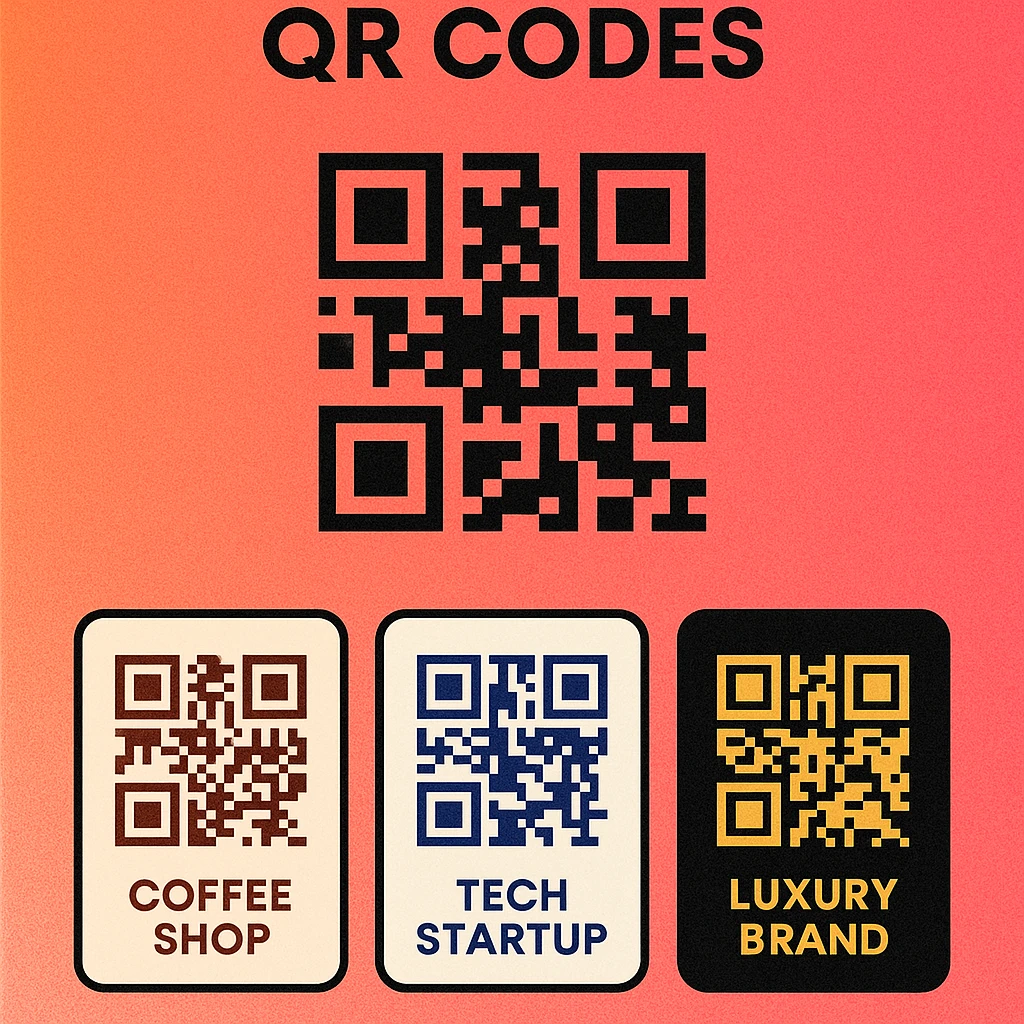
Coffee Shop
Warm earthy tones (deep brown modules, cream background), rounded dot style for a friendly feel, small logo centered, and a "Scan for Menu" frame. The code lives on table cards and takeaway cups.
Tech Startup
Electric blue or neon green modules on a near-black background, square finder patterns for a technical edge, minimal wordmark icon centered, "Scan to Demo" CTA. Used on pitch decks and conference badges.
Luxury Brand
Monochrome gold-on-black or white-on-black treatment, subtle custom module shapes, no frame (the code itself is the statement), embossed on packaging or printed in metallic ink on invitations.
Nonprofit
Approachable color palette (teal or coral modules on white), circle-style modules, cause-related logo centered, "Scan to Donate" or "Scan to Learn More" CTA. Optimized for print flyers and event banners.
The most effective branded QR codes feel inevitable — as if a designer built them as part of the layout, not dropped them in afterward. Aim for a code that a viewer could recognize as yours even if they saw only a corner of it.
Creating a QR Code Brand Guide
If your organization uses QR codes across multiple campaigns, formats, or team members, a one-page QR code brand guide eliminates inconsistency. It functions like a mini style guide specifically for your codes, so anyone generating or placing a QR code follows the same rules.
Here is a template structure you can adapt for your brand. Fill in your specific values and share it with anyone who creates or places QR codes for your organization.
QR Code Brand Guide — Template
Store this guide alongside your main brand guidelines so it is always accessible. Update it whenever you introduce a new campaign color or format requirement. Consistency over time is what transforms individual branded QR codes into a recognizable brand element.
Frequently Asked Questions
Yes, as long as there is sufficient contrast between the module color and the background. The key rule is that the modules (dark squares) must be darker than the background. A 3:1 contrast ratio is the minimum; 4.5:1 or higher is safer for print use. Avoid light-on-light or dark-on-dark combinations, and always test scan your branded QR code before distributing it.
Your logo should occupy no more than 20–25% of the total QR code area. Anything larger risks obscuring too many data modules, even with high error correction. Always use error correction level H (30% recovery) when adding a logo, and test scan the result on multiple devices before printing.
For most brand applications, dynamic QR codes are the better choice. They allow you to update the destination URL without reprinting materials, and they provide scan analytics so you can measure campaign performance. Static codes work fine for permanent use cases like product packaging where the destination will never change.
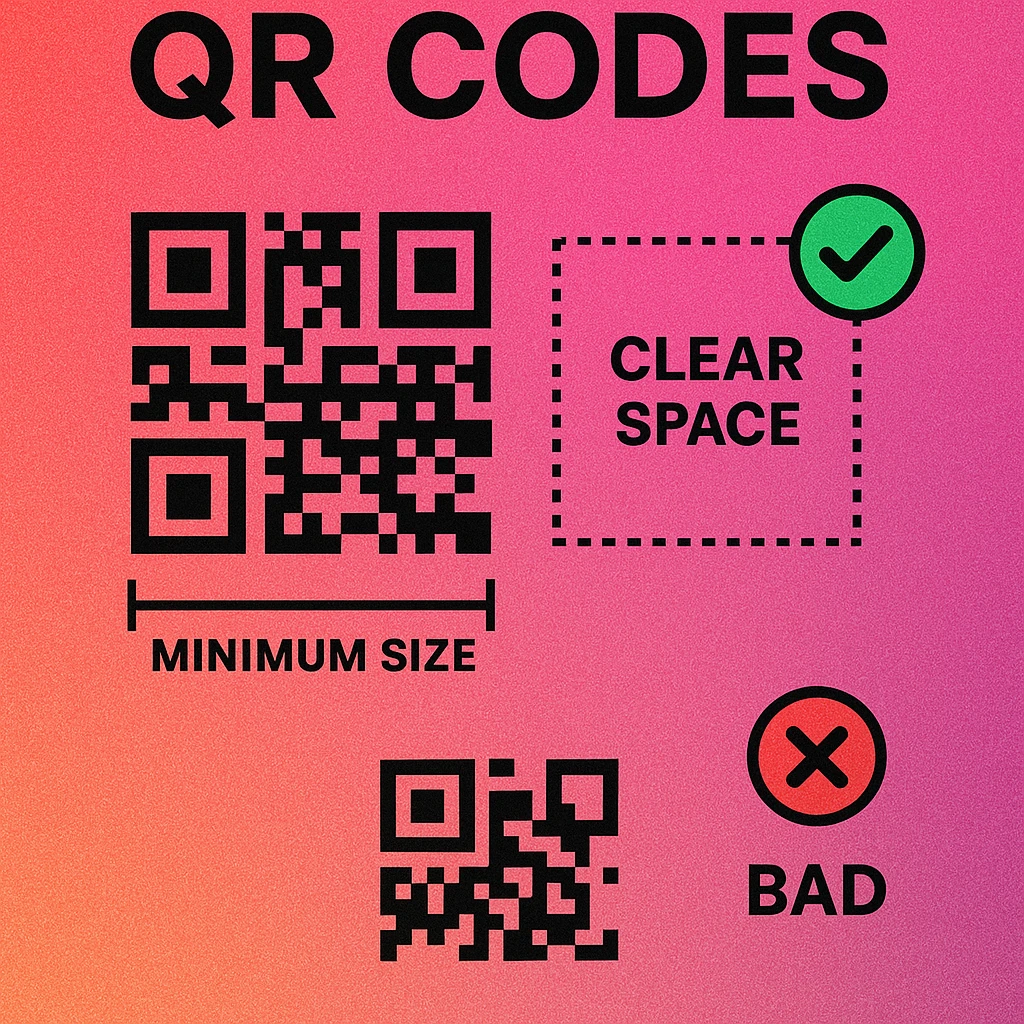
The minimum recommended print size for a QR code is 2 cm × 2 cm (about 0.8 inches square) for short-range scanning. For larger formats like posters or banners viewed from a distance, size up proportionally — a poster scanned from 1 meter away should have a QR code at least 4–5 cm square. Always include the quiet zone (white border) of at least 4 modules wide around the code.