What Are SMS and Phone QR Codes?
An SMS QR code is a QR code that, when scanned, opens the user's default messaging app with a phone number and an optional pre-written text message ready to send. A phone call QR code does something similar but triggers a direct phone call instead. Both work by encoding special URI protocols that smartphones recognize natively — no extra apps required.
The magic behind these codes comes down to two simple protocols that every modern smartphone understands:
- smsto: — Opens the messaging app. The format is
smsto:+1234567890:Your message here. The phone number comes first, followed by a colon and the optional message body. When someone scans this QR code, their SMS app launches with both the recipient and draft message pre-filled. - tel: — Initiates a phone call. The format is simply
tel:+1234567890. When scanned, the phone's dialer opens with the number ready to call. On most devices, the user must tap "Call" to confirm — the QR code does not force a call without user consent.
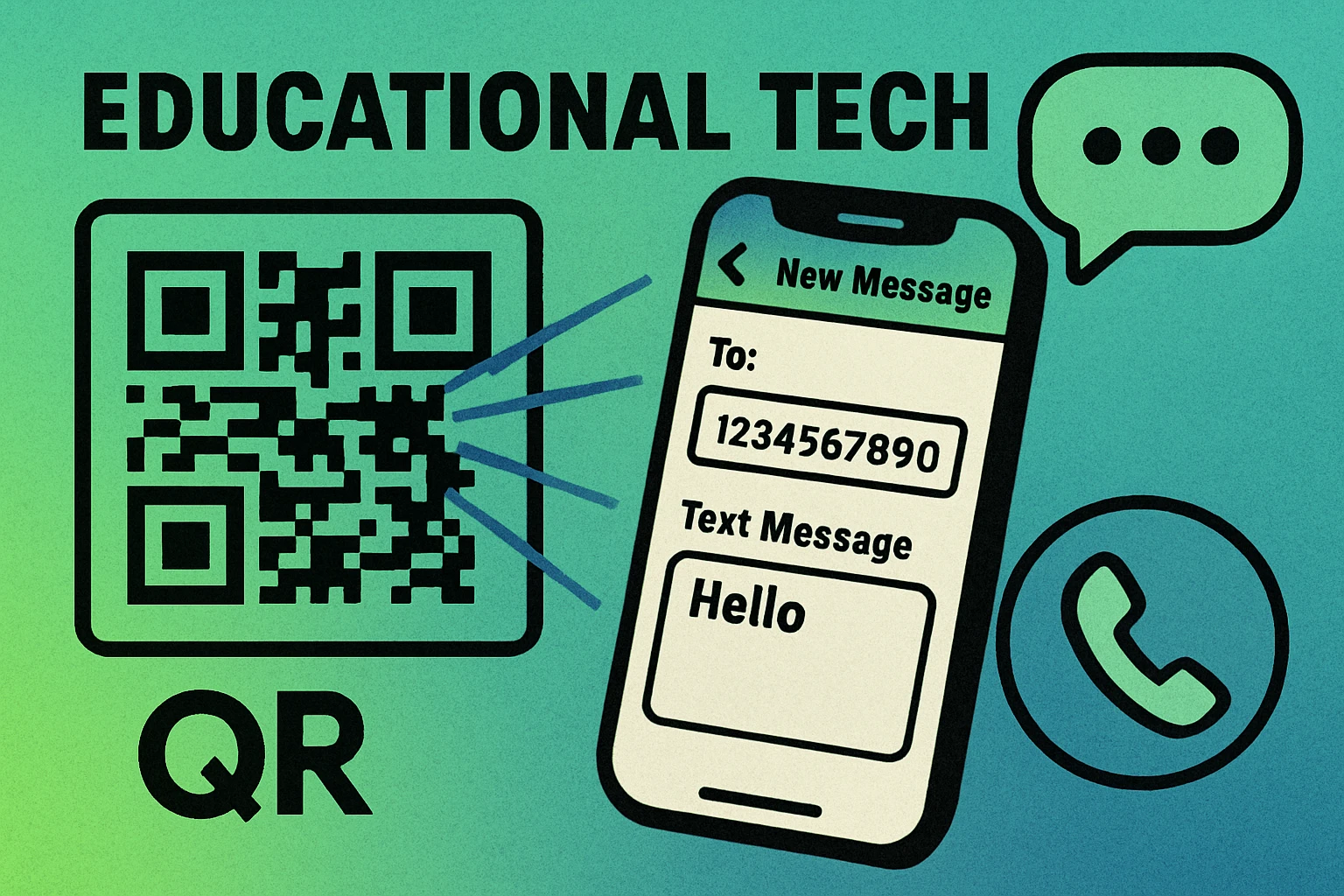
These protocols have been supported on both iOS and Android for over a decade. Unlike WhatsApp QR codes that require a specific app to be installed, SMS and phone call QR codes work on every smartphone out of the box. This makes them one of the most universally reliable types of QR codes you can create.
SMS QR codes use the smsto: protocol to open the messaging app with a pre-filled number and message. Phone call QR codes use the tel: protocol to open the dialer. Both are natively supported on every modern smartphone without requiring any third-party apps.
How to Create an SMS QR Code (Step by Step)
Creating an SMS QR code is straightforward once you understand the format. The QR code generator handles the technical encoding — you just need to provide the phone number and your desired message. Here is the process from start to finish:
Create Your SMS QR Code
Open the QR code generator. Navigate to the SMS QR code generator and select the SMS or text message format from the available content types. This tells the tool to use the smsto: protocol when encoding your data.
Enter the phone number with country code. Type the full international phone number including the country code prefix. For example, use +1 555 123 4567 for a US number or +44 20 7946 0958 for a UK number. The country code is essential — without it, the QR code will only work reliably for people in the same country as the number.
Add the pre-filled message body (optional). Type the default text message you want to appear in the recipient's messaging app. For example: "Hi, I'd like to schedule an appointment for next week." The user can still edit this message before sending — it is a draft, not a forced send. Keep it concise and actionable.
Generate and test the QR code. Click generate, then immediately test the code by scanning it with your own phone. Verify that the correct phone number appears, the message body loads properly, and the messaging app opens without errors. Test on at least one iOS and one Android device if possible.
Download and deploy. Download the finished QR code as a high-resolution PNG or scalable SVG file. Place it on your printed materials, product packaging, business cards, website, or signage. Ensure the printed code is at least 2 cm × 2 cm with a clear quiet zone around it.
The underlying data your QR code encodes will look something like this: smsto:+15551234567:Hi, I'd like to schedule an appointment. The generator creates this string automatically from the fields you fill in — you never need to write the protocol syntax yourself.
For a deeper look at how QR codes handle different content types beyond SMS, see our complete guide to types of QR codes.
How to Create a Phone Call QR Code
A phone call QR code is even simpler than an SMS code because there is no message body — just the phone number. When scanned, the device's phone app opens with the number pre-dialed, and the user taps "Call" to connect.
The Process
The creation process mirrors the SMS steps above with one key difference: you select the "Phone Call" or "tel:" content type in the generator instead of SMS. Enter the full phone number with country code, generate the code, test it, and download. The encoded data is simply tel:+15551234567.
When to Use a Phone Call QR Code
Phone call QR codes are ideal for situations where you want the user to speak with someone directly rather than send a text. Common scenarios include:
- Customer support hotlines — Put a QR code on product packaging that dials your support line directly.
- Emergency contacts — Place QR codes on ID badges or medical alert cards for quick access to emergency numbers.
- Sales inquiries — Use in advertising materials to let potential customers call your sales team with one scan.
- Reservation lines — Restaurants and service businesses can offer one-scan calling for bookings.
Phone call QR codes pair well with vCard QR codes when you want to give users the option to both call and save a contact. You can place them side by side or use a vCard that includes the phone number as a clickable field.
Create Your SMS or Phone QR Code Now
Free generator — no signup required. Download your QR code as PNG or SVG instantly.
SMS vs Phone Call vs WhatsApp QR Codes
All three formats encode a phone number, but they trigger very different actions and have different requirements. Choosing the right one depends on your audience, the action you want them to take, and which apps they have installed. Here is a side-by-side comparison:
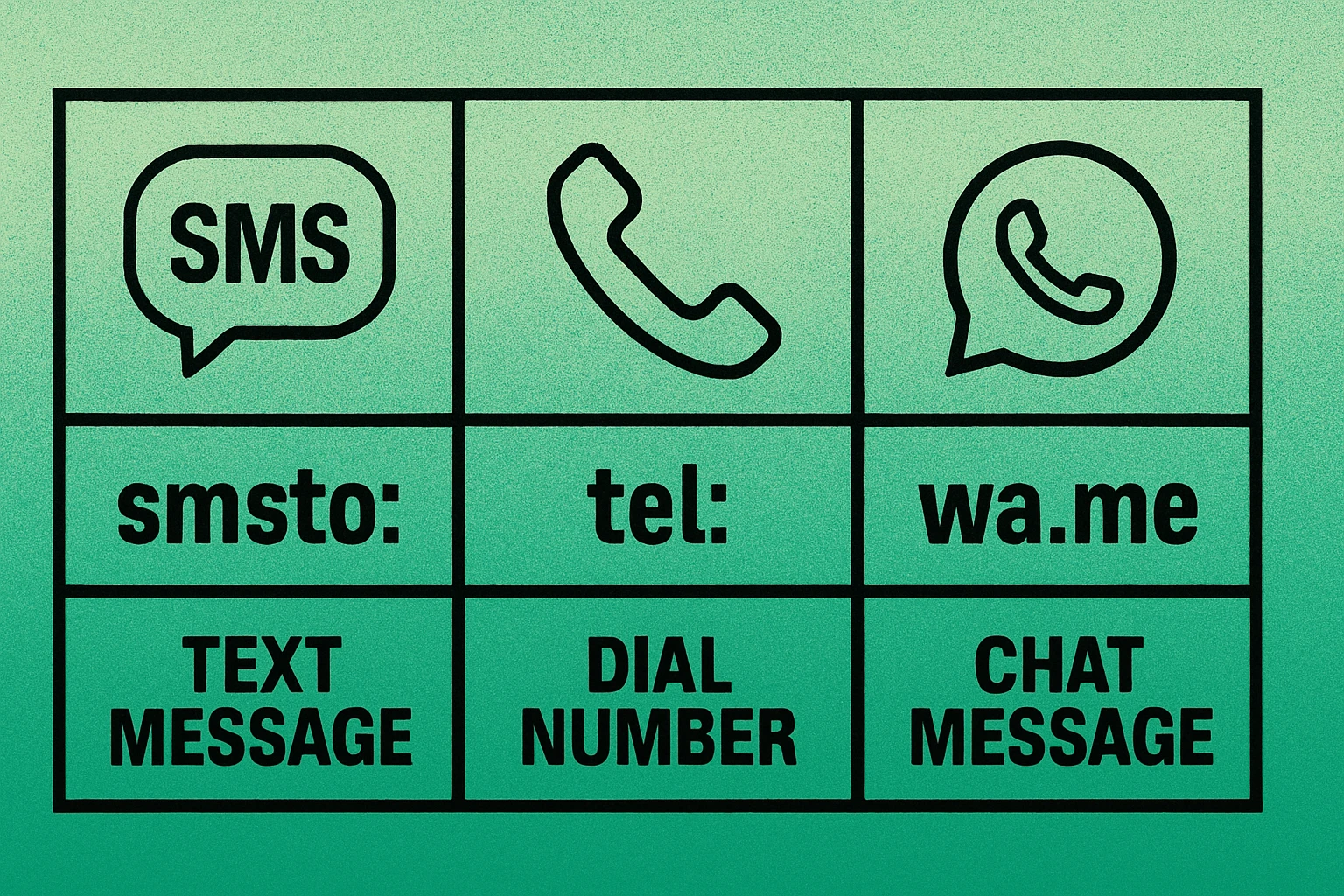
| Feature | SMS QR Code | Phone Call QR Code | WhatsApp QR Code |
|---|---|---|---|
| Protocol | smsto: | tel: | https://wa.me/ |
| App required | Built-in SMS | Built-in dialer | WhatsApp needed |
| Pre-filled message | Yes | N/A | Yes |
| Media support | MMS only | No | Full media |
| Read receipts | No | No | Yes |
| Works offline | Yes (cellular) | Yes (cellular) | Needs internet |
| Universal support | Every phone | Every phone | WhatsApp users |
| Cost to user | Standard SMS rates | Standard call rates | Free (data only) |
Choose SMS when you need universal compatibility and want to pre-fill a message that every phone can handle. Choose phone call when real-time voice communication is essential — like support lines or emergency contacts. Choose WhatsApp when your audience primarily uses WhatsApp and you want richer messaging features like media sharing and read receipts. For more on WhatsApp-specific codes, see our WhatsApp QR code guide.
You can also consider email QR codes if your use case involves longer-form communication or requires file attachments that neither SMS nor phone calls support well.
QR Code Apps for Mac & Safari
Prefer generating codes without opening a browser tab? These two native Apple apps cover both habits — a full generator on the desktop, and a one-click share button inside Safari.


Real-World Use Cases for SMS and Phone QR Codes
Customer Service Hotlines
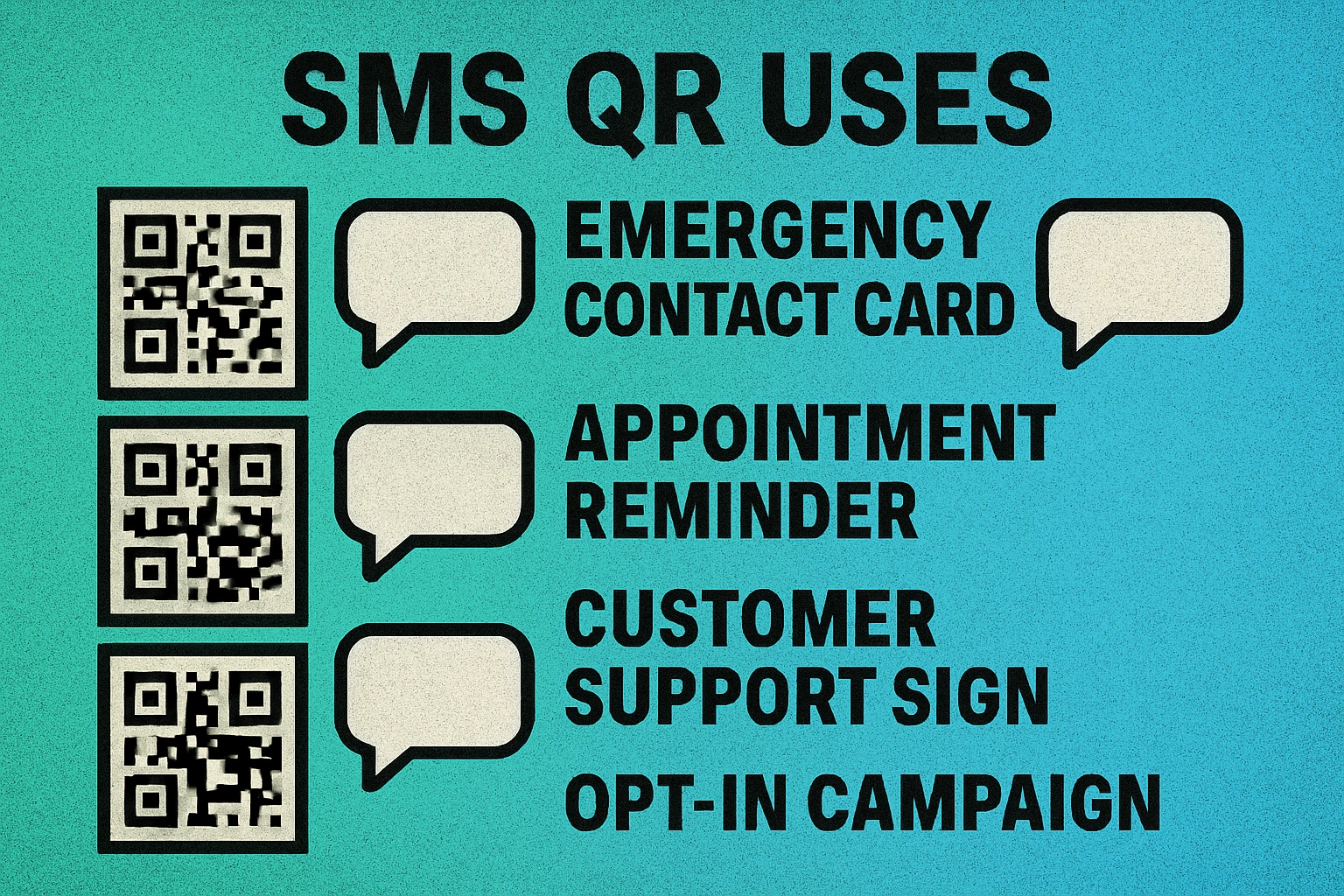
Product packaging, user manuals, and warranty cards are perfect places for a phone call QR code. Instead of making customers search for your support number online, they scan the code and call instantly. For text-based support, an SMS QR code with a pre-filled message like "I need help with order #" streamlines the first interaction and gives your support team immediate context.
Appointment Confirmations and Reminders
Healthcare providers, salons, and service businesses can include an SMS QR code on appointment cards or confirmation emails. The pre-filled message might read "Confirm my appointment on [date] at [time]." Patients or clients scan the code, review the message, and tap send — reducing no-shows without requiring them to navigate a website or app.
Emergency Contacts and Medical Alerts
Medical ID bracelets, emergency contact cards, and workplace safety signage can all benefit from tel: QR codes. In a medical emergency, a first responder can scan a QR code on a patient's bracelet to instantly dial their emergency contact. For non-urgent situations, an SMS QR code can send a quick "Please call me at this location" message with GPS coordinates.
Customer Feedback and Surveys
Restaurants, retail stores, and event venues can place SMS QR codes on receipts or signage that pre-fill a message like "Rate your experience: " followed by the business name and location. This is simpler than directing users to a web-based survey and works even without an internet connection.
Support Lines and Helpdesks
IT departments, HR teams, and internal helpdesks can create QR codes that appear on office signage, intranet pages, or equipment labels. An SMS QR code might pre-fill "IT Support Request: [describe issue]" to the helpdesk number, while a phone call QR code provides direct dial access during business hours. This is especially useful combined with a vCard QR code that saves the support team's contact info for future reference.
For the best user experience, pair your SMS or phone QR code with a brief label printed next to it — something like "Scan to call support" or "Scan to text us." Users are more likely to scan a QR code when they know what will happen before they point their camera at it.
Best Practices for SMS and Phone QR Codes
Following these guidelines will ensure your SMS and phone QR codes work reliably across all devices and regions:
Always Include the Country Code
This is the single most important rule. A phone number like 555-123-4567 without a country code will only work if the person scanning the QR code is in the same country as the number. Always use the full international format: +1 555 123 4567 for the US, +44 20 7946 0958 for the UK, +91 98765 43210 for India, and so on. This ensures global compatibility.
Test on Multiple Devices and Operating Systems
The smsto: and tel: protocols are handled slightly differently across iOS, Android, and different phone manufacturers. Test your QR code on at least one iPhone and one Android phone before deploying. Check that the number formats correctly, the message body loads without encoding issues (watch for special characters), and the correct app opens.
Keep Pre-Filled Messages Short and Editable
A pre-filled SMS should be a helpful starting point, not a wall of text. Aim for one to two sentences maximum. Remember that the user can (and often will) modify the message before sending. The goal is to reduce friction and provide context, not to script the entire conversation.
Use Proper Encoding for Special Characters
If your pre-filled message includes special characters like ampersands (&), percentage signs (%), or non-Latin characters, make sure the QR code generator handles URL encoding correctly. Most modern generators do this automatically, but it is worth testing to avoid garbled text on the recipient's device.
Print at an Adequate Size
SMS QR codes typically contain less data than URL-based codes, so they generate smaller, simpler patterns that are easier to scan. Even so, print your QR code at a minimum size of 2 cm × 2 cm and always include a white quiet zone of at least 4 modules around the edges. For signage meant to be scanned from a distance, scale up proportionally — a general rule is 1 cm of QR code size for every 10 cm of scanning distance.
Provide Context Next to the Code
Always add a short call-to-action label near the QR code: "Scan to text us," "Scan to call support," or "Scan to confirm your appointment." This tells users what will happen and increases scan rates significantly. For more design and placement tips, check our complete QR code guide.
Frequently Asked Questions
An SMS QR code uses the smsto: protocol to open the user's messaging app with a pre-filled phone number and optional text message. A phone call QR code uses the tel: protocol to initiate a direct phone call to the specified number. Both encode a phone number, but they trigger different actions on the device.
Yes. Both iOS and Android natively support the smsto: and tel: URI protocols. When a user scans an SMS QR code, their default messaging app opens automatically. When they scan a tel: QR code, the phone app opens with the number ready to dial. No additional apps are required.
Yes. The smsto: protocol supports an optional message body parameter. The format is smsto:+1234567890:Your message here. When scanned, the messaging app opens with both the recipient number and the draft message already filled in. The user can still edit the message before sending.
Always include the full international country code (e.g., +1 for the US, +44 for the UK, +91 for India). Without the country code, the QR code may only work for users in the same country. Including the country code ensures the QR code functions correctly for anyone scanning it, regardless of their location.
It depends on your audience. SMS QR codes work on every phone with a messaging app — no third-party apps required. WhatsApp QR codes only work for users who have WhatsApp installed. If your audience is global and you cannot assume which messaging apps they use, SMS is the safer choice. If your audience primarily uses WhatsApp, a WhatsApp QR code provides a richer experience with read receipts and media support.